




Audio Transcriber AI
Free online audio-to-text transcription with AI, no sign-up required.
What is Audio Transcriber AI?
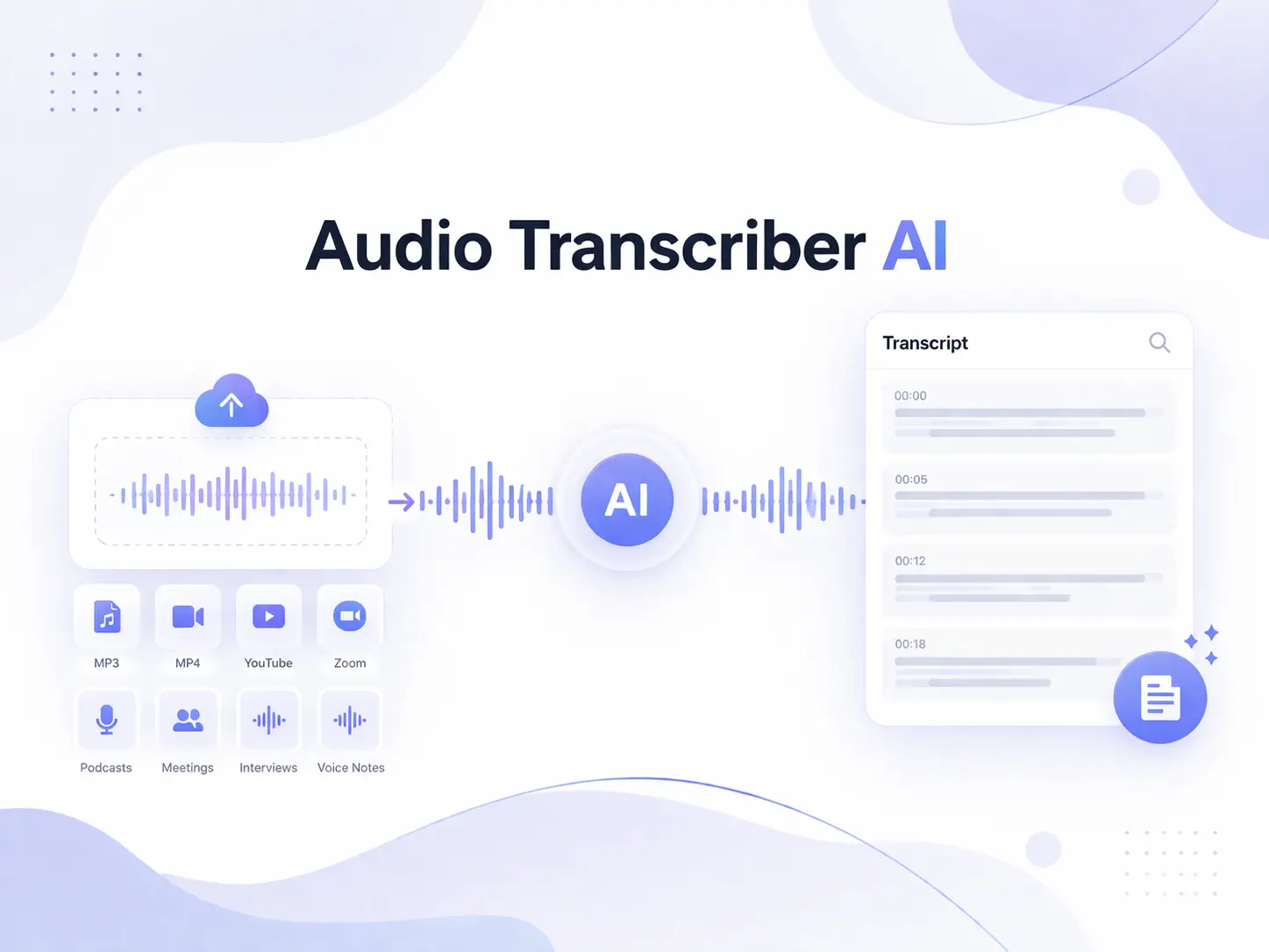
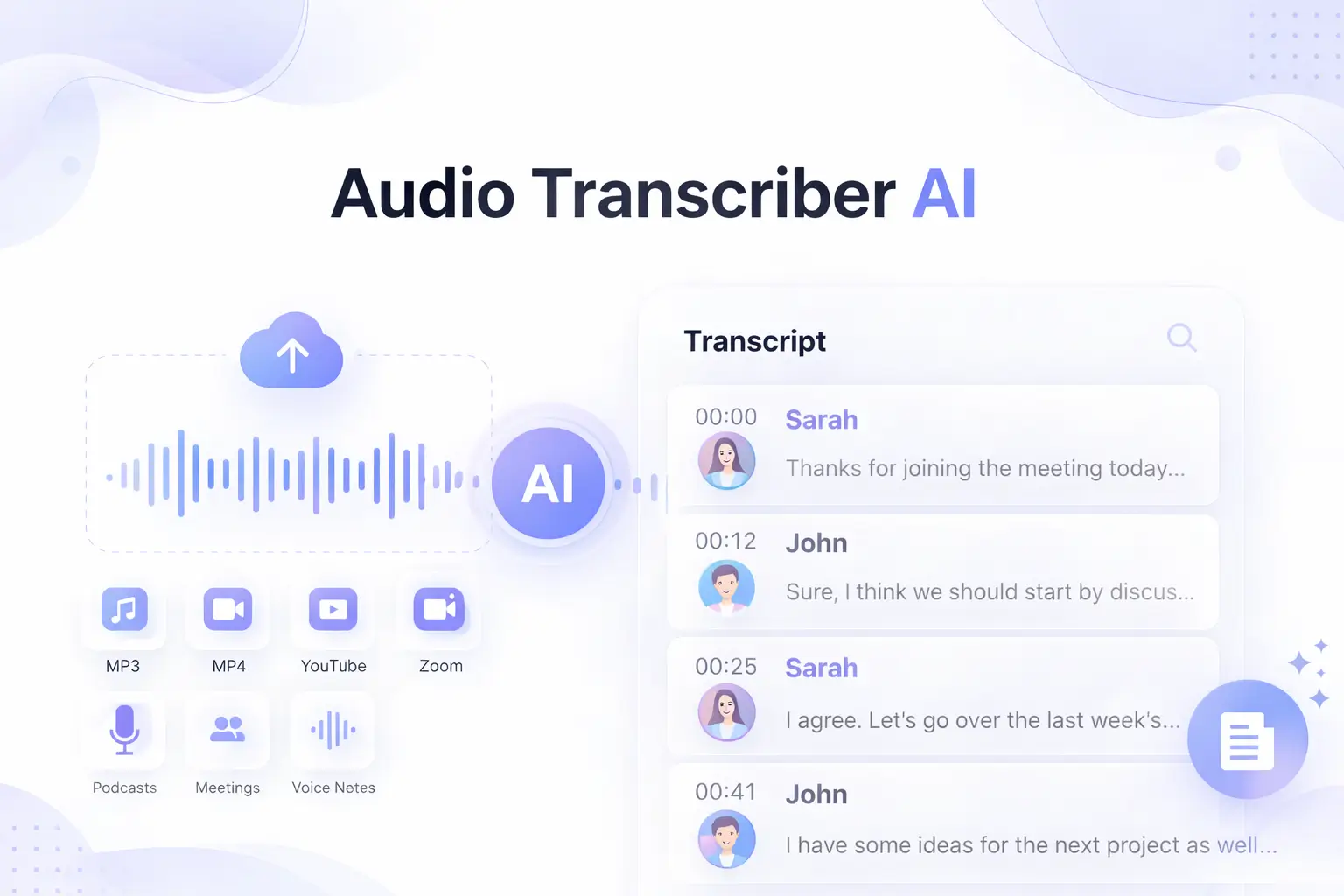
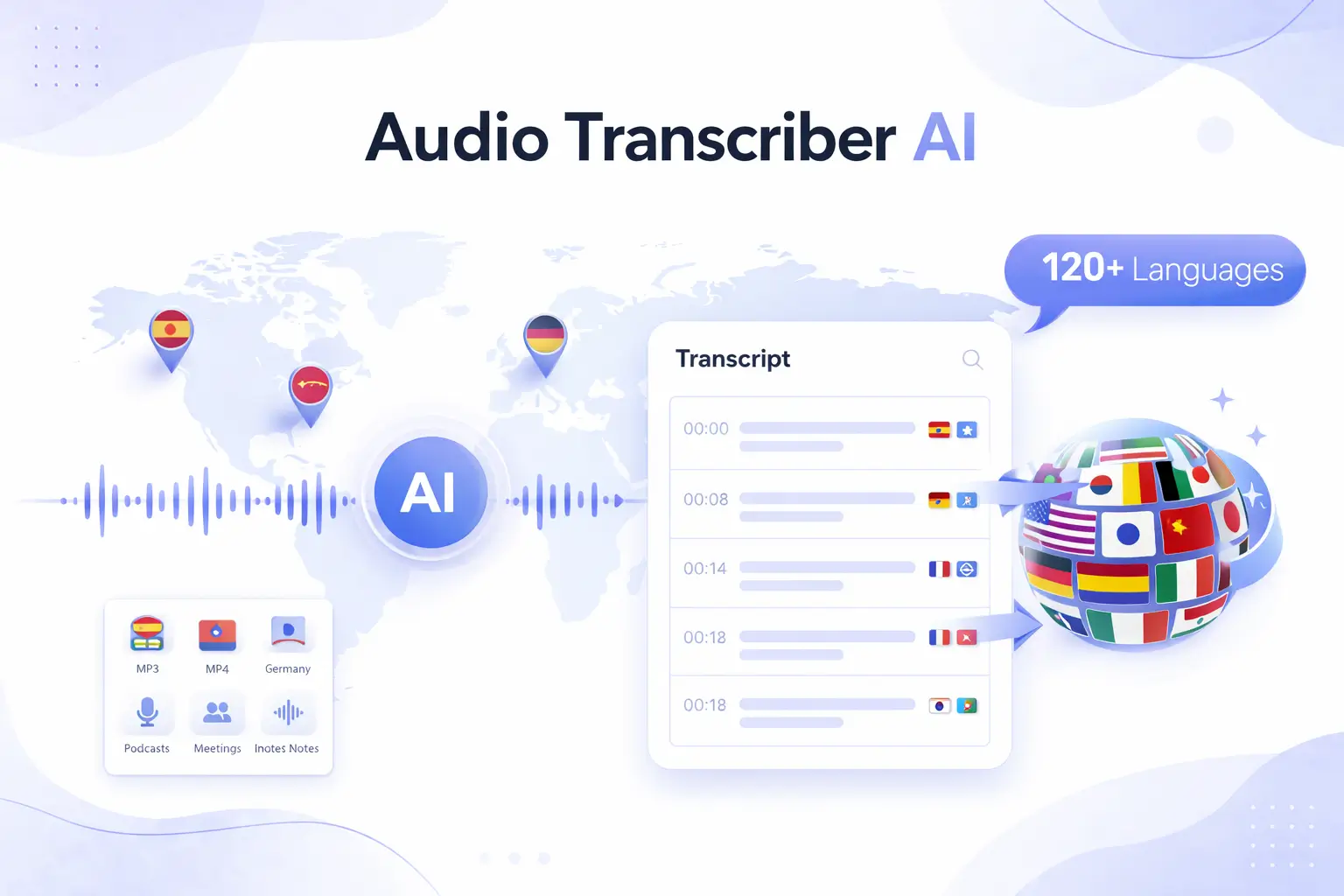
Audio Transcriber AI is a free online tool that converts audio files (MP3, WAV, M4A, etc.) into accurate, timestamped text. It supports up to 5GB uploads, automatic speaker detection, and translation into 120+ languages, all without requiring sign-up or installation.
SpecificationsAI-estimated
Key Features of Audio Transcriber AI
Use Cases for Audio Transcriber AI
Study and education
Transcribe recorded lectures for efficient review and note-taking.
Meetings and business
Convert meeting recordings into text for easy documentation and follow-up.
Podcast production
Create text transcripts of podcasts for accessibility and content reuse.
Content creation and research
Transcribe interviews, webinars, and video content for articles and research.
Video and media
Extract audio from videos (YouTube, MP4) and convert to text for subtitles or notes.
How to use Audio Transcriber AI?
Upload audio
Upload the audio file you want to transcribe. Supported formats include MP3, WAV, M4A, AAC, and more.
AI transcription
The AI automatically transcribes the audio, detecting spoken content and distinguishing speakers.
Download or copy
Download your full transcript as a TXT or Word document, or copy it for your workflow.
Pros & Cons of Audio Transcriber AI
Pros
- Completely free with no sign-up required
- Supports large files up to 5GB
- Accurate transcription with up to 99% accuracy
- Automatic speaker detection and timestamping
- Transcription in 120+ languages with translation
- Easy to use directly in the browser
- No installation or download needed
Cons
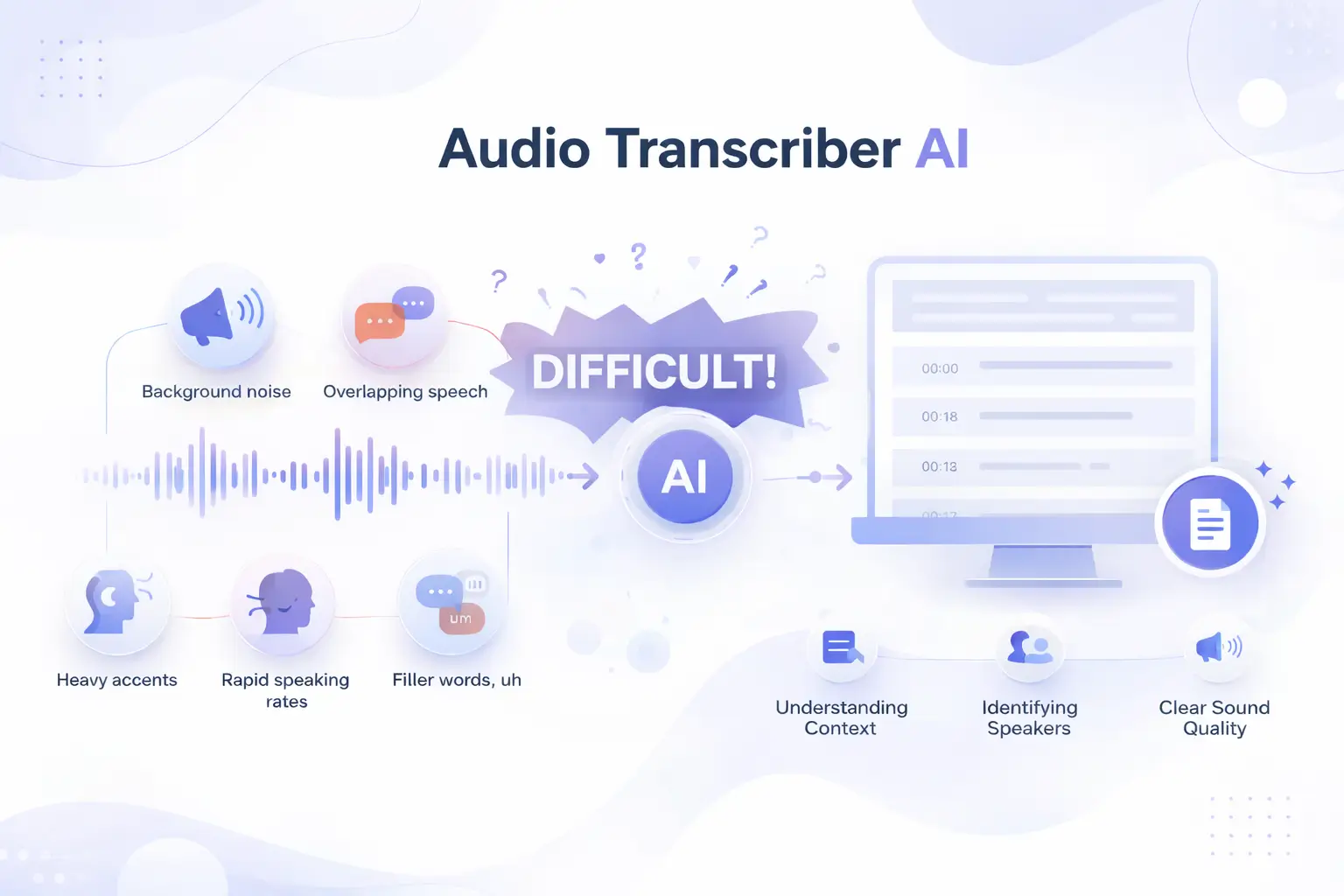
- The generated transcripts may contain errors or inaccuracies, especially with audio that has background noise, overlapping speech, heavy accents, or specialized jargon.
- Requires a stable internet connection and a modern web browser, which may not be accessible in all regions or on older devices.
- Limited control over the transcription process; users cannot manually adjust speaker labels or edit timestamps within the tool.
- No offline functionality; all processing is done in the cloud, which raises potential privacy concerns for sensitive audio content.
Frequently Asked Questions
Is Audio Transcriber AI really free?
No, Audio Transcriber AI is completely free. There are no subscription fees, usage limits, or hidden charges.
Which audio formats are supported?
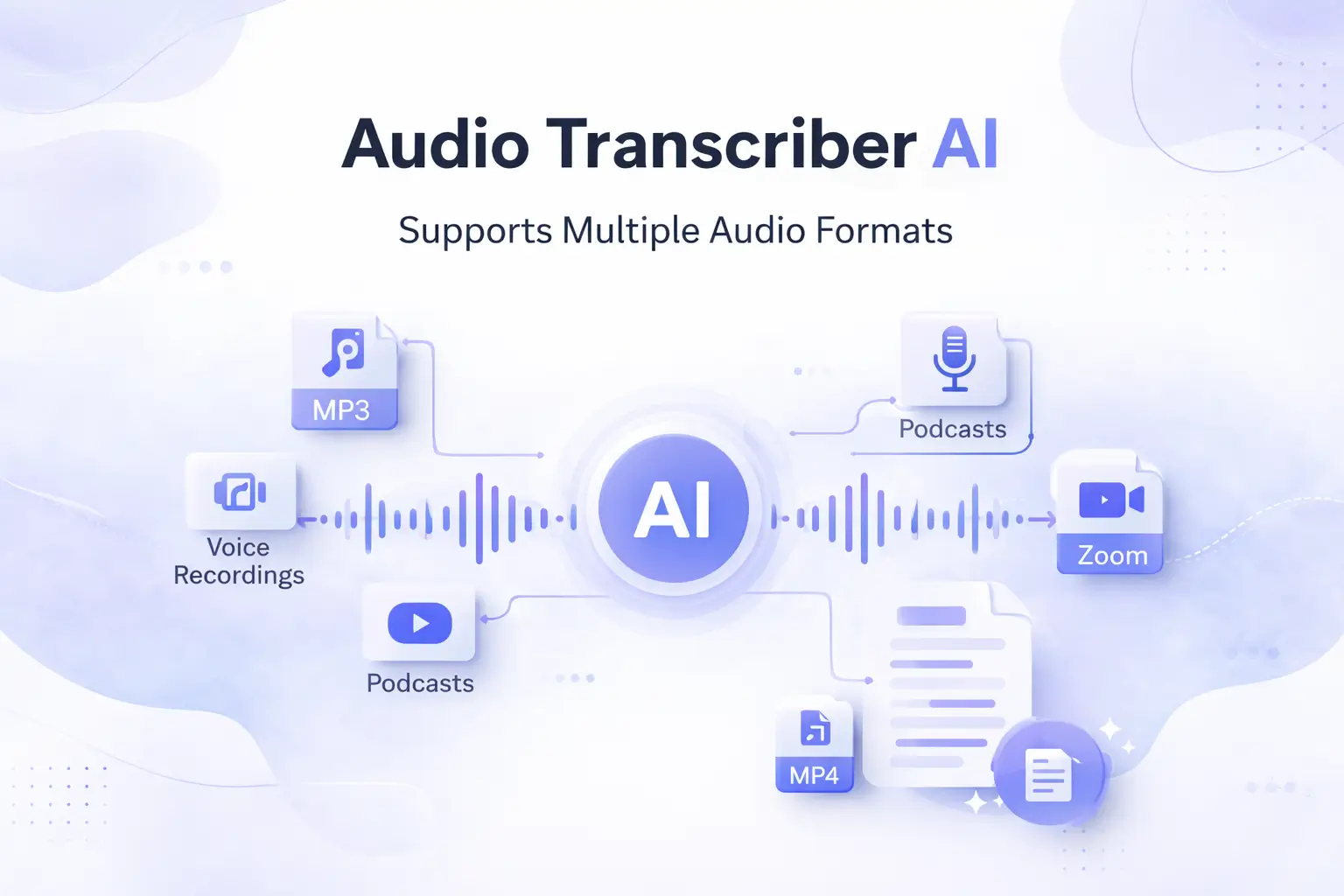
The tool supports a wide range of formats including MP3, WAV, M4A, AAC, FLAC, OGG, WMA, AIFF, and more. It also works with audio extracted from videos like MP4, YouTube, and Zoom recordings.
Can it detect multiple speakers?
Yes, the AI automatically detects different speakers and produces timestamped transcripts, making it easy to see who said what and when.
Reviews & Ratings0.0
No reviews yet. Be the first to write one!
Top Alternatives & Similar Software
View all alternatives & similar software→



People also viewed



Related searches
About the Product
Is this your tool?
Claim this page to update details, reply to user reviews, and drive more traffic to your product.
Claim this Product →
Tags
Explore Related Topics
Keep up with Audio Transcriber AI alternatives
New alternatives, pricing changes and the week's biggest movers - one email every Tuesday.