




AI Image Upscaler
Sharper Photos in Seconds
What is AI Image Upscaler?
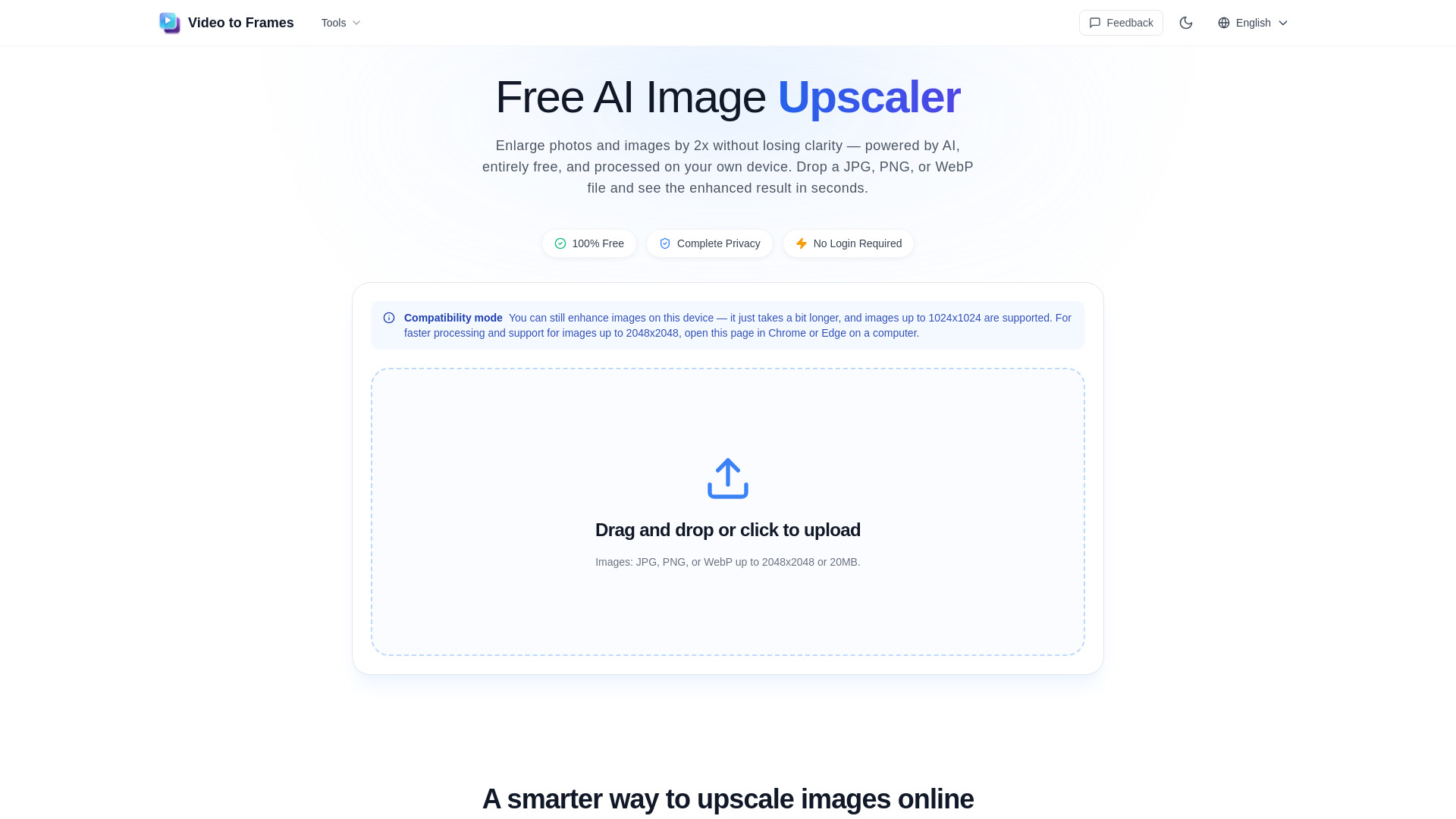
Free, browser-based AI image upscaler that enlarges JPG, PNG, or WebP images by 2x without losing clarity. It processes images entirely on the user's device, so no upload, account, or installation is required, and outputs high-quality PNG files.
SpecificationsAI-estimated
Key Features of AI Image Upscaler
Use Cases for AI Image Upscaler
Social media graphics
Upscale images for Instagram stories, cover photos, or profile pictures.
Artwork and fan creations
Enlarge digital art, pixel art, and fan illustrations while preserving clean lines and colors.
Product photos and listings
Enhance product shots and catalog images without uploading private inventory photos to a server.
Screenshots and presentations
Upscale UI screenshots and slide graphics so they remain readable on larger screens or printed.
How to use AI Image Upscaler?
Choose your image
Pick a JPG, PNG, or WebP file from your device. The AI image upscaler checks the format and dimensions, then starts processing automatically.
Compare before and after
See the original and upscaled image side by side. Zoom in on details to confirm the AI enhancement meets your standards.
Save your enhanced image
Download the upscaled result as a high-quality PNG, ready to use in your project, post, or print.
Pros & Cons of AI Image Upscaler
Pros
- 100% free
- No login or account required
- Private and secure - images processed locally on the device
- No watermark, credits, or subscription
- Runs directly in the browser without installation
- Simple three-step workflow: upload, compare, download
Cons
- Only upscales by 2x
- Supports only JPG, PNG, and WebP
- Maximum input size is 2048x2048 pixels or 20MB
- Best performance requires desktop Chrome or Edge
Frequently Asked Questions
Is this AI image upscaler completely free?
Yes. You can upscale as many images as you want at no cost - no credits, no watermark, no subscription, and no account needed.
Do my images get sent to a server?
No. The AI image upscaler processes everything locally on your device. Your photos never leave your browser - nothing is uploaded, stored, or shared.
Which image formats are supported?
You can upload JPG, PNG, and WebP files. All upscaled images are exported as high-quality PNG for maximum clarity.
What browser should I use for the best results?
Desktop Chrome and Edge provide the fastest and most stable experience. They support the local processing features this AI image upscaler relies on.
How large can my images be?
Images must be 2048x2048 pixels or smaller and under 20 MB. Staying within these limits ensures fast, stable processing on most devices.
How fast is the AI image upscaling?
Most images are processed in just a few seconds, depending on the file size and your device. Results appear almost instantly for smaller files.
Reviews & Ratings0.0
No reviews yet. Be the first to write one!
Top Alternatives & Similar Software
View all alternatives & similar software→


People also viewed


Related searches
About the Product
Is this your tool?
Claim this page to update details, reply to user reviews, and drive more traffic to your product.
Claim this Product →
Tags
Explore Related Topics
Keep up with AI Image Upscaler alternatives
New alternatives, pricing changes and the week's biggest movers - one email every Tuesday.