



StudyCards AI vs StudyFetch
Side-by-side comparison of features, pricing, ratings, and alternatives.
StudyCards AI is an AI-powered flashcard generation tool that converts uploaded PDF documents into study flashcards automatically, then exports them directly into Anki for spaced-repetition review. It generates both standard question-answer cards and cloze-style (fill-in-the-blank) cards, with the AI able to interpret diagrams in source files and attach relevant visuals to generated cards.
StudyFetch is an AI-powered study platform that converts a student's own course materials, including PDFs, lecture slides, recordings, YouTube videos, and even photos of handwritten notes, into flashcards, quizzes, summaries, and a personal AI tutor called Spark.E. Because Spark.E is trained on the uploaded material, it answers questions based on the student's actual textbook and lecture content rather than generic answers.
- Fast way to turn existing PDFs/notes into review-ready flashcards
- Direct Anki export leverages Anki's proven spaced-repetition engine
- Diagram recognition adds visuals automatically, useful for visual subjects like anatomy
- Affordable entry-level pricing ($4.99/month)
- AI tutor answers are grounded in the student's actual course materials rather than generic content
- Accepts a wide range of source formats including handwritten note photos and lecture recordings
- Live Lecture Assistant can take notes automatically during class
- Backed by Series A funding with College Board as a participating investor
- No free tier beyond a trial - fully paid product
- Small, independently-run product rather than a large established company
- Deck-count limits even on the top tier (100 decks) may constrain heavy users
- Free plan is very limited: only 10 Spark.E chats, 1 study set, and 2 uploads
- Full functionality requires a paid Base or Premium subscription
- Homepage is bot-protected, making some details harder to verify directly without third-party review sources
More alternatives & similar tools
Alternatives to StudyCards AI
View all →
All-in-one study platform with flashcards, notes, and AI-generated practice exams
Turns lecture slides, PDFs, and recordings into an AI tutor that knows your course material

AI note-taking app that turns notes into flashcards with spaced repetition to help you actually learn.
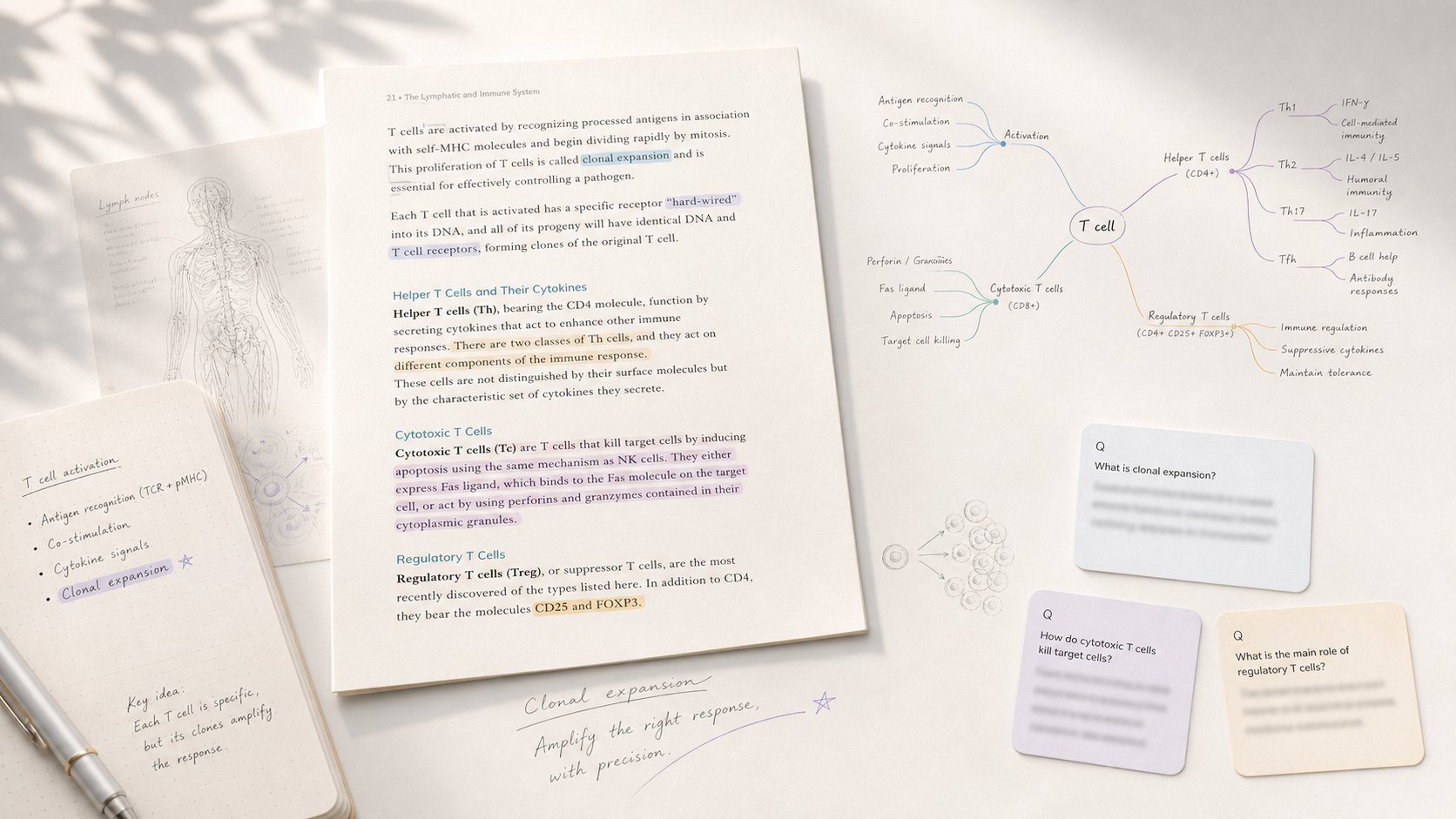
Study app that turns PDF/EPUB annotations into mind maps and spaced-repetition flashcards.
Alternatives to StudyFetch
View all →All-in-one study platform with flashcards, notes, and AI-generated practice exams

Flashcard platform using confidence-based repetition, with AI generation from documents
The Verdict
AI-generated from listing dataStudyFetch offers a broader AI tutoring experience with free limited access, while StudyCards AI focuses narrowly on fast PDF‑to‑Anki flashcard generation for a paid subscription.
Key differences
- •StudyFetch supports many source types (slides, recordings, photos) and provides a live lecture note assistant; StudyCards AI only processes PDFs.
- •StudyFetch includes an AI tutor and quiz generation; StudyCards AI only creates flashcards (standard and cloze).
- •StudyFetch has a freemium tier with limited chats and uploads; StudyCards AI has no free tier beyond a trial.
- •StudyCards AI integrates directly with Anki for spaced‑repetition; StudyFetch has no such integration.
- •StudyCards AI imposes deck count limits (up to 100 decks); StudyFetch limits are based on chat/upload counts, not deck numbers.
Pricing & value
StudyFetch offers a free tier (though limited); StudyCards AI requires a paid subscription.
Ease of use / learning curve
StudyCards AI’s single purpose (PDF‑to‑flashcards) is simpler than StudyFetch’s multiple AI tutor features.
Features & depth
StudyFetch provides AI tutoring, live lecture notes, quizzes, and flashcards; StudyCards AI only creates flashcards.
Integrations & ecosystem
StudyCards AI exports directly to Anki, a major spaced‑repetition platform; StudyFetch has no listed integrations.
Collaboration
Neither product mentions collaboration features; both appear single‑user.
Scalability
StudyFetch’s cloud SaaS can handle varied media types; StudyCards AI limited by deck caps.
Support & security
Both are closed‑source SaaS with no API; no security or support details provided.
Choose StudyCards AI if…
Students who only want fast PDF‑to‑Anki flashcards and value direct Anki integration.
Choose StudyFetch if…
Students needing AI tutoring, live note capture, and a free entry point.
Common questions
Is there a free version I can try?
StudyFetch offers a freemium plan (10 chats, 1 study set, 2 uploads); StudyCards AI has no free tier beyond a trial.
Can I export my study material to Anki?
StudyCards AI provides direct Anki export; StudyFetch does not list Anki integration.
What types of content can I upload?
StudyFetch accepts PDFs, slides, recordings, YouTube videos, and photos; StudyCards AI only accepts PDFs.