



Mailbird vs Thunderbird
Side-by-side comparison of features, pricing, ratings, and alternatives.


Mailbird is a desktop email client that consolidates Gmail, Outlook, Yahoo, iCloud, Exchange and any IMAP/SMTP account into a single unified inbox. It layers on productivity features like email tracking, a built-in AI writing assistant, one-click unsubscribe, and integrations with apps such as Slack, Google Calendar, Dropbox and Asana without leaving the inbox. The app is built around a customizable interface, with theming, keyboard shortcuts and layout options, and claims around 4.4 million users. It ships as a one-account free version alongside a paid Premium tier that unlocks unlimited accounts and the full integration set, sold as either a one-time lifetime purchase or an annual subscription.
Thunderbird is a free and open-source desktop email client developed by the Mozilla-backed Thunderbird project, combining email, calendar, and contacts management in one cross-platform application. It supports a unified view across multiple accounts, tagging and advanced filters, and an extensive add-on ecosystem for customization. Funded primarily by user donations rather than ads or data collection, Thunderbird is positioned for privacy-conscious users and organizations who want to own their email experience. It runs on Windows, macOS, and Linux, with an official Android app available through Google Play and F-Droid.
- Genuinely unifies many account types into one clean inbox
- One-time lifetime purchase option avoids ongoing subscription cost
- Deep third-party app integrations reduce app-switching
- Actively supports both Windows and Mac
- Completely free with no premium tier gating core features.
- Open-source codebase is auditable and modifiable by the community.
- Extensive add-on ecosystem rivals browser extension marketplaces for customization depth.
- No ads or data monetization; funded transparently through donations.
- Future major-version upgrades may require an extra purchase without the Lifetime Updates add-on
- Free tier is limited to a single account
- Mac version trails the Windows app in feature parity
- Interface feels less modern than newer AI-assisted email clients.
- Mobile experience (Android-only, no official iOS app) lags behind desktop maturity.
- Add-ons can occasionally break across major version upgrades, requiring maintenance.
More alternatives & similar tools
Alternatives to Mailbird
View all →
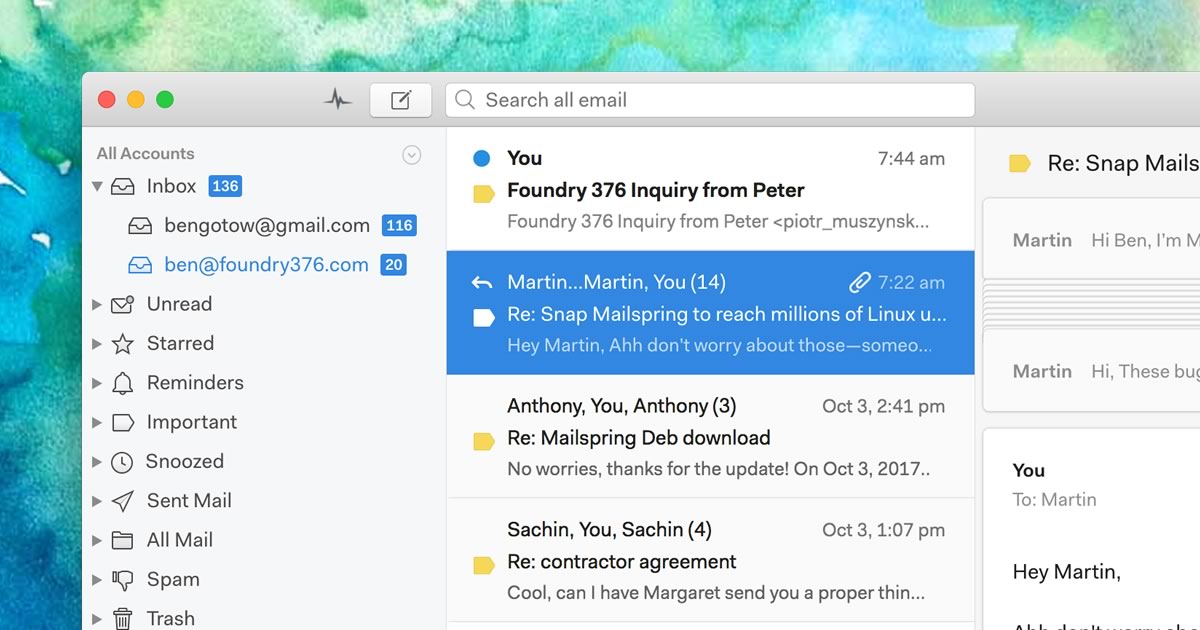
A native desktop email client for Mac, Windows, and Linux with read receipts and send-later.

Alternatives to Thunderbird
View all →
A free cross-platform email client with AI writing tools, unified inbox, and PGP encryption.

A native desktop email client for Mac, Windows, and Linux with read receipts and send-later.
The Verdict
AI-generated from listing dataThunderbird is a completely free, open‑source client with strong privacy focus but limited to Windows/macOS/Linux and Android, while Mailbird offers a polished, unified inbox with AI tools and many third‑party integrations for a fee.
Key differences
- •Pricing model: Thunderbird free vs. Mailbird freemium/lifetime cost
- •Platform support: Thunderbird lacks iOS and Mac parity; Mailbird native Windows & Mac
- •Add‑on vs. built‑in AI: Thunderbird relies on community add‑ons, Mailbird includes built‑in AI writing and tracking
- •Integration depth: Mailbird connects to 30+ apps (Slack, Dropbox, etc.) whereas Thunderbird only supports standard email/calendar protocols
- •Mobile availability: Thunderbird provides an Android app; Mailbird has no mobile client
Pricing & value
Thunderbird is fully free with no premium tier; Mailbird requires purchase or subscription for full features.
Ease of use / learning curve
Mailbird’s unified inbox and polished UI are designed for quick onboarding; Thunderbird’s older interface feels less modern.
Features & depth
Mailbird includes built‑in AI writing assistant, real‑time read tracking, and one‑click unsubscribe; Thunderbird relies on add‑ons for similar capabilities.
Integrations & ecosystem
Mailbird integrates with 30+ third‑party apps (Slack, Dropbox, Asana, etc.); Thunderbird only supports standard IMAP/POP/Exchange and CalDAV.
Support
Thunderbird offers community forums and donation‑funded support; Mailbird provides a help centre and email support, but no free community channel.
Security & privacy
Thunderbird is open‑source, auditable, and funded by donations with no ads; Mailbird is closed‑source and monetized.
Choose Mailbird if…
Professionals or small teams that want a unified, feature‑rich inbox with AI assistance and extensive app integrations, and are willing to pay.
Choose Thunderbird if…
Privacy‑focused users or organizations needing a free, open‑source client across Windows, macOS, Linux, and Android.
Common questions
Is there any cost to use Thunderbird versus Mailbird?
Thunderbird is completely free; Mailbird offers a limited free tier and paid lifetime or subscription options.
Can I run these clients on macOS and iOS?
Thunderbird runs on macOS (desktop) but has no iOS app; Mailbird runs on macOS desktop only, with no mobile apps.
Which client offers more third‑party integrations?
Mailbird connects to 30+ apps like Slack, Dropbox, Asana, while Thunderbird only supports standard email/calendar protocols and add‑ons.