



Granola vs Notability
Side-by-side comparison of features, pricing, ratings, and alternatives.


Granola is an AI meeting notepad built for people who sit in back-to-back calls. Instead of sending a bot into your meetings, Granola runs quietly in the background, transcribes what's said on Zoom, Google Meet, Microsoft Teams, and other call apps, and turns your own rough notes into a polished, structured summary after the call ends. Because it works from system audio rather than a visible bot, meetings feel like a normal conversation. Granola adds calendar integration to auto-detect upcoming meetings, pre-meeting briefs pulled from prior notes, and an MCP connector so meeting notes can flow into tools like Claude and Cursor.
Notability is a digital note-taking app that combines handwriting, typed text, live audio recording and transcription, and AI-powered study tools like flashcard and quiz generation. Notes can import PDFs and documents, be searched by handwriting, and be summarized or queried through a chat-with-your-notes feature. Originally an Apple-only app, Notability has expanded beyond iOS, iPadOS, and Mac to Android and the web, with notes syncing across devices. It uses a freemium model with a free Starter tier, several paid subscription tiers, and a one-time-purchase Classic option available to users grandfathered from before the subscription switch.
- No bot joins the call, so meetings feel unchanged for other participants
- Generous free tier for day-to-day note taking
- Works across major meeting platforms rather than locking you into one
- MCP integration makes notes usable inside other AI workflows
- Genuinely free Starter tier to try the app
- Strong handwriting and audio note-taking combination
- AI study tools built directly into notes
- Now available on Android and web, not just Apple devices
- Free tier limits access to notes older than 30 days
- Requires the desktop or mobile app running during the meeting to capture audio
- Summary quality depends on how much you type during the call
- Free tier is capped at only 5 notes
- Higher AI-heavy tiers (Plus, Pro) are priced well above typical note apps
- Some backup features are iOS-only, limiting cross-platform parity
More alternatives & similar tools
Alternatives to Granola
View all →



Alternatives to Notability
View all →
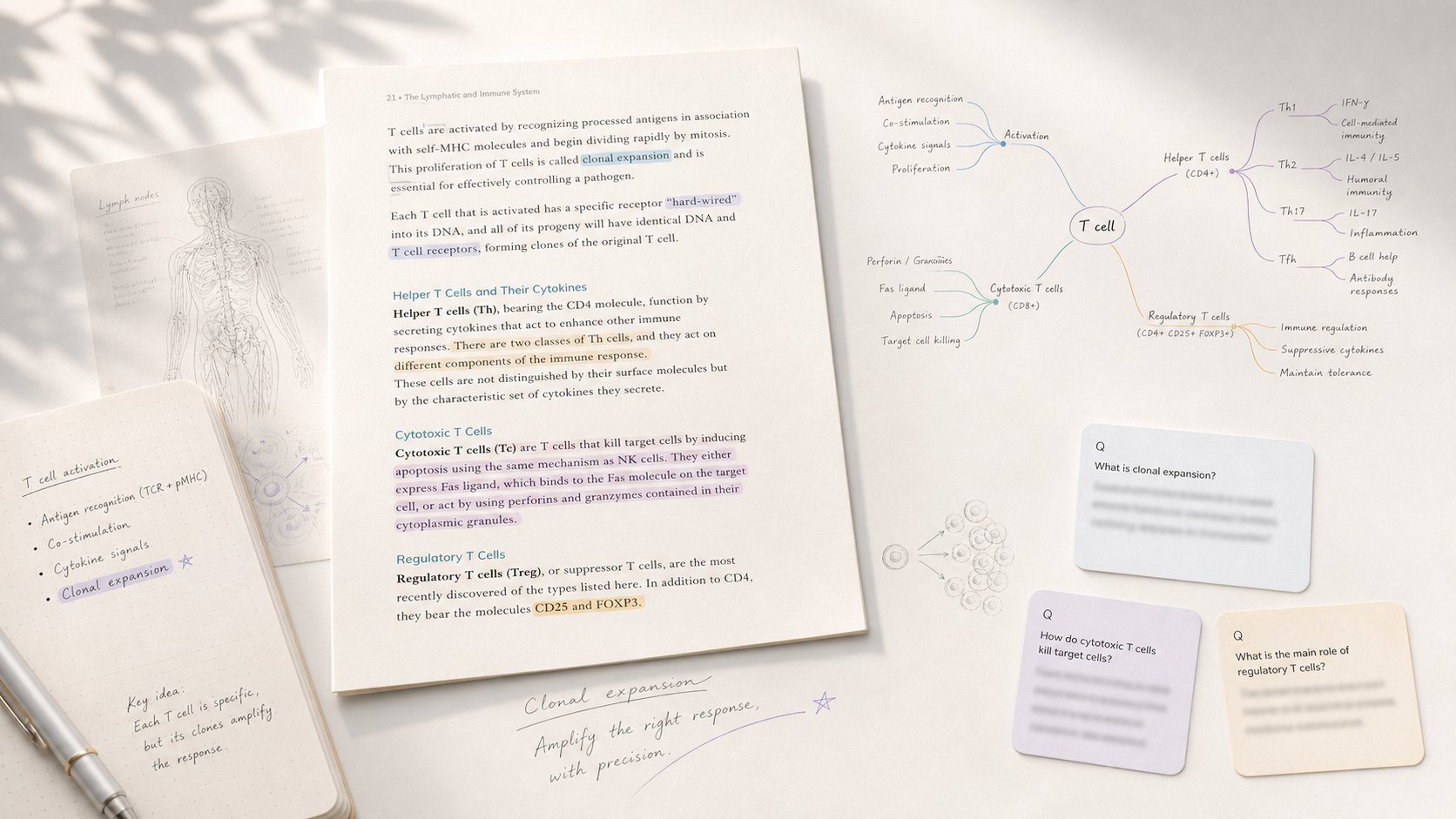
AI note-taking app that turns notes into flashcards with spaced repetition to help you actually learn.
Study app that turns PDF/EPUB annotations into mind maps and spaced-repetition flashcards.
The Verdict
AI-generated from listing dataNotability excels at versatile handwritten/audio note‑taking with AI study tools, but its free tier is limited; Granola focuses on meeting transcription and workflow integration, offering a broader free tier but requires running the app during calls.
Key differences
- •Notability combines handwriting, typed notes, and audio with AI flashcards; Granola specializes in live meeting transcription and calendar integration.
- •Notability’s free tier caps at 5 notes, while Granola’s free tier limits note age to 30 days but otherwise unlimited notes.
- •Granola requires the app to be running to capture audio; Notability records audio within its own notes without extra setup.
- •Granola integrates directly with Zoom, Google Meet, Teams and AI tools via MCP; Notability has no listed external integrations.
Pricing & value
Granola’s free tier is generous for day‑to‑day use; Notability’s free tier restricts to 5 notes.
Ease of use / learning curve
Notability offers a single app for handwriting, typing, audio, and AI tools; Granola needs separate setup for calendar and app running.
Features & depth
Notability provides handwriting, audio sync, AI flashcards, PDF annotation, and a chat interface—all in one.
Integrations & ecosystem
Granola lists Zoom, Google Meet, Teams, Claude, Cursor via MCP; Notability lists no integrations.
Collaboration
Granola’s sharing is explicit per‑note and supports workflow hand‑off; Notability’s collaboration features not specified.
Scalability
Granola’s unlimited notes (age‑limited) scale better for heavy meeting users; Notability limited to 5 free notes.
Support & security
Granola provides a Help Center; Notability’s support and privacy details not specified.
Choose Granola if…
Professionals whose primary need is automatic meeting transcription, calendar‑linked notes, and integration into other AI tools.
Choose Notability if…
Students or professionals needing rich handwritten/audio notes with AI study aids, and who can afford paid tiers if needed.
Common questions
Which app offers a more generous free tier?
Granola’s free tier allows unlimited notes but restricts access to notes older than 30 days; Notability’s free tier caps at 5 notes.
Do either apps require extra software to record meetings?
Granola requires the desktop or mobile app to be running during the meeting; Notability records audio within its own notes without extra components.
Can I integrate my notes with other tools like Zoom or AI services?
Granola integrates with Zoom, Google Meet, Microsoft Teams, Claude, and Cursor via MCP; Notability lists no integrations.