



Dolphin vs muCommander
Side-by-side comparison of features, pricing, ratings, and alternatives.
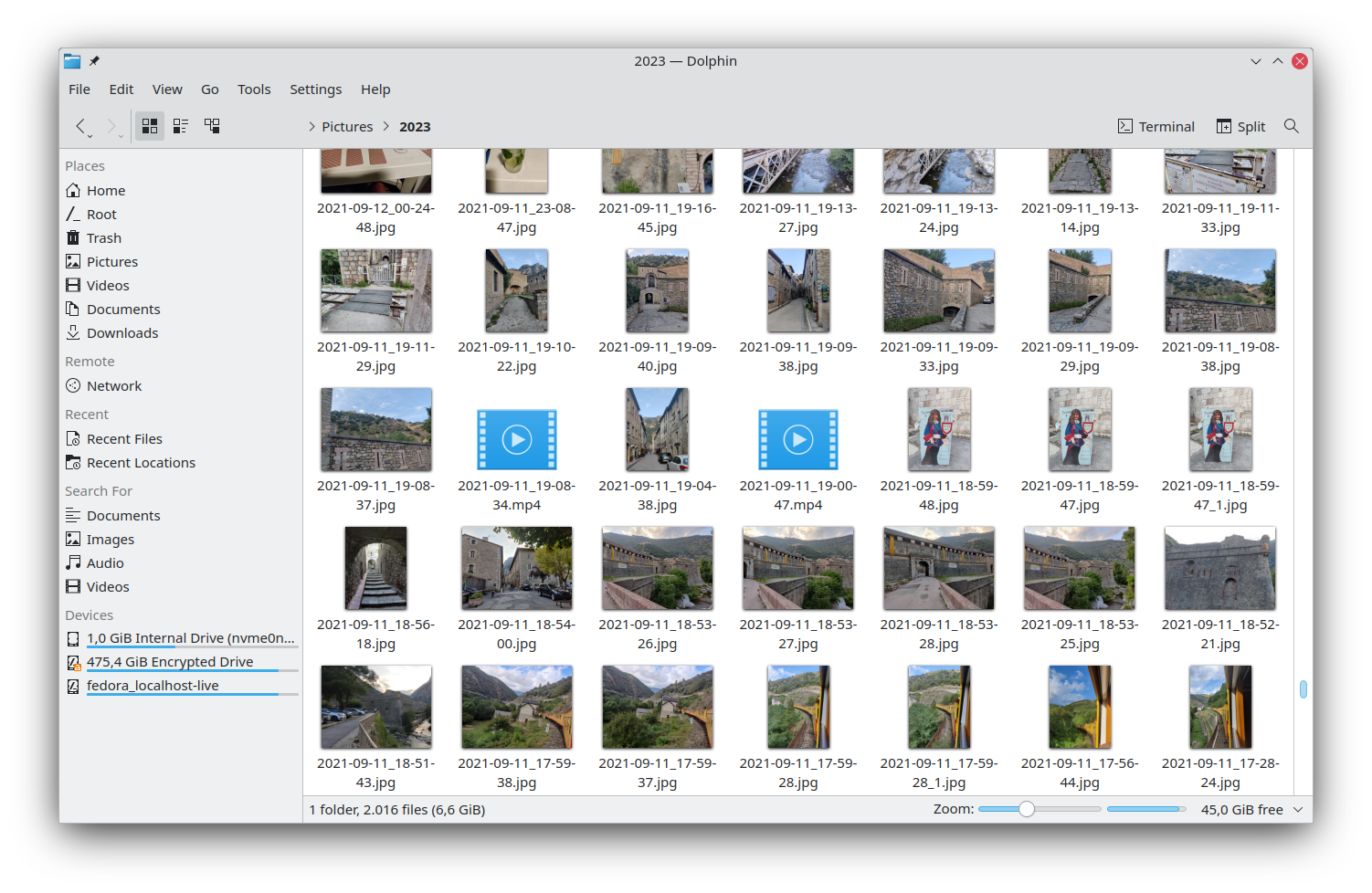

Dolphin is the default file manager for the KDE Plasma desktop, offering a clean interface and powerful navigation tools. It integrates tightly with KDE technologies to provide a seamless experience on Linux systems. Designed for both casual users and power users, Dolphin supports tabbed browsing, split view, and extensive customization through plugins and scripts, making file management efficient and adaptable.
muCommander is a lightweight, open‑source file manager that runs on Windows, macOS, and Linux. It offers a dual‑pane interface, tabbed browsing, and support for many protocols and archive formats. Built in Java, muCommander provides fast navigation, remote file access via FTP/SFTP, and seamless handling of compressed files, making it a versatile alternative to native file explorers.
- Highly customizable via service menus and plugins
- Native integration with KDE Plasma
- Supports multiple tabs and split view
- Free and open‑source
- Fully free and open‑source
- Works on all major desktop operating systems
- Robust support for many archive and network protocols
- Highly configurable keyboard shortcuts
- Limited to Linux/KDE environments
- No official Windows/macOS native version
- Lacks a public API for external extensions
- Java‑based UI may feel dated compared to native explorers
- No built‑in cloud storage integration (e.g., Dropbox, Google Drive)
- Limited visual themes and customization options
More alternatives & similar tools
Alternatives to Dolphin
View all →Alternatives to muCommander
View all →

The Verdict
AI-generated from listing dataBoth muCommander and Dolphin are free, open‑source dual‑pane file managers; choose muCommander for cross‑platform needs, Dolphin if you are on Linux/KDE and want tighter desktop integration.
Key differences
- •Operating system support – muCommander runs on Windows, macOS and Linux via Java; Dolphin runs only on Linux/KDE.
- •Desktop integration – Dolphin integrates with KDE Plasma, Qt, KIO and GVfs; muCommander has no native desktop integration.
- •User interface style – muCommander uses a Java‑based UI that may feel dated; Dolphin uses native Qt widgets with modern KDE look.
- •Remote protocol handling – both support FTP, SFTP, SMB, but Dolphin adds built‑in KDE service‑menu scripting; muCommander lacks scripting extensions.
- •Cloud storage – neither offers built‑in Dropbox/Google Drive integration, but muCommander’s Java runtime may allow custom plugins.
Pricing & value
Both are free and open‑source, offering comparable value at zero cost.
Ease of use / learning curve
Dolphin’s native KDE UI feels more modern and familiar to Linux users than muCommander’s Java UI.
Features & depth
muCommander supports a broader list of archive formats (ZIP, TAR, GZIP, BZIP2, 7z) and remote protocols.
Integrations & ecosystem
Dolphin integrates tightly with KDE Plasma, Qt, KIO and GVfs, enabling context‑aware actions and service menus.
Collaboration
Neither provides built‑in cloud storage or collaboration features.
Scalability
muCommander runs on any OS with a Java runtime, scaling across Windows, macOS and Linux.
Support
Both rely on community support via forums, mailing lists or GitHub issues; no commercial support listed.
Choose Dolphin if…
Linux/KDE power users who want native look and deep desktop integration.
Choose muCommander if…
Cross‑platform users needing archive handling on Windows/macOS/Linux.
Common questions
Can I run these managers on Windows?
muCommander runs on Windows via Java; Dolphin has no native Windows version.
Do they support cloud services like Dropbox?
Neither includes built‑in Dropbox or Google Drive integration.
Which offers better integration with my Linux desktop?
Dolphin integrates with KDE Plasma, Qt, KIO and GVfs, providing native context‑aware features.