



Creately vs Lucidchart
Side-by-side comparison of features, pricing, ratings, and alternatives.

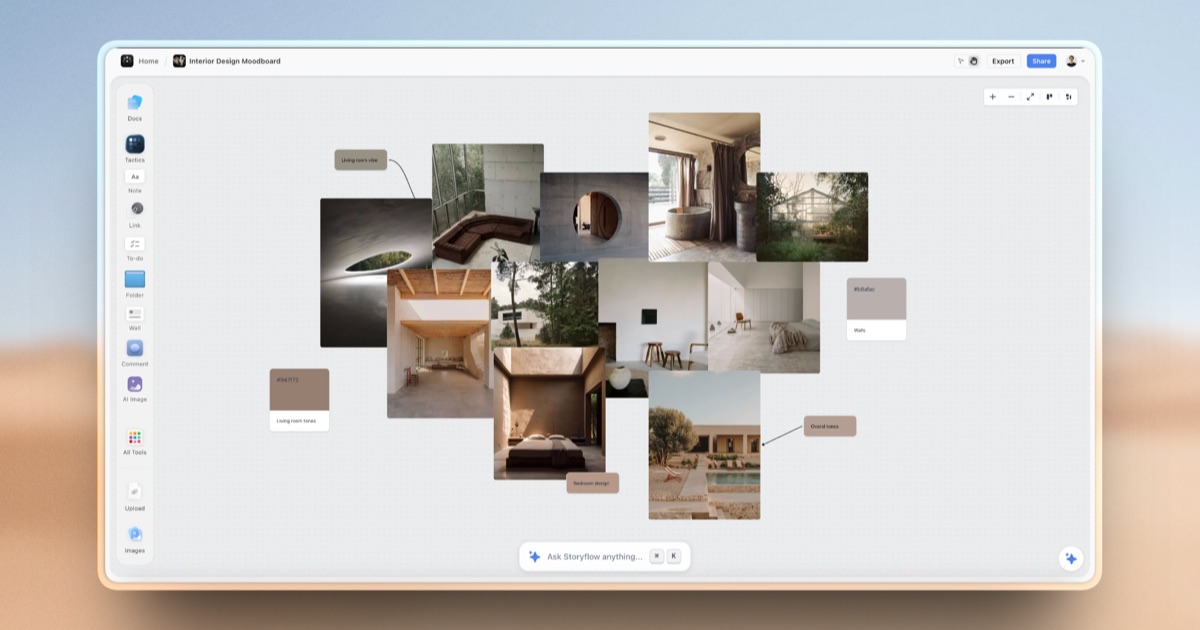
Creately is a visual collaboration and diagramming platform that combines an infinite canvas with data-linked visual apps, letting teams build flowcharts, org charts, mind maps, and wireframes while also tracking project data on the same board. It positions itself as covering the full path "from idea to execution" rather than just static diagramming.
Lucidchart is a web-based diagramming application for creating flowcharts, org charts, wireframes, and technical/network diagrams. It offers real-time collaboration and integrations into Microsoft and Google workspaces, making it a powerful tool for teams and individuals alike.
- Free plan supports unlimited canvases and collaborators, not just a capped trial
- Combines diagramming with lightweight data/project tracking on the same board
- Large template library across many team functions
- Enterprise-grade security certifications (ISO 27001, SOC 2 Type 2)
- Easy to use and intuitive interface
- Real-time collaboration and commenting features
- Huge library of shapes, icons, and symbols
- Seamless integrations with Microsoft and Google workspaces
- Mid-tier plan pricing (Starter, Team, Business) isn't shown in exact numbers on the pricing page
- Free plan caps items per canvas at 45, which is limiting for complex diagrams
- Feature breadth (diagrams plus project management) may be more than users who just want simple diagramming need
- Limited advanced features in the free version
- Can be slow when working with large diagrams
- Limited offline access
More alternatives & similar tools
Alternatives to Creately
View all →
Alternatives to Lucidchart
View all →
The Verdict
AI-generated from listing dataBoth Creately and Lucidchart offer freemium diagramming with real‑time collaboration, but Creately adds data‑linked visual apps and stronger enterprise security, while Lucidchart provides a broader shape library and tighter Microsoft/Google workspace integrations.
Key differences
- •Creately includes data‑linked visual apps and built‑in lightweight project tracking; Lucidchart focuses on diagramming only.
- •Enterprise security certifications (ISO 27001, SOC 2 Type 2) are listed for Creately but not for Lucidchart.
- •Lucidchart integrates with both Microsoft and Google workspaces; Creately lists only Microsoft Teams, Confluence, and Slack.
- •Free plan limits items per canvas to 45 in Creately, whereas Lucidchart’s free limits are not specified.
- •Lucidchart offers an API and live‑chat support; Creately’s support options are not detailed.
Pricing & value
Both provide freemium tiers; mid‑tier pricing details are missing for Creately, and Lucidchart’s free limits are unspecified.
Ease of use / learning curve
Lucidchart is described as having an easy, intuitive interface; Creately’s feature breadth may add complexity.
Features & depth
Creately adds data‑linked visual apps, custom workflows, and databases on the canvas beyond pure diagramming.
Integrations & ecosystem
Lucidchart integrates with Microsoft, Google, Slack, and Notion; Creately lists only Confluence, Teams, and Slack.
Collaboration
Both support real‑time co‑editing and commenting on shared canvases.
Scalability
Creately’s enterprise plans include ISO 27001 and SOC 2 certifications, indicating readiness for larger organizations.
Security & privacy
Only Creately explicitly mentions ISO 27001 and SOC 2 Type 2 certifications.
Choose Creately if…
Enterprises or teams needing data‑linked diagrams, custom workflows, and formal security compliance.
Choose Lucidchart if…
Teams that prioritize a simple UI, extensive shape library, and deep Microsoft/Google workspace integrations.
Common questions
Which tool offers stronger security certifications?
Creately lists ISO 27001 and SOC 2 Type 2 certifications; Lucidchart does not specify any.
Do both platforms support real‑time collaboration?
Yes, both Creately and Lucidchart provide real‑time co‑editing and commenting.
Which product integrates with Google Workspace?
Lucidchart integrates with Google Workspace; Creately’s listed integrations are Confluence, Microsoft Teams, and Slack only.