Discover, compare, and save the best document management alternatives.
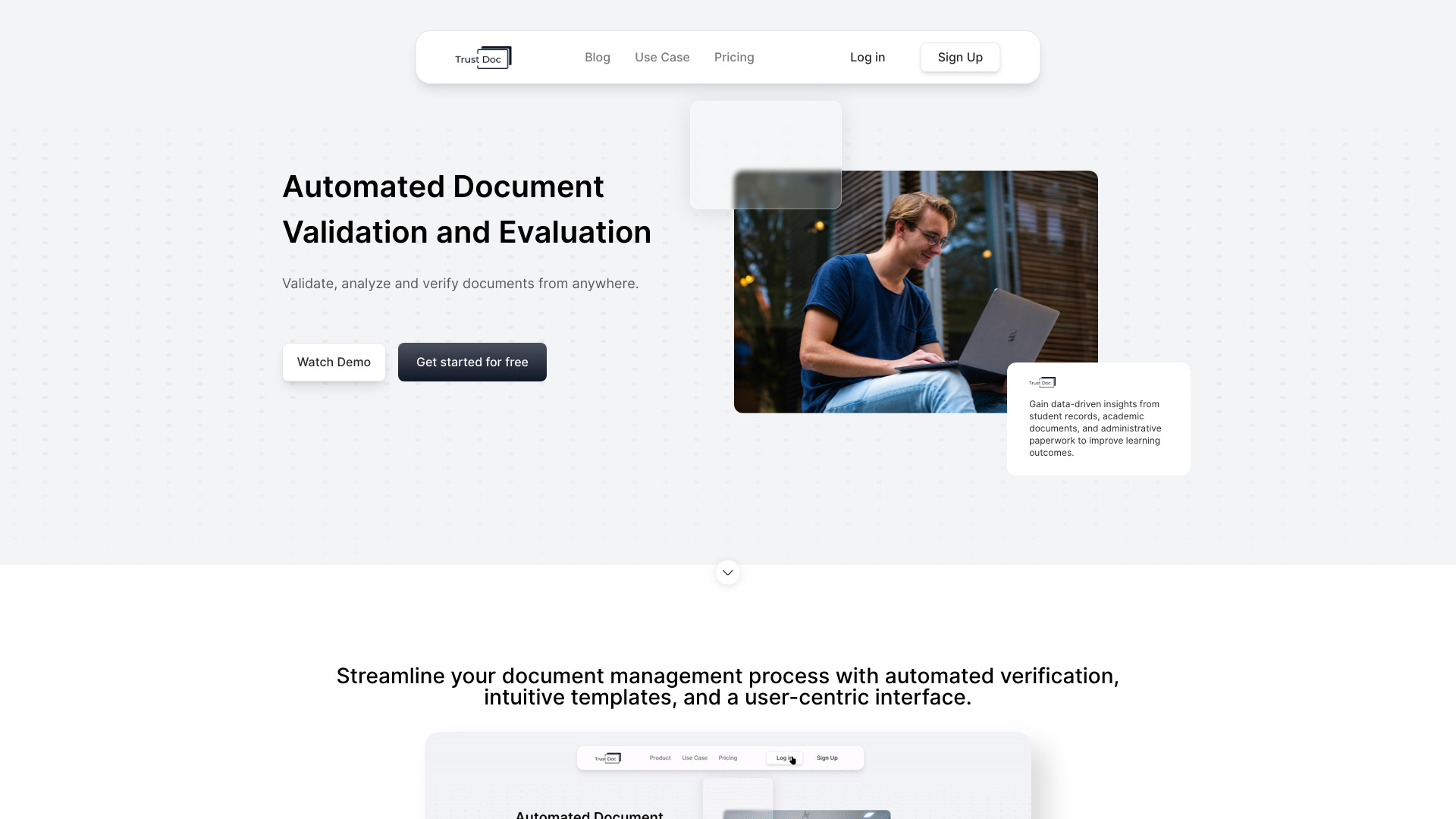
Alfresco Content Services, TrustDoc, Dropbox Paper, Laserfiche, eFileCabinet and DEVONthink are among the top-rated Document Management picks.
Document Management software helps organizations and individuals manage, store, and retrieve electronic documents efficiently. These tools are ideal for businesses, teams, and professionals who handle a large volume of documents, such as contracts, invoices, and reports. By using Document Management software, users can reduce clutter, improve collaboration, and enhance productivity. The key differences between Document Management options lie in their features, pricing models, and scalability. For instance, PandaDoc and DocSend focus on document sharing and tracking, while Templafy and Slite offer template management and content creation capabilities. M-Files and Quip provide more comprehensive document management and collaboration features. Pricing models vary, with some options offering free plans, while others require subscription or one-time payments. To choose the right Document Management software, consider your specific needs and workflow. Findalternative.net's comparison tool helps you narrow down the options by filtering features, pricing, and user reviews. You can compare products like Docmost, paperless-ngx, and linkding to find the best fit for your document management requirements. By evaluating the pros and cons of each option, you can make an informed decision and optimize your document management process.
The primary purpose of Document Management software is to help organizations and individuals manage, store, and retrieve electronic documents efficiently, reducing clutter and improving collaboration.
To choose the right Document Management software, consider your specific needs and workflow, and evaluate features, pricing, and user reviews. Compare products and filter options to find the best fit for your document management requirements.
Key features to look for in Document Management software include document sharing and tracking, template management, content creation, collaboration tools, and scalability. Consider the specific features that align with your workflow and needs.
Yes, Document Management software is suitable for small businesses or individuals who handle a large volume of documents. Many options, such as Slite and linkding, offer free plans or affordable subscription models, making them accessible to smaller organizations and individuals.
Yes, many Document Management software options integrate with other productivity tools, such as Quip, which integrates with Salesforce, and M-Files, which integrates with Microsoft Office. Consider the integration capabilities when choosing a Document Management software.
Document Management software options prioritize security, with features such as encryption, access controls, and audit trails. Look for options that comply with industry standards, such as GDPR and HIPAA, to ensure the security of your documents.
Cloud-based Document Management software offers benefits such as scalability, accessibility, and automatic updates. Cloud-based options, such as PandaDoc and DocSend, allow users to access and manage documents from anywhere, at any time, and reduce the need for IT infrastructure and maintenance.
Document Management splits into 10 related categories worth browsing on their own: Note Taking (45), Diagramming & Whiteboards (26), Task & To-Do (26), Presentation Tools (22), Calendar & Scheduling (20), and Time Tracking (18) — worth a look if you already know roughly which kind you need.
Browsing by use case instead? These products also surface under Knowledge Management (19), Open Source (10), Automation (8), Collaboration (7), Self-hosted (4), and E-signature (3) — topic pages that pull from the whole catalog, not just Document Management.
Comparing across more than just software? Findalternative.net also covers Hardware, Gadgets, Appliances, Games, and Hosting alternatives.
94% run on Web, 24% on Windows, 15% on Mac, and 15% on iOS — check platform support before committing if you need something specific.
Computed from real platform data across the category.
Across the Document Management products in our directory, 53% are free or freemium. 47% of products with a documented drawback cite pricing/cost concerns as a tradeoff worth knowing about going in.
Computed from real pricing and pros/cons data across the category — not a review aggregate.