




YTVidHub
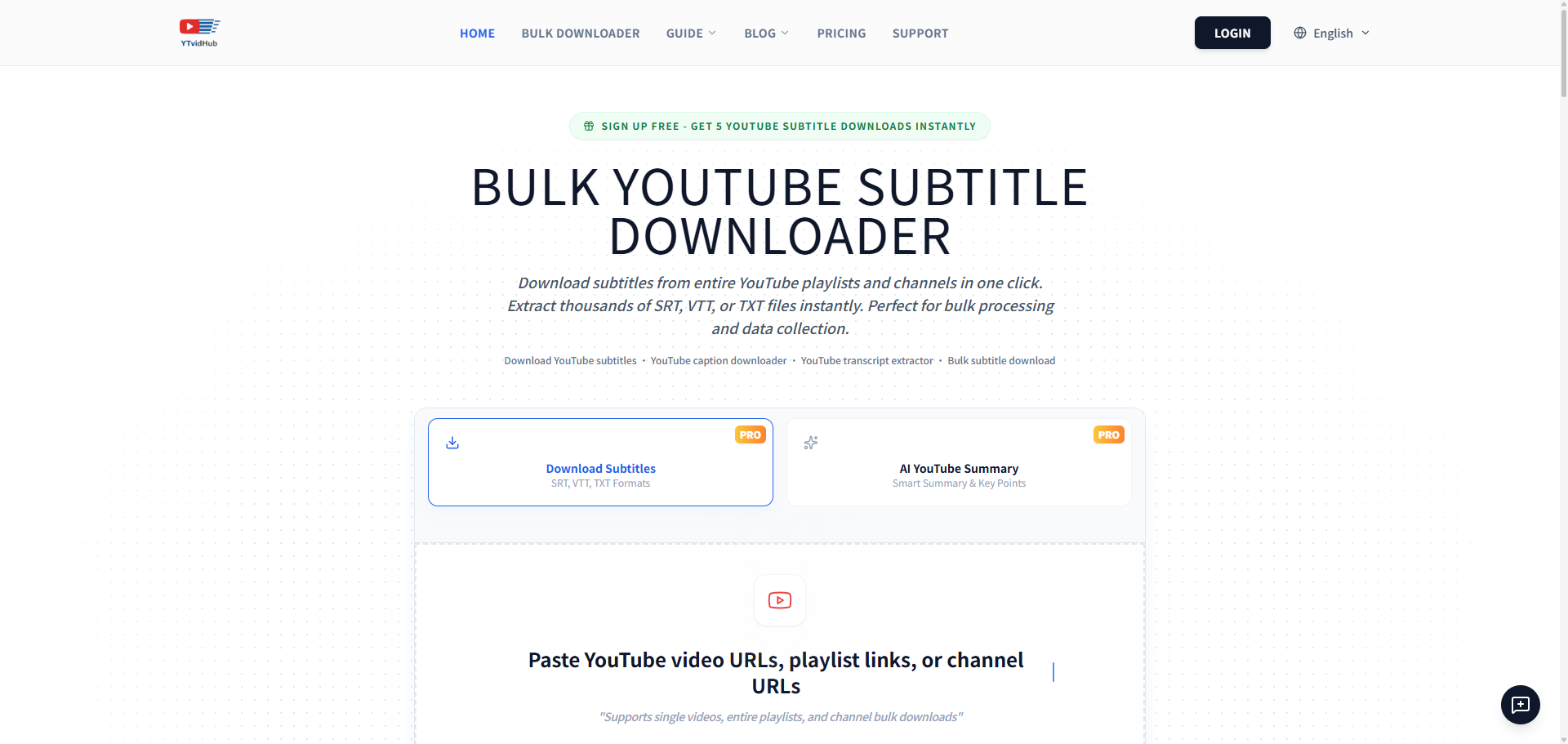
Turn any YouTube video, playlist, or channel into clean SRT, VTT, or TXT subtitles in one click.
What is YTVidHub?
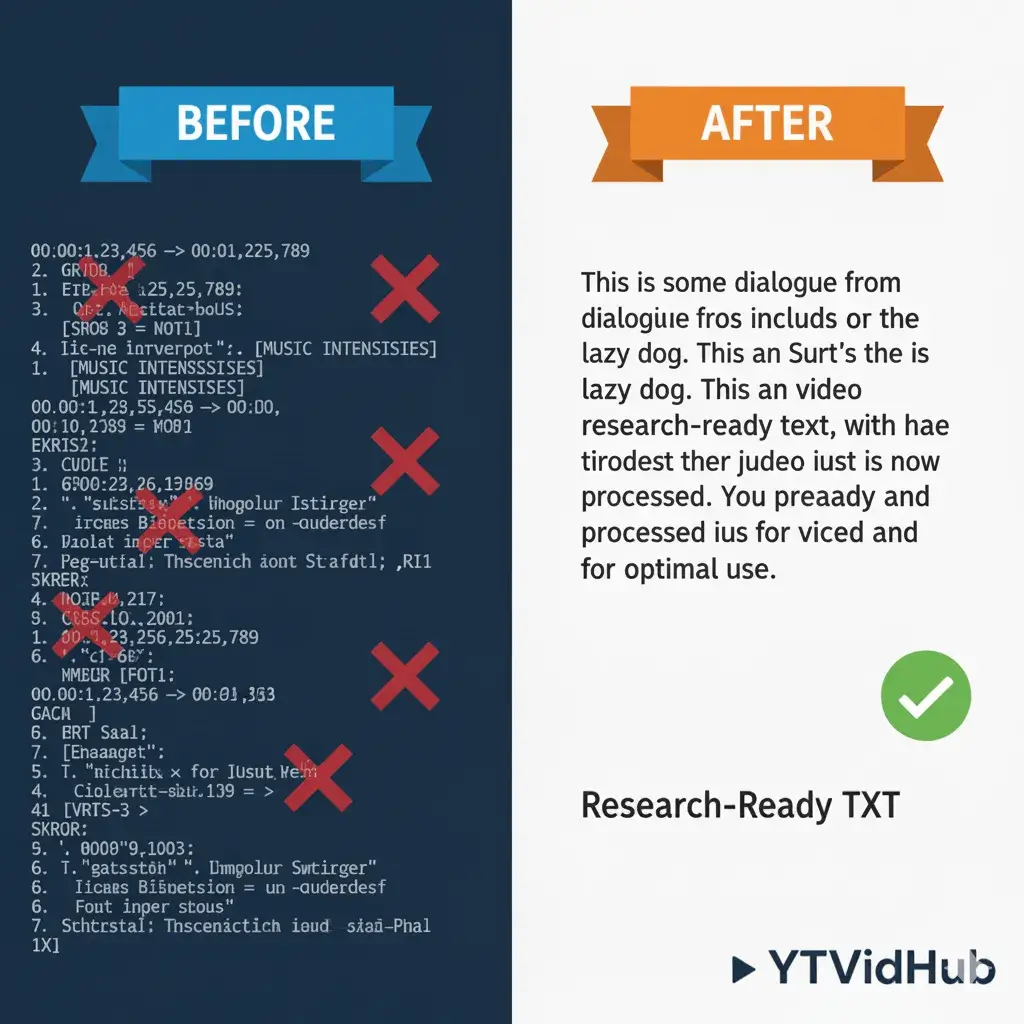
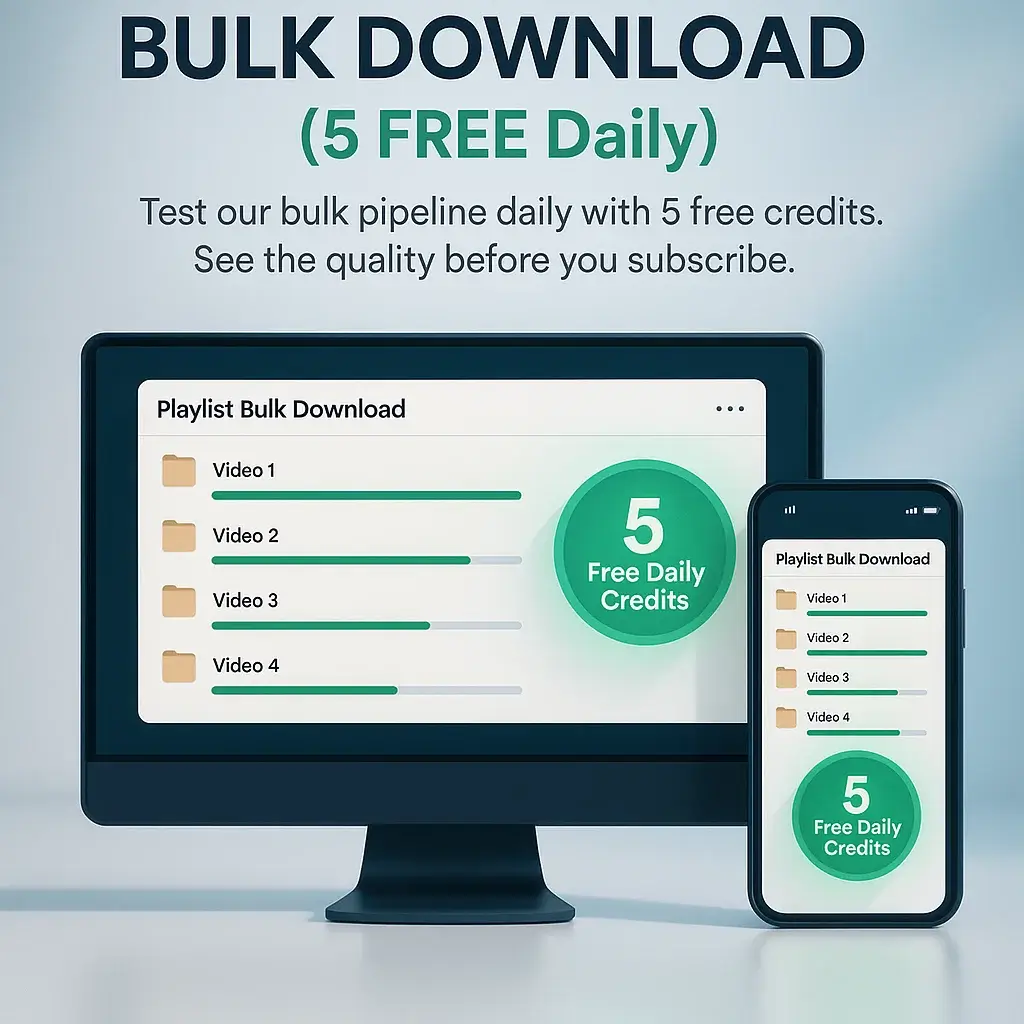
YTVidHub is a free online YouTube subtitle downloader that lets you extract captions from individual videos, entire playlists, or full channels. Instead of manually copying transcript text or juggling multiple browser extensions, you simply paste a link, choose your preferred output format (SRT, VTT, or TXT), and download the subtitles in seconds. The service is designed for anyone who needs editable captions for video editing, accessibility-ready WebVTT files, or clean plain-text transcripts for research and AI workflows. The platform goes beyond simple downloads with built-in AI analysis that generates concise summaries and mind maps for each video. Its bulk processing engine accepts playlist URLs, channel URLs, or a .txt file packed with hundreds of video links, then produces structured subtitle files automatically. For AI researchers and data scientists, the clean TXT export strips away timestamps and formatting noise, making it immediately ready for LLM training corpora, RAG pipelines, or content analysis. YTVidHub also offers a freemium model—free users receive 5 daily credits for subtitle downloads, and guests get a small number of credits to test the pipeline. This makes it an accessible starting point for students, content creators, translators, and researchers who need reliable, scalable subtitle extraction without complex setup. With support for any language available on YouTube, including auto-generated captions, it positions itself as a data-prep powerhouse rather than just a simple downloader.
SpecificationsAI-estimated
Key Features of YTVidHub
Use Cases for YTVidHub
LLM Training Data Prep
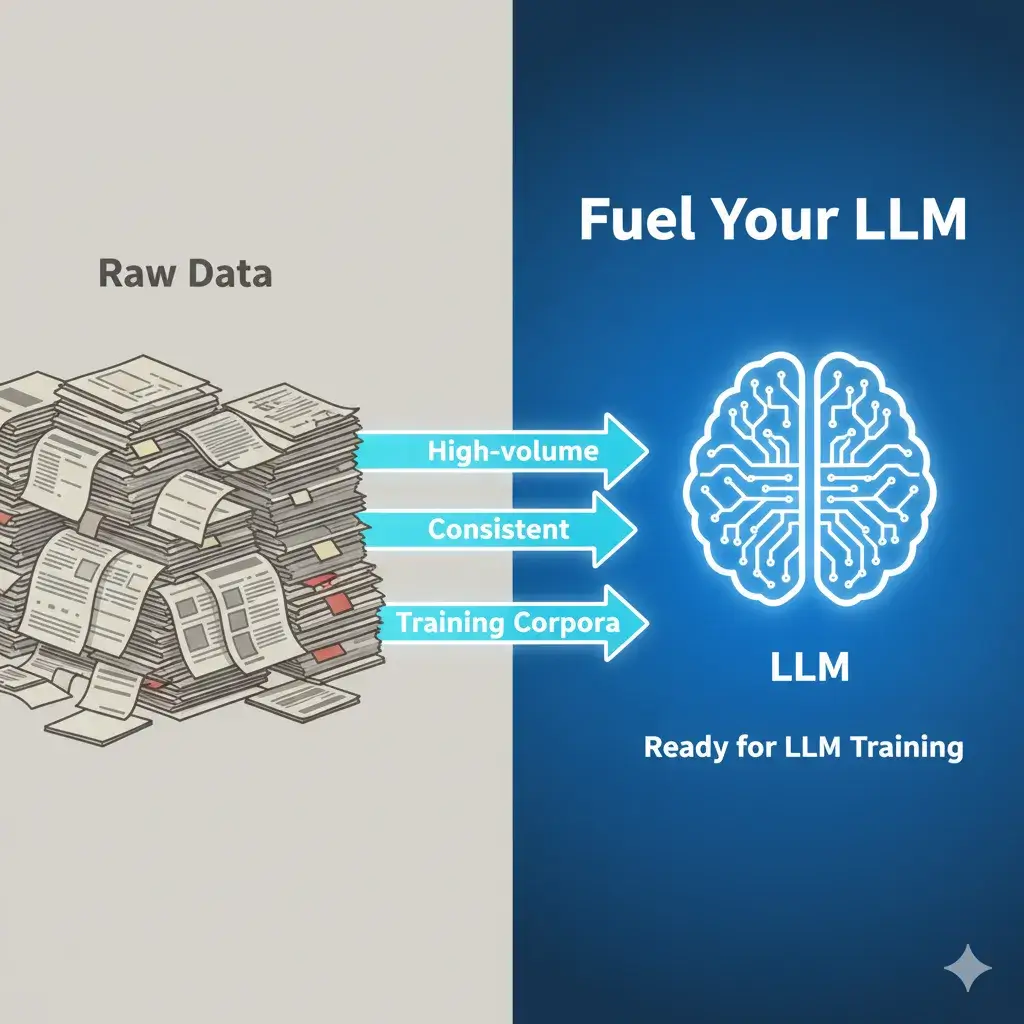
Download thousands of transcripts as clean TXT files to build consistent training corpora for ChatGPT, Claude, or other language models.
Video Editing
Export SRT files with accurate timestamps to import directly into Premiere Pro or other editing timelines.
Web Accessibility
Generate WebVTT (VTT) caption files to make video content accessible on web players and streaming platforms.
Content Repurposing
Extract full transcripts and AI summaries to write blog posts, video descriptions, or social media content quickly.
Research and Analysis
Turn long lecture or presentation videos into searchable text for qualitative research, note-taking, or reference.
Translation Workflows
Pull subtitles in any available language to serve as a base for manual translation or localization projects.
How to use YTVidHub?
Paste Links
Copy a YouTube video, playlist, or channel URL and paste it into YTVidHub. You can also upload a .txt file containing multiple links for bulk processing.
Choose Language and Format
Select the subtitle language you need and choose the output format: SRT for video editing, VTT for web players, or TXT for clean text.
Run AI Analysis
The engine extracts subtitles and can generate an AI summary or mind map for each video automatically.
Export Data
Download your files as SRT/VTT/TXT, or copy the AI summary directly to your notes and workflow.
Pros & Cons of YTVidHub
Pros
- Free daily credits for testing bulk subtitle downloads
- Supports entire playlists and channels for large-scale extraction
- Exports SRT, VTT, or clean TXT formats
- AI-generated summaries and mind maps add extra value
- No complex setup — paste a link and download
Cons
- Free tier is limited to 5 daily credits, and guest credits are even more restricted (3 credits, 1 download, 2 AI summaries).
- Web-based only, with no offline desktop application for bulk processing.
- Long-term or commercial use may raise copyright and YouTube Terms of Service considerations.
- Requires a stable internet connection and relies on YouTube subtitle availability.
Frequently Asked Questions
Is it legal to use a YouTube subtitle downloader?
Yes, using a YouTube subtitle downloader for personal use, research, accessibility, or educational purposes is generally legal. However, always respect copyright laws and YouTube's terms of service.
Can I download the YouTube transcript as text?
Yes! Our tool functions as a powerful YouTube transcript downloader, allowing you to extract the full video transcript as a clean text file (TXT) for reading, content analysis, or AI processing.
Can I download subtitles as plain text (TXT) instead of SRT?
Yes! We support SRT (SubRip), VTT (WebVTT), and clean TXT formats. SRT is perfect for video editing, VTT for web players, and TXT for AI training and text analysis.
How do I download subtitles from a YouTube playlist at once?
Simply paste the YouTube playlist URL into YTVidHub and click download. Our bulk YouTube subtitle downloader extracts captions from entire playlists and channels in one click — perfect for creating large datasets for AI training or research projects.
Does this work with different languages?
Absolutely! Our tool can download subtitles in any language available on the YouTube video, including auto-generated captions and manually uploaded subtitles.
Is this bulk subtitle downloader free?
Yes! Free users get 5 daily credits for subtitle downloads. Pro members enjoy unlimited bulk downloads for large-scale projects and commercial use.
Reviews & Ratings0.0
No reviews yet. Be the first to write one!
Top Alternatives & Similar Software
View all alternatives & similar software→No alternatives available yet.
People also viewed



Related searches
Is this your tool?
Claim this page to update details, reply to user reviews, and drive more traffic to your product.
Claim this Product →
Tags
Keep up with YTVidHub alternatives
New alternatives, pricing changes and the week's biggest movers - one email every Tuesday.