




WeDetect AI Image Detector
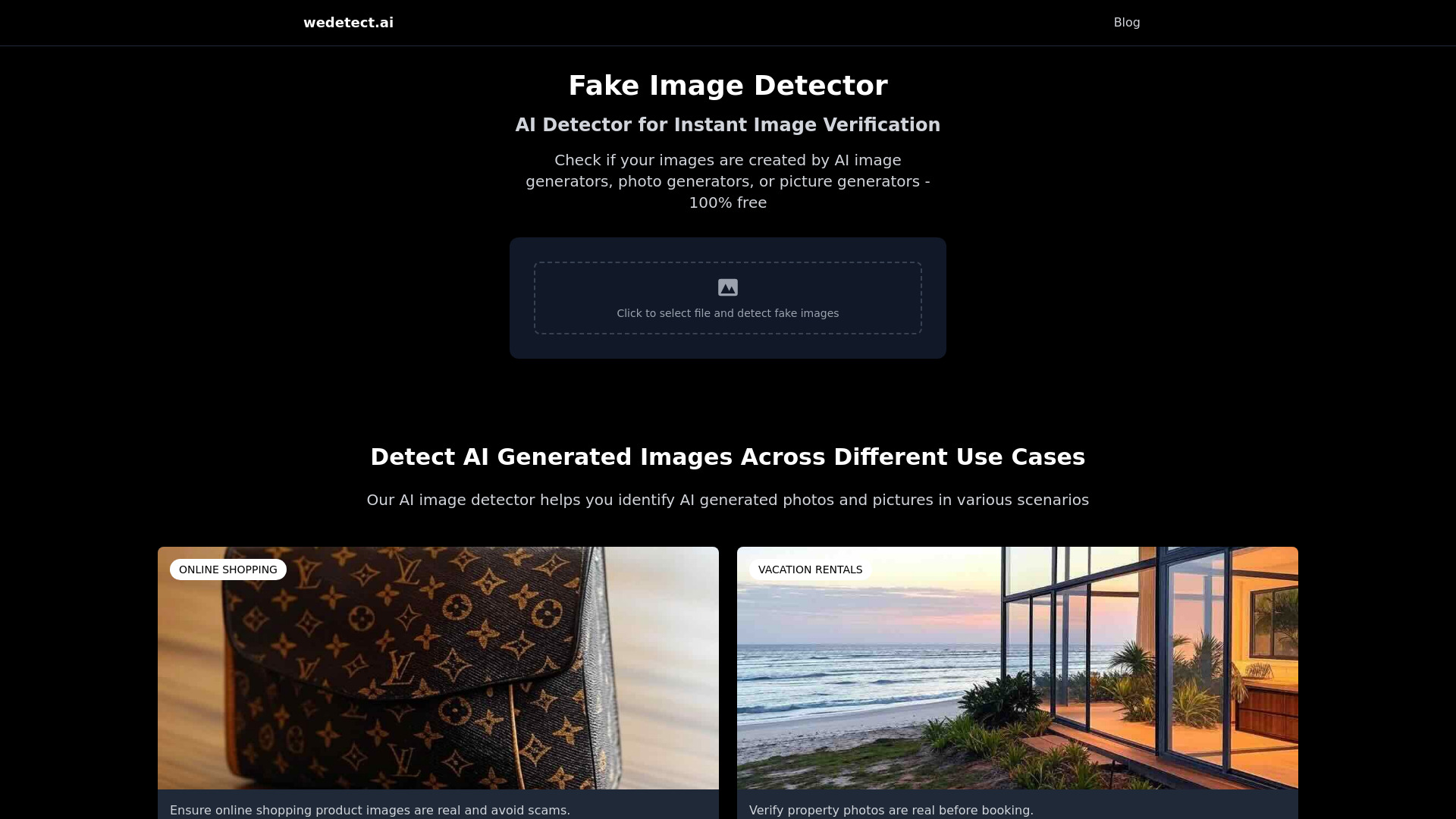
Free AI image detector that tells you whether a photo was captured by a camera or generated by AI in seconds.
What is WeDetect AI Image Detector?
WeDetect is a free online AI image detector that analyzes photos and estimates whether they were created by an AI image generator such as Midjourney, DALL·E, Stable Diffusion, Flux, or Grok, rather than captured by a camera. It is built for the growing problem of AI-generated images becoming nearly indistinguishable from real photographs, offering a fast and objective second opinion. The tool works with photos of people, profile pictures, dating photos, social media shots, artwork, product photos, and screenshots, with no sign-up or payment required. To use the detector, you upload or paste an image, and a machine-learning model trained on millions of real and AI-generated images runs the check. The model looks for the statistical fingerprints left behind by AI generators and returns a probability score indicating whether the image is likely real or AI-generated. The service supports PNG, JPG, WEBP, and HEIC formats, and uploaded images are analyzed and then deleted rather than stored. WeDetect also provides related utilities for verifying visual content, including a quick AI-or-not checker, a metadata checker for revealing editing software and AI tags, and a separate deepfake detector for face-swap videos and manipulated faces. It is aimed at everyday users who want to verify the authenticity of images they encounter online, whether that means avoiding romance scams, checking digital art, or confirming real estate listing photos before renting or buying.
SpecificationsAI-estimated
Key Features of WeDetect AI Image Detector
Use Cases for WeDetect AI Image Detector
Digital art verification
Check whether artwork or illustrations were AI-generated before publishing, buying, or crediting the creator.
Dating profile photo check
Spot AI-generated faces on dating apps and avoid romance scams or catfishing.
Real estate listing verification
Verify whether listing photos are real or AI-generated before renting or buying a property.
Social media image check
Determine if profile pictures and social media posts are real photos or AI-generated images.
Product photo validation
Check whether product photos from online listings were created by an AI generator instead of a camera.
Quick real-or-AI check
Use the AI-or-not checker for a fast answer when you need to know if any image is real or AI-generated.
Deepfake and face manipulation screening
Use the separate deepfake detector to identify face-swap videos and manipulated faces in visual content.
How to use WeDetect AI Image Detector?
Open WeDetect
Go to wedetect.ai in your web browser. No account or sign-up is needed.
Upload or paste an image
Drag and drop a PNG, JPG, WEBP, or HEIC file, paste an image, or click to browse and select a file.
Run the detection
The machine-learning model analyzes the image for statistical fingerprints of AI generation.
Review the probability score
Check the result to see how likely it is that the image was AI-generated rather than captured by a camera.
Dig deeper if needed
For edited or AI-enhanced photos, use the metadata checker. For face-swap videos, use the deepfake detector.
Pros & Cons of WeDetect AI Image Detector
Pros
- Completely free with no sign-up or login required.
- Privacy-friendly: uploaded images are analyzed and then deleted.
- Supports drag-and-drop, paste, and file upload for PNG, JPG, WEBP, and HEIC.
- Trained on millions of images across multiple AI generators for broad coverage.
- Works across many image types, from people and artwork to product photos and screenshots.
Cons
- Most reliable for fully AI-generated images; lightly retouched or AI-enhanced photos can produce lower and less certain scores.
- It does not detect face-swap videos or manipulated faces, which requires a separate deepfake detector.
- No batch processing or bulk image analysis is mentioned.
- Results are probabilistic rather than definitive proof that an image is AI-generated.
Frequently Asked Questions
Is this AI image detector free?
Yes, wedetect.ai is completely free. You can upload an image and get an instant result without signing up.
What image formats can I check?
You can check PNG, JPG, WEBP, and HEIC images using drag and drop, paste, or click to upload.
Do you store my images?
No. Your image is analyzed and then deleted. It is not kept after you get your result.
Can I use this as an AI photo detector for pictures of people?
Yes. The model was trained on real and AI-generated photos of people, places, and objects, so it works for profile pictures, dating photos, social media images, and digital art.
Does it detect AI-edited or retouched photos?
It is built to spot fully AI-generated pictures. Lightly retouched or AI-enhanced photos sit in a grey zone, so the score is often lower and less certain. For edited photos, you can pair the score with the metadata checker.
Which AI generators does it detect?
It is trained on millions of real and AI-generated images across many generators, including Midjourney, DALL·E, Stable Diffusion, Flux, and Grok.
How does the AI image detector work?
You upload or paste an image and it runs through a machine-learning model trained on millions of real and AI-generated images. The model spots statistical fingerprints of AI generation and returns a probability.
Does WeDetect have a deepfake detector?
Yes. For face-swap videos and manipulated faces specifically, WeDetect offers a separate deepfake detector.
Reviews & Ratings0.0
No reviews yet. Be the first to write one!
Top Alternatives & Similar Software
View all alternatives & similar software→

People also viewed



Related searches
Is this your tool?
Claim this page to update details, reply to user reviews, and drive more traffic to your product.
Claim this Product →
Tags
Explore Related Topics
Keep up with WeDetect AI Image Detector alternatives
New alternatives, pricing changes and the week's biggest movers - one email every Tuesday.