




VoiceChanger.video
Change your voice online with 400+ AI voices. Upload or record your audio, choose a voice, and generate for free — no sign-up required.
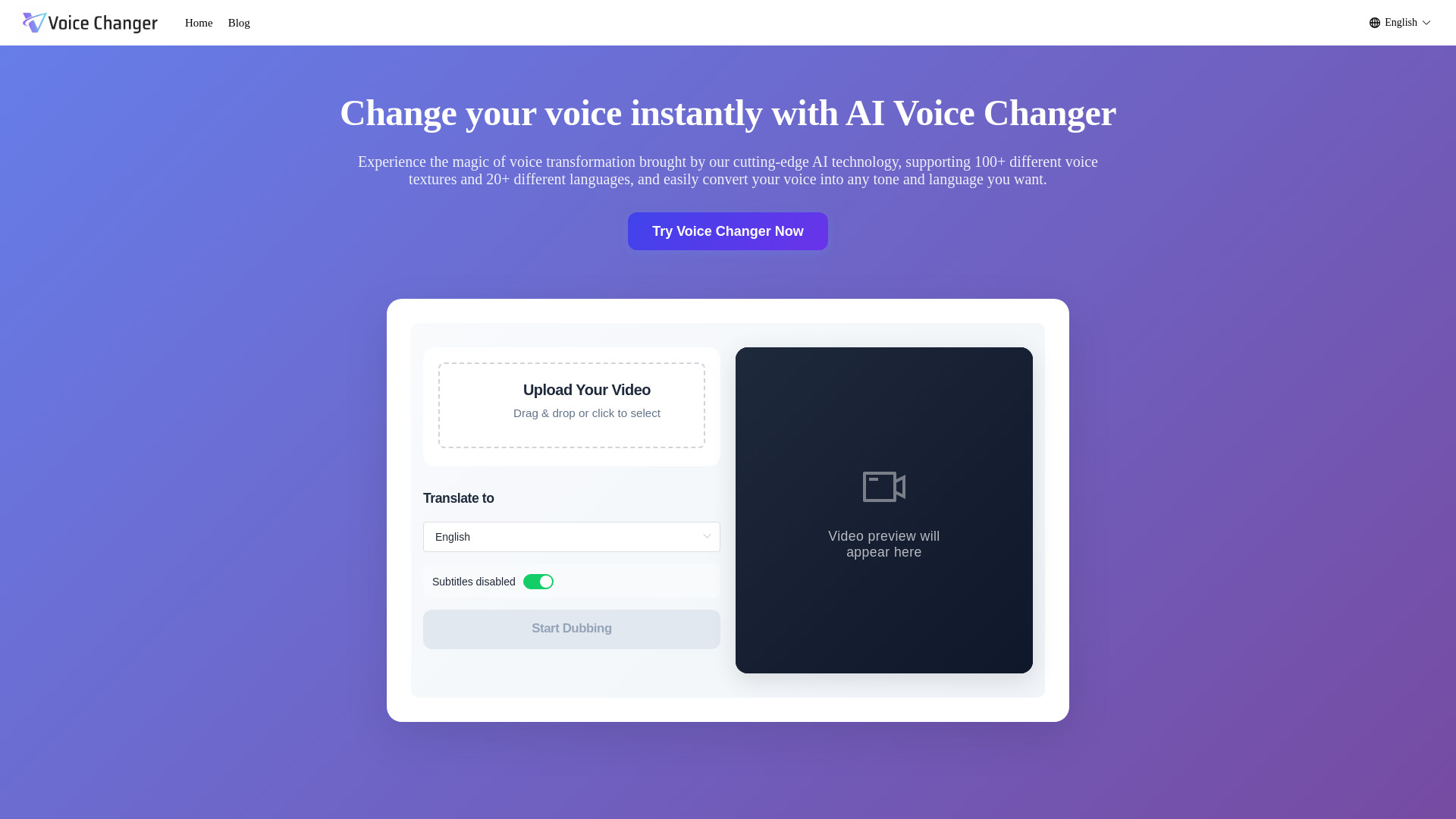
What is VoiceChanger.video?
VoiceChanger.video is a free, browser-based AI voice changer that lets users transform their voice online without creating an account. It supports uploading or recording audio and offers 400+ AI voices across 40 languages and styles.
SpecificationsAI-estimated
Key Features of VoiceChanger.video
Use Cases for VoiceChanger.video
Gaming & Character Voices
Create character voices for gameplay videos, role-playing, original characters, and animations.
Social Media Content
Add distinctive voices to TikTok, Reels, Shorts, skits, stories, and memes.
Podcasts & Creative Voiceovers
Transform recorded speech for podcast segments, narration, storytelling, and voiceover projects.
How to use VoiceChanger.video?
Add Your Audio
Upload an audio file or record your voice directly in your browser. Supported formats include MP3, WAV, M4A, and other common audio formats.
Pick a Voice
Browse the voice library and find a sound that fits your character, video, or creative idea.
Generate and Download
Click Generate and let AI transform your recording. Preview the new voice and download the finished audio when it's ready.
Pros & Cons of VoiceChanger.video
Pros
- Free to use with no sign-up required
- No software installation needed
- 400+ AI voices across 40 languages and styles
- Supports multiple audio formats: MP3, WAV, FLAC, M4A, OGG
- Can upload or record audio directly in the browser
- Preserves natural pacing, tone, and emotion of the original voice
- Allows preview and download of transformed audio
- Can be used for commercial projects with proper rights
Cons
- Max audio duration is limited
- Not designed for rewriting or translating speech
- Audio quality depends on clarity of original recording
Frequently Asked Questions
What is an AI voice changer?
An AI voice changer uses artificial intelligence to transform the sound of an existing voice recording while keeping the original spoken content.
Is this AI voice changer free?
Yes, it is completely free to use. No account, sign-in, or credit card is required.
What audio formats are supported?
MP3, WAV, M4A, and other common audio formats are supported.
What is the maximum audio duration?
The main page says max audio duration is 3 minutes, while the FAQ states up to 5 minutes (300 seconds) with a max file size of 30 MB.
Is my audio private?
Yes. Uploaded audio is processed securely and privately. The service states it takes steps to protect files and personal content.
Do I need to install software?
No. The tool works online in your browser.
Can I use it for commercial projects?
Yes, provided you have the necessary rights to the content you upload and use.
Pricing Overview
View full pricing →Free to use, no sign-up, no credit card, no installation required.
Reviews & Ratings0.0
No reviews yet. Be the first to write one!
Top Alternatives & Similar Software
View all alternatives & similar software→

People also viewed


Related searches
About the Product
Is this your tool?
Claim this page to update details, reply to user reviews, and drive more traffic to your product.
Claim this Product →
Tags
Keep up with VoiceChanger.video alternatives
New alternatives, pricing changes and the week's biggest movers - one email every Tuesday.