




VMEG AI Video Translator
Translate videos into 170+ languages with AI voices, voice cloning, subtitles, and lip-synced dubbing—all in one online studio.
What is VMEG AI Video Translator?
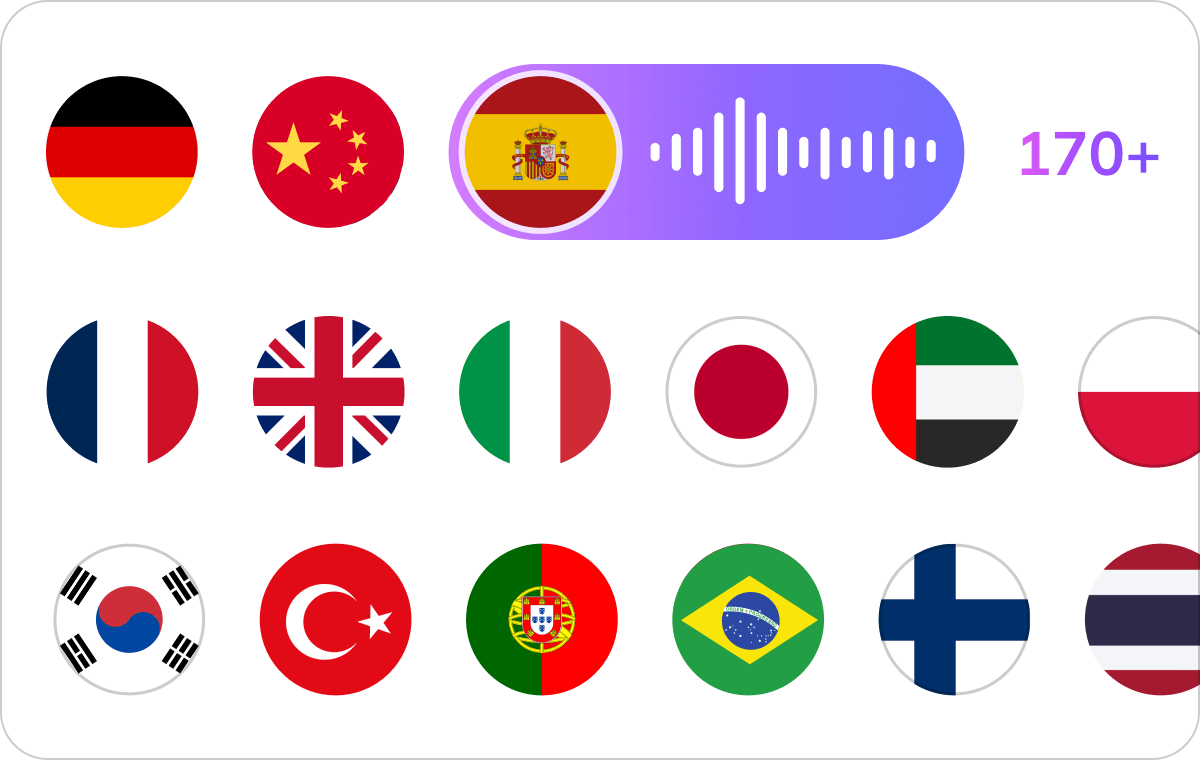
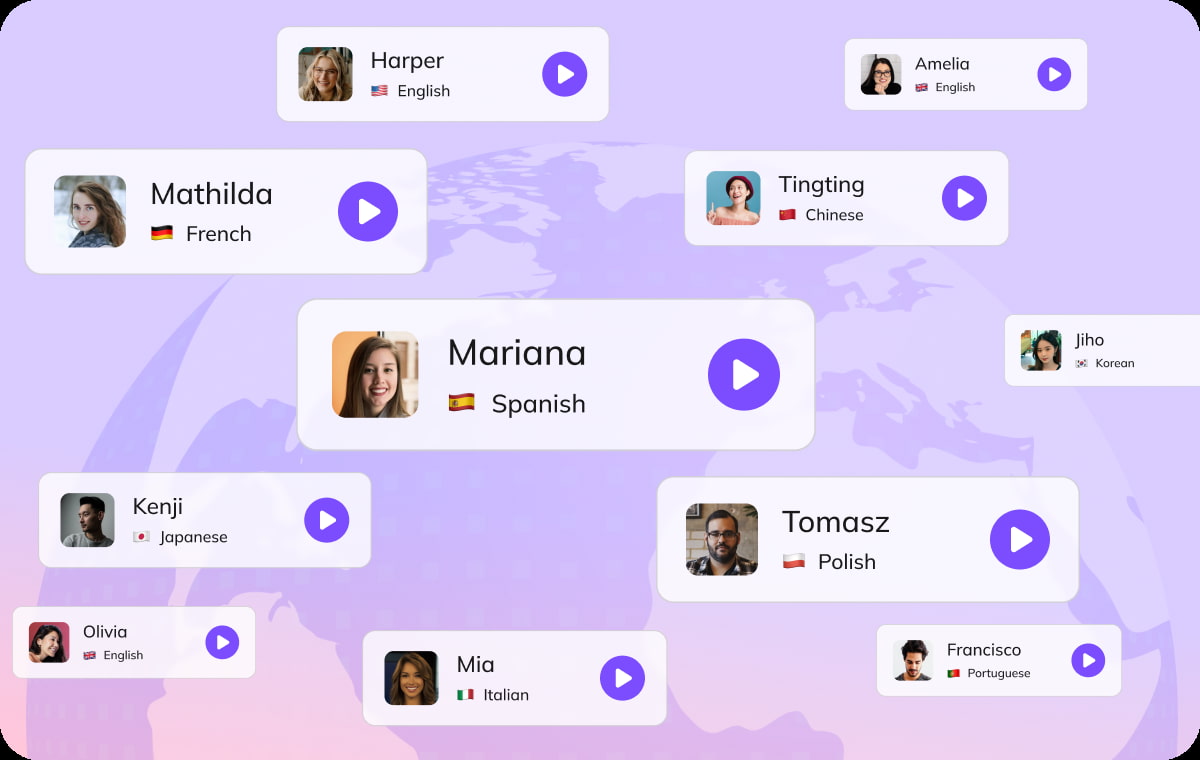
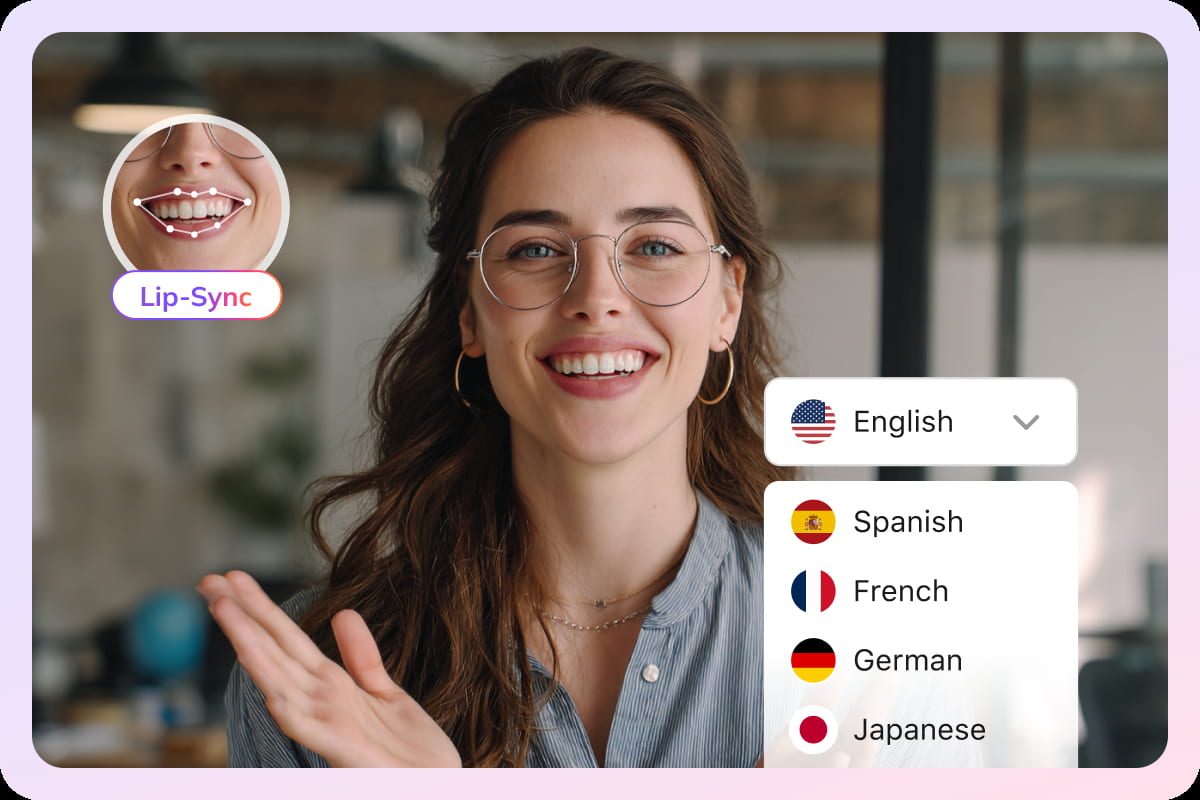
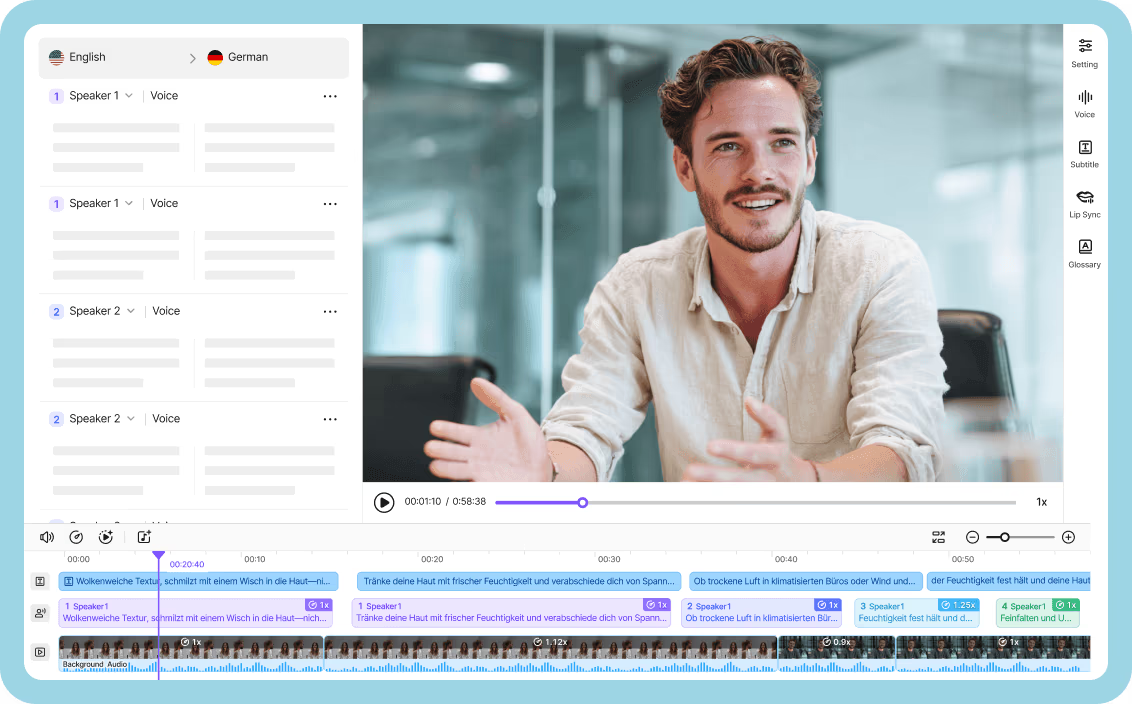
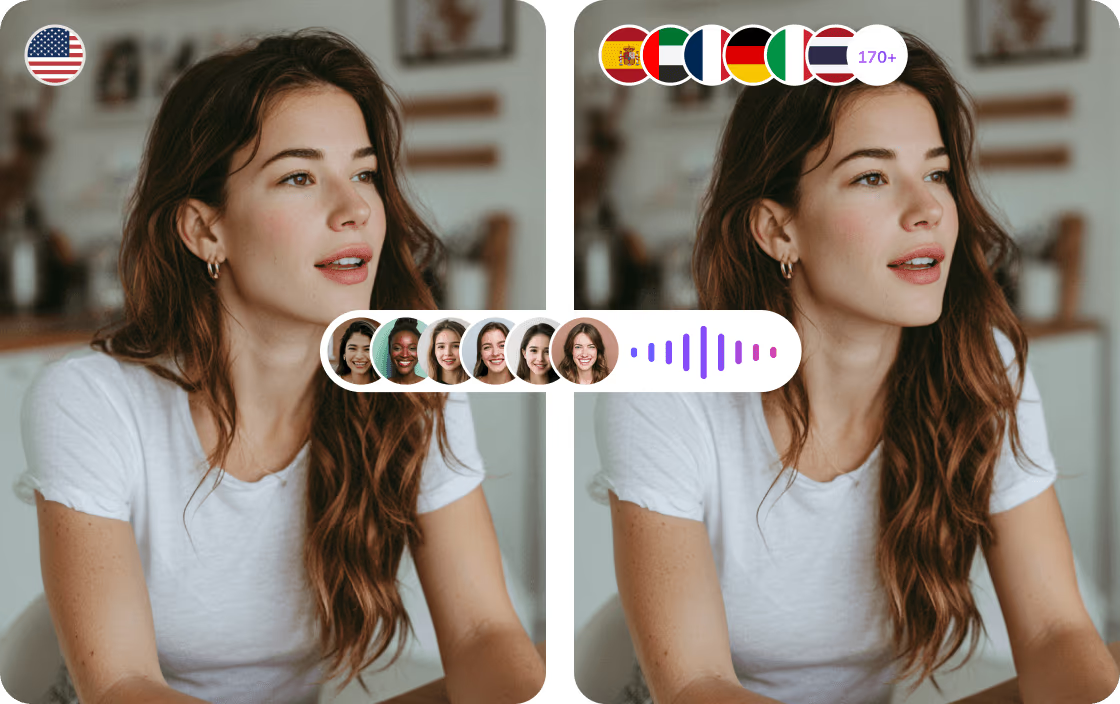
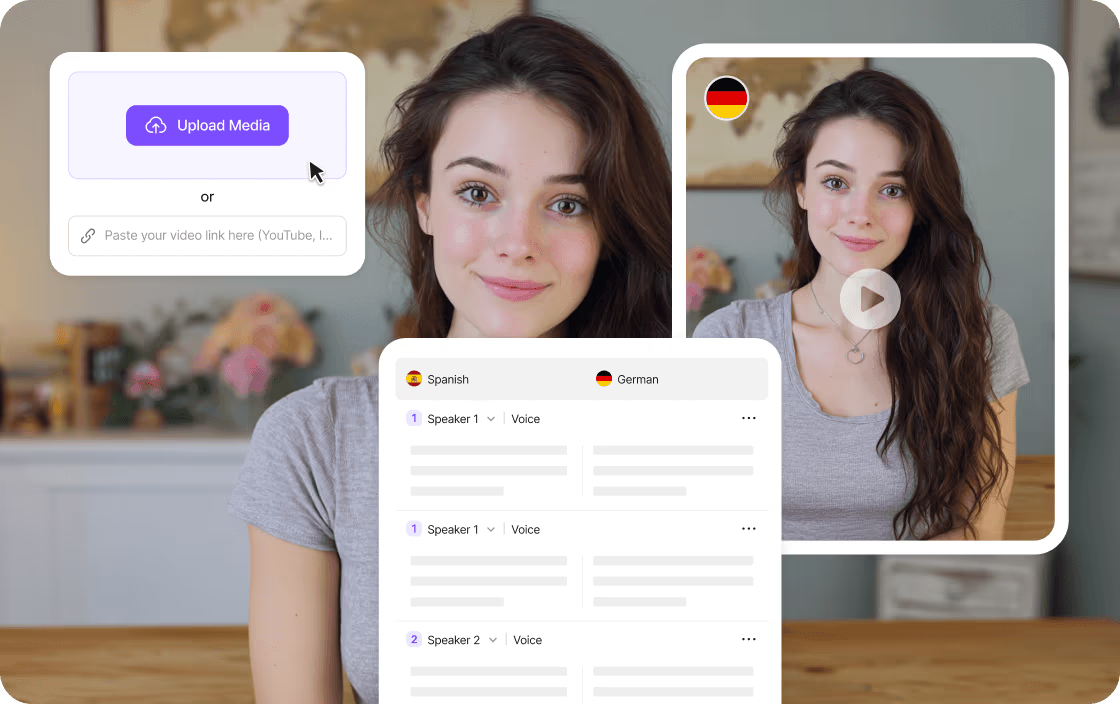
VMEG AI Video Translator is an online localization tool that turns videos in any supported format into multilingual content. It translates spoken content into 170+ languages and offers three main output options: a fully dubbed video, translated subtitles, or a separate audio track. Users can upload a file, paste a supported public video link, or pull an existing project from their workspace, making it flexible for creators, educators, and business teams. At the core of the tool is a studio-style dashboard where users can review translated scripts, edit text, adjust voice speed, volume, and tone, and assign voices per speaker. VMEG leverages 17,000+ AI voices and supports voice cloning to keep speakers recognizable across languages. It also detects multiple speakers in interviews, webinars, and conferences, while background music and non-speech audio can remain separate from the translated dialogue. Lip sync can be enabled to better match translated speech to the speaker's mouth movements. VMEG is positioned as a privacy-first, enterprise-ready platform. Customer data is encrypted using AES-256 at rest and TLS 1.3 in transit, isolated by workspace, and not used to train AI models by default. The tool also includes batch production and automation features, making it suitable for large-scale video localization workflows, global content distribution, and professional production standards.
SpecificationsAI-estimated
Key Features of VMEG AI Video Translator
Use Cases for VMEG AI Video Translator
Localizing YouTube videos for global audiences
Translate and dub existing YouTube content into multiple languages to reach viewers around the world, grow engagement, and open up new monetization opportunities.
Making educational content multilingual
Educators and trainers can translate lectures, tutorials, and course videos into multiple languages so language barriers don't hinder learning.
Localizing ads and product demos
Brands can localize ads, product demos, and promotional videos to connect with customers in different markets and improve conversions.
Dubbing multi-speaker webinars and interviews
Automatically detect speakers in interviews, webinars, and panels, then assign distinct AI or cloned voices to keep the conversation clear.
Producing translated training materials
Produce consistent, branded training and onboarding videos for global teams without hiring voice actors or using multiple tools.
Repurposing content across platforms
Export the same video as a dubbed video, subtitle file, or audio track to fit different publishing workflows and platforms.
Adding subtitles for accessibility
Generate translated subtitles to make videos accessible to non-native speakers and viewers with hearing impairments.
Batch localization for media production
Use batch production and automation to translate and localize multiple videos at once for large-scale content workflows.
How to use VMEG AI Video Translator?
Upload a Video or Paste a Link
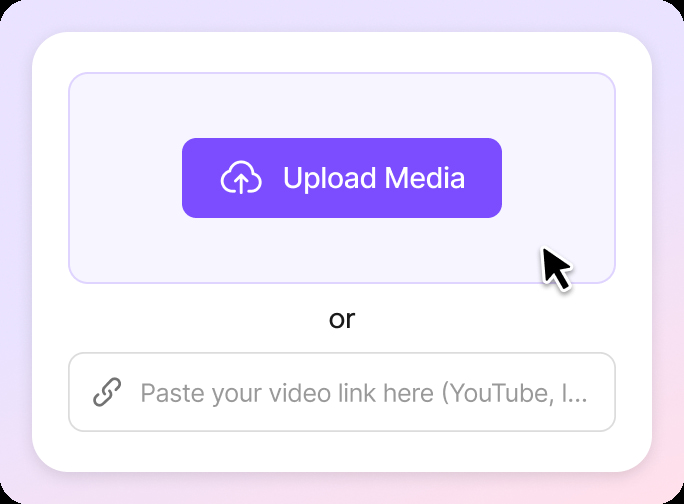
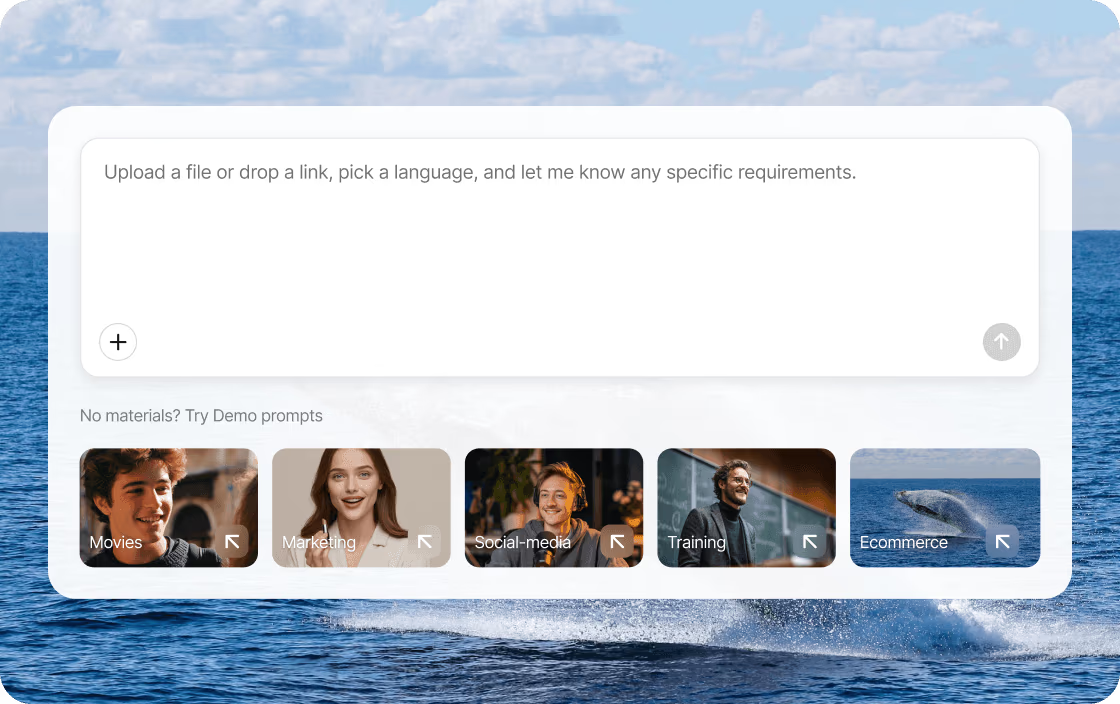
Drag and drop a video file, select an existing project from your workspace, or paste a supported public video link. You can also upload an SRT file to improve translation accuracy.
Translate Your Video
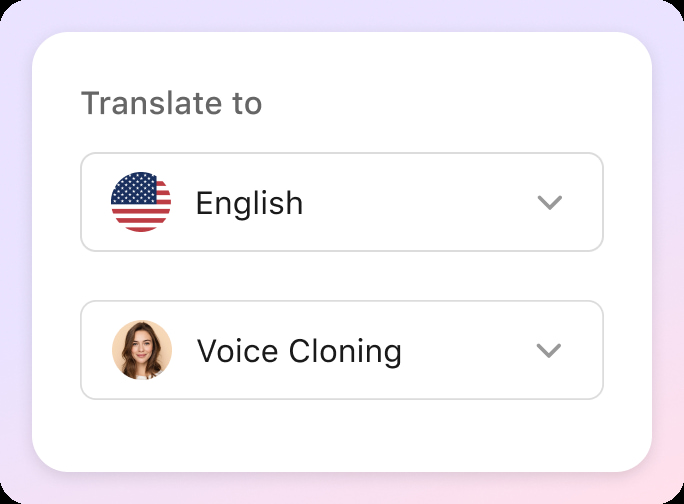
Choose your target language from 170+ options, pick an AI voice style, or use a cloned voice. In advanced options, you can apply a glossary, switch the voice cloning model, or add a Translation Prompt.
Review, Edit, and Refine
Preview the translated result, edit the text, adjust voice speed, volume, and tone, switch speakers, add subtitles, or enable lip sync for more natural alignment.
Export and Download
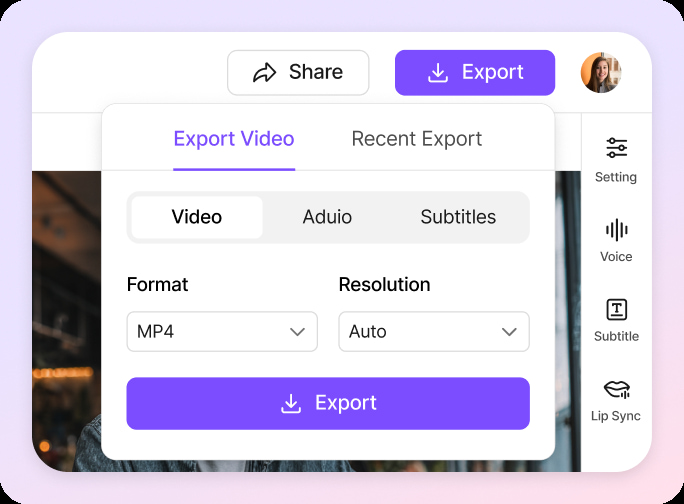
Select your preferred output format—dubbed video, translated subtitles, or audio track—then export and download your localized file.
Pros & Cons of VMEG AI Video Translator
Pros
- All-in-one localization workflow replaces separate transcription, translation, voiceover, and editing tools
- Supports 170+ languages and 17,000+ AI voices with flexible output formats
- Voice cloning and multi-speaker separation keep dialogue natural and recognizable
- Lip sync alignment makes dubbed videos look more polished and human-like
- Privacy-first design with AES-256 encryption and no training on customer data by default
Cons
- Pricing, credits, and usage limits are not transparent until you sign in to your VMEG account
- Video length and file-size limits depend on your account and processing settings, which can restrict large projects
- Advanced features like lip sync and voice cloning may not be available in every workflow and require exploring the dashboard
- Public video links only work for supported sources and you must have permission to process the content
Frequently Asked Questions
What is an AI video translator?
An AI video translator converts spoken video content into another language. VMEG can generate dubbed videos, translated subtitles, or separate audio tracks from the translated content.
How can I access VMEG Video Translator?
Sign in to your VMEG account to view the access and usage options currently available. Credits, trial access, and pricing may vary.
Can I export translated subtitles only?
Yes. You can review, edit, and export translated subtitles in supported formats such as SRT and VTT.
Can I translate a YouTube video from a link?
You can paste a supported public YouTube video link when this option is available. Make sure you have permission to process the content.
Can I upload an existing SRT file?
Yes. Uploading an existing SRT file can improve translation accuracy and timing, and you can edit the translated text before export.
Does VMEG support videos with multiple speakers?
Yes. VMEG can detect multiple speakers and assign a different AI or cloned voice to each person.
What video formats does VMEG support?
VMEG supports common formats including MP4, MOV, WebM, M4V, and MKV. Available export options depend on the selected workflow.
How long can a translated video be?
Video length and file-size limits depend on your account and processing settings. Check the uploader for the latest limits.
Reviews & Ratings0.0
No reviews yet. Be the first to write one!
Top Alternatives & Similar Software
View all alternatives & similar software→

People also viewed



Related searches
Is this your tool?
Claim this page to update details, reply to user reviews, and drive more traffic to your product.
Claim this Product →
Tags
Explore Related Topics
Keep up with VMEG AI Video Translator alternatives
New alternatives, pricing changes and the week's biggest movers - one email every Tuesday.