




Velo
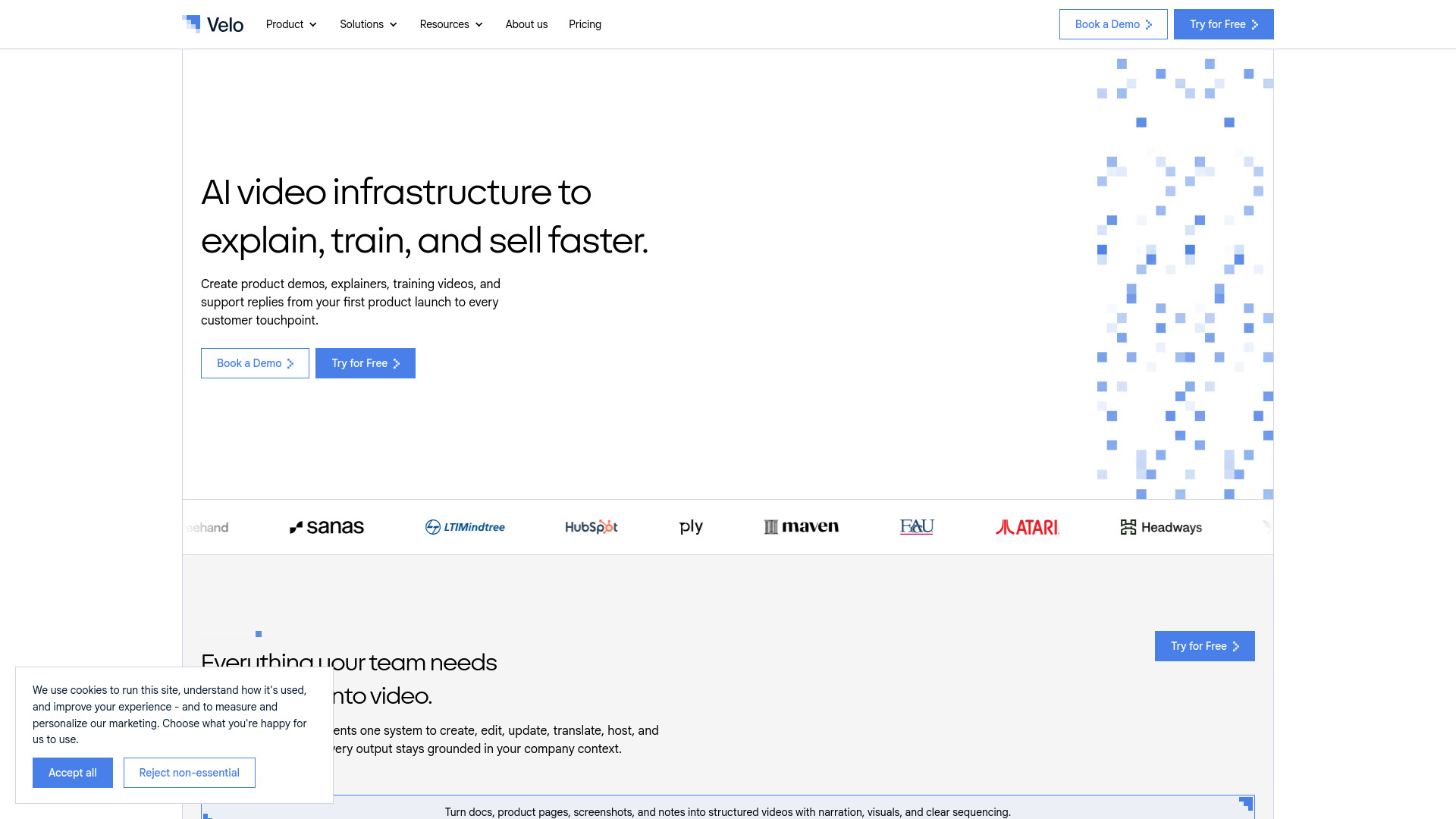
AI video infrastructure that turns company knowledge into always-current product demos, training, and support videos.



What is Velo?
Velo is an AI video platform built for the workplace, designed to turn raw company knowledge into polished video content. Rather than being just another screen recorder or editor, it acts as video infrastructure: it ingests documents, product pages, help center articles, changelogs, screenshots, and even CRM context, then generates demos, explainers, training videos, onboarding material, SOP walkthroughs, and support replies. The platform aims to solve the biggest problem with work video: keeping it current. When products or processes change, Velo can refresh existing videos instead of forcing teams to re-record and re-edit from scratch.
SpecificationsAI-estimated
Key Features of Velo
Use Cases for Velo
Product Demos
Turn changelogs, product pages, screenshots, and documentation into accurate product demos and walkthroughs.
Customer Support Videos
Convert tickets, help center articles, and product context into personalized support videos that show customers exactly what to do next.
Employee Onboarding and Training
Create onboarding, training, and compliance videos from internal knowledge without relying on repeated recording cycles.
SOP and Compliance Training
Package standard operating procedures and compliance requirements into step-by-step videos that are easy to follow.
Software Implementation
Convert setup docs, workflows, and customer-specific requirements into step-by-step software implementation videos.
Personalized Sales Messages
Send clear, contextual personalized video messages to prospects, customers, teammates, and partners without recording from scratch.
Changelog and Release Notes
Quickly produce release note and changelog videos so users stay informed about new features and updates.
How to use Velo?
Add your source material
Record your screen, paste a URL, upload a deck, or type a prompt to give Velo the context it needs.
Let Velo draft the video
Velo writes the script, narrates it using your cloned voice, and builds a product demo or explainer grounded in your company knowledge.
Apply your brand kit
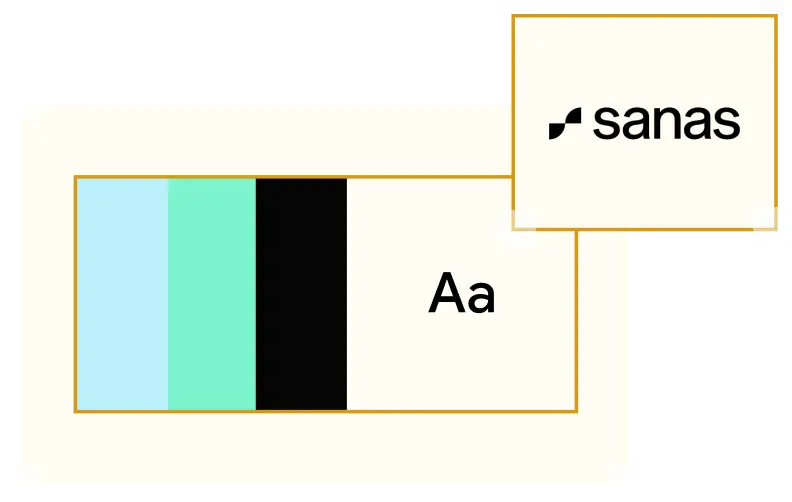
Ensure logos, colors, fonts, and voice are automatically applied so the video matches your brand guidelines.
Review and collaborate
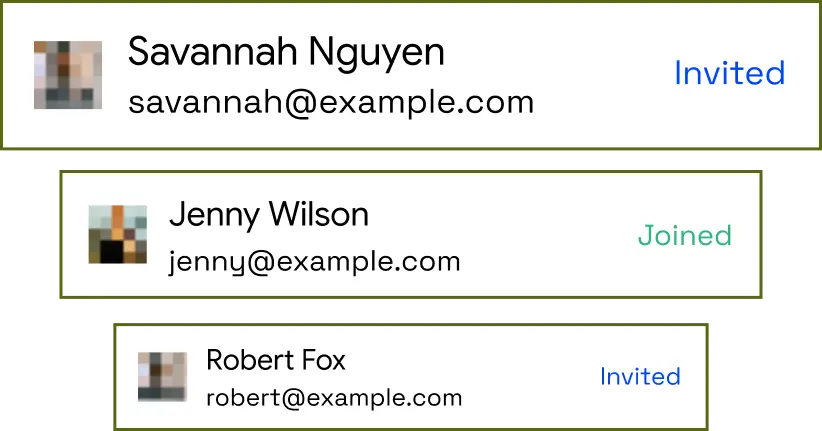
Edit scripts, review drafts, leave comments, and get approvals with your team in shared workspaces before publishing.
Publish, translate, and distribute
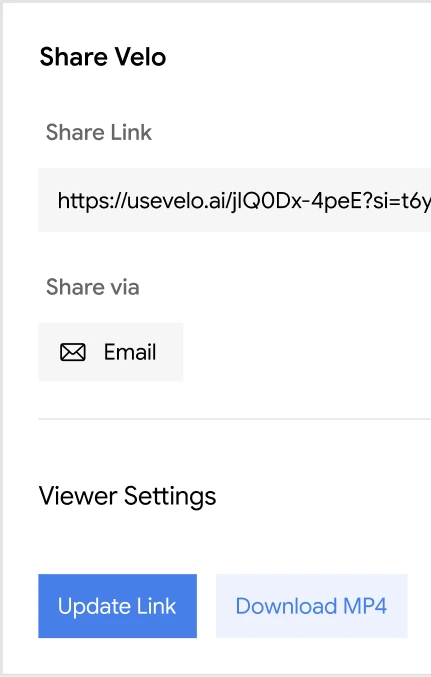
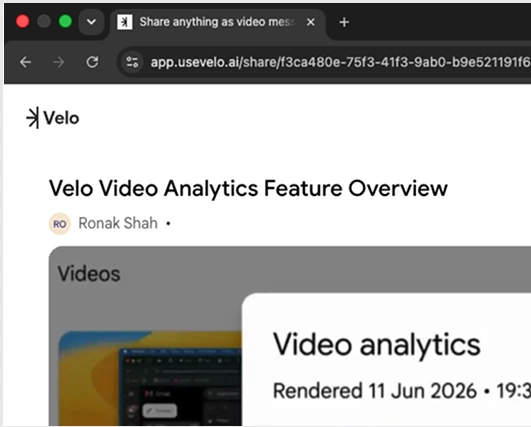
Translate into multiple languages, host securely, share via public or private pages, export as SCORM, and track viewer engagement.
Pros & Cons of Velo
Pros
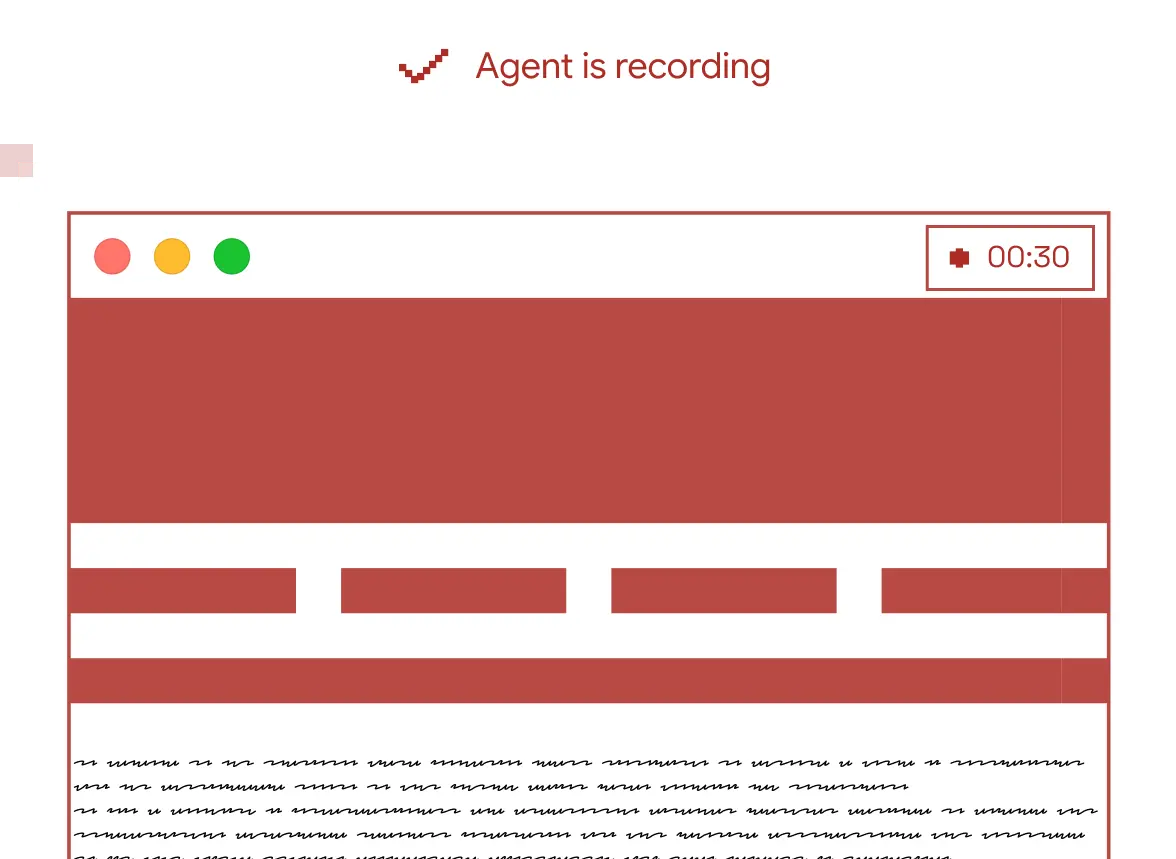
- Agentic screen recorder lets you show what you want to explain without crafting the perfect prompt
- Voice cloning produces consistent narration in your own voice without re-recording every time
- One-click translation localizes videos into 25+ languages while preserving context and terminology
- Enterprise-grade controls include SSO, SAML, SCIM, RBAC, SOC 2, ISO 27001, and data residency
- SCORM export makes it easy to publish training content into any LMS
Cons
- No pricing details are listed on the website
- Best results depend on keeping source materials like docs and knowledge bases up to date
- Full personalization requires setting up the brand kit and voice clone upfront
- AI-generated content may still need human review and approval before publishing
Frequently Asked Questions
What types of videos can Velo create?
Velo can create product demos, support explainers, customer onboarding videos, employee training, SOPs, compliance videos, changelog videos, release note videos, and agent-generated videos.
Can Velo use existing company documentation?
Yes. Velo can use docs, product pages, knowledge bases, help centers, call notes, CRM context, changelogs, screenshots, and other source material to generate grounded video output.
Can videos be updated when products or policies change?
Yes. Velo can refresh demos, explainers, and training videos as your product, policies, or workflows change, so teams do not need to recreate the same video from scratch.
Does Velo support team collaboration?
Yes. Teams can use shared workspaces, libraries, access controls, brand rules, and governance features to manage video creation across departments.
Can Velo translate videos into other languages?
Yes. Velo can translate videos into multiple languages while preserving context, terminology, and meaning, including localization into 25+ languages.
Is Velo enterprise-secure?
Yes. Velo supports secure hosting, SSO, RBAC, SAML, SCIM, data residency, content governance, viewer tracking, brand controls, and compliance workflows including SOC 2 and ISO 27001.
How do I create a video with Velo?
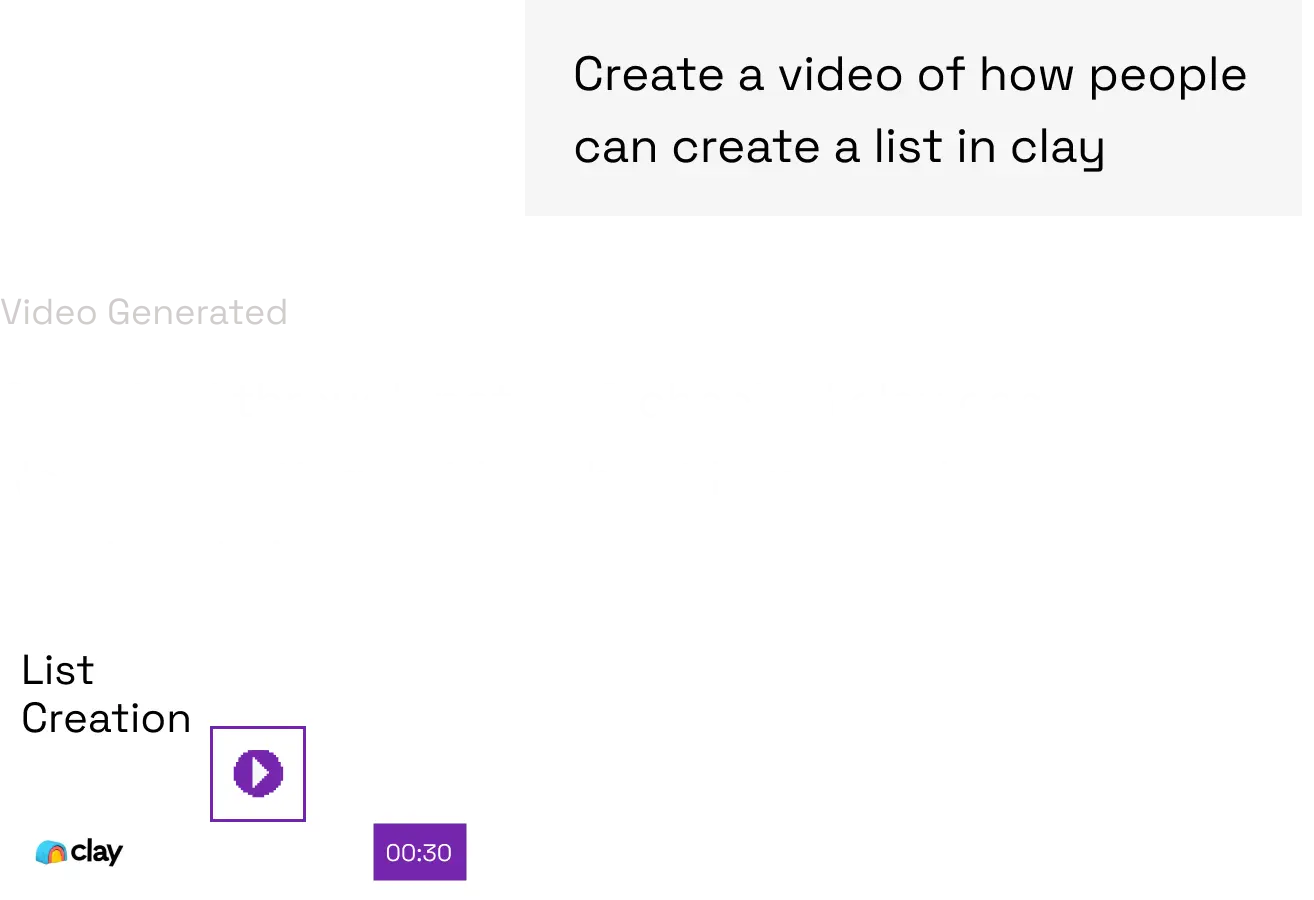
You can record your screen, paste a URL, upload a deck, or type a prompt. Velo then writes the script, narrates it in your voice, and builds a product demo video.
Can training videos be exported to an LMS?
Yes. Velo can package videos as SCORM-compliant courses for upload into any LMS.
Reviews & Ratings0.0
No reviews yet. Be the first to write one!
Top Alternatives & Similar Software
View all alternatives & similar software→

People also viewed



Related searches
Is this your tool?
Claim this page to update details, reply to user reviews, and drive more traffic to your product.
Claim this Product →
Tags
Explore Related Topics
Keep up with Velo alternatives
New alternatives, pricing changes and the week's biggest movers - one email every Tuesday.