




UsageGuard
One platform for everything AI
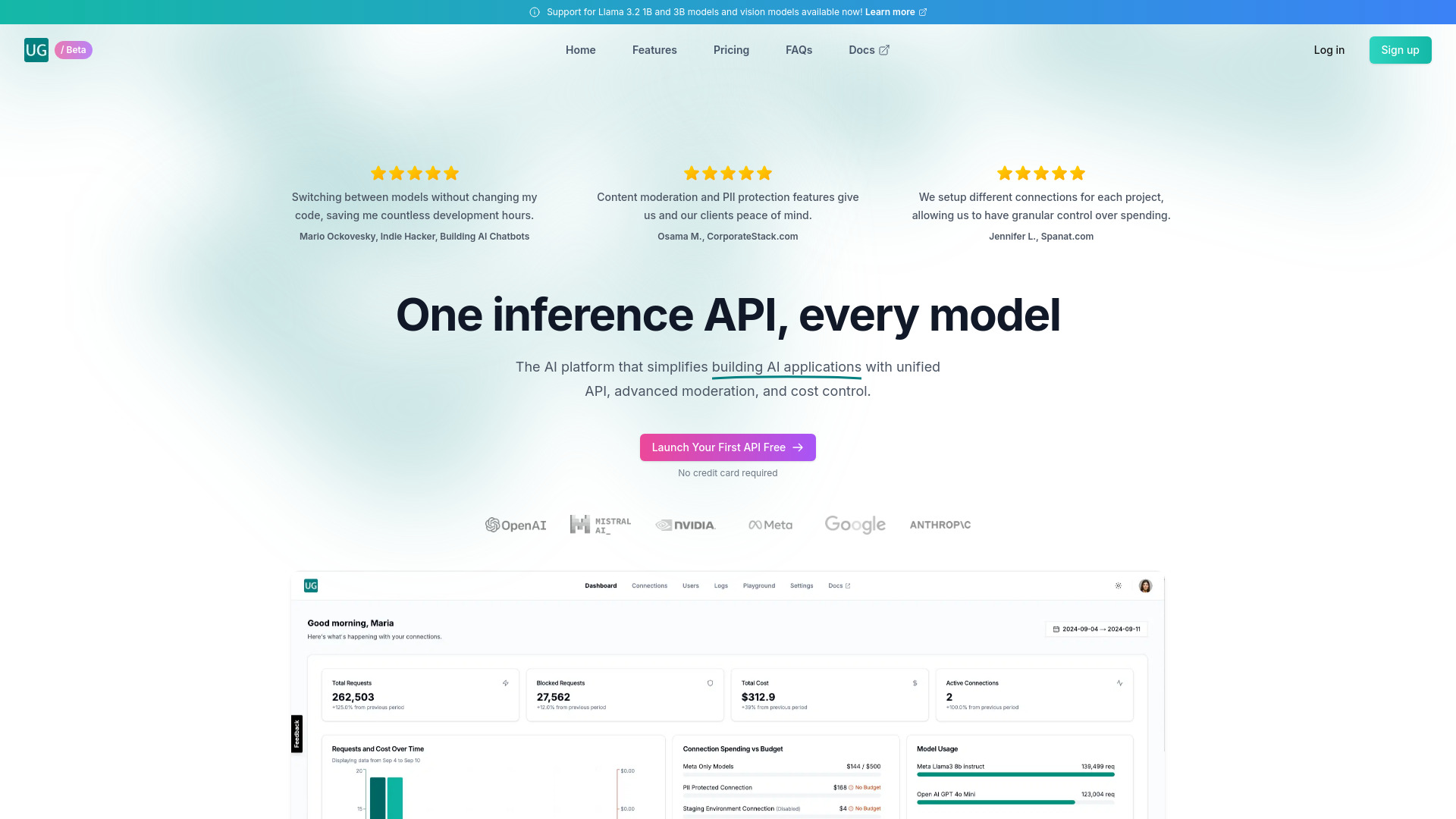
What is UsageGuard?
UsageGuard is a unified AI platform for development, observability, security, and cost management. It acts as an intermediary between applications and LLM providers, offering a single API endpoint to access models from OpenAI, Anthropic, Meta Llama, and more while applying security policies, monitoring usage, and controlling spend.
SpecificationsAI-estimated
Key Features of UsageGuard
Use Cases for UsageGuard
Enterprise AI Development
Build AI applications with access to multiple models through one API while keeping data secure and compliant.
AI Observability and Monitoring
Track performance, usage patterns, and debug AI operations in real time.
Cost Governance
Control LLM spend across teams and projects with budgets, usage tracking, and automated cost management.
Secure LLM Access
Protect applications from prompt injection, PII leakage, and unauthorized data access with enterprise-grade security policies.
How to use UsageGuard?
Update API endpoint
Point your application's API endpoint to UsageGuard.
Add credentials
Include your UsageGuard API key and connection ID in unified inference requests.
Configure policies
Set security policies, budgets, and observability preferences for each connection or project.
Deploy
Choose cloud, private cloud, or on-premise deployment according to your infrastructure needs.
Pros & Cons of UsageGuard
Pros
- Combines AI development, observability, security, and cost management in one place
- Unified API for multiple major LLM providers
- Enterprise-grade security and compliance: SOC2 Type II, GDPR, PII protection, prompt injection sanitization
- Flexible deployment: private cloud, on-premise/air-gapped, AWS regions
- Minimal code changes required to integrate
- Low added latency of 50-100ms per request
- Customizable security policies and budgets per team or project
- Dedicated 24/7 enterprise support with SLAs
Cons
- Pricing is not publicly listed, likely enterprise-focused
- Added proxy latency may matter for very latency-sensitive applications
- Introduces a third-party gateway as a central point of control
- No clear free tier or self-serve trial mentioned on homepage
- Requires trust in vendor for handling all LLM traffic and data
Frequently Asked Questions
How does UsageGuard work?
UsageGuard acts as an intermediary between your application and LLM, handling API calls, applying security policies, and managing data flow.
Which LLM providers does UsageGuard support?
It supports major providers including OpenAI (GPT models), Anthropic (Claude models), Meta Llama, and more.
Will I need to change my existing code?
Minimal changes are required. You mainly need to update your API endpoint to point to UsageGuard and include your UsageGuard API key and connection ID.
Can UsageGuard prevent prompt injection attacks?
Yes, it includes prompt sanitization features to prevent malicious inputs from reaching the LLM provider.
How does UsageGuard ensure data privacy?
It uses data isolation, end-to-end encryption for data in transit and at rest, minimal data retention practices, and never shares data with third parties.
Reviews & Ratings0.0
No reviews yet. Be the first to write one!
Top Alternatives & Similar Software
View all alternatives & similar software→



People also viewed



Related searches
About the Product
Is this your tool?
Claim this page to update details, reply to user reviews, and drive more traffic to your product.
Claim this Product →
Tags
Keep up with UsageGuard alternatives
New alternatives, pricing changes and the week's biggest movers - one email every Tuesday.