



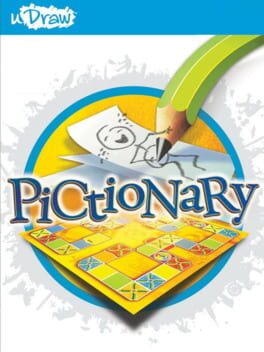
uDraw Pictionary
Draw, guess, and laugh together in a vibrant digital Pictionary party
Best for
Families with a uDraw GameTablet seeking offline party fun
Skip if
Anyone without the tablet or wanting online multiplayer
What is uDraw Pictionary?
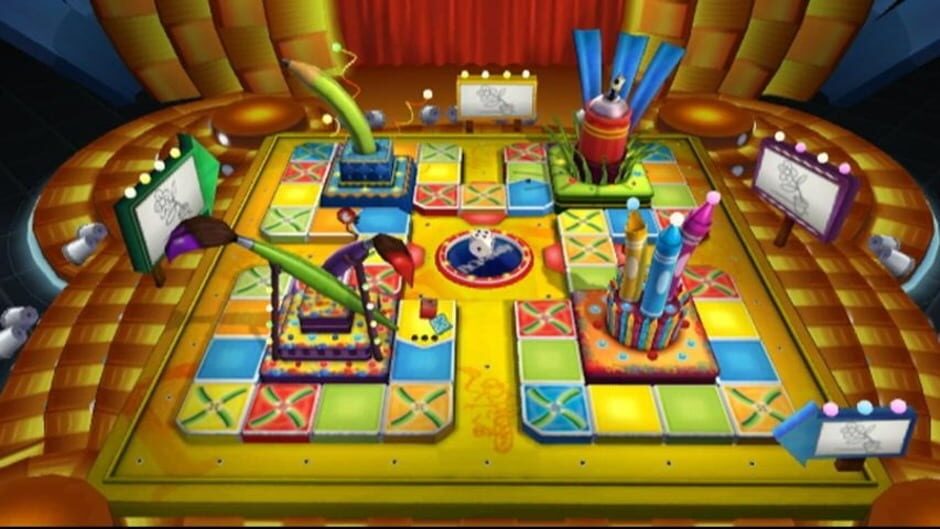
uDraw Pictionary brings the classic board game to the uDraw GameTablet on Wii, letting players sketch clues with a stylus and teammates guess the word. With over 3,000 clues and multiple draw modes, it offers endless fun for families and friends. The game includes a traditional Pictionary mode, a creative Pictionary Mania board with seven unique drawing challenges, and a Free Draw mode for unrestricted artistic expression, all supported by a variety of brushes and colors.
SpecificationsAI-estimated
Key Features of uDraw Pictionary
Use Cases for uDraw Pictionary
Family Game Night
Gather the whole family for a lively drawing competition.
Kids’ Party Entertainment
Keep children engaged with junior clues and simple draw modes.
Creative Warm‑up
Use Free Draw to practice sketching before the main game.
Team‑Building Activity
Encourage teamwork and communication in a casual office setting.
Pros & Cons of uDraw Pictionary
Pros
- Easy to learn for all ages
- Huge variety of clues keeps gameplay fresh
- Multiple draw modes add replay value
- Stylus‑based drawing feels natural on the tablet
Cons
- Limited to the uDraw GameTablet hardware
- No online multiplayer or leaderboards
- Graphics are simple and may feel dated
Frequently Asked Questions
What hardware do I need to play uDraw Pictionary?
You need a Nintendo Wii console and the uDraw GameTablet with its stylus.
Can I play solo?
Yes, the game includes single‑player modes where you can practice drawing and guessing.
Are there separate rules for kids?
Junior clues and simpler draw modes are designed specifically for younger players.
Does the game support other controllers?
All drawing actions require the uDraw Tablet and stylus; other Wii controllers are not used for drawing.
Pricing Overview
View full pricing →Detailed plans are not listed. Visit the official website for pricing information.
Reviews & Ratings0.0
No reviews yet. Be the first to write one!
Top Alternatives & Similar Games
View all alternatives & similar games→
People also viewed


Best For
Related searches
About the Product
Is this your tool?
Claim this page to update details, reply to user reviews, and drive more traffic to your product.
Claim this Product →
Tags
Explore Related Topics
Keep up with uDraw Pictionary alternatives
New alternatives, pricing changes and the week's biggest movers - one email every Tuesday.