




Storydoc
Create AI-powered interactive presentations and business documents that drive results and outshine static PDFs.


What is Storydoc?
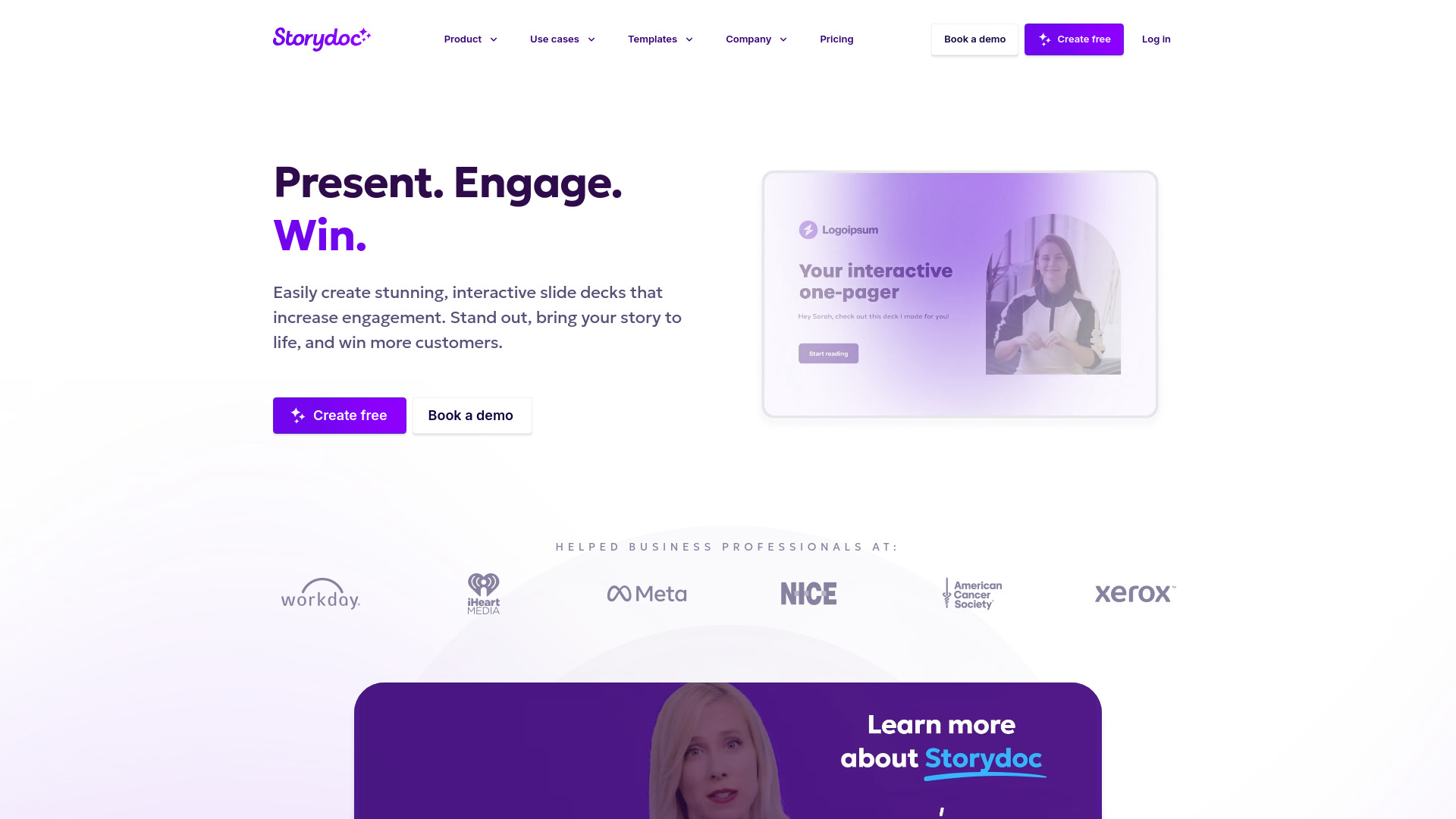
Storydoc is an AI-native business document platform that transforms how professionals create, manage, and scale interactive presentations and documents. Instead of static PDFs or traditional slides, Storydoc enables users to generate beautiful, structured pitch decks, proposals, reports, one-pagers, and more in seconds—no design or coding skills required. The platform is built for sales teams, marketers, founders, and other business professionals, allowing them to embed interactive elements like Calendly, videos, buttons, and dynamic CTAs directly into their documents. A standout capability is the deep personalization and automation: documents can pull live CRM data, use dynamic fields, and deliver tailored content at scale, which teams report dramatically increases engagement and conversion. Storydoc also provides robust analytics, tracking every open, click, and scroll so users can understand what resonates and what gets skipped. Collaboration is seamless, with centralized feedback, content, and approvals, and document management keeps everything on-brand and consistent across the organization. The platform is trusted by over 400,000 users and major brands including Workday, Meta, Salesforce, Hilton, and Deloitte. Storydoc is ideal for anyone who needs to create compelling business documents that stand out, from solo founders and agency owners to enterprise sales and marketing teams. With features like mobile responsiveness, CRM integrations, and organization-wide adoption, Storydoc positions itself as the modern replacement for PDFs and legacy presentation tools.
SpecificationsAI-estimated
Key Features of Storydoc
Use Cases for Storydoc
Sales Decks
Create interactive sales presentations that engage prospects and close deals faster, with real-time analytics to track engagement.
Marketing Collateral
Produce beautiful, interactive marketing materials like brochures and one-pagers that make your brand stand out.
Investor Pitch Decks
Build impressive, trackable pitch decks that get investors excited and help secure funding for your startup.
Proposals
Generate personalized, on-brand proposals with dynamic fields and interactive elements to win more business.
Reports
Turn data-heavy reports into engaging, interactive documents with charts and media that people actually read.
Recruiting Decks
Create personalized recruiting decks and onboarding materials that attract top talent and streamline hiring.
Nonprofit Fundraising
Tell your cause's story with impactful pitch decks and impact reports to inspire donors and drive contributions.
Customer Success & QBRs
Generate Quarterly Business Reviews and performance reports with interactive charts and live data to impress customers.
How to use Storydoc?
Sign up and choose a template
Create a free Storydoc account and browse the library of professionally designed templates for pitch decks, proposals, reports, and more.
Generate your content with AI
Enter your topic or prompt and let the AI create a structured, on-brand draft in seconds, which you can then refine.
Add interactive elements
Enhance your document by embedding videos, scheduling tools like Calendly, buttons, dynamic CTAs, or forms to increase engagement.
Personalize and automate
Use dynamic fields or connect your CRM to automatically personalize each document for different recipients at scale.
Share and track engagement
Share your interactive document via a link, then monitor analytics to see opens, clicks, and time spent to improve your approach.
Pros & Cons of Storydoc
Pros
- AI-powered creation generates polished, structured documents in seconds with no design skills needed
- Interactive elements like Calendly, videos, buttons, dynamic CTAs, and forms embedded directly into documents
- Personalization at scale with dynamic fields and live CRM data for tailored messaging
- Deep analytics track opens, clicks, scrolls, and time-on-slide to measure engagement
- Mobile responsive so presentations look great on any device, including iPhones
Cons
- No offline editing capability, requiring an internet connection to access and edit documents
- Not open source, so users cannot customize the underlying code
- Potential learning curve for teams accustomed to traditional slide tools like PowerPoint or Google Slides
Frequently Asked Questions
What is Storydoc?
Storydoc is an AI-native platform for creating interactive, engaging business documents like presentations, pitch decks, proposals, and reports.
Who uses Storydoc?
Sales teams, marketers, founders, agency owners, HR professionals, customer success managers, and nonprofit leads—anyone who needs to create compelling business documents.
Do I need design or coding skills?
No, Storydoc's AI and templates handle the design, so you can create professional-looking documents in minutes.
Does Storydoc integrate with my CRM?
Yes, Storydoc supports CRM integrations to pull in live data for personalized at-scale document creation.
Can I track how recipients engage with my document?
Yes, Storydoc provides deep analytics including opens, clicks, scrolls, and time-on-slide.
Is Storydoc mobile-friendly?
Yes, documents created in Storydoc are fully mobile responsive, so they look great on iPhones and other devices.
Does Storydoc work offline?
No, offline editing is not supported; you need an internet connection to access and edit your documents.
Is there a free trial?
Storydoc offers a free trial with no credit card required and includes a money-back guarantee, plus high ratings on G2 and Capterra.
Reviews & Ratings0.0
No reviews yet. Be the first to write one!
Top Alternatives & Similar Software
View all alternatives & similar software→





People also viewed


Related searches
Is this your tool?
Claim this page to update details, reply to user reviews, and drive more traffic to your product.
Claim this Product →
Tags
Keep up with Storydoc alternatives
New alternatives, pricing changes and the week's biggest movers - one email every Tuesday.