




SoundBoost.ai
Instant professional music mastering with AI-powered text prompts


What is SoundBoost.ai?
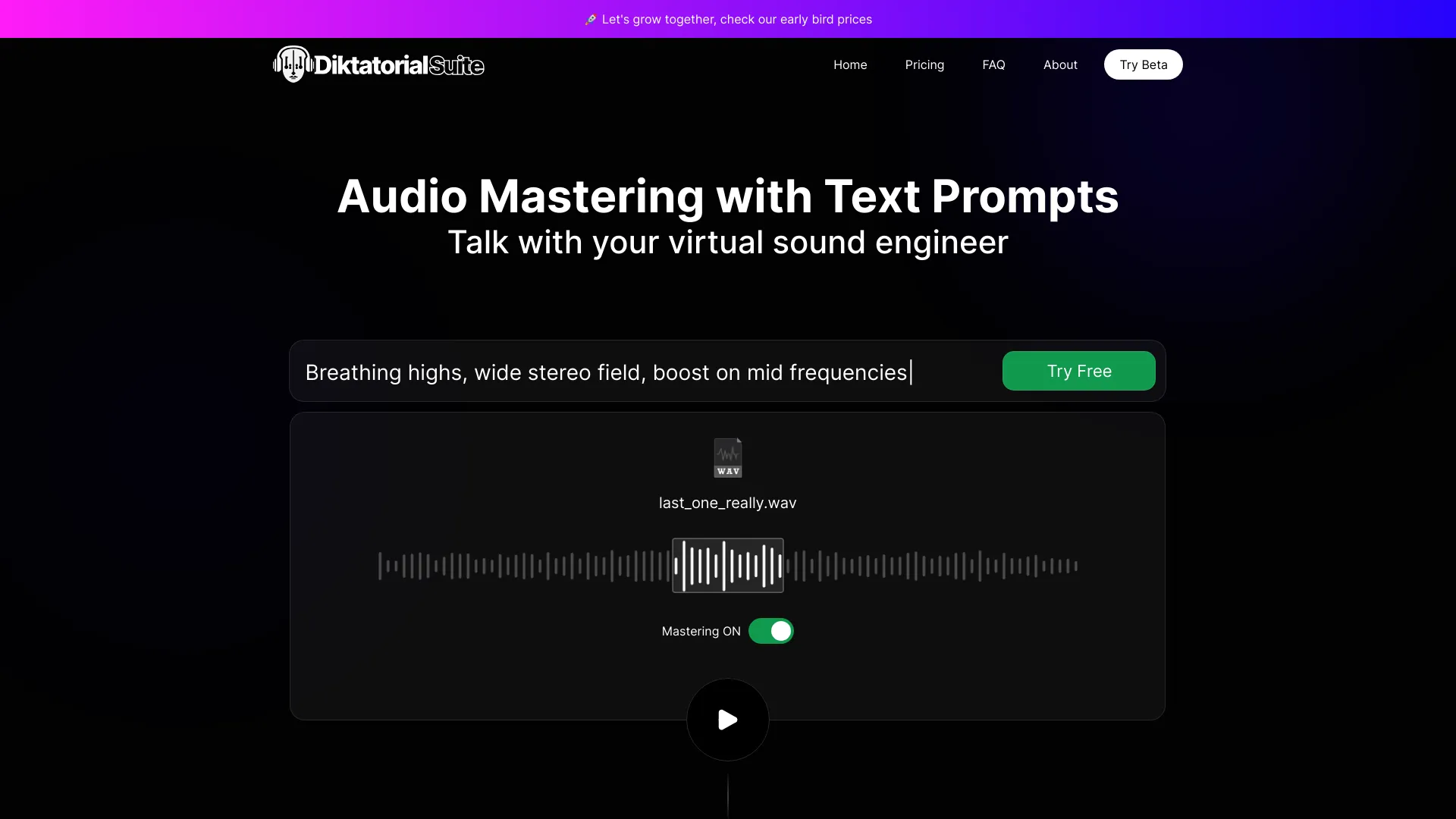
SoundBoost.ai is an AI-powered online audio mastering service that instantly masters tracks using text prompts, reference tracks, and multiple AI mastering engineer personas. It offers streaming optimization, stem splitting, visual creation, and full web/mobile integration.
SpecificationsAI-estimated
Key Features of SoundBoost.ai
Use Cases for SoundBoost.ai
Quick Pro-Quality Mastering
Musicians can upload a mix and get a streaming-ready master in under a minute without needing deep audio engineering skills.
Searching for a Specific Sound
Write prompts like 'I want it to sound like Billie Eilish' or use a reference track to guide the AI toward a desired tonal character.
Mixing and Remixing
Use the stem splitter to isolate vocals or instruments for remixes, practice, or creating backtracks.
Artists Needing Integrated Visuals
Create album covers, Spotify Canvas videos, and other visuals with the built-in AI photo shoot studio.
Mobile Workflow
Master on-the-go with iOS/Android apps, syncing projects across devices.
Loudness Management
Use the loudness penalty simulator and LUFS meter to preview how the track will sound on various platforms before release.
How to use SoundBoost.ai?
Upload Your Track
Upload a WAV or MP3 file directly on the website or mobile app.
Describe Your Desired Sound
Either write a text prompt (e.g., 'Warm, powerful & wide stereo') or paste a Spotify reference link.
Choose an AI Engineer (Optional)
Pick from six AI mastering engineer personas (Default, Sophia, Alex, Marcus, Luna, Kai) to match the style you want.
Master and Preview
The AI processes the track in about a minute. Use A/B comparison to compare the master to the original.
Fine-Tune (Optional)
Adjust intensity, analog warmth, and other settings, or run another prompt until satisfied.
Export Your Master
Choose export format (MP3, WAV, FLAC, etc.), bit-depth, and sample rate, then download or finalize.
Pros & Cons of SoundBoost.ai
Pros
- Prompt-guided mastering: Describe your sound in natural language and get customized results
- Reference mastering: Paste a Spotify link to match loudness, tone, and balance
- Multiple AI mastering engineer personas (e.g., Sophia, Marcus) with distinct sound profiles
- Fast: Full mastering in under a minute
- Unlimited mastering credits on all subscription plans
- Stem splitter and vocal remover included
- Visual creation suite for album covers and videos
- Loudness penalty and device simulation tools
- Client-side tools (LUFS meter, tag editor) for privacy and speed
- No AI training on customer music, ensuring ethical use
- Format conversion (MP3, WAV, FLAC, OGG, AAC, M4A) with custom bit-depth and sample rates
- Works on iOS, Android, and web with sync
Cons
- Pricing details not fully disclosed on the main page (likely subscription-based)
- Dependence on AI may limit advanced manual control for professionals
- Reference matching only supports Spotify links
- Free preview requires no signup but likely has limitations on full exports
- No explicit mention of batch processing or album mastering
- May require high-quality source files for best results
Frequently Asked Questions
Do you train AI on my music?
No. We do not train our models on your masters or share them with third parties. Your music stays private.
What audio formats are supported?
Uploads in .wav, .mp3, and likely other common formats. Exports support MP3, WAV, FLAC, OGG, AAC, and M4A with various bit depth/sample rate options.
Can I use my own reference track?
Yes, you can paste any Spotify link as a reference for matching loudness, tone, and dynamics.
Is there a free trial?
There is a free preview with no signup required, but full exporting likely requires a subscription.
Do you have apps?
Yes, iOS and Android apps are available, mirroring the web app features and syncing projects.
Are there unlimited masterings?
Every subscription includes unlimited mastering credits and stem splitter runs.
Pricing Overview
View full pricing →Detailed plans are not listed. Visit the official website for pricing information.
Reviews & Ratings0.0
No reviews yet. Be the first to write one!
Top Alternatives & Similar Software
View all alternatives & similar software→


People also viewed


Related searches
Is this your tool?
Claim this page to update details, reply to user reviews, and drive more traffic to your product.
Claim this Product →
Tags
Explore Related Topics
Keep up with SoundBoost.ai alternatives
New alternatives, pricing changes and the week's biggest movers - one email every Tuesday.