



Singify
Create unique, royalty-free songs from text, lyrics, or your own voice in minutes.
What is Singify?
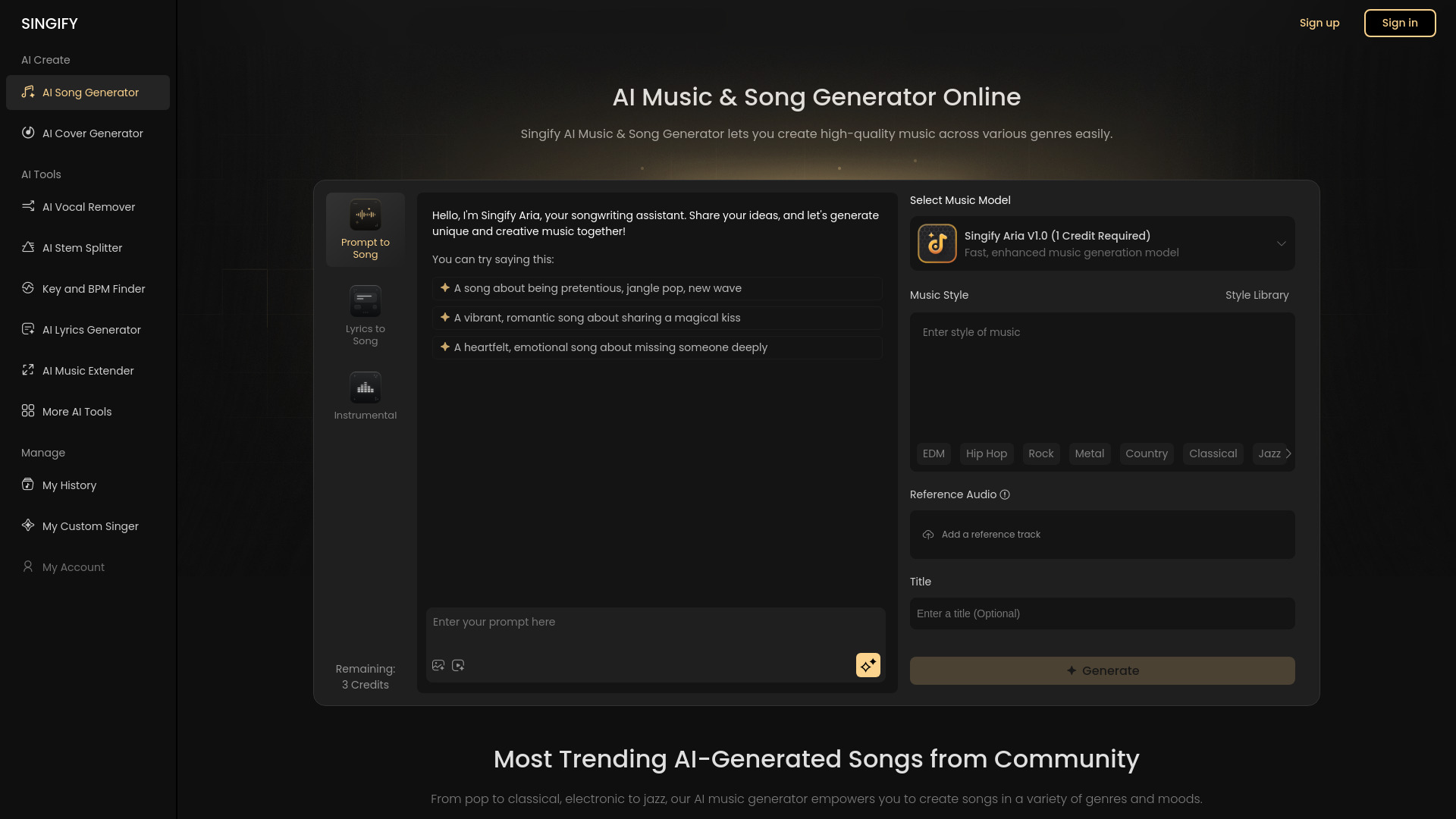
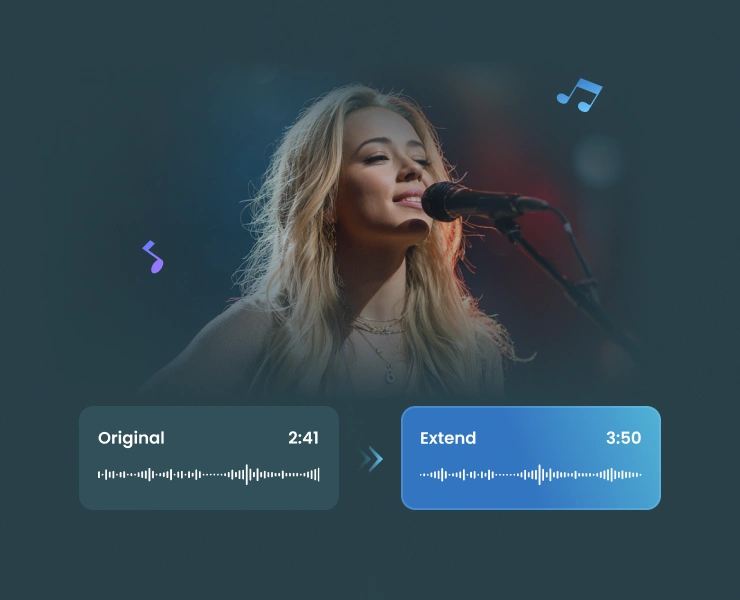
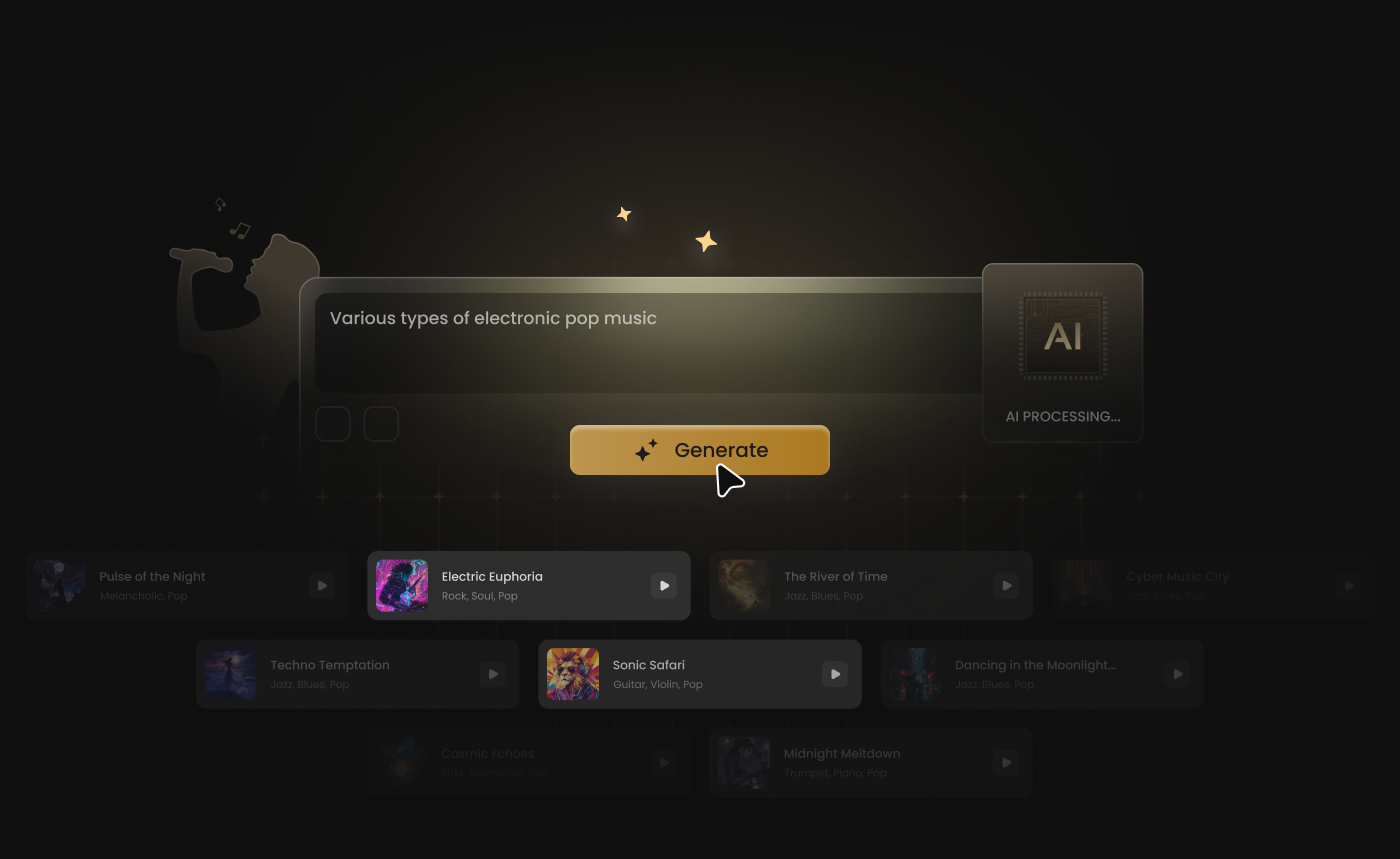
Singify is an AI-powered online music generator from Fineshare that turns text prompts, lyrics, images, videos, and reference audio into complete, professional-sounding songs in minutes. It supports original songs, background music, and AI covers, with genre options spanning pop, EDM, hip-hop, rock, metal, country, classical, jazz, R&B, Latin, folk, blues, easy listening, new-age, and traditional. No musical skills or instruments are required, making it accessible to hobbyists, songwriters, content creators, educators, and marketers alike. The workflow is built around three creation modes: Prompt to Song, Lyrics to Song, and instrumental/background music generation. Users can refine the artistic direction by selecting an AI music model such as Aria V1.0, Aria S1.0, or Aria V2.0, choosing a genre, and picking from a diverse AI singer library or cloning a custom voice with the Make AI Singer feature. Singify generates full-length tracks up to 4–4.5 minutes with intros, bridges, and outros, then lets you preview, tweak, and regenerate until you get the exact sound you want. Finished tracks can be downloaded as high-quality MP3 or FLAC files, with optional stems and exports for DAW editing. Beyond song creation, Singify includes a growing suite of music production tools: an AI vocal remover for instant karaoke tracks, an AI lyrics generator to help overcome writer's block, and a music extender for seamlessly lengthening clips. All generated music is 100% royalty-free, making it a practical pick for YouTube videos, podcasts, advertisements, indie games, film scoring, and personal experimentation. With multilingual support and a community of trending AI-generated songs, Singify positions itself as an all-in-one web-based music studio for anyone who wants to create unique tracks quickly, easily, and affordably.
SpecificationsAI-estimated
Key Features of Singify
Use Cases for Singify
Songwriting and Demos
Musicians and songwriters can transform their lyrics or rough ideas into full demo tracks with realistic AI vocals, harmonies, and instrumentals.
Content Creation and Vlogs
YouTubers, vloggers, and podcasters can add custom background music that matches the mood of their content without copyright worries.
AI Covers and Karaoke
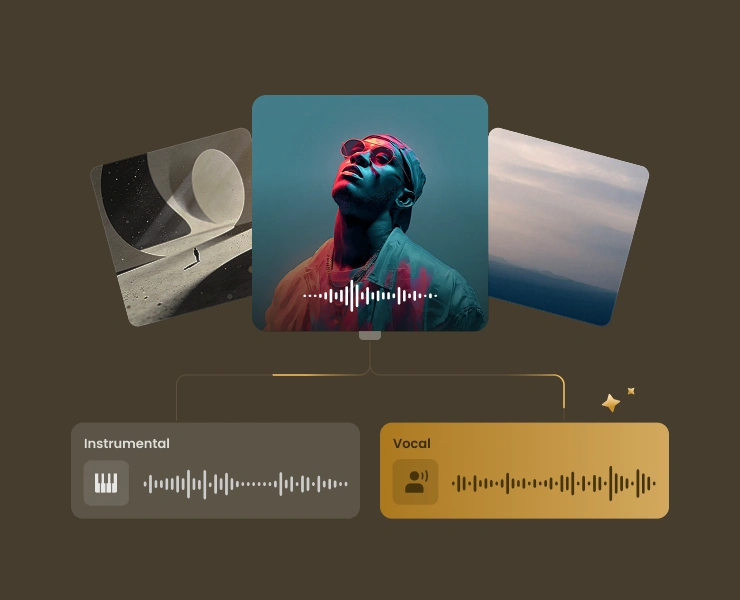
Creators can use the AI vocal remover to produce karaoke versions or make AI song covers using cloned voices and a large AI singer library.
Advertising and Marketing
Marketers and ad agencies can generate unique, professional-sounding music for campaigns without hiring a composer.
Game and Film Soundtracks
Indie game developers and filmmakers can quickly create mood-specific tracks for different scenes, settings, and emotional beats.
Education and Teaching
Teachers and students can use Singify to demonstrate music composition, song structure, and production concepts in a hands-on way.
Personal Music Experimentation
Hobbyists with no musical background can have fun experimenting with different genres, AI voices, and song ideas for personal enjoyment.
How to use Singify?
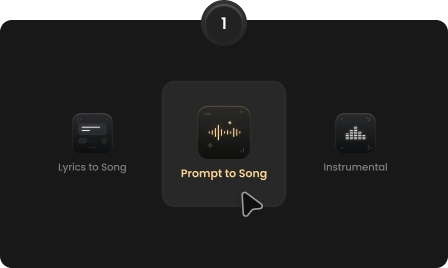
Choose Your Input Mode
Select Prompt to Song, Lyrics to Song, instrumental background music, or AI cover mode. Enter your text prompt, paste lyrics, or upload an image, video, or reference audio so the AI can analyze your input.
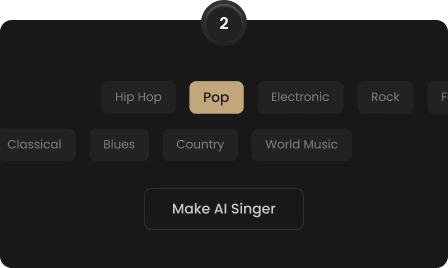
Customize the AI Voice and Style
Pick an AI music model such as Aria V1.0, Aria S1.0, or Aria V2.0, choose a genre, and select an AI singer from the library. You can also use the Make AI Singer feature to clone a custom voice.
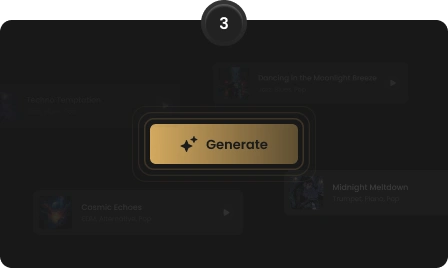
Generate the Track
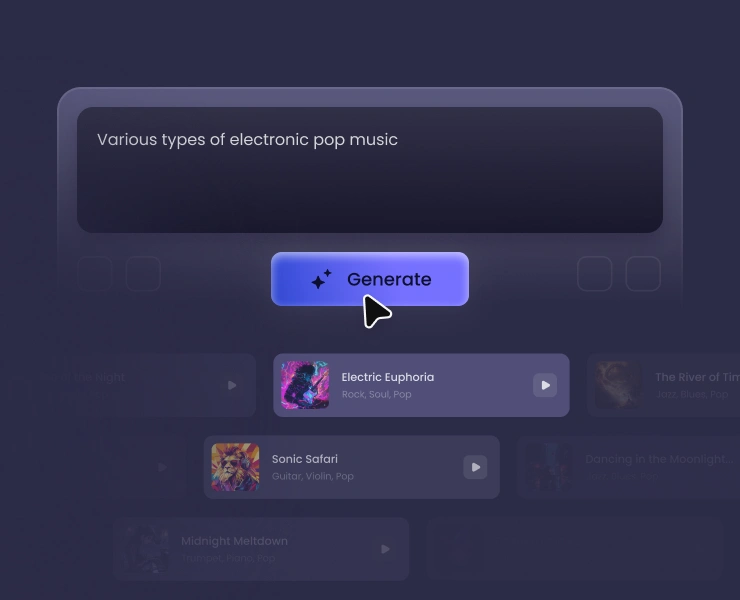
Click Generate and Singify will synthesize original melodies, harmonies, and vocals to create a full-length track of up to 4–4.5 minutes.
Preview and Refine
Preview the generated song on the page. If you want a different sound, modify the lyrics, switch the AI model, adjust the style, or generate additional versions until you are satisfied.
Export and Use
Download your finished audio in high-quality MP3 or FLAC format. You can also export stems for DAW editing, remixing, or further production work.
Pros & Cons of Singify
Pros
- Turn text, lyrics, images, videos, or audio into full songs in seconds.
- Custom AI voice cloning lets you create personalized AI singers.
- 100% royalty-free music for commercial and personal use.
- Up to 4.5-minute tracks with intros, bridges, and outros.
- Built-in vocal remover, AI lyrics generator, and music extender streamline the workflow.
Cons
- Advanced AI models and features consume credits, so heavy use may require a paid plan.
- The AI singer library is still somewhat limited; some users wish it offered more vocal styles.
- It is a web-based tool, so you need a stable internet connection to use it.
- AI-generated vocals, while impressive, are not always indistinguishable from human singers.
Frequently Asked Questions
How does Singify work?
Singify is an AI music and song generator that lets you create high-quality music from text, lyrics, images, videos, and audio inputs. You choose a generation mode, provide your input, pick an AI music model and singer, and the AI produces a complete track.
Is the Singify AI song generator free to use?
Yes, Singify offers a free AI music generator and you can start creating without a credit card. Some advanced AI models and features may consume credits, so heavier usage may require a paid plan.
Can I use the generated music commercially?
Yes. All generated music styles are 100% royalty-free for unlimited personal and commercial use, which is ideal for videos, ads, games, and other projects.
What types of music can I create with Singify?
Singify supports a wide range of genres, including pop, EDM, hip hop, rock, metal, country, classical, jazz, R&B, Latin, folk, blues, easy listening, new-age, and traditional. You can also generate background music and AI song covers.
Do I need any musical skills to use Singify?
No. Singify is designed so that anyone can create songs without musical skills. You can input a text prompt or paste lyrics, and the AI will compose original melodies, harmonies, and vocals.
How long does it take to generate a song?
Singify can generate a complete song in minutes. The resulting tracks can be up to 4–4.5 minutes long, giving you enough room for intros, verses, bridges, and outros.
Can I customize the generated songs?
Yes. After generating a song, you can modify the lyrics, switch the AI music model, adjust the musical style, generate additional versions, or create a custom AI singer to achieve the exact sound you want.
What audio formats are available for download?
Finished tracks can be exported in high-quality MP3 or FLAC format, with optional stems and exports available for DAW editing.
Is Singify suitable for professional music production?
Singify is suitable for professional music production workflows. It provides studio-grade compositions, customizable AI voices, realistic vocals, and stems/exports for DAW editing, making it a strong starting point for producers and musicians.
Does Singify offer AI-generated lyrics as well?
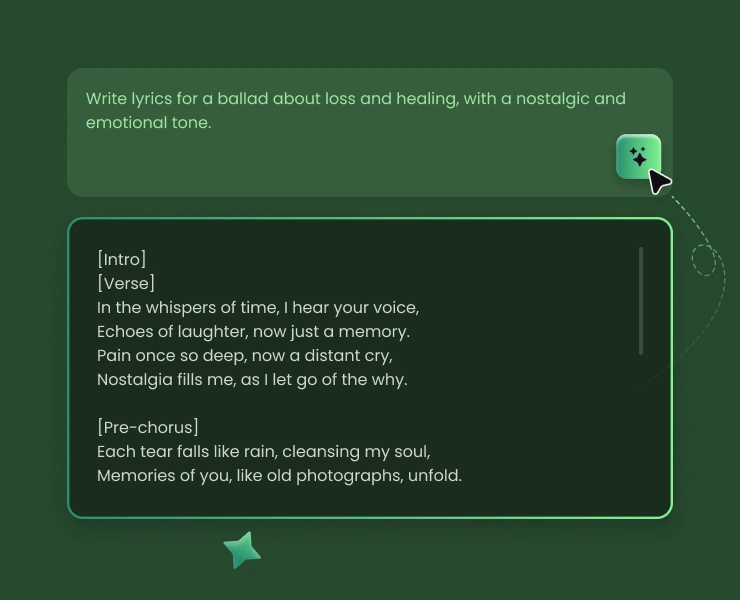
Yes. Singify includes an AI lyrics generator that can create original lyrics in any style, mood, or genre, whether you need pop hooks, rap verses, ballad lyrics, or complete song structures.
Reviews & Ratings0.0
No reviews yet. Be the first to write one!
Top Alternatives & Similar Software
View all alternatives & similar software→



People also viewed


Related searches
Is this your tool?
Claim this page to update details, reply to user reviews, and drive more traffic to your product.
Claim this Product →
Tags
Explore Related Topics
Keep up with Singify alternatives
New alternatives, pricing changes and the week's biggest movers - one email every Tuesday.