



Show Notes Generator
Free AI for podcasters
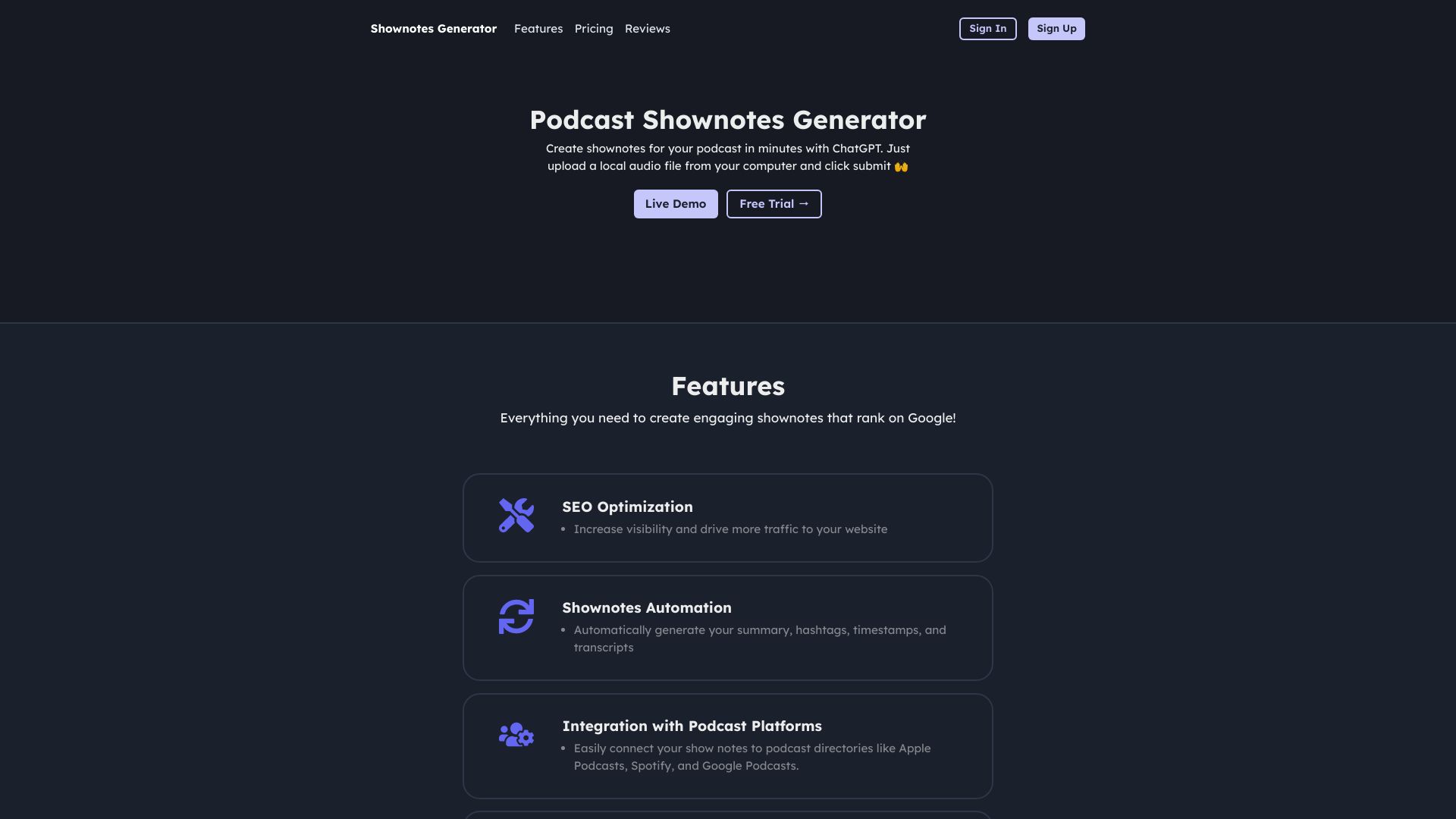
What is Show Notes Generator?
A free AI-powered tool for podcasters and video creators that turns audio or video episodes into accurate transcripts and ready-to-publish show notes, including episode descriptions, resource mentions with timestamps, and chapters.
SpecificationsAI-estimated
Key Features of Show Notes Generator
Use Cases for Show Notes Generator
Podcast show notes
Generate episode descriptions, summaries, and chapter ideas right after recording.
YouTube video descriptions
Turn long-form video into clear descriptions, timestamps, and takeaways.
Interview and talk show notes
Capture guest quotes and key moments as skimmable notes.
Team and client deliverables
Provide clients or co-hosts with a first draft of notes and descriptions.
How to use Show Notes Generator?
Upload your episode
Drop an MP3, WAV, M4A, or video file from your recorder or editor.
Get the transcript
AI turns speech into readable text you can search, quote, and reuse.
Generate show notes
Get an accurate episode description, resource mentions with timestamps, and chapters.
Pros & Cons of Show Notes Generator
Pros
- Free to use
- Transcribes audio and video
- Generates publish-ready show notes
- Includes speaker labels and timestamps
- Supports common podcast and video file formats
- No installation required
Cons
- Transcript accuracy depends on audio quality
- May need minor cleanup before publishing
Frequently Asked Questions
What does Show Notes Generator create?
An accurate episode transcript plus AI show notes: an episode description, resource mentions with timestamps, and chapters with timestamps.
Is Show Notes Generator free?
Yes. Show Notes Generator is free to use — upload your episode and get a transcript plus show notes without paying to start.
How accurate are the transcripts?
Accuracy depends on audio quality. Clear speech with less crosstalk produces the best transcripts and cleaner show notes.
Can I paste the notes into my podcast host or YouTube?
Yes. The show notes are written to paste into common hosts, your website, or a YouTube description with minimal cleanup.
What file types are supported?
MP3, WAV, and M4A for podcast audio, plus common video formats when you want dialogue turned into text.
Pricing Overview
View full pricing →Show Notes Generator is free to use — upload your episode and get a transcript plus show notes without paying to start.
Reviews & Ratings0.0
No reviews yet. Be the first to write one!
Top Alternatives & Similar Software
View all alternatives & similar software→



People also viewed



Related searches
About the Product
Is this your tool?
Claim this page to update details, reply to user reviews, and drive more traffic to your product.
Claim this Product →
Tags
Explore Related Topics
Keep up with Show Notes Generator alternatives
New alternatives, pricing changes and the week's biggest movers - one email every Tuesday.