




Shorts Generator
AI-powered video creator that turns long content into caption‑driven vertical shorts.
Best for
Musicians and creators needing fast, beat‑synced vertical shorts
Skip if
Anyone requiring mobile app or extensive visual customization
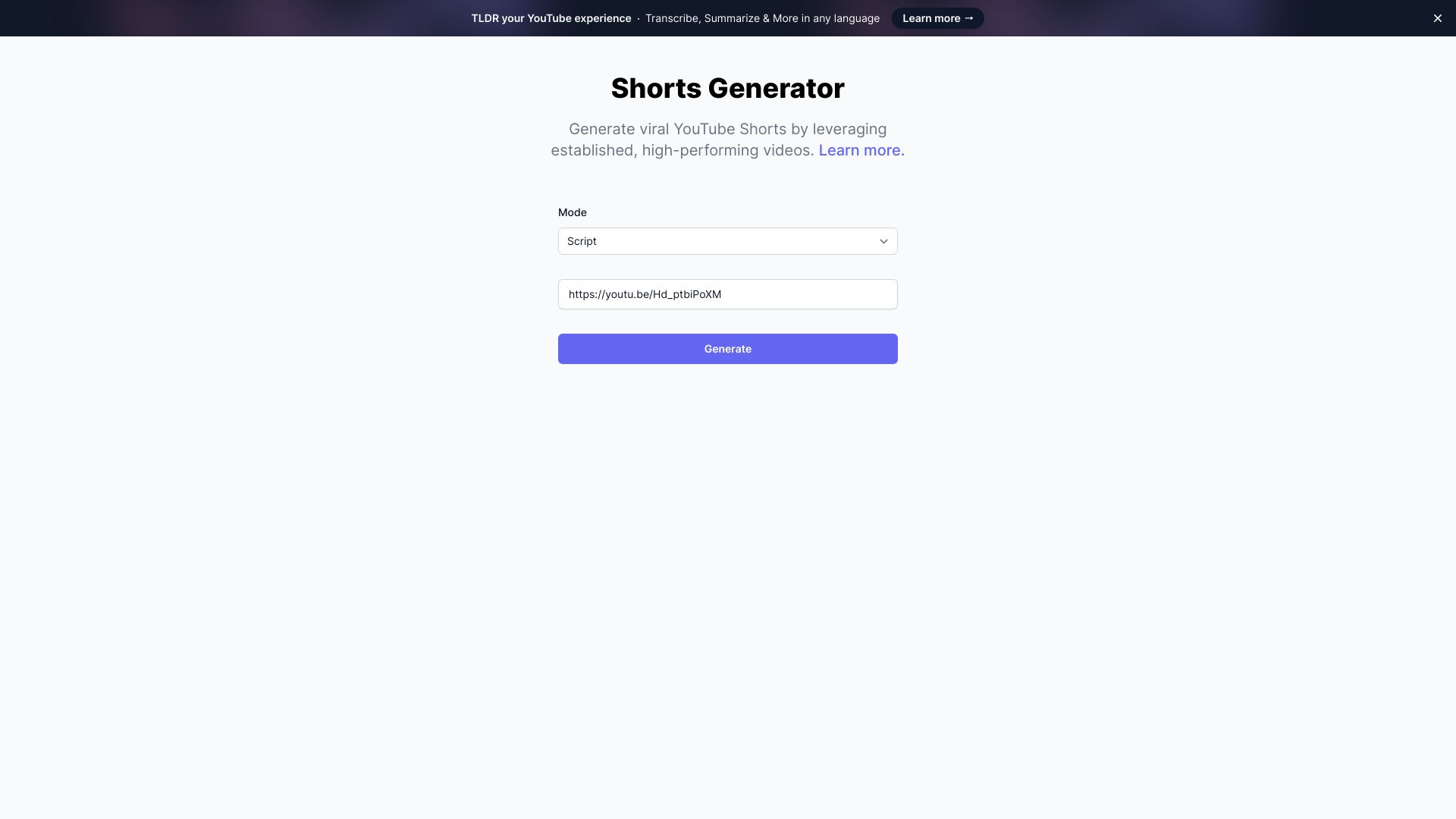
What is Shorts Generator?
Shorts Generator is a cloud‑based AI video creator designed for TikTok, YouTube Shorts, and Reels. It automatically extracts highlights from long videos, songs, or stories and produces a batch of vertical shorts with beat‑synced typography and AI‑generated visuals. The platform offers batch export, flat‑rate pricing tiers and a free starter plan, making it ideal for musicians, podcasters, social media managers and any creator who needs fast, caption‑rich short‑form videos.
SpecificationsAI-estimated
Key Features of Shorts Generator
Use Cases for Shorts Generator
Music Promotion
Turn a full song into multiple beat‑synced teaser clips for TikTok and Reels.
Podcast Highlights
Extract key moments from a podcast episode and create captioned short videos.
Storytelling Snippets
Convert a long narrative video into bite‑size vertical stories with synced text.
Social Media Scheduling
Batch‑export a library of shorts ready for upload to multiple platforms.
How to use Shorts Generator?
Drop a song, video, or story
Upload your audio or video file (song, podcast, stream, narrated story).
Engine analyzes the score
The audio is converted into data: beats, downbeats, energy, sections, per-word emphasis.
Get your pack of shorts
Receive a ranked set of caption-driven vertical shorts, each with beat-synced captions and optional AI visuals, plus a Canvas crop.
Pros & Cons of Shorts Generator
Pros
- Fast automatic beat‑sync and captioning
- Batch export saves time
- No credit limits with flat pricing
- Runs entirely in the browser
Cons
- Limited to vertical video formats
- Customization of AI visuals is basic
- No native mobile app
Frequently Asked Questions
Do I need to install any software?
No, Shorts Generator is a cloud‑based web app that runs in any modern browser.
Can I use the free plan for commercial projects?
Yes, the free starter tier allows commercial use, but higher volume needs may require a paid tier.
What video formats are supported for input?
Common formats such as MP4, MOV, and AVI are accepted for upload.
Is there an API for automated workflows?
An API is available for integration with external tools and automation pipelines.
Pricing Overview
View full pricing →The page does not include explicit pricing information. It references that the tool is "Free to start" (no credit card, no expiring credits) and links to a separate pricing page, but no plan names, dollar amounts, or billing structures are stated verbatim in the content provided.
Reviews & Ratings0.0
No reviews yet. Be the first to write one!
Top Alternatives & Similar Software
View all alternatives & similar software→
%20(3).png)



People also viewed



Best For
Related searches
About the Product
Is this your tool?
Claim this page to update details, reply to user reviews, and drive more traffic to your product.
Claim this Product →
Tags
Explore Related Topics
Keep up with Shorts Generator alternatives
New alternatives, pricing changes and the week's biggest movers - one email every Tuesday.