




Renderforest
Create professional videos, designs, and websites with AI — all from one subscription.




What is Renderforest?
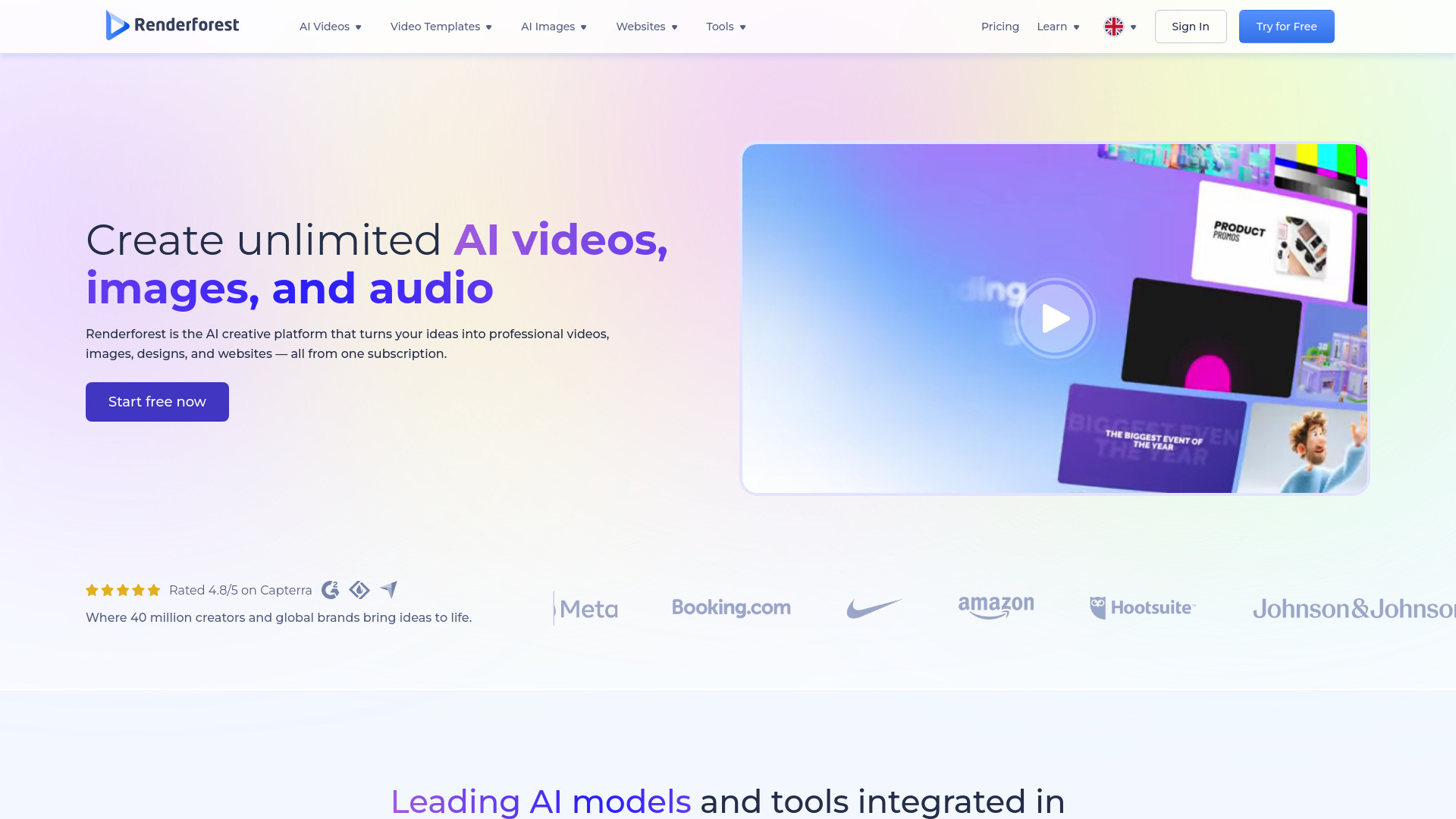
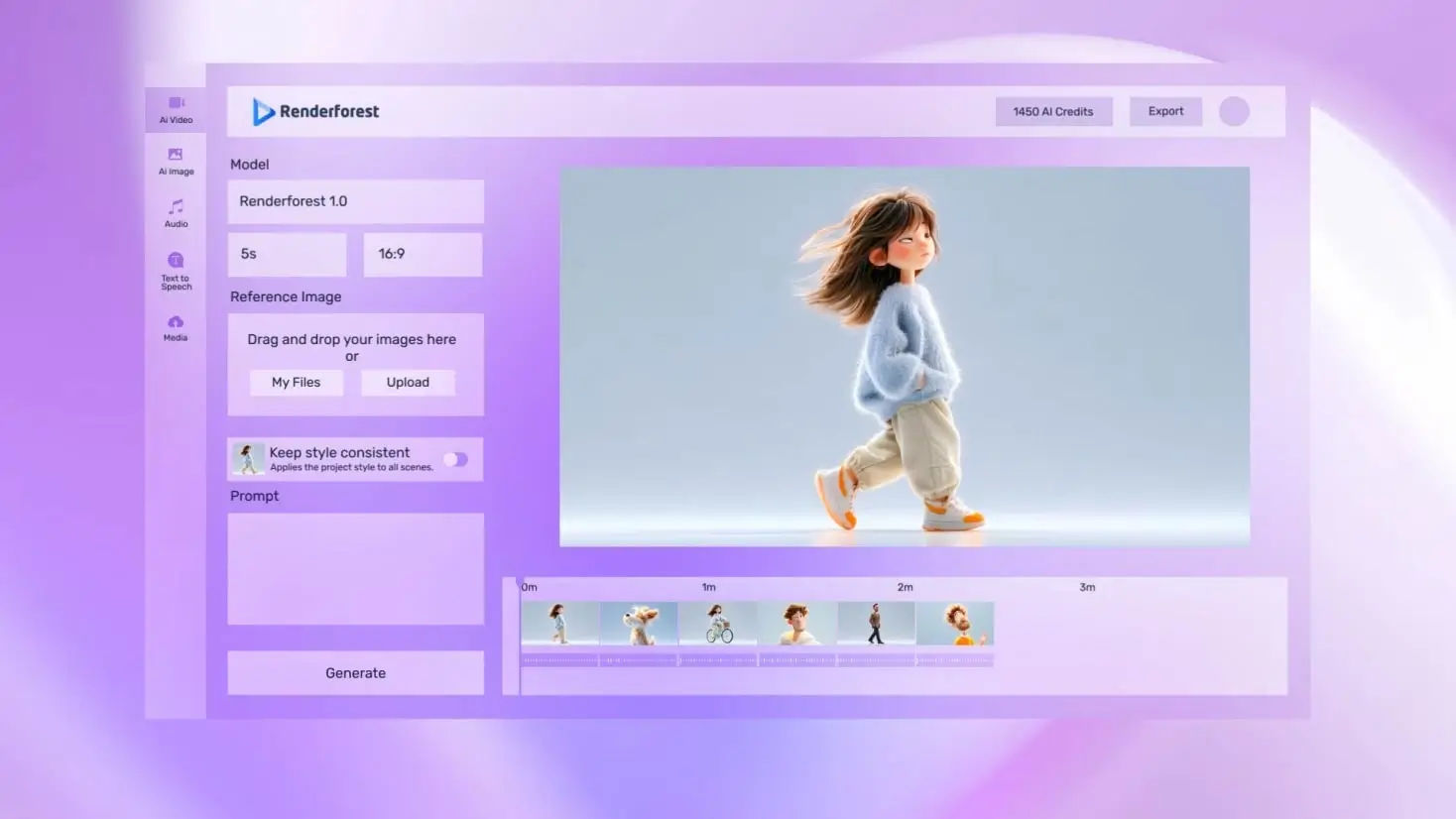
Renderforest is an all-in-one, AI-powered creative platform for producing professional videos, images, logos, graphics, mockups, and websites — from a single subscription. Since 2013, over 40 million creators have used it to build more than 120 million projects. It combines an intuitive editor, 1200+ studio-quality video templates, and leading generative AI models (including Sora 2, Google Veo 3.1, Kling 3.0 Omni, Seedance 2.0, Pixverse V6, Nano Banana Pro, GPT Image 2, Grok Imagine, and Renderforest’s own AI engine) so anyone can create studio-grade content quickly and affordably — no design or video editing skills required.
SpecificationsAI-estimated
Key Features of Renderforest
Use Cases for Renderforest
Creating marketing and promotional videos
Easily create product showcases, brand stories, promo videos, and social ads using AI video generation and customizable templates.
Building educational and training content
Produce explainer videos, presentations, educational clips, and training materials from static content or simple scripts.
Growing a personal brand on social media
Generate intros, logo animations, and full-length YouTube or social media content with AI-powered tools built for creators.
Launching a business brand
Design logos, mockups, social posts, and a complete website to establish a strong digital presence — all in one platform.
HR and internal communications
Create onboarding videos, internal updates, and culture-building clips without hiring a production team.
How to use Renderforest?
Pick a template or start with AI
No design or video production knowledge is needed. Start from a template or use the AI generator, then customize with your text, colors, logo, and music.
Customize your project
Use the intuitive editor to tweak scenes, add brand assets, adjust timing, or apply AI presets with your own images.
Export and share
Export in your desired resolution (HD/4K on paid plans) or publish directly to social channels from the mobile/web platform.
Pros & Cons of Renderforest
Pros
- Combines video, image, logo, website, and design tools in one subscription
- No prior design or video editing skills required
- Large library of 1200+ professional video templates
- Integrates top-tier AI models for high-quality output
- Works on web and mobile — create from anywhere
- Suitable for individuals, teams, clients, and businesses
Cons
- Watermark and resolution limits on the free plan
- Full-scale cinematic production not the target use case — best for structured and semi-custom content
- Subscription needed for HD/4K exports and advanced template access
- Template-based approach may feel less flexible than fully custom tools
Frequently Asked Questions
Is Renderforest free to use?
Renderforest uses a freemium model. A free plan is available, but exported videos include a Renderforest watermark and are limited in resolution. Paid plans unlock HD/4K exports, watermark-free rendering, and more creative control and template access.
Can I use Renderforest for both personal and commercial projects?
Yes. Renderforest supports both personal and commercial projects. You can create visuals, videos, and websites for yourself, your clients, or your business.
Can I create AI-generated videos and images with Renderforest?
Yes. The AI Video Generator turns scripts or ideas into professional videos instantly. You can also create unique visuals from text prompts or reference images using the AI Image Generator.
Does Renderforest have a mobile app?
Renderforest works entirely in your browser, but native apps are available for Android and iOS. The platform is fully optimized for phones and tablets.
Pricing Overview
View full pricing →No explicit plan names or prices were found in the page content.
Detailed plans are not listed. Visit the official website for pricing information.
Reviews & Ratings0.0
No reviews yet. Be the first to write one!
Top Alternatives & Similar Software
View all alternatives & similar software→No alternatives available yet.
People also viewed



Related searches
Is this your tool?
Claim this page to update details, reply to user reviews, and drive more traffic to your product.
Claim this Product →
Tags
Explore Related Topics
Keep up with Renderforest alternatives
New alternatives, pricing changes and the week's biggest movers - one email every Tuesday.