




Raycast
A blazingly fast and highly extensible launcher for macOS
Best for
Tech-savvy macOS users seeking customization.
Skip if
Those preferring simple, traditional launchers.

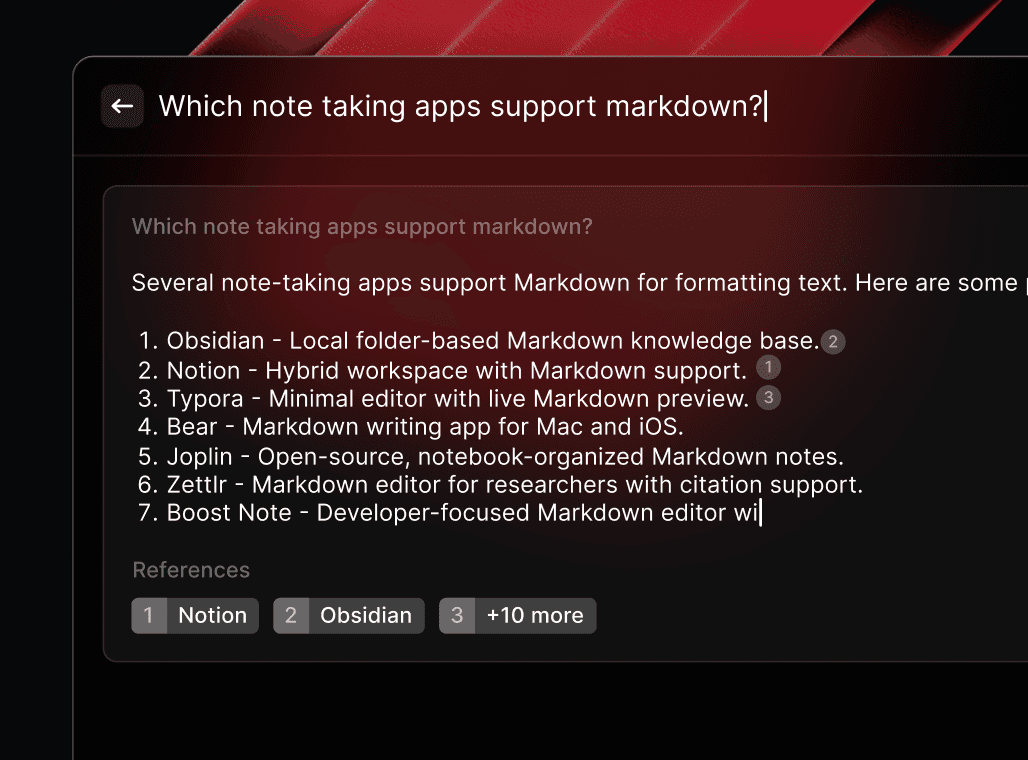

What is Raycast?
Raycast is a proprietary launcher for macOS with a free tier that allows users to quickly access and manage their applications, files, and more. With a highly customizable interface and a wide range of extensions available, Raycast is a powerful tool for boosting productivity and streamlining workflows.
SpecificationsAI-estimated
Key Features of Raycast
Use Cases for Raycast
Boosting Productivity
Raycast helps users quickly access and manage their applications, files, and more, making it a great tool for boosting productivity.
Streamlining Workflows
Raycast's powerful scripting engine and extensible architecture make it a great choice for streamlining complex workflows.
Customizing the User Experience
Raycast's highly customizable interface and wide range of extensions make it a great choice for users who want to tailor their computing experience to their needs.
Learning to Code
Raycast's simple and intuitive API make it a great choice for users who want to learn to code and create their own extensions and themes.
How to use Raycast?
Download and install Raycast
Get started with Raycast by downloading and installing it on your Mac
Explore the features
Take some time to explore the various features and tools that Raycast has to offer
Customize your experience
Customize Raycast to fit your needs and workflow
Pros & Cons of Raycast
Pros
- Highly customizable and extensible
- Fast and powerful search functionality
- Wide range of built-in features and third-party extensions
- Generous free tier for the core launcher, with Raycast Pro from $8/month
Cons
- Steep learning curve for advanced features
- Limited support for certain file types and applications
- Not suitable for users who prefer a more traditional launcher interface
Frequently Asked Questions
Is Raycast free?
Raycast has a free tier that covers the core launcher. It is not open source, and a paid Raycast Pro plan starts at $8/month.
Can I customize the Raycast interface?
Yes, Raycast is highly customizable, with users able to create their own themes and extensions.
Does Raycast support hotkeys?
Yes, Raycast includes support for hotkeys, allowing users to quickly access their favorite applications and features.
Is Raycast available for Windows or Linux?
No, Raycast is currently only available for macOS.
Pricing Overview
View full pricing →Monthly and Annual plans available
Reviews & Ratings0.0
No reviews yet. Be the first to write one!
Top Alternatives & Similar Software
View all alternatives & similar software→



People also viewed

Best For
Related searches
About the Product
Is this your tool?
Claim this page to update details, reply to user reviews, and drive more traffic to your product.
Claim this Product →
Tags
Explore Related Topics
Keep up with Raycast alternatives
New alternatives, pricing changes and the week's biggest movers - one email every Tuesday.