




What is Podsuite?
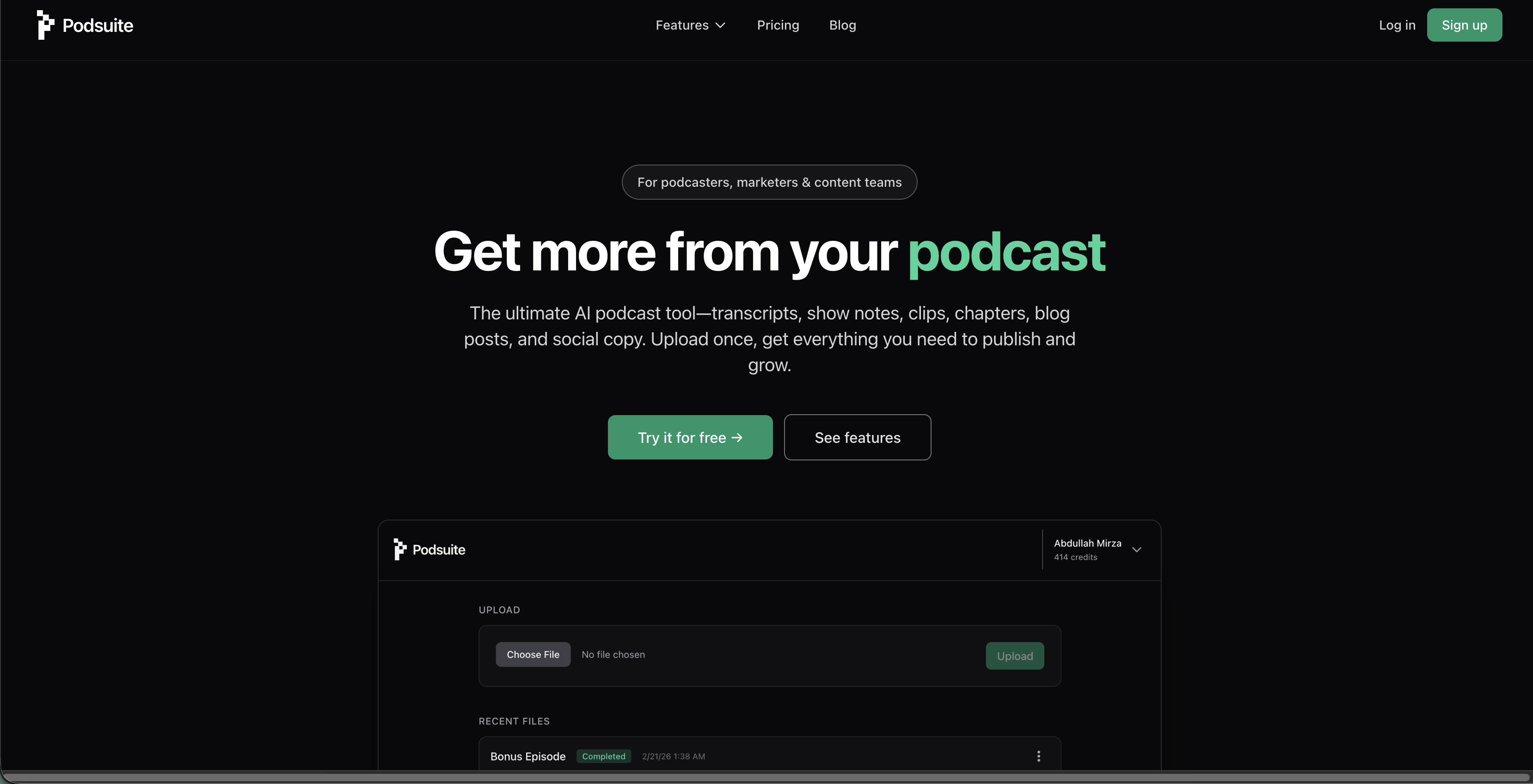
Podsuite is an AI-powered podcast tool that turns one episode upload into transcripts, show notes, chapters, blog posts, social media content, email newsletters, clip suggestions, and more.
SpecificationsAI-estimated
Key Features of Podsuite
Use Cases for Podsuite
Podcasters
Turn a podcast episode into a full content engine: transcript, show notes, blog post, newsletter, social posts, and clips.
Marketers
Repurpose podcast content into marketing assets and social media clips quickly.
Content teams
Scale creative workflows by reducing manual editing and writing time.
How to use Podsuite?
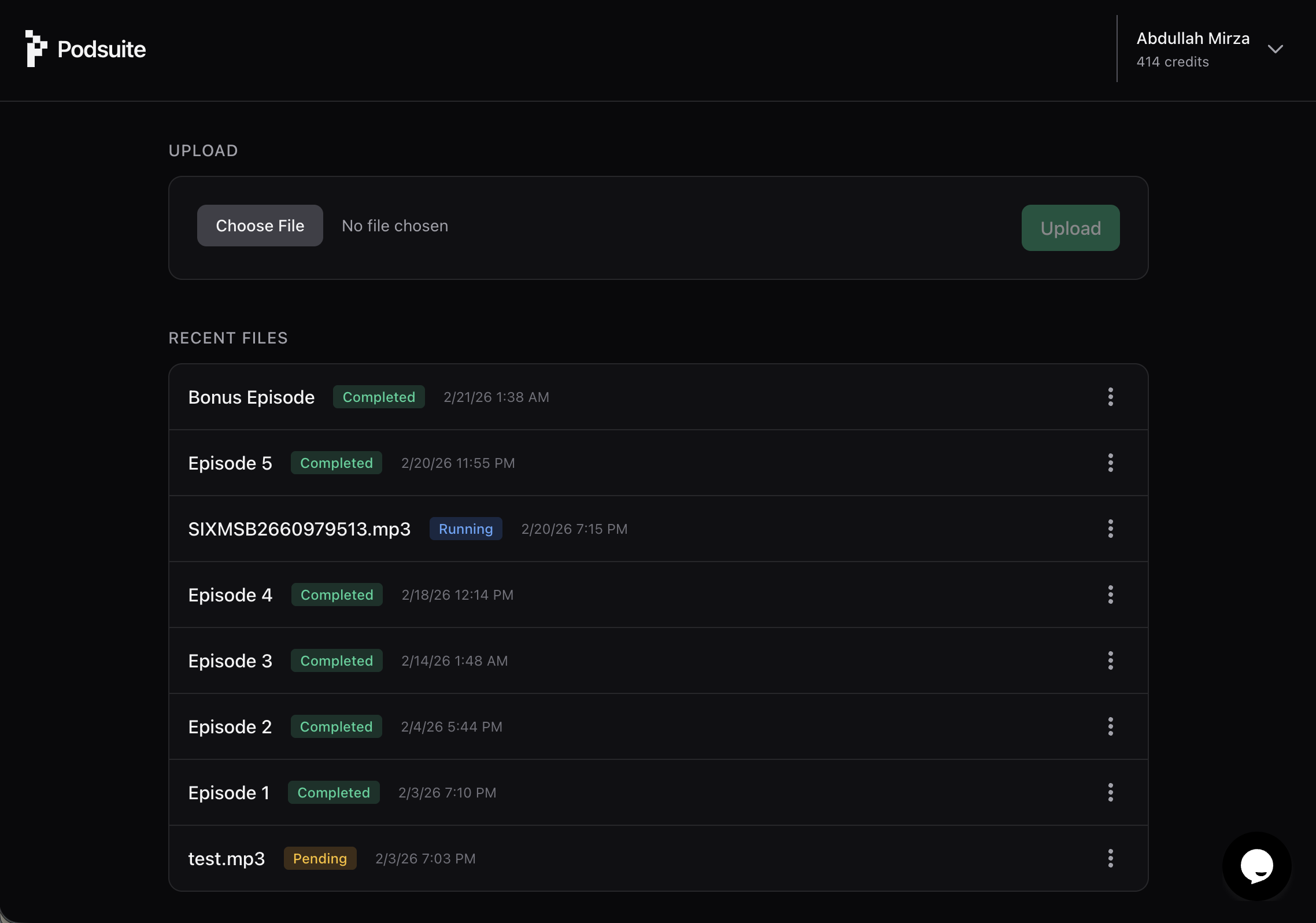
Upload your episode
Upload audio or video from your computer or link from your podcast host.
Podsuite analyzes and structures it
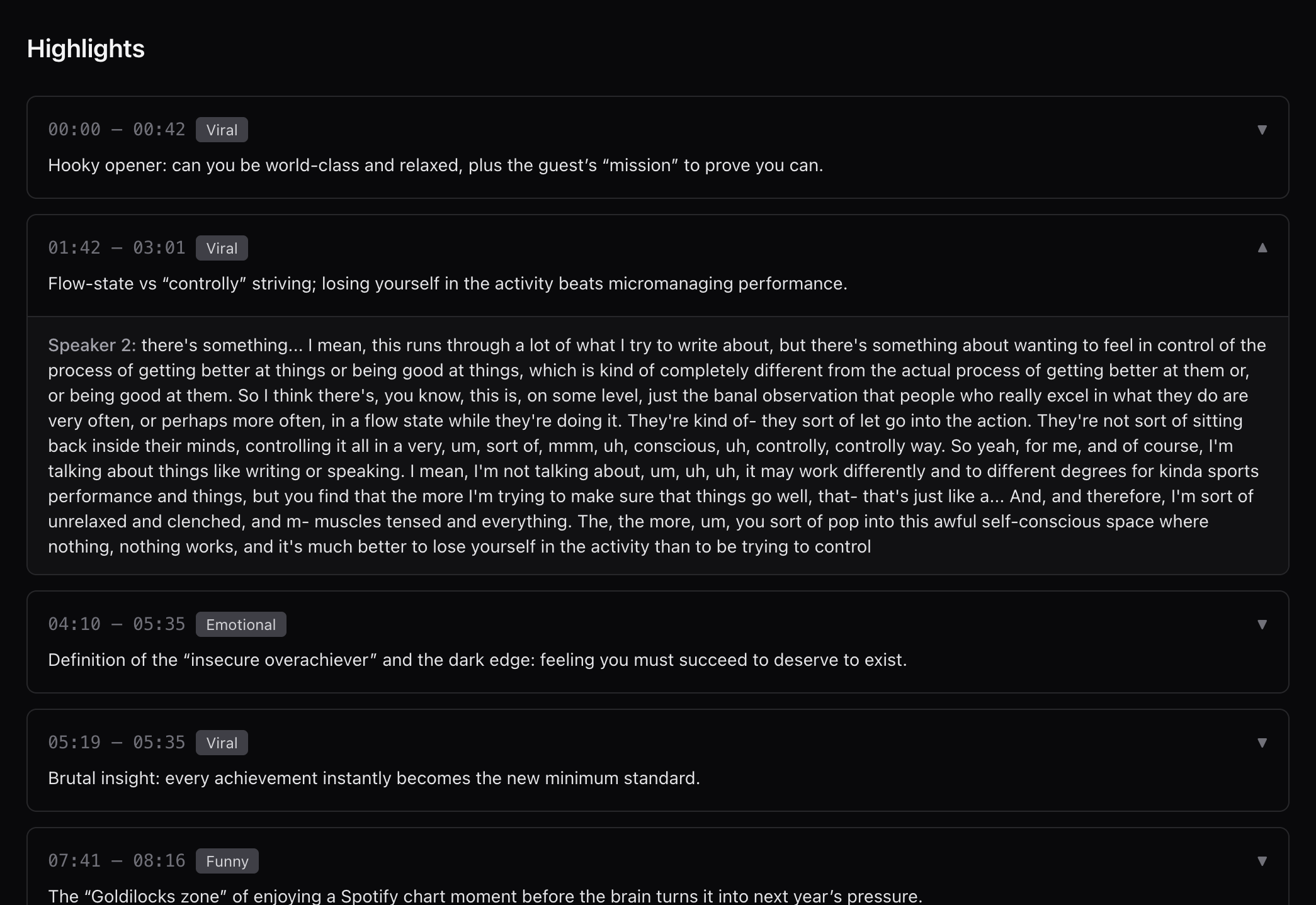
AI transcribes, identifies chapters, generates show notes, and suggests clips.
Download publish-ready content
Export or copy transcripts, captions, blog posts, social copy, and clip timestamps.
Pros & Cons of Podsuite
Pros
- One upload generates multiple publish-ready assets
- Built specifically for podcast workflows, not generic AI prompts
- Timestamp-aware clip suggestions and quote hooks
- Editable transcripts, show notes, blog posts, and clips
- SRT export for video captions
- Privacy-focused: no training on user content
- Free to start, no credit card required
Cons
- Video support is still expanding
- No explicit pricing details beyond free tier
Frequently Asked Questions
Is my content private?
Yes. Episodes and outputs are yours. Podsuite does not train on your content or share it.
Can I edit the outputs?
Yes. Everything is editable, including transcripts, show notes, blog posts, and clips.
What formats are supported?
MP3, WAV, M4A, and other common podcast formats. Audio is extracted from video automatically.
Does it support video?
Yes, audio is extracted and transcribed automatically, with SRT export for captions. Video support is expanding.
Reviews & Ratings0.0
No reviews yet. Be the first to write one!
Top Alternatives & Similar Software
View all alternatives & similar software→

People also viewed


Related searches
About the Product
Is this your tool?
Claim this page to update details, reply to user reviews, and drive more traffic to your product.
Claim this Product →
Tags
Explore Related Topics
Keep up with Podsuite alternatives
New alternatives, pricing changes and the week's biggest movers - one email every Tuesday.