




Pix Me! Studio
Turn any photo into a classic Polaroid instantly online
Best for
Casual users wanting quick Polaroid-style photos
Skip if
Anyone needing advanced editing or offline tools
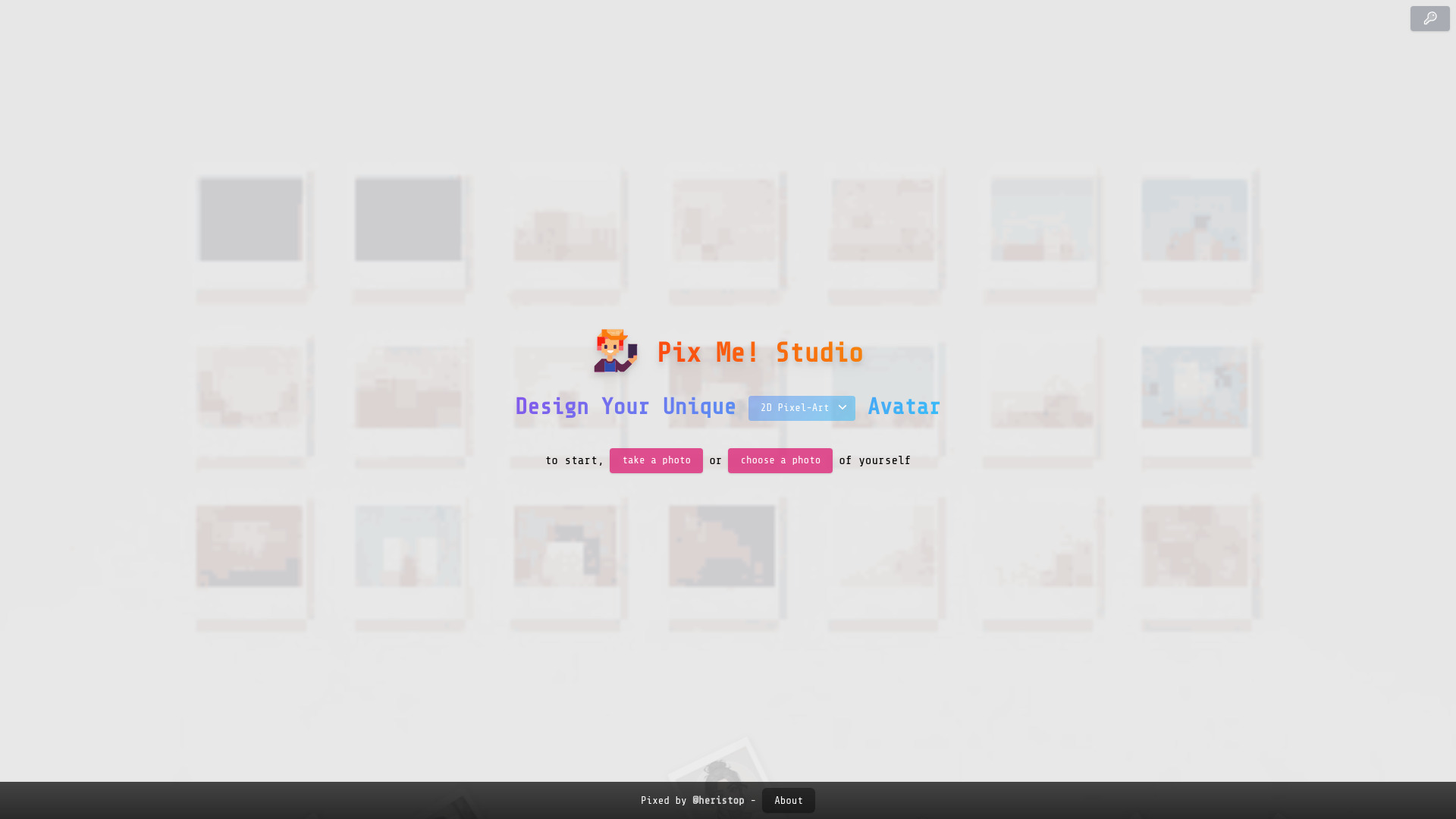
What is Pix Me! Studio?
Pix Me! Studio is a simple web tool that transforms uploaded photos into vintage Polaroid‑style snapshots with a single click. No editing panels or complex settings—just upload and watch the retro magic happen.
SpecificationsAI-estimated
Key Features of Pix Me! Studio
Use Cases for Pix Me! Studio
Social Media Profile Upgrade
Create a nostalgic Polaroid version of your profile picture for Instagram or Facebook.
Digital Greeting Card
Turn a personal photo into a retro card to send to friends and family.
Event Photo Keepsake
Give event photos a vintage look for memorable digital souvenirs.
Creative Portfolio Piece
Add a Polaroid‑styled image to showcase a unique aesthetic in a design portfolio.
How to use Pix Me! Studio?
Open the website
Navigate to https://pix-me.studio/ in any modern web browser.
Upload a photo
Click 'Upload a photo to get started' and select an image from your device.
Choose your photo
If prompted, choose a photo of yourself to get the intended portrait-style Polaroid effect.
Snap and share
View the generated Polaroid-style image, then save or share your nostalgic snapshot.
Pros & Cons of Pix Me! Studio
Pros
- Instant results with no learning curve
- Fully browser‑based, no download required
- Free to use for unlimited photos
- Produces high‑resolution outputs suitable for sharing
Cons
- Limited to Polaroid effect only
- No advanced editing or customization options
- Requires internet connection
Frequently Asked Questions
Do I need to create an account to use Pix Me! Studio?
No, you can upload and transform photos without signing up.
What file formats are supported for upload?
Common image formats such as JPEG, PNG, and GIF are supported.
Can I adjust the intensity of the Polaroid effect?
The tool applies a preset Polaroid style and does not offer intensity controls.
Is there a limit to how many photos I can process?
There is no set limit; you can transform as many photos as you like for free.
Pricing Overview
View full pricing →Detailed plans are not listed. Visit the official website for pricing information.
Reviews & Ratings0.0
No reviews yet. Be the first to write one!
Top Alternatives & Similar Software
View all alternatives & similar software→People also viewed

Best For
Related searches
Is this your tool?
Claim this page to update details, reply to user reviews, and drive more traffic to your product.
Claim this Product →
Tags
Keep up with Pix Me! Studio alternatives
New alternatives, pricing changes and the week's biggest movers - one email every Tuesday.