



OpenTypeless
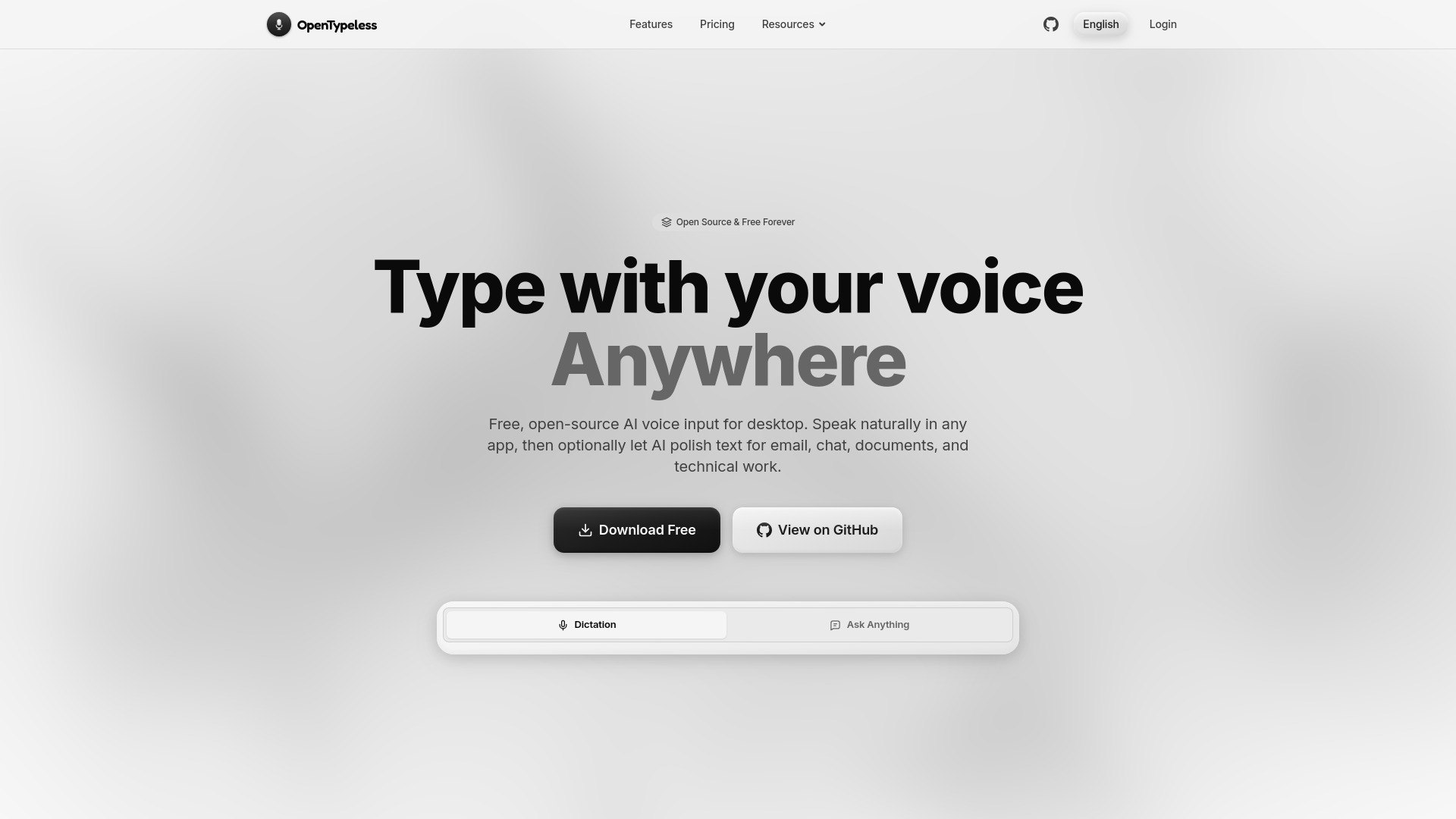
Free, open-source AI voice input for desktop


What is OpenTypeless?
OpenTypeless is a free, open-source AI voice input application for desktop platforms. It allows users to speak naturally in any application, with optional AI text polishing for grammar, punctuation, tone, and structure. It supports 99 languages, provides context-aware writing with 71 built-in app profiles, and offers bring-your-own-key integration with multiple STT and LLM providers.
SpecificationsAI-estimated
Key Features of OpenTypeless
Use Cases for OpenTypeless
Email drafting
Use OpenTypeless to dictate and polish professional emails in Gmail, Outlook, etc.
Team chat
Quickly respond in Slack or Teams with concise, polished messages.
Document writing
Create long-form content in Google Docs or Notion with clean dictation and formatting.
Technical note-taking
For developers, speak code comments, bug reports, and PR notes in Cursor or other IDEs.
How to use OpenTypeless?
Press the global hotkey
Configure Dictate, Ask, or Translate shortcuts (up to 3 bindings per action).
Speak naturally
Use any of the 99 supported languages. Real-time transcription appears as you speak.
Optionally polish
Let AI refine the text for grammar, tone, and app-specific formatting. Then it's typed at your cursor.
Pros & Cons of OpenTypeless
Pros
- 100% free and open-source
- No vendor lock-in – supports multiple STT and LLM providers with BYOK
- Customizable app-aware formatting for different writing contexts
- Supports 99 languages with auto-detection
- Custom dictionary for technical vocabulary
- Global hotkey and hold-to-talk features
- Runs on Windows, macOS, and Linux
- Works across 71 apps with built-in profiles
Cons
- Requires manual setup of API keys for speech-to-text and AI polishing (no built-in STT)
- AI polishing is optional; without it, the tool acts as a basic dictation tool
- Cloud usage with BYOK may incur provider costs depending on quota
- Potential privacy concerns when using cloud STT/LLM providers (local options are limited)
Frequently Asked Questions
What is AI text polishing?
It cleans up dictated speech by fixing grammar, removing filler words, and improving structure. When app-aware formatting is enabled, it shapes the text for email, chat, documents, or technical work.
What local processing routes can I use?
A Custom Whisper-compatible endpoint is the local/self-hosted STT path; whether audio leaves the machine depends on the endpoint and network. Ollama is a local LLM provider for text polishing.
What is Ask Anything?
Record a spoken question, turn it into text, and get a focused answer without opening a chat thread.
Pricing Overview
View full pricing →No pricing plans are listed; the page returns a 404 error, but the title describes the product as free.
Detailed plans are not listed. Visit the official website for pricing information.
Reviews & Ratings0.0
No reviews yet. Be the first to write one!
Top Alternatives & Similar Software
View all alternatives & similar software→No alternatives available yet.
People also viewed



Related searches
Is this your tool?
Claim this page to update details, reply to user reviews, and drive more traffic to your product.
Claim this Product →
Tags
Explore Related Topics
Keep up with OpenTypeless alternatives
New alternatives, pricing changes and the week's biggest movers - one email every Tuesday.