




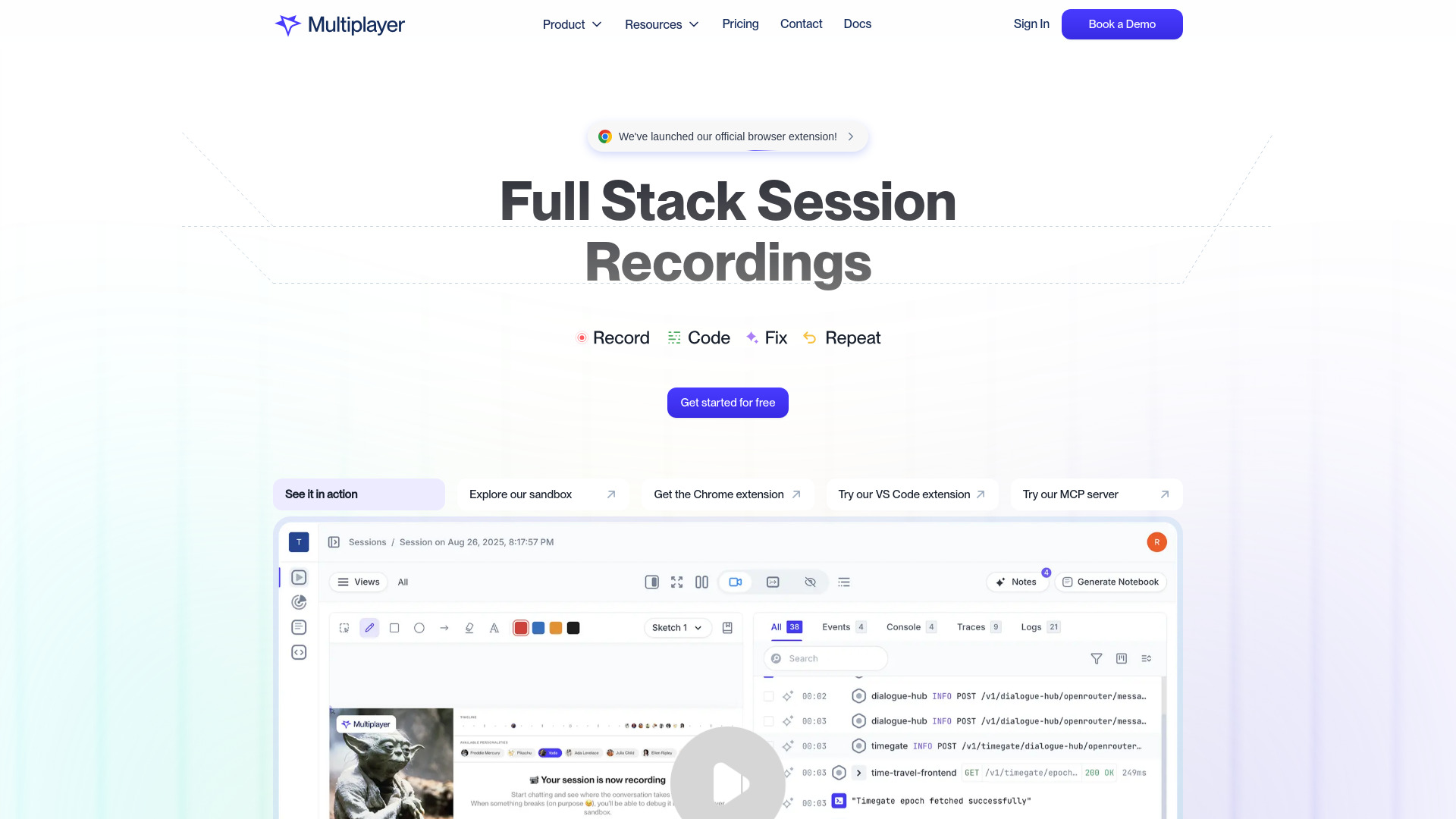
What is Multiplayer?
Multiplayer is a local-first, AI-powered debugging agent for developers. It connects coding agents like Claude Code, Codex, and Copilot to production environments by capturing full-stack, auto-correlated, unsampled data around issues. It then routes that data to your preferred coding agent to generate deduplicated, high-quality pull requests, reducing noise and review fatigue.
SpecificationsAI-estimated
Key Features of Multiplayer
Use Cases for Multiplayer
Fix production bugs with AI coding agents
Use Multiplayer to feed accurate production data into Claude Code, Codex, or Copilot so the agent can create focused, high-quality PRs.
Reduce debugging noise and duplicate work
Deduplication and selective data capture help engineering teams avoid reviewing the same bug repeatedly or wading through noisy PRs.
Debug without exposing your codebase
Because Multiplayer runs locally and doesn't need source code access, teams can debug production issues while keeping code private.
How to use Multiplayer?
Install Multiplayer locally
Run Multiplayer next to your coding agent and connect it to your production environment.
Detect and capture issues
Multiplayer identifies new issues and captures a short, correlated window of frontend and backend data around each one.
Send data to your coding agent
The debugging data is routed to your preferred agent, which generates a focused fix and optional PR.
Review only high-quality PRs
Deduplicated issues produce a handful of meaningful PRs instead of an avalanche of noisy ones.
Pros & Cons of Multiplayer
Pros
- Local-first and privacy-conscious: only sends selected data when a new issue is identified.
- Does not require access to your source code.
- Plug-and-play with popular coding agents like Claude Code, Codex, and Copilot.
- Captures full-stack data including frontend screens, backend traces, logs, request/response content, and headers.
- Intelligent deduplication prevents the same bug from being tracked or fixed multiple times.
- Produces high-quality PRs instead of noisy, low-value PR slop.
Cons
- No pricing or plan details were available in the scraped content.
- Quality of fixes still depends on the coding agent you connect.
- May require trust in the local data capture and issue detection mechanics.
- Primarily designed for application debugging, not full observability or SRE workflows.
Frequently Asked Questions
Is Multiplayer a replacement for coding agents like Claude Code?
No. Multiplayer is a debugging companion that runs next to your coding agent and provides the production data needed to fix real application bugs.
Does Multiplayer need access to my source code?
No. Unlike some debugging agents, Multiplayer does not require access to your codebase.
How is Multiplayer different from Sentry, Datadog Bits AI, or Resolve?
Multiplayer is built for developers rather than SRE/DevOps, and it captures exactly the unsampled runtime data needed for a fix, while running locally and producing deduplicated, high-quality PRs.
Reviews & Ratings0.0
No reviews yet. Be the first to write one!
Top Alternatives & Similar Software
View all alternatives & similar software→
People also viewed



Related searches
About the Product
Is this your tool?
Claim this page to update details, reply to user reviews, and drive more traffic to your product.
Claim this Product →
Tags
Explore Related Topics
Keep up with Multiplayer alternatives
New alternatives, pricing changes and the week's biggest movers - one email every Tuesday.