




Modor
Free Online Mockup Generator with 10,000+ Designs


What is Modor?
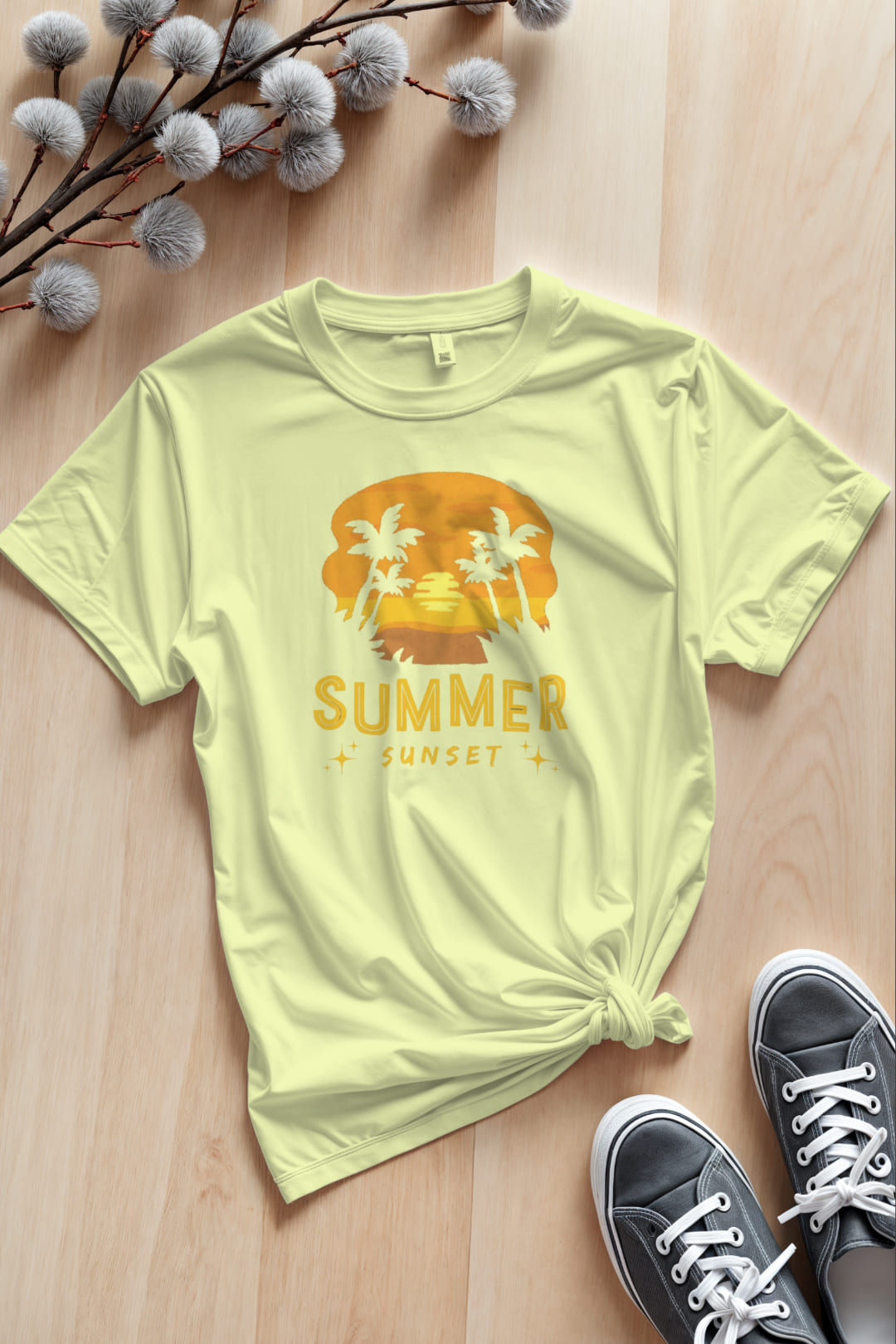
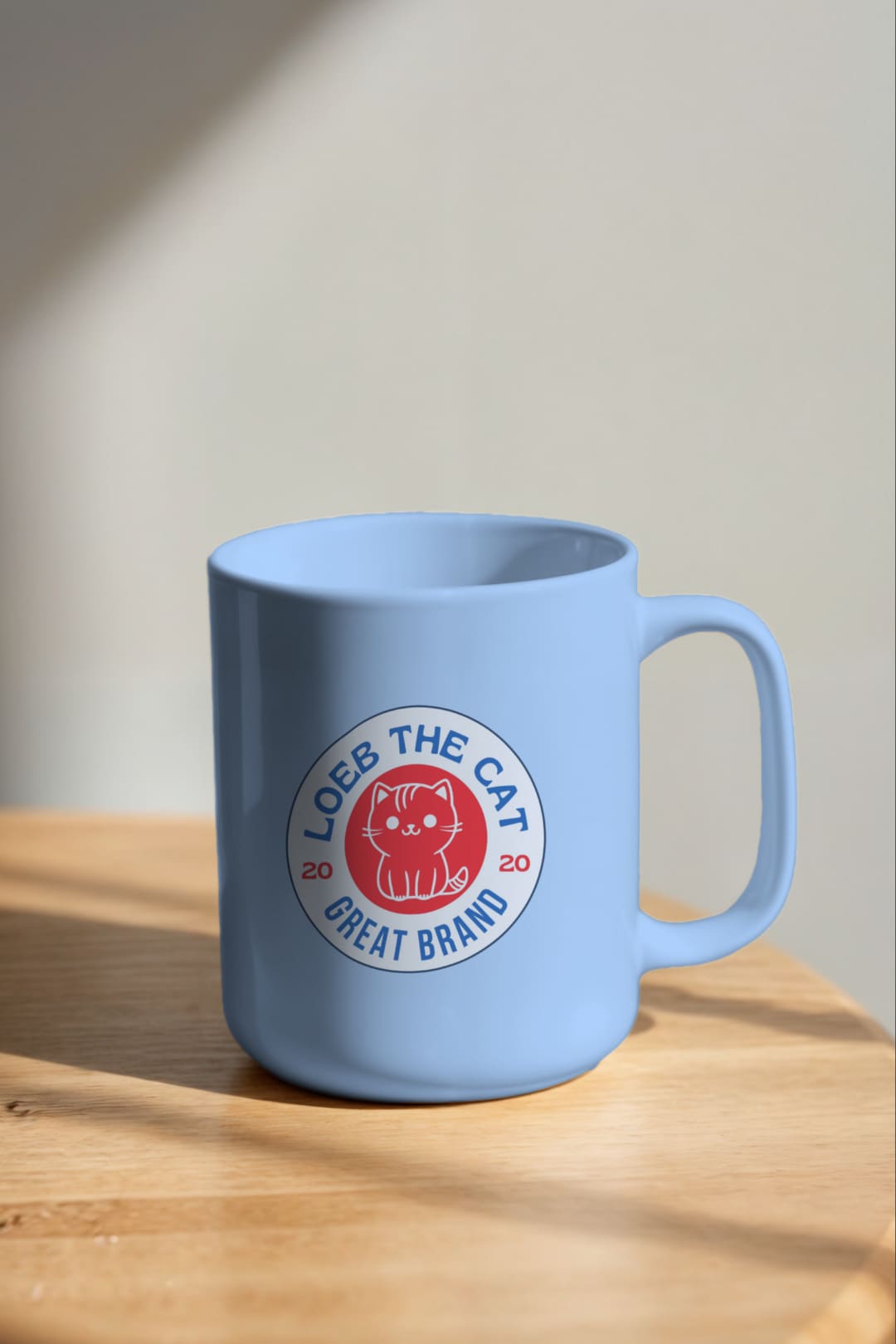
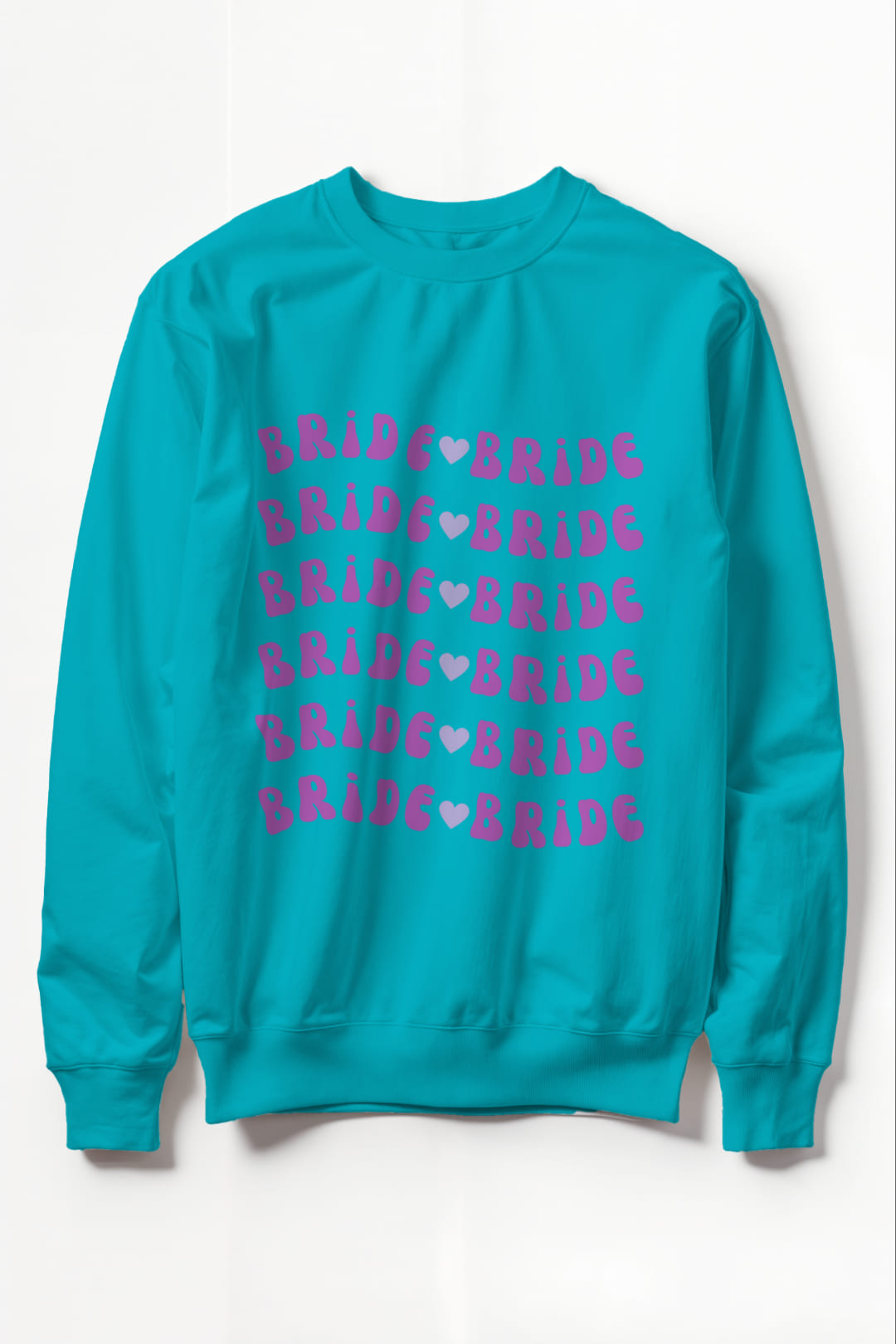
Modor is a free online mockup generator that makes it easy for non-designers and professionals alike to create realistic product mockups. With 10,000+ templates spanning apparel, tech devices, packaging, and print, Modor offers a drag-and-drop editor, AI-assisted placement/scaling/lighting, and high-resolution export to PNG, JPEG, or PDF. It’s ideal for e-commerce sellers, marketers, social media managers, and small business owners who need polished visuals without using complex software.
SpecificationsAI-estimated
Key Features of Modor
Use Cases for Modor
E-commerce Product Listings
Create product shots for Shopify, Amazon, or Etsy listings using device, apparel, or packaging mockups.
Brand Identity Presentations
Preview logos and branding on t-shirts, stationery, signage, and packaging for client presentations.
App & Web Screenshots
Showcase app screenshots in realistic phone, tablet, or laptop frames for app store pages and marketing sites.
Marketing Campaigns
Design social media visuals, ads, and banners with branded product imagery.
Pitch Decks & Proposals
Create pitch decks and design proposals with professional mockups to impress stakeholders.
How to use Modor?
Pick a template
Sign up or start directly from the website and choose a template that matches your product type (device, t-shirt, packaging, etc.).
Upload your design
Use the drag-and-drop editor to upload your logo, screenshot, or artwork into the mockup area.
Customize and fine-tune
Adjust placement, size, rotation, and lighting. Use AI-assisted features for auto-scaling and smart object placement if needed.
Export and use
Download your mockup as a high-resolution PNG, JPEG, or PDF with no watermark.
Pros & Cons of Modor
Pros
- Free to use with no watermarks on exported mockups
- Large library of 10,000+ templates covering many product categories
- AI features reduce manual adjustments for placement, scaling, and lighting
- Simple drag-and-drop interface—no design skills required
- High-resolution exports suitable for e-commerce, marketing, and client presentations
- Works entirely in the browser, no installation needed
Cons
- Free plan may have limited access to premium templates or features; full details not stated on the homepage.
- AI features, while helpful, may not be as granular as professional software like Photoshop.
- Browser-based only; requires an internet connection.
- Very large template library can be overwhelming for first-time users.
- Design rights responsibility lies with the user—only use assets you own or have the right to use.
Frequently Asked Questions
Does Modor have watermarks on free exports?
Yes. Modor’s free plan has no watermarks on exported images, which sets it apart from many other free mockup tools.
Can I use Modor mockups for commercial purposes?
Yes, you can use mockups commercially as long as you own the rights to the design you place onto the template.
How do I create a mockup with Modor?
The drag-and-drop editor lets you upload your design, adjust placement and scaling (with optional AI assistance), tweak lighting, and download in high resolution. No advanced editing skills are required.
What mockup categories does Modor support?
Modor supports t-shirts, hoodies, phones, iPads, laptops, boxes, labels, business cards, posters, and many other product and print formats.
Pricing Overview
View full pricing →Prices are in USD. Pro pricing is a monthly equivalent billed annually.
Reviews & Ratings0.0
No reviews yet. Be the first to write one!
Top Alternatives & Similar Software
View all alternatives & similar software→
People also viewed


Related searches
About the Product
Is this your tool?
Claim this page to update details, reply to user reviews, and drive more traffic to your product.
Claim this Product →
Tags
Keep up with Modor alternatives
New alternatives, pricing changes and the week's biggest movers - one email every Tuesday.