




MixAudio
Legally remix your favorite songs and generate AI-powered music with ease.

















What is MixAudio?
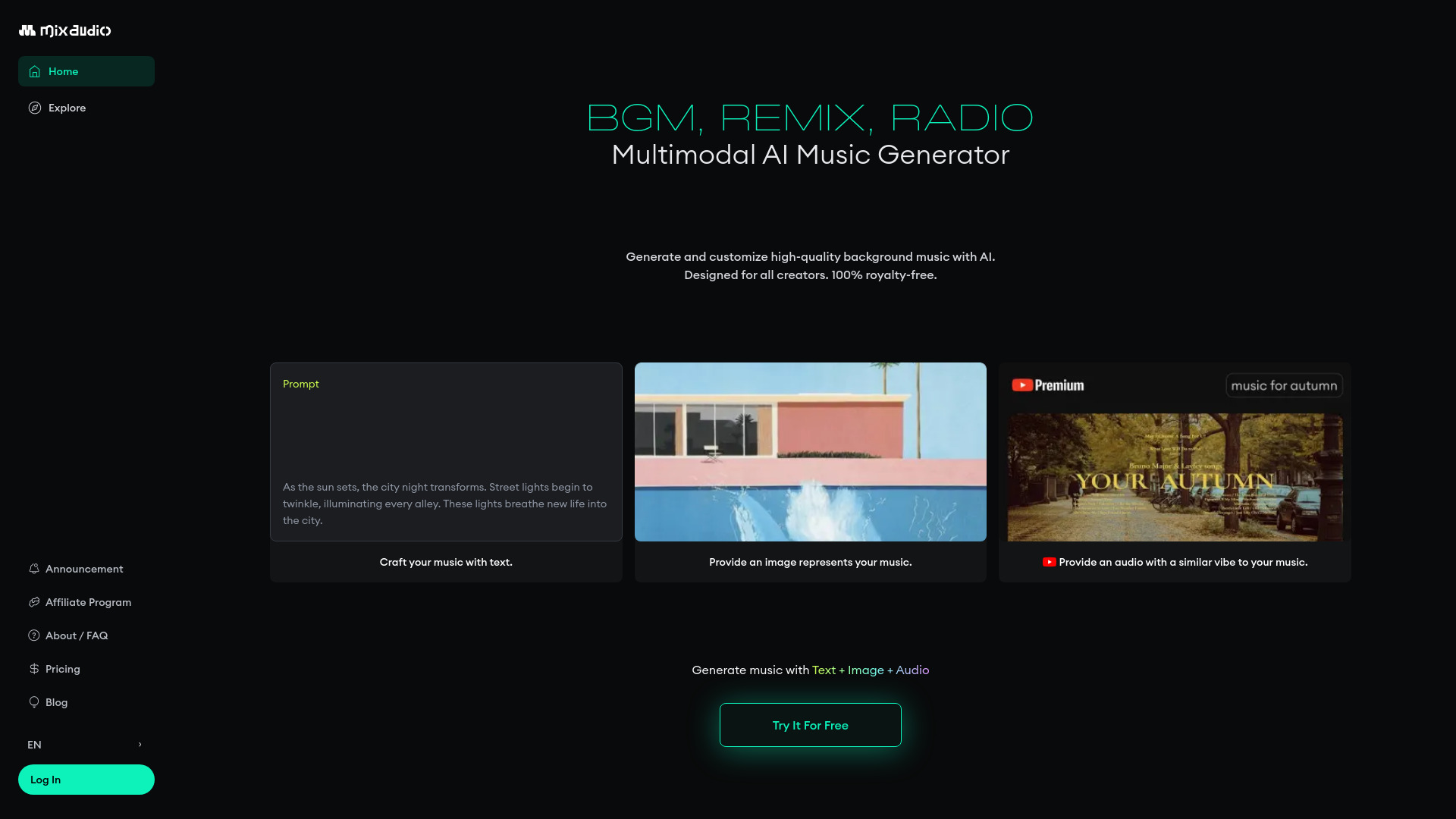
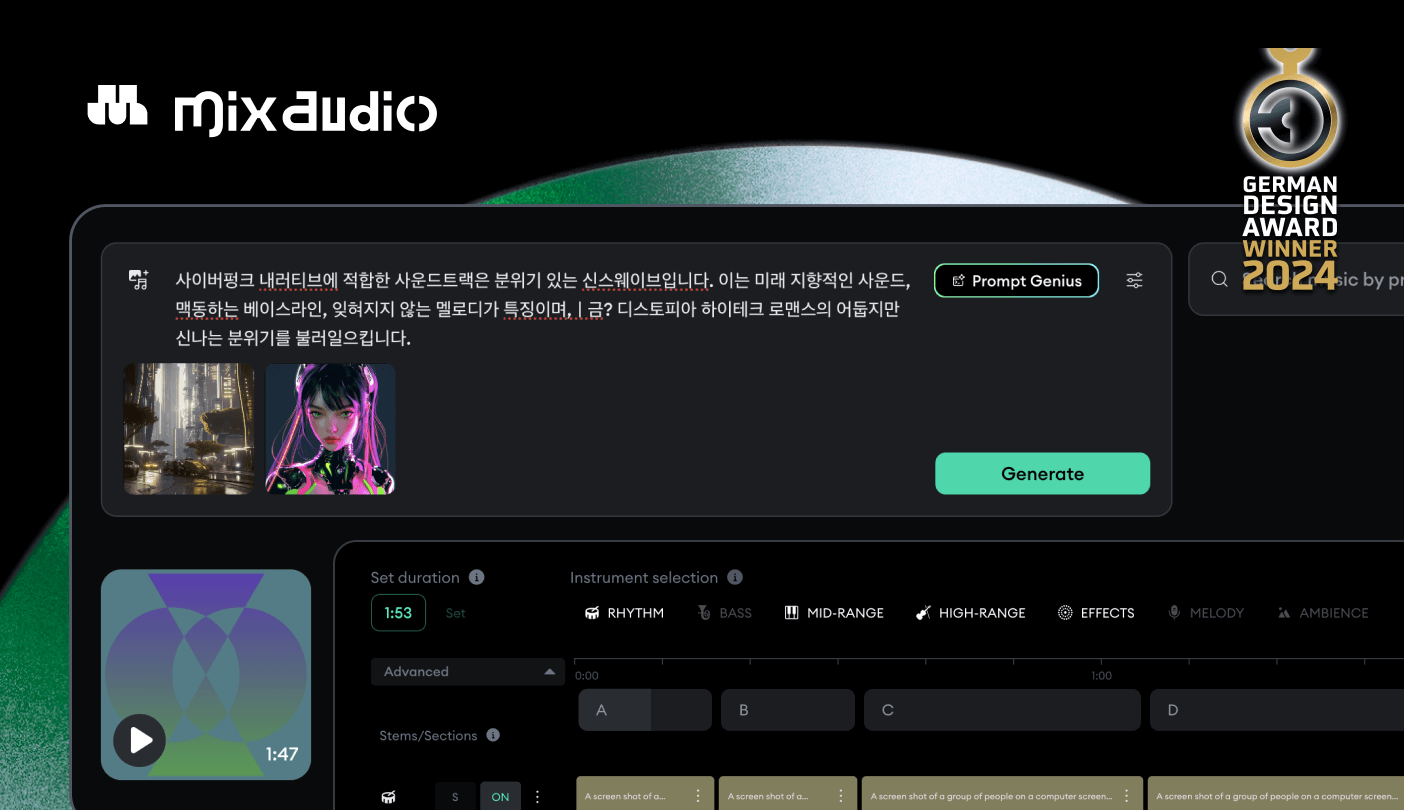
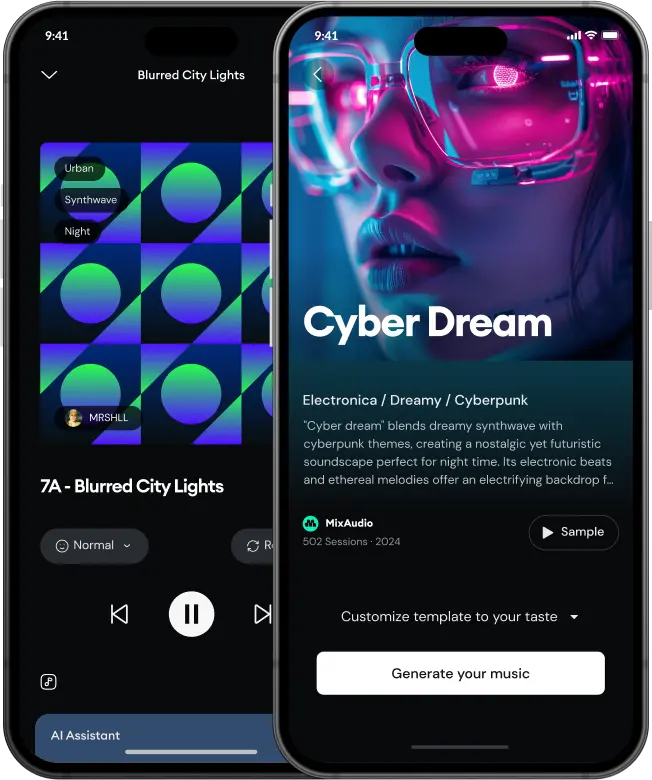
MixAudio is an innovative AI-powered music remixing and generation platform designed for both music fans and creators. It empowers users to legally remix their favorite songs, offering a unique way to engage with music. The platform leverages Blockmusic AI to provide a seamless and customizable music editing experience. Users can generate copyright-free music using multimodal inputs, including text prompts, images, and audio files, allowing for highly personalized soundtracks. MixAudio also features AI Radio, offering endless AI-generated music sessions for listeners. For artists, MixAudio provides tools to register their music, interact with fans, and potentially monetize their work. The platform aims to bridge the gap between artists and their audience through AI, facilitating new forms of creative expression and fan engagement.
SpecificationsAI-estimated
Key Features of MixAudio
Use Cases for MixAudio
Music Fans Remixing
Fans can create unique remixes of their favorite artists' tracks, fostering deeper engagement with music.
Content Creators
Generate copyright-free background music for videos, podcasts, or presentations using text, image, or audio prompts.
Artists
Register music to be remixed by fans, reach a wider audience, and potentially explore new revenue streams.
Music Producers
Utilize the AI studio to experiment with song structures, layer stems, and generate new musical ideas.
Developers & Businesses
Integrate AI music generation capabilities into applications, games, or streaming services via the Blockmusic AI API.
Casual Listeners
Enjoy an endless stream of AI-generated music tailored to various moods and genres through AI Radio.
How to use MixAudio?
Choose Your Remix/Generation Method
Select to remix an existing song by choosing an artist/song, or generate new music using text prompts, an image, or a reference audio file.
Input Your Preferences
For remixing, specify the desired feeling or style. For generation, upload your chosen input file (image/audio) or write a detailed text prompt.
Generate and Customize
Let the AI create the music. Once generated, use the AI-powered studio to edit sections, layer stems, or import more elements.
Listen or Download
Enjoy the AI Radio for continuous listening or download the generated or remixed tracks for personal or commercial use (ensure licensing terms are met).
Pros & Cons of MixAudio
Pros
- Legally remix favorite songs and artists' music.
- Multimodal AI music generation using text, images, and audio.
- Seamless customization with AI-powered studio features.
- AI Radio for continuous, AI-generated music sessions.
- Opportunities for artists to register music and engage with fans.
Cons
- Major update planned for Q3 2026, suggesting current features may be under development.
- Reliance on 'Blockmusic AI' without detailed explanation of its proprietary nature or limitations.
- Potential for user-generated content quality to vary significantly.
Frequently Asked Questions
What is MixAudio?
MixAudio is an AI song remixer and multimodal AI soundtrack generator that allows users to legally remix their favorite music and create original copyright-free music using text, images, and audio inputs.
Can I legally remix any song with MixAudio?
The platform states it allows users to legally remix their favorite artists' music, implying agreements are in place with featured artists and potentially through its Blockmusic AI technology.
How does the AI music generation work?
MixAudio uses Blockmusic AI to generate music. It supports multimodal inputs, meaning you can describe the music you want with text, provide an image, or upload a reference audio file to guide the AI.
What is AI Radio?
AI Radio is a feature that provides 24/7 endless AI-generated music sessions for listeners to enjoy.
How can artists use MixAudio?
Artists can register their music on MixAudio, allowing fans to remix it. They can also interact with fans and potentially get paid through the platform's ecosystem.
Is the generated music copyright-free?
Yes, MixAudio emphasizes its ability to generate copyright-free music, making it suitable for use in various projects without royalty concerns.
Pricing Overview
View full pricing →No pricing information was found on the page. The content mentions 'Free' in the context of royalty-free usage and a 'Major update coming in Q3 2026', but no explicit plan names or dollar amounts are present. Therefore, no plans are extracted.
Detailed plans are not listed. Visit the official website for pricing information.
Reviews & Ratings0.0
No reviews yet. Be the first to write one!
Top Alternatives & Similar Software
View all alternatives & similar software→People also viewed


Related searches
Is this your tool?
Claim this page to update details, reply to user reviews, and drive more traffic to your product.
Claim this Product →
Tags
Explore Related Topics
Keep up with MixAudio alternatives
New alternatives, pricing changes and the week's biggest movers - one email every Tuesday.