



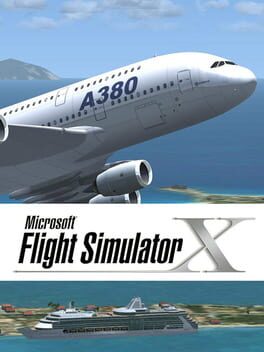
Microsoft Flight Simulator X
Experience the world from the cockpit with stunning realism and global flight missions
Best for
Serious flight enthusiasts
Skip if
Low-end PC owners

What is Microsoft Flight Simulator X?
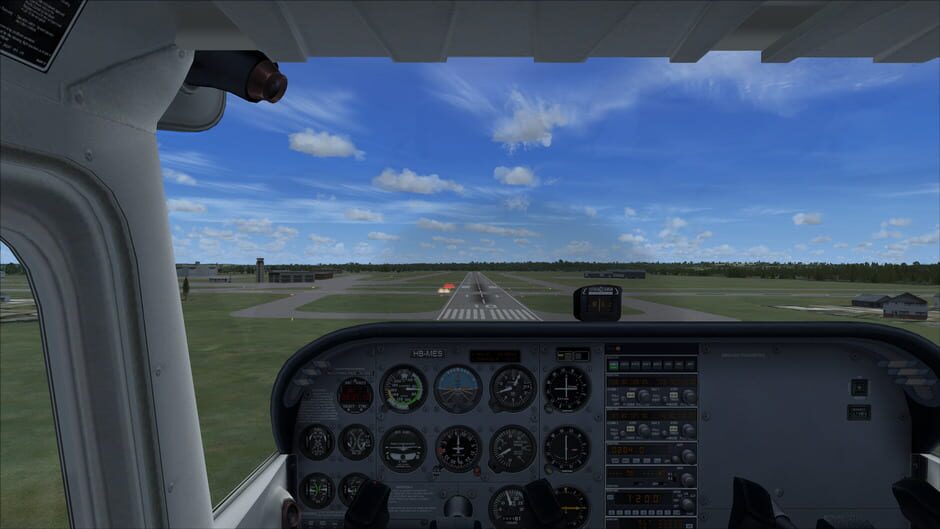
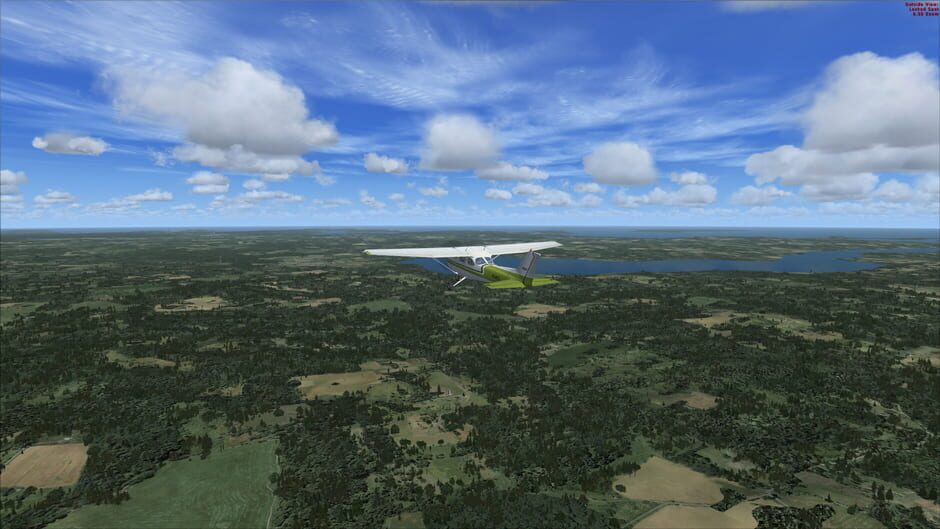
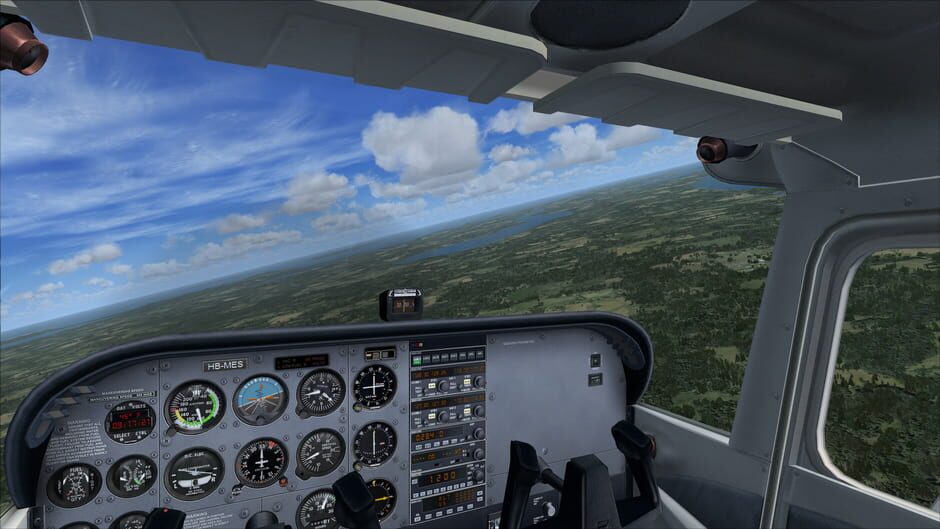
Microsoft Flight Simulator X delivers an immersive aviation experience, letting players pilot a wide range of aircraft across a meticulously recreated globe. With realistic weather, detailed airports, and a robust mission system, both casual flyers and serious enthusiasts can explore the skies like never before. The game supports both single‑player and multiplayer modes, offering cooperative flights and competitive challenges. Its comprehensive training modules and extensive customization options make it a benchmark for flight simulation on PC.
SpecificationsAI-estimated
Key Features of Microsoft Flight Simulator X
Use Cases for Microsoft Flight Simulator X
Pilot Training
Practice takeoffs, landings, and navigation in a risk‑free environment.
Virtual Tourism
Explore famous landmarks and remote locations from the sky.
Multiplayer Flying
Join friends for coordinated flights or air traffic control simulations.
Mission Creation
Design custom flight scenarios for personal or community challenges.
Pros & Cons of Microsoft Flight Simulator X
Pros
- Extensive global coverage with thousands of airports
- Highly realistic weather and lighting effects
- Robust multiplayer and community content
- Deep training modules for all skill levels
Cons
- High system requirements for optimal performance
- Steep learning curve for newcomers
- Limited aircraft variety compared to newer simulators
Frequently Asked Questions
What hardware is required to run FSX smoothly?
A modern quad‑core CPU, 8 GB RAM, and a DirectX 11‑compatible GPU with at least 2 GB VRAM are recommended.
Can I fly with other players online?
Yes, FSX supports multiplayer sessions where up to 16 players can share the same airspace.
Is there a way to add new aircraft?
Additional aircraft can be installed via third‑party add‑ons or the official Marketplace.
Does the game receive updates?
Microsoft released several patches and expansions; however, official support has ended, and updates now come from the community.
Pricing Overview
View full pricing →Detailed plans are not listed. Visit the official website for pricing information.
Reviews & Ratings0.0
No reviews yet. Be the first to write one!
Top Alternatives & Similar Games
View all alternatives & similar games→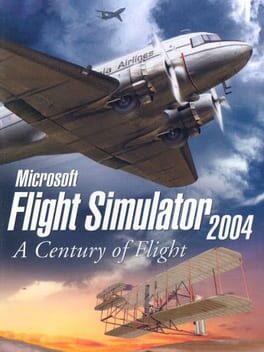
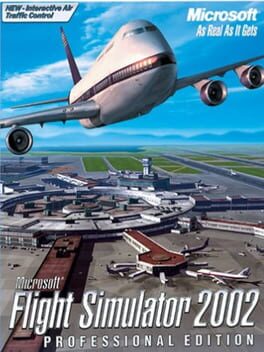

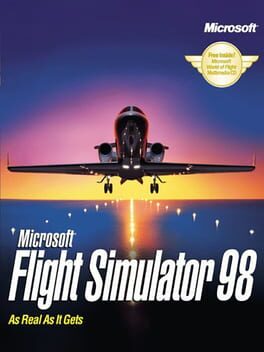
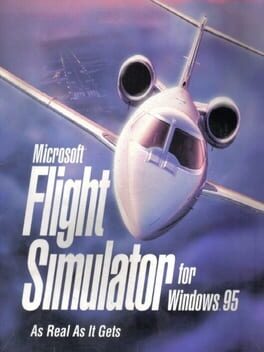

People also viewed
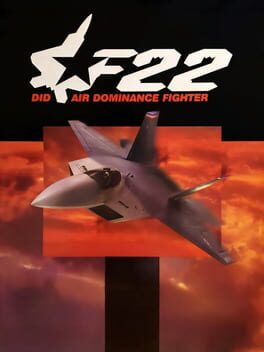
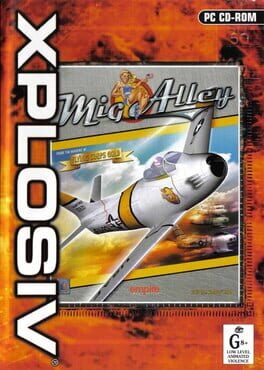
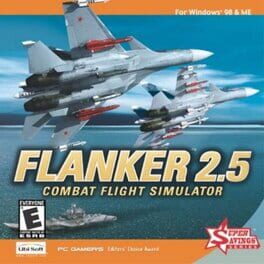

Best For
Related searches
About the Product
Is this your tool?
Claim this page to update details, reply to user reviews, and drive more traffic to your product.
Claim this Product →
Explore Related Topics
Keep up with Microsoft Flight Simulator X alternatives
New alternatives, pricing changes and the week's biggest movers - one email every Tuesday.