



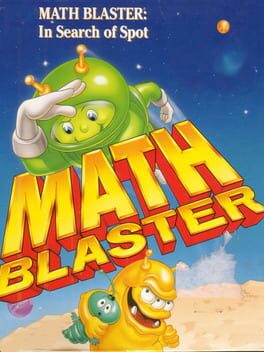
Math Blaster: Episode One - In Search of Spot
Learn math with arcade fun in a sci‑fi adventure
Best for
Elementary kids needing engaging arcade-style math practice
Skip if
Parents want modern graphics or cross-platform editor

What is Math Blaster: Episode One - In Search of Spot?
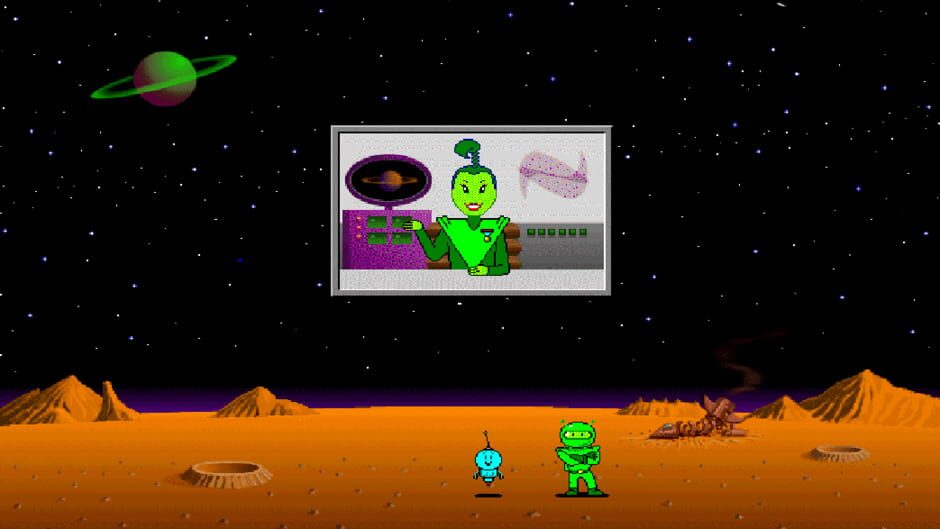
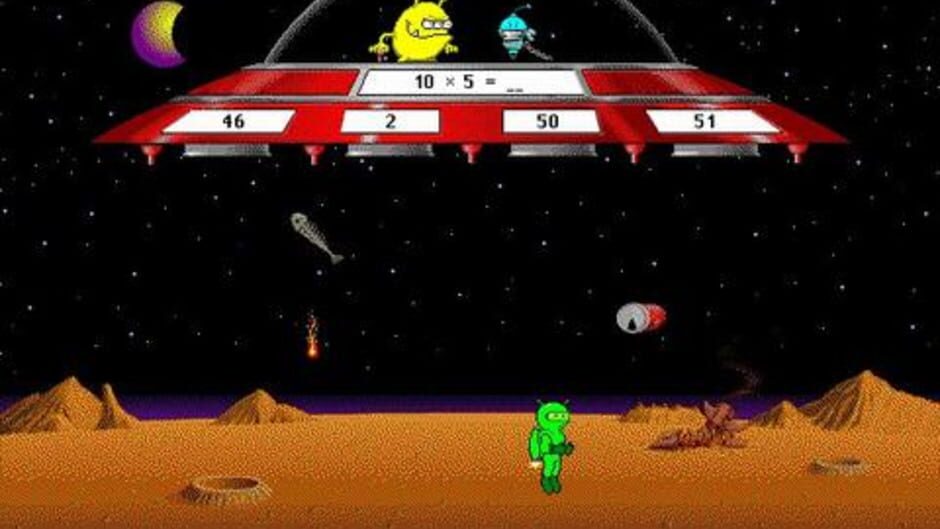
Math Blaster: Episode One - In Search of Spot builds on the classic Math Blaster series, offering an educational arcade experience where kids travel through space to rescue Spot while solving math problems. The game covers basic operations, fractions, decimals, percents, estimation, and number patterns across six difficulty levels. The PC version includes a problem‑set editor, letting teachers and parents create custom challenges, and the title runs on Linux, PC, and Mac, making it accessible for classroom and home use.
SpecificationsAI-estimated
Key Features of Math Blaster: Episode One - In Search of Spot
Use Cases for Math Blaster: Episode One - In Search of Spot
Classroom Math Review
Teachers run a quick review session using the built‑in editor to generate custom problem sets.
Home Homework Help
Parents use the game to make practicing math fun after school.
After‑School Enrichment
After‑school programs incorporate the arcade levels to motivate reluctant learners.
Individual Skill Building
Students independently work through increasing difficulty levels to master core math operations.
Pros & Cons of Math Blaster: Episode One - In Search of Spot
Pros
- Engaging arcade gameplay motivates practice
- Covers a wide range of math topics
- Custom problem editor for tailored lessons
- Runs on multiple operating systems
Cons
- PC‑only editor limits customization on Mac/Linux
- Graphics are dated by modern standards
- No multiplayer or cooperative mode
Frequently Asked Questions
What age group is the game designed for?
It is aimed at elementary school children, typically ages 6‑10.
Can I create my own math problems?
Yes, the PC version includes an editor to build custom problem sets.
Is the game compatible with modern operating systems?
It runs on Linux, Windows PC, and Mac, though it may require compatibility settings on newer OS versions.
Do I need an internet connection to play?
No, the game is fully offline after installation.
Pricing Overview
View full pricing →Detailed plans are not listed. Visit the official website for pricing information.
Reviews & Ratings0.0
No reviews yet. Be the first to write one!
Top Alternatives & Similar Games
View all alternatives & similar games→

People also viewed


Best For
Related searches
About the Product
Is this your tool?
Claim this page to update details, reply to user reviews, and drive more traffic to your product.
Claim this Product →
Explore Related Topics
Keep up with Math Blaster: Episode One - In Search of Spot alternatives
New alternatives, pricing changes and the week's biggest movers - one email every Tuesday.