




What is Jumper?
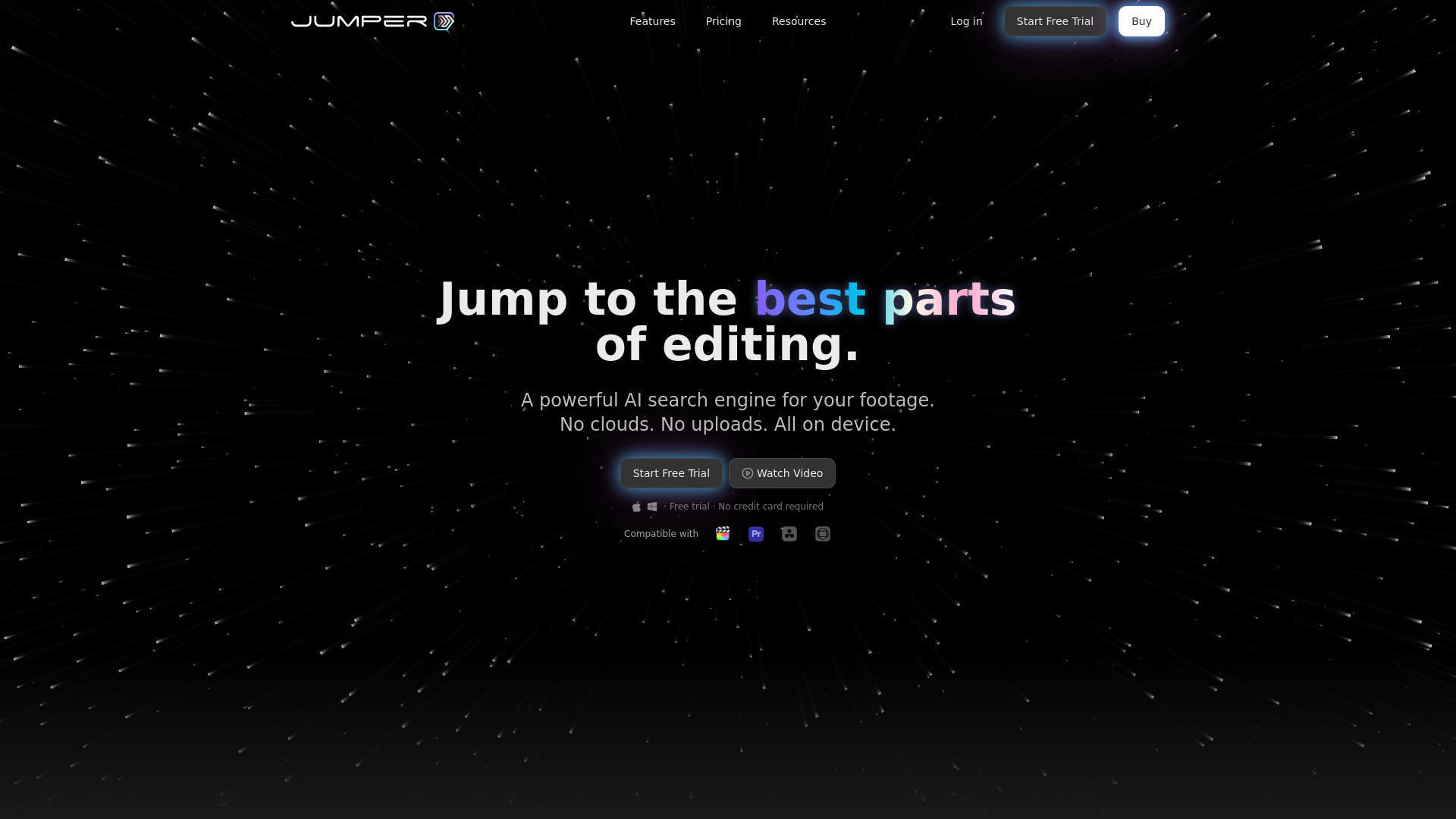
Jumper is an AI-powered video search tool for video editors. It enables instant search of visual content, spoken words, faces, and phrases across local footage. It integrates with major NLEs and offers a standalone app with on-device processing for privacy and speed.
SpecificationsAI-estimated
Key Features of Jumper
Use Cases for Jumper
Finding visual content
Locate specific visual moments in footage using descriptive search.
Face detection
Pinpoint exactly when a person appears in interviews or b-roll.
Spoken word search
Search for exact spoken phrases across hours of interviews.
Transcript editing
Read full transcripts, remove silences, and refine selected ranges.
How to use Jumper?
Install Jumper
Download and install Jumper standalone app or NLE plugin.
Ingest footage
Import footage into Jumper; it indexes visual, speech, and face data locally.
Search
Use keywords, visual descriptions, or faces to search within clips.
Edit
Review transcripts, refine ranges, remove silences, and export selections directly to your NLE.
Pros & Cons of Jumper
Pros
- Saves significant time in searching footage
- Privacy-focused with on-device processing
- Supports multiple major NLEs
- Can search in 111 languages
- Includes face detection and visual search
Cons
- No AI training on user media
- No data stored from footage
- Local processing ensures privacy
Frequently Asked Questions
Does Jumper upload my footage to the cloud?
Jumper processes and indexes footage locally on your device; no footage is uploaded to the cloud.
How many languages does Jumper support?
Jumper supports search in 111 languages for spoken content.
Which NLEs does Jumper integrate with?
Jumper works with Adobe Premiere Pro, Final Cut Pro, DaVinci Resolve, and Avid Media Composer.
Pricing Overview
View full pricing →No pricing data was found in the provided content. The page is the Jumper homepage and includes a link to a separate pricing page (/pricing), mentions 'Free trial' and 'No credit card required', and references a 'PRO' plan tier, but no specific dollar amounts, plan prices, or billing terms appear verbatim in the content supplied. No 'contact sales' or 'request a quote' language was found either, so this is not labelled as quote-only.
Detailed plans are not listed. Visit the official website for pricing information.
Reviews & Ratings0.0
No reviews yet. Be the first to write one!
Top Alternatives & Similar Software
View all alternatives & similar software→No alternatives available yet.
People also viewed



Related searches
About the Product
Is this your tool?
Claim this page to update details, reply to user reviews, and drive more traffic to your product.
Claim this Product →
Tags
Explore Related Topics
Keep up with Jumper alternatives
New alternatives, pricing changes and the week's biggest movers - one email every Tuesday.