




Image Convert
Convert, compress, and edit images locally — no uploads, no sign-in, no software to install.
What is Image Convert?
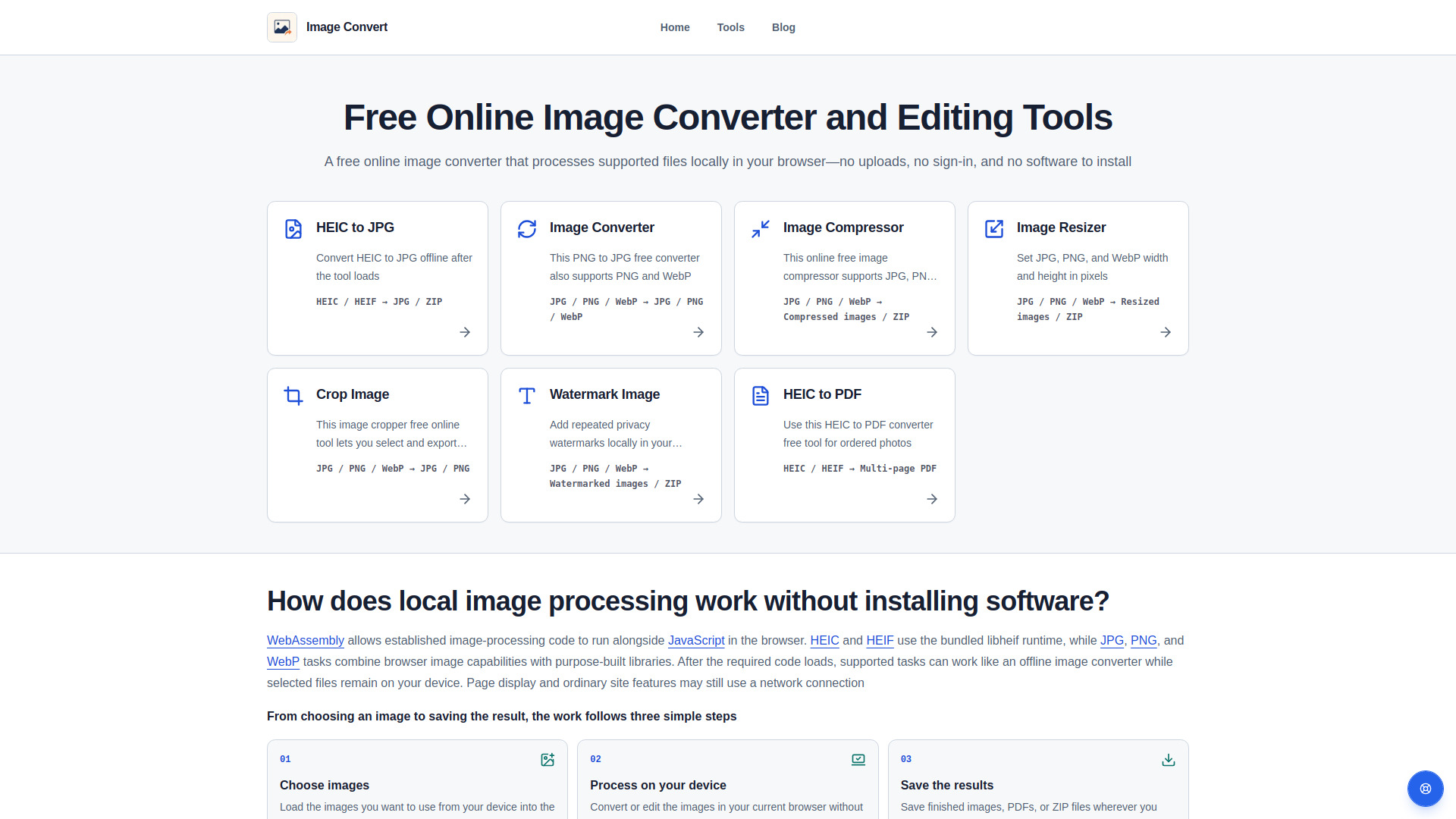
Image Convert is a free online image converter and editing tool that processes files locally in the browser using WebAssembly and browser APIs. It supports HEIC/HEIF to JPG/PDF conversion, along with JPEG, PNG, and WebP conversion, compression, resizing, cropping, and text watermarking — all without uploading files, requiring sign-in, or installing software.
SpecificationsAI-estimated
Key Features of Image Convert
Use Cases for Image Convert
Privacy-sensitive image conversion
Convert personal photos, documents, or sensitive images without uploading them to a server.
HEIC photo handling
Convert Apple HEIC/HEIF photos to JPG or PDF directly in the browser.
Quick web image optimization
Compress, resize, or crop JPEG, PNG, and WebP images for web publishing.
Batch processing
Process multiple images and download successful results as a ZIP file.
How to use Image Convert?
Choose images
Load images from your device into the browser.
Process on your device
Convert or edit images in the current browser without sending them away.
Save the results
Download finished images, PDFs, or ZIP files wherever you choose.
Pros & Cons of Image Convert
Pros
- Processes images locally in the browser for strong privacy
- No account or sign-in required
- Free to use
- No software installation needed
- Supports HEIC/HEIF conversion, useful for iPhone users
- Batch results can be downloaded as ZIP
- Creates PDFs from HEIC/HEIF images
- Works across phones, tablets, and computers
Cons
- Not guaranteed to work fully offline; page features may still need network access
- Limited input format support: HEIC, HEIF, JPEG, PNG, and WebP only
- May lose transparency, metadata, or animation in output files
- Compression and resizing can reduce quality; no lossless guarantee
- Very large images may be limited by browser memory or device performance
- No cloud storage, conversion history, or advanced editing features
Frequently Asked Questions
Is Image Convert free to use?
Yes. All currently available image tools are free to use, with no charge or sign-in required.
Do I need to download or install software?
No. Open the tool in a compatible browser, choose images from your device, and process them without installing an app.
Do I need an account?
No. You can use any public image tool without creating an account.
Are my images uploaded for processing?
No. Source files, decoded content, intermediate data, generated images, PDFs, and ZIP files are not sent off your device for processing.
Can I use Image Convert offline?
Supported tasks can continue after the required page and processing code has loaded, but the entire website is not guaranteed to work offline.
Pricing Overview
View full pricing →The page states that all currently available image tools are free to use, with no charge or sign-in required. No other pricing tiers or dollar amounts are mentioned.
Reviews & Ratings0.0
No reviews yet. Be the first to write one!
Top Alternatives & Similar Software
View all alternatives & similar software→No alternatives available yet.
People also viewed




Related searches
About the Product
Is this your tool?
Claim this page to update details, reply to user reviews, and drive more traffic to your product.
Claim this Product →
Tags
Explore Related Topics
Keep up with Image Convert alternatives
New alternatives, pricing changes and the week's biggest movers - one email every Tuesday.