



HitPaw
Turn blurry videos and photos into brilliant, high-quality content with AI-powered enhancement, conversion, and voice tools.


What is HitPaw?
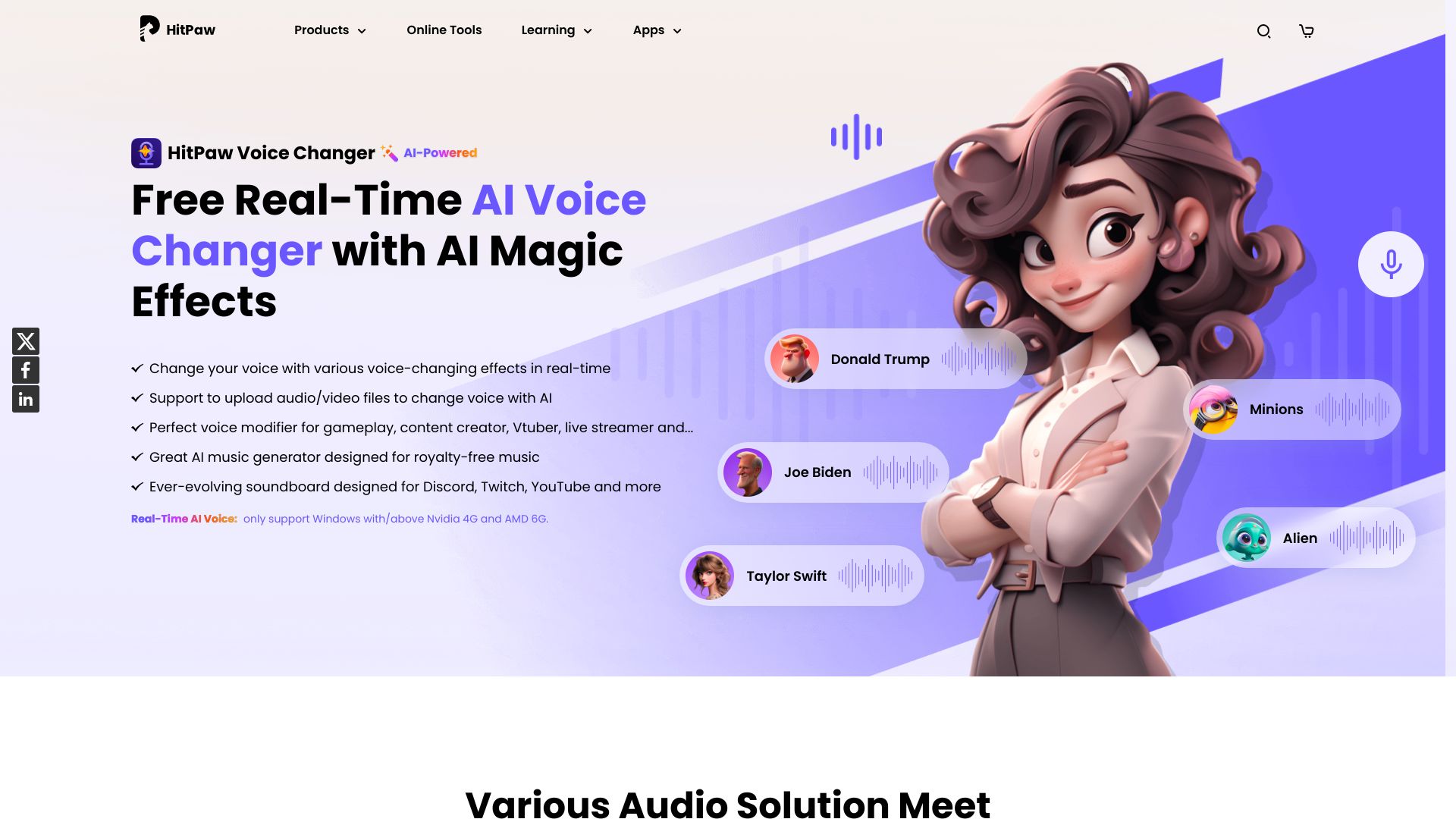
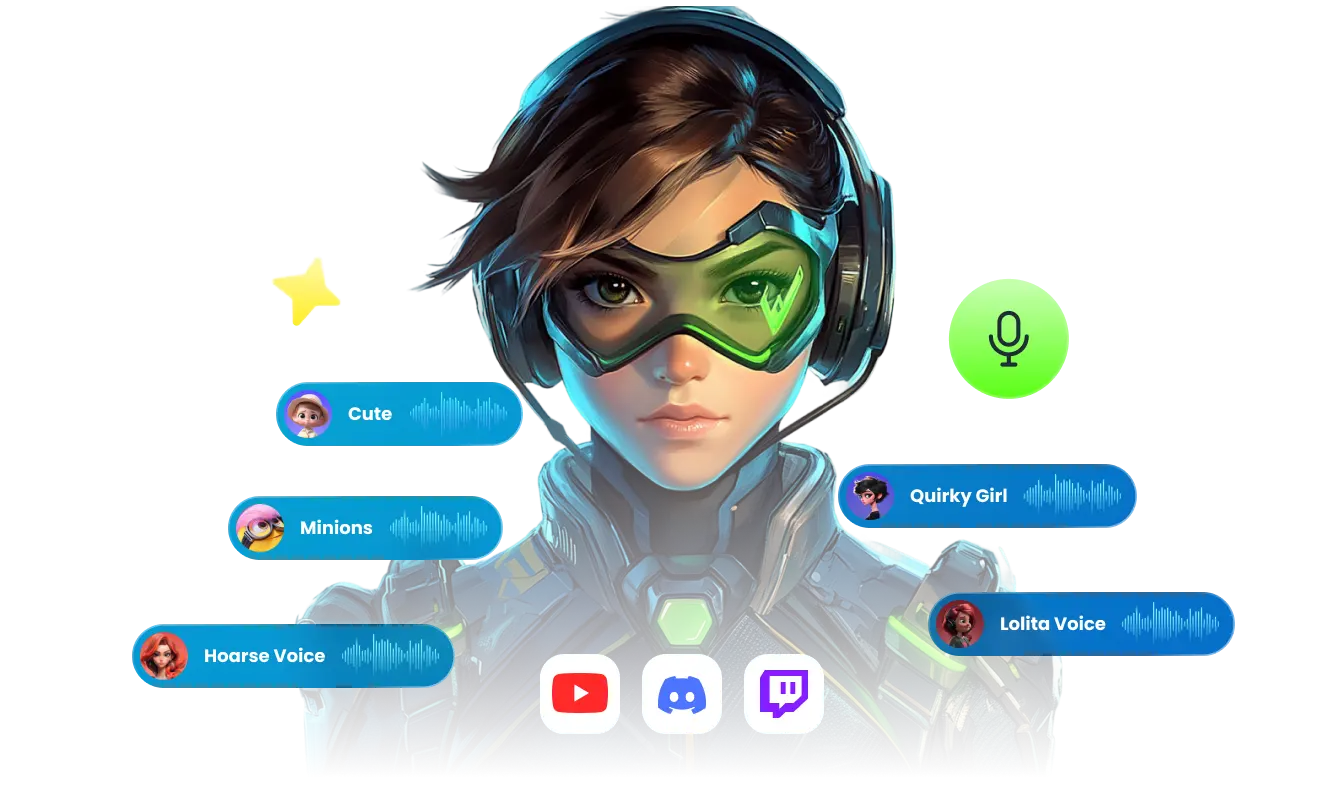
HitPaw is an AI-powered media enhancement suite that helps creators turn low-quality video, photos, and audio into polished, high-resolution content. It combines video upscaling, photo restoration, format conversion, real-time voice changing, and language localization in one ecosystem. The tools are designed for everyone from photographers and YouTubers to e-commerce sellers and small business owners who need fast, reliable media editing without a steep learning curve. The suite includes dedicated modules for different tasks. HitPaw FotorPea focuses on image enhancement, using AI to sharpen blurry pictures, remove noise, upscale low-resolution files, and restore old or damaged photos. HitPaw VikPea handles video enhancement, with features for denoising, facial enhancement, SDR-to-HDR conversion, watermark removal, and background elimination. HitPaw Univd acts as a universal converter that can process video, audio, and images at speeds up to 170 times faster while preserving quality. There is also a real-time AI voice changer with more than 200 character voices and low-latency performance for live streaming. HitPaw is used by more than 7.3 million people in over 190 countries, with a 4.7 Trustpilot rating and a 98% satisfaction rate. It is especially popular among YouTubers, photographers, filmmakers, online sellers, and marketers who need to prepare high-definition content quickly and at scale. The platform's AI automation reduces manual editing time dramatically, and its translation, subtitling, and voice-dubbing features help global creators break language barriers.
SpecificationsAI-estimated
Key Features of HitPaw
Use Cases for HitPaw
Restoring old family videos
Convert 480p home movies to 4K and repair damaged footage with AI denoising and facial enhancement.
Upscaling product photos for e-commerce
Sharpen low-resolution images and compress them for faster page loads and better sales conversions.
Creating multilingual marketing videos
Use AI dubbing and auto-subtitles to produce native-feeling videos in 130+ languages.
Live-streaming with character voices
Morph your voice in real time into 200+ personas for live streams and virtual performances.
Format conversion for social platforms
Batch convert vlogs and videos into platform-specific formats without losing quality.
Cleaning up audio recordings
Remove background noise, hiss, and unwanted sounds for crisp voiceovers and podcasts.
Fixing dull travel photos
Boost colors, sharpness, and details in minutes after cloudy or low-light shoots.
Generating HD content for business
Enhance videos and photos to increase customer satisfaction, raise ad CTR, and boost earnings.
How to use HitPaw?
Choose your tool
Select the HitPaw module that matches your task, such as FotorPea for photos, VikPea for video, Univd for conversion, or Voice Changer for live audio.
Import media
Drag and drop or upload your video, photo, or audio file into the workspace.
Configure AI settings
Pick enhancement options such as upscale resolution, denoise, facial enhancement, SDR-to-HDR, or dubbing languages.
Preview and adjust
Use side-by-side or split preview to review the result and tweak settings until it looks right.
Export the result
Choose your target format and quality, then render or save the enhanced file.
Pros & Cons of HitPaw
Pros
- All-in-one AI suite for video, photo, audio, and format conversion.
- Dramatically speeds up restoration and enhancement tasks, cutting manual work from weeks to hours.
- High user trust with 4.7 Trustpilot rating and 7.3M+ users worldwide.
- Real-time voice changer with 200+ voices and under 0.3s latency for live streaming.
- Multi-language translation, subtitles, and dubbing support for global creators.
Cons
- Full pricing and free-tier details are not disclosed on the landing page.
- The reviewed page focuses on desktop-style workflows and does not mention a mobile app.
- As a proprietary product, it is not open source and offers limited customizability.
- Heavy AI enhancement tasks may require a reasonably powerful computer for the fastest results.
Frequently Asked Questions
What is HitPaw?
HitPaw is an AI-powered media enhancement suite that improves video, photo, and audio quality, converts formats, changes voices in real time, and provides localization tools for global creators.
Can HitPaw really restore old videos and photos?
Yes. Users report restoring old footage from 480p to 4K and cutting restoration time from two weeks to about three hours using AI denoising, facial enhancement, and photo repair features.
Does HitPaw work offline?
According to Beebom, HitPaw FotorPea can work offline for image enhancement. Other tools may use online AI services, so check the specific product for its requirements.
Can I use HitPaw for live streaming voice changes?
Yes. The real-time AI voice changer offers 200+ character voices with under 0.3s latency, making it suitable for live streams, virtual idols, and avatar performances.
Which languages does HitPaw support for dubbing and subtitles?
HitPaw supports video translation, auto subtitles, and voice dubbing in 130+ languages for global content creators.
Is there a student discount for HitPaw?
Yes. HitPaw has teamed with Student Beans to offer a 30% discount to help teachers and students create video, audio, and photo projects with AI-powered tools.
What formats can I convert with HitPaw?
HitPaw Univd is designed to convert video, audio, and image files, and users can batch process multiple formats while retaining quality. The page does not list every format, so check the tool for full compatibility details.
Reviews & Ratings0.0
No reviews yet. Be the first to write one!
Top Alternatives & Similar Software
View all alternatives & similar software→

People also viewed



Related searches
Is this your tool?
Claim this page to update details, reply to user reviews, and drive more traffic to your product.
Claim this Product →
Tags
Explore Related Topics
Keep up with HitPaw alternatives
New alternatives, pricing changes and the week's biggest movers - one email every Tuesday.