



Handy Illustrations
Hand‑drawn vector illustrations to add a warm, human touch to any digital design
Best for
UI/UX designers wanting ready-to‑customize hand‑drawn vectors
Skip if
If you need custom commissions, animation, or tight budget
What is Handy Illustrations?
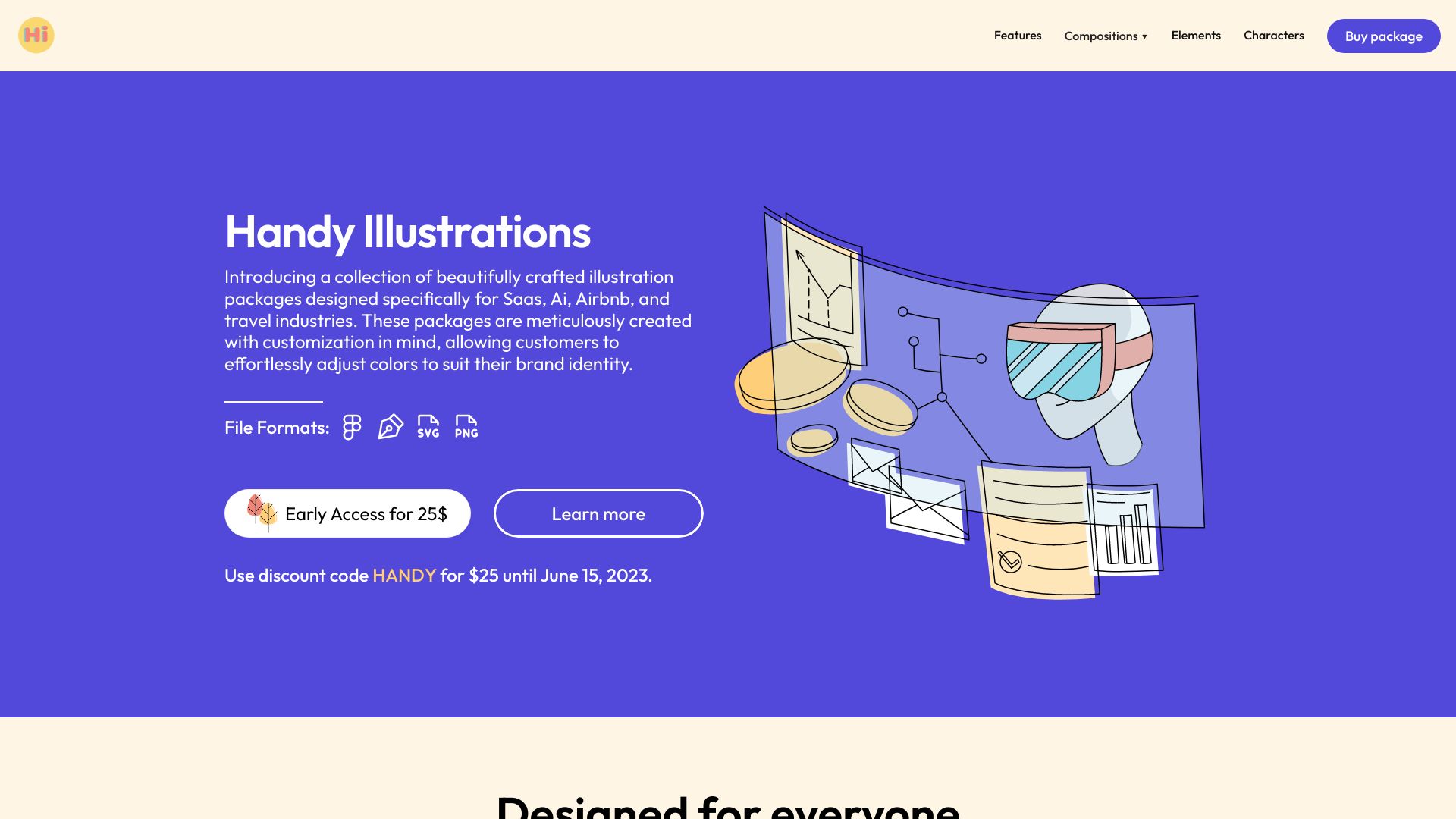
Handy Illustrations offers a curated library of hand‑drawn vector assets that designers can instantly download and customize. The collection includes everyday scenes, objects, and characters in a distinctive pencil‑and‑ink style, perfect for websites, mobile apps, and presentations. All files are provided in SVG, PNG, AI, and EPS formats, ensuring seamless integration with tools like Figma, Sketch, Illustrator, and Photoshop. Because the assets are vector‑based, they scale without loss of quality and can be recolored to match any brand palette, saving time and budget for freelancers and small teams.
SpecificationsAI-estimated
Key Features of Handy Illustrations
Use Cases for Handy Illustrations
Website Hero Sections
Add a friendly illustration to capture visitor attention.
Mobile App Onboarding
Guide new users with a cohesive set of hand‑drawn steps.
Presentation Slides
Enhance decks with custom, editable visuals.
Branding Assets
Create consistent icons and graphics that match brand colors.
How to use Handy Illustrations?
Browse the collection
Explore the categories and find illustrations that fit your project's tone and message.
Download files
Choose the format you need (SVG, PNG, etc.) and download the selected illustrations.
Import into your project
Open the files in your favorite design tool or code editor, such as Figma, Sketch, or Visual Studio Code.
Customize as needed
Adjust colors, sizes, and positions to match your brand identity and layout requirements.
Export and publish
Export the final artwork in the required resolution and integrate it into your product or marketing campaign.
Pros & Cons of Handy Illustrations
Pros
- High‑quality hand‑drawn style
- Multiple vector formats for any workflow
- Fully editable and recolorable
- Instant download saves project time
Cons
- Limited to pre‑made illustrations, no custom commissions
- One‑time purchase may be costly for small budgets
- No built‑in animation support
Frequently Asked Questions
What file formats are included?
SVG, PNG, AI, and EPS are provided for each illustration.
Can I edit the colors?
Yes, the vectors can be recolored in any design tool that supports SVG or AI.
Is there a subscription option?
Currently the library is sold as a one‑time purchase; no subscription plan is offered.
Do the assets work in Figma and Sketch?
Absolutely—files are compatible with Figma, Sketch, Illustrator, Photoshop, and other major design applications.
Pricing Overview
View full pricing →Detailed plans are not listed. Visit the official website for pricing information.
Reviews & Ratings0.0
No reviews yet. Be the first to write one!
Top Alternatives & Similar Software
View all alternatives & similar software→No alternatives available yet.
People also viewed


Best For
Related searches
Is this your tool?
Claim this page to update details, reply to user reviews, and drive more traffic to your product.
Claim this Product →
Tags
Keep up with Handy Illustrations alternatives
New alternatives, pricing changes and the week's biggest movers - one email every Tuesday.