



FictionFusion
A calm, side‑by‑side editor and story bible for fiction writers
Best for
Fiction writers needing a browser‑based manuscript editor with built‑in story bible
Skip if
Authors requiring desktop software or multi‑user collaboration
What is FictionFusion?
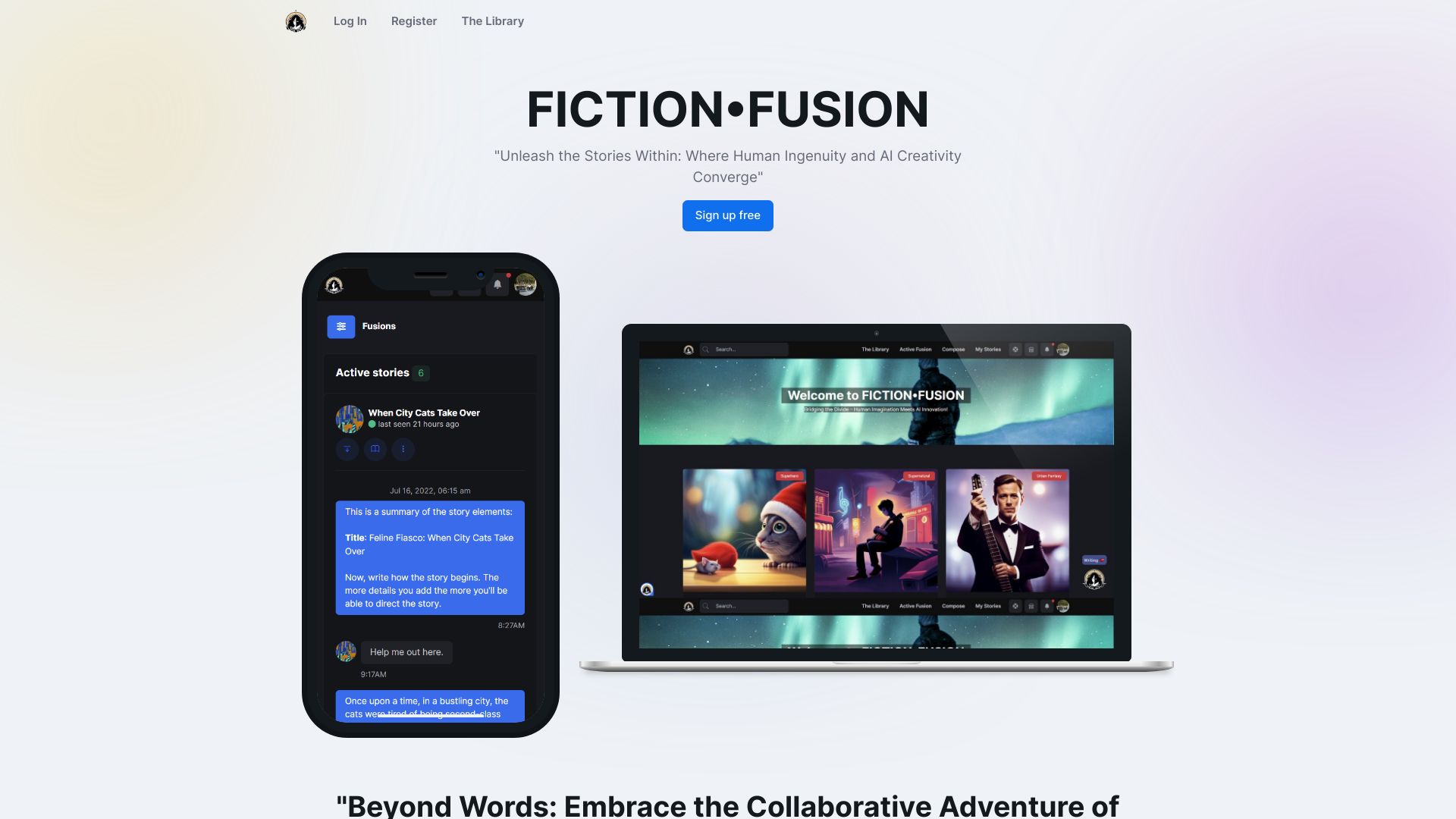
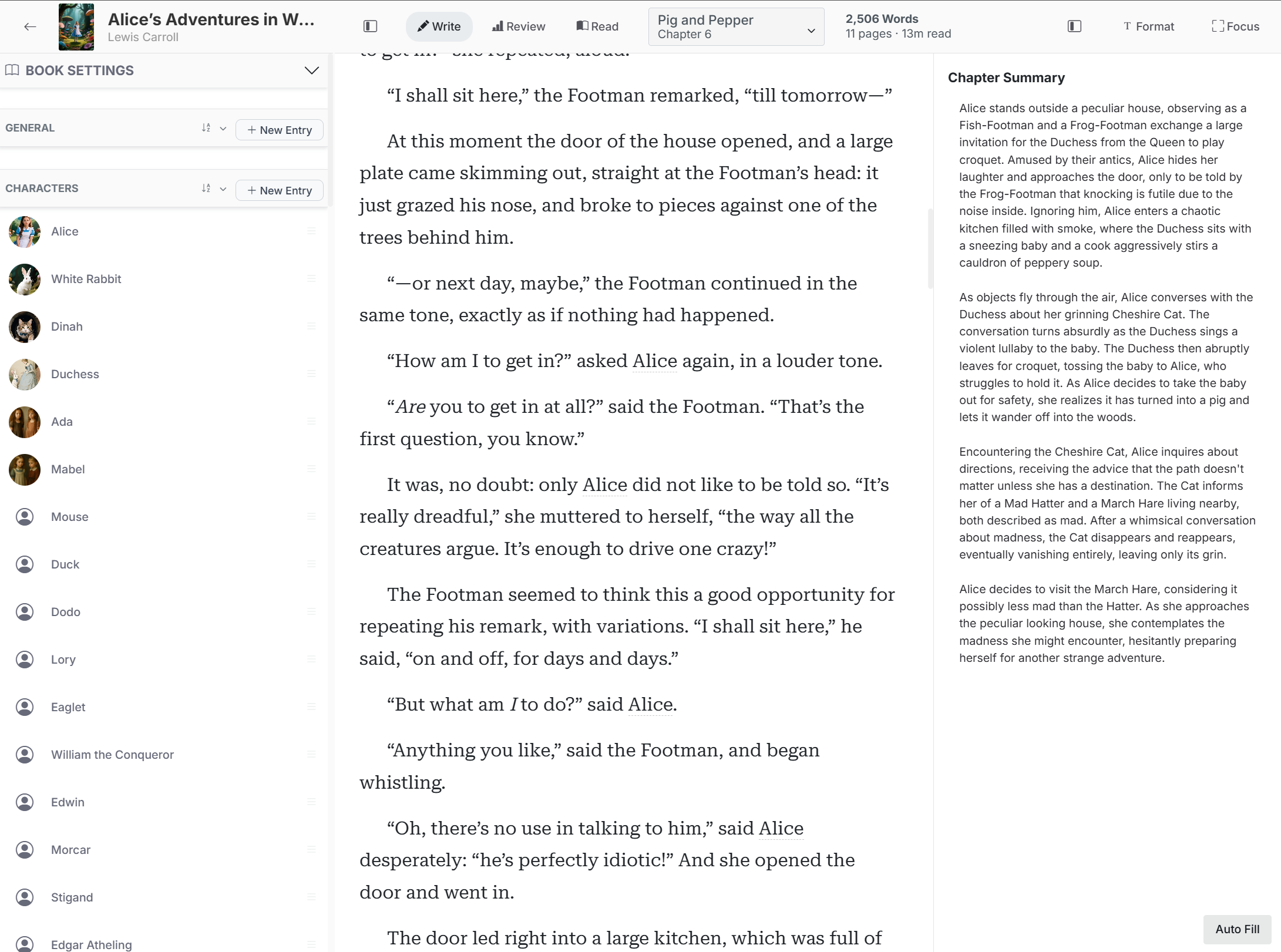
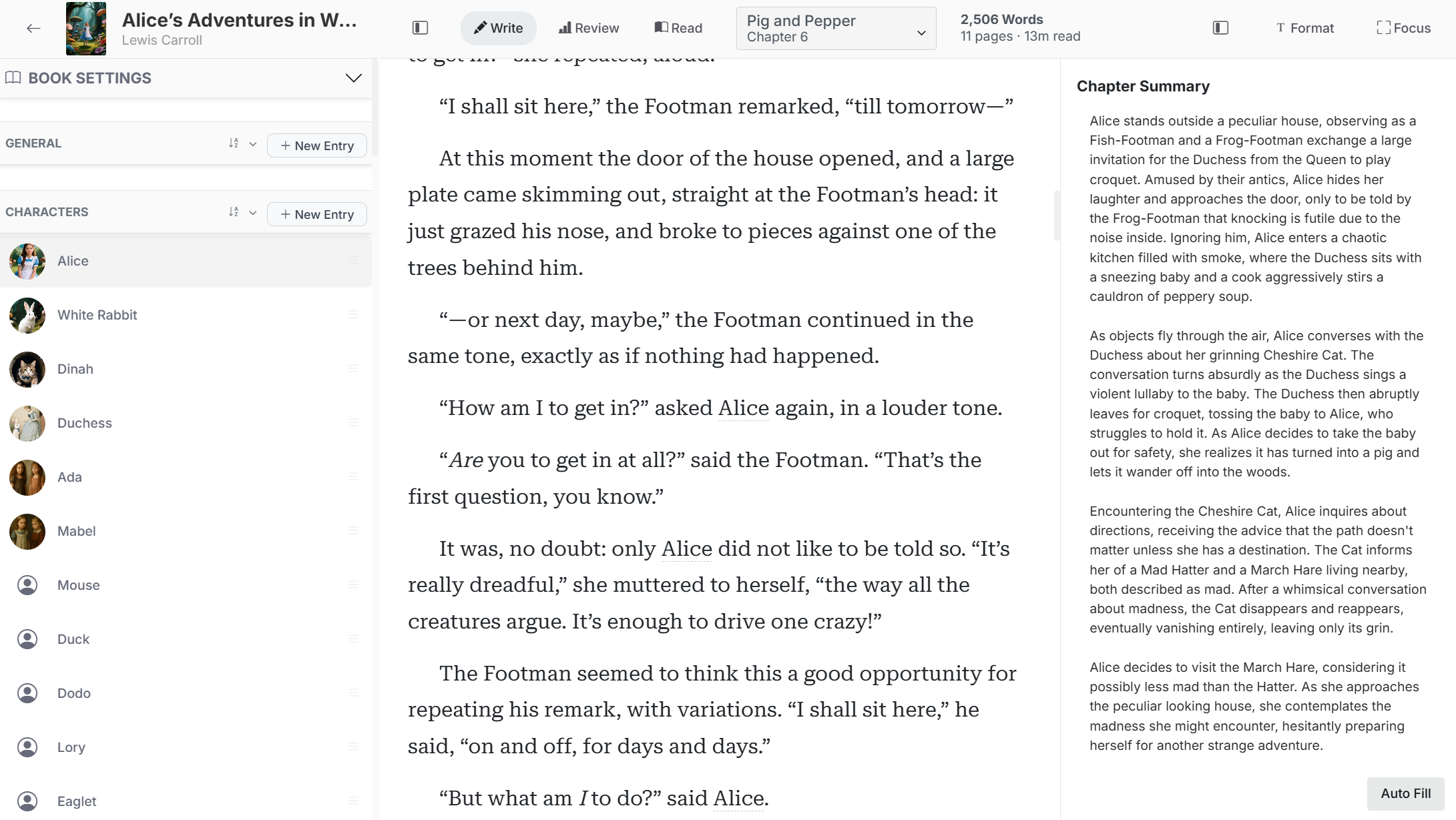
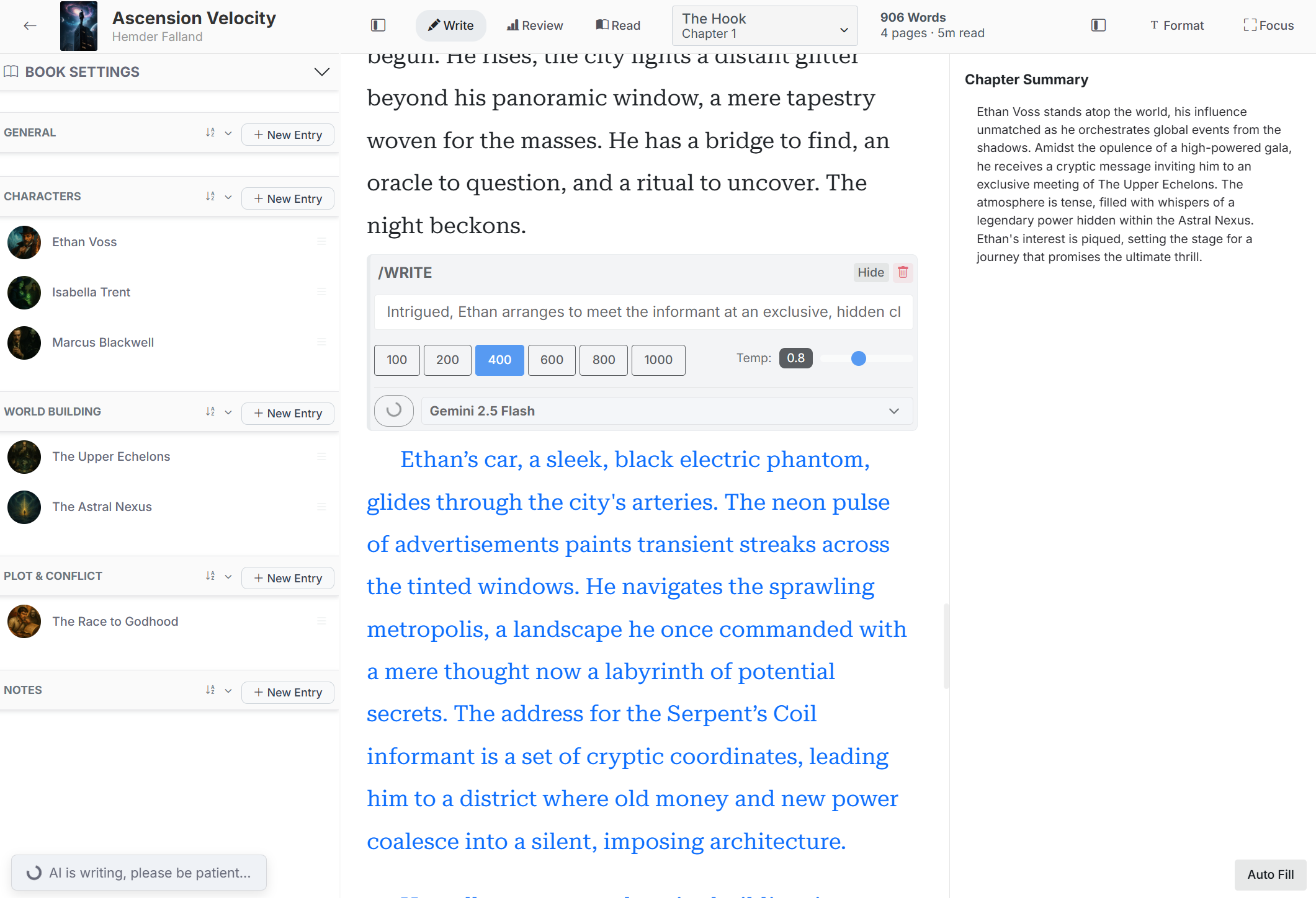
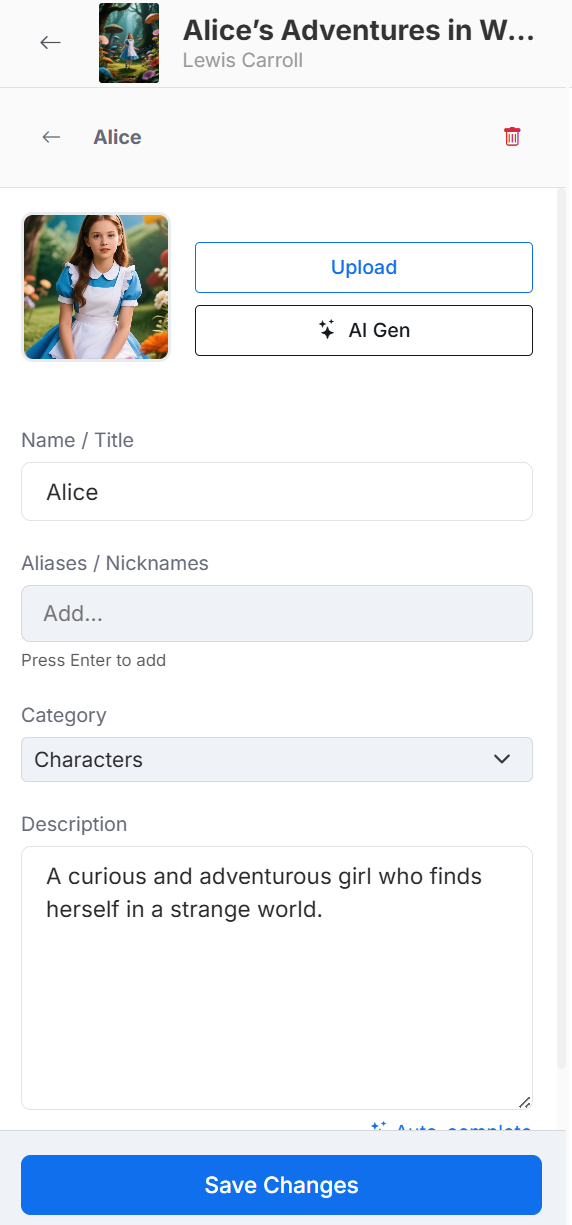
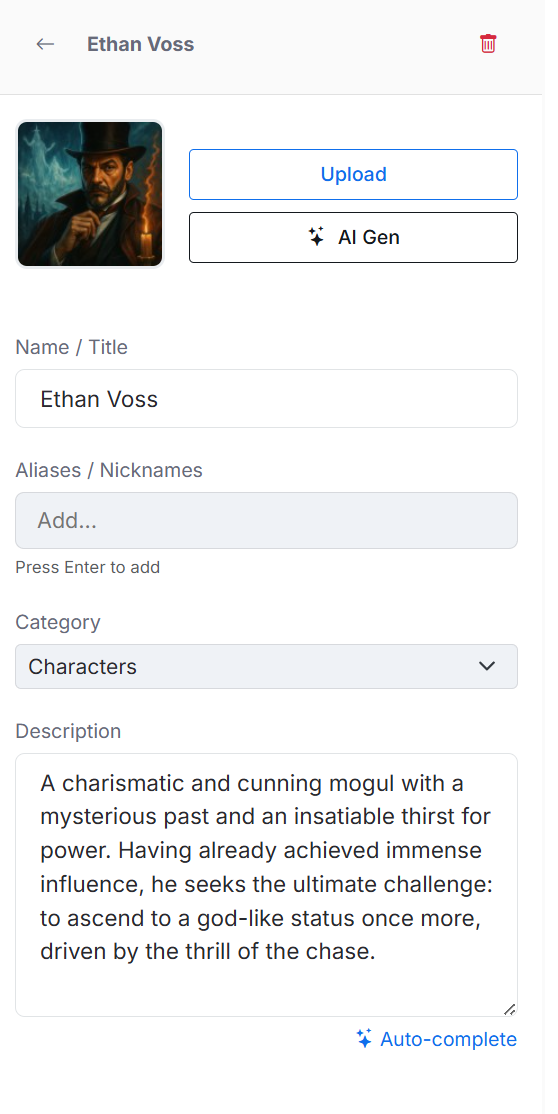
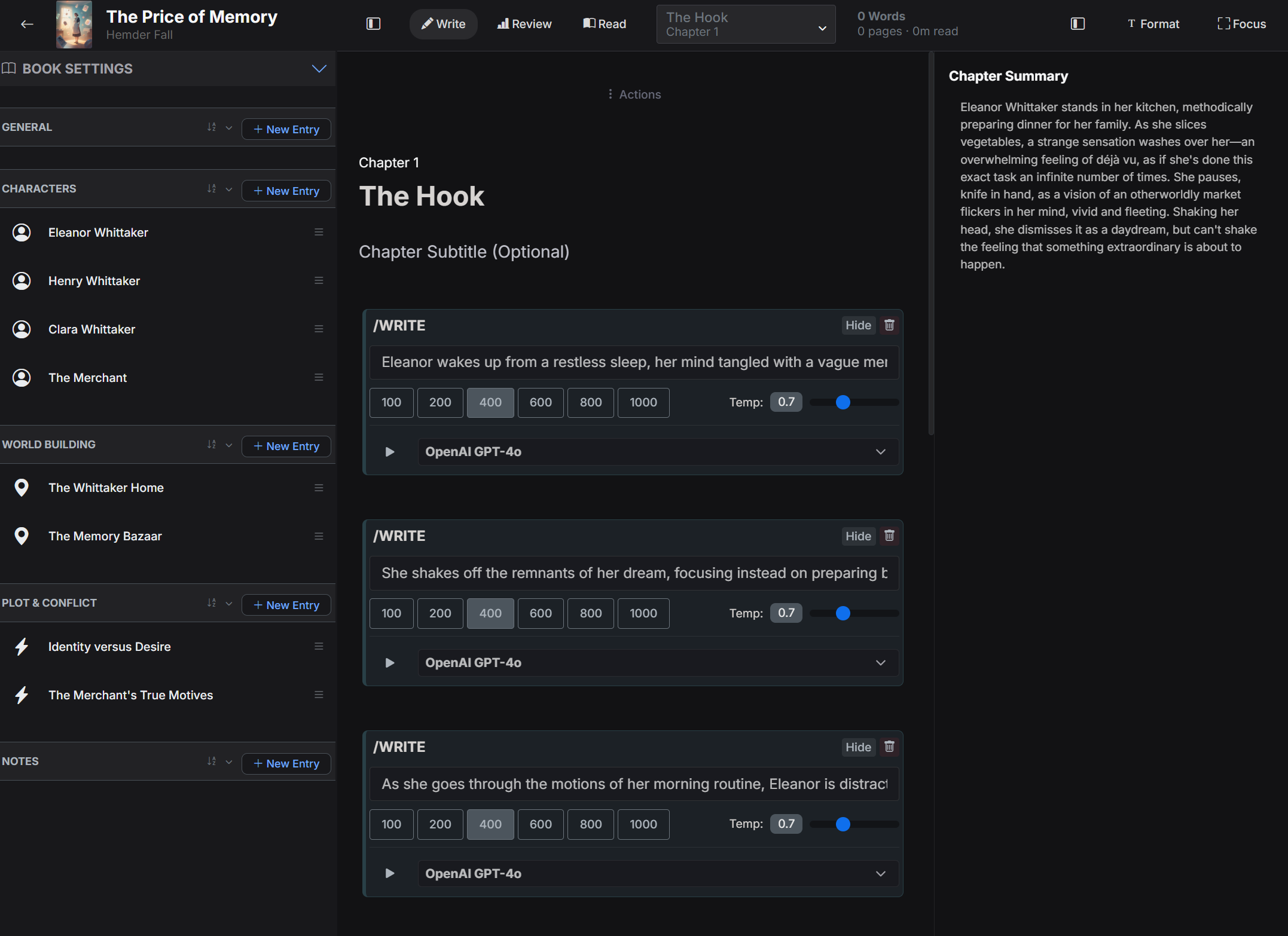
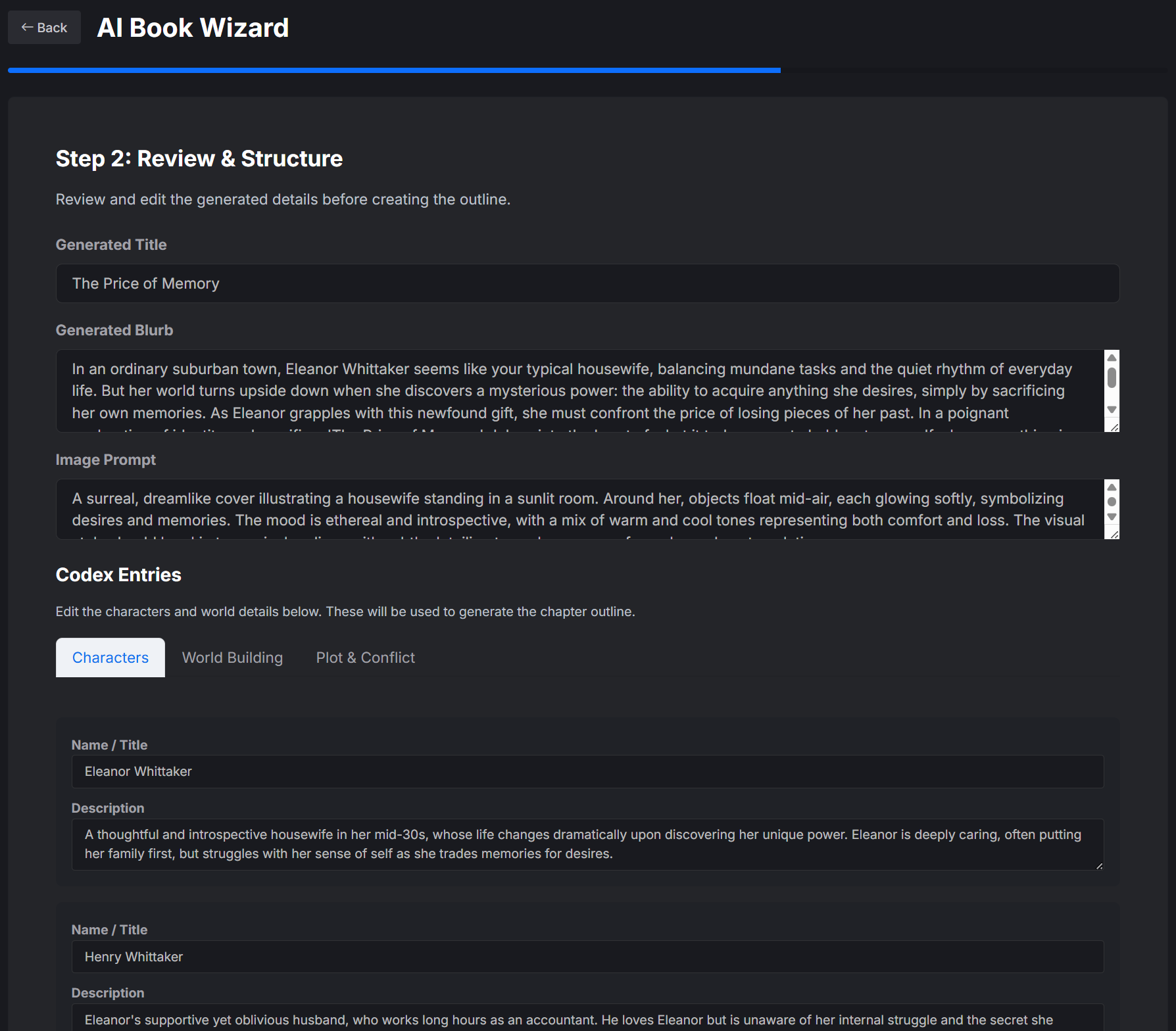
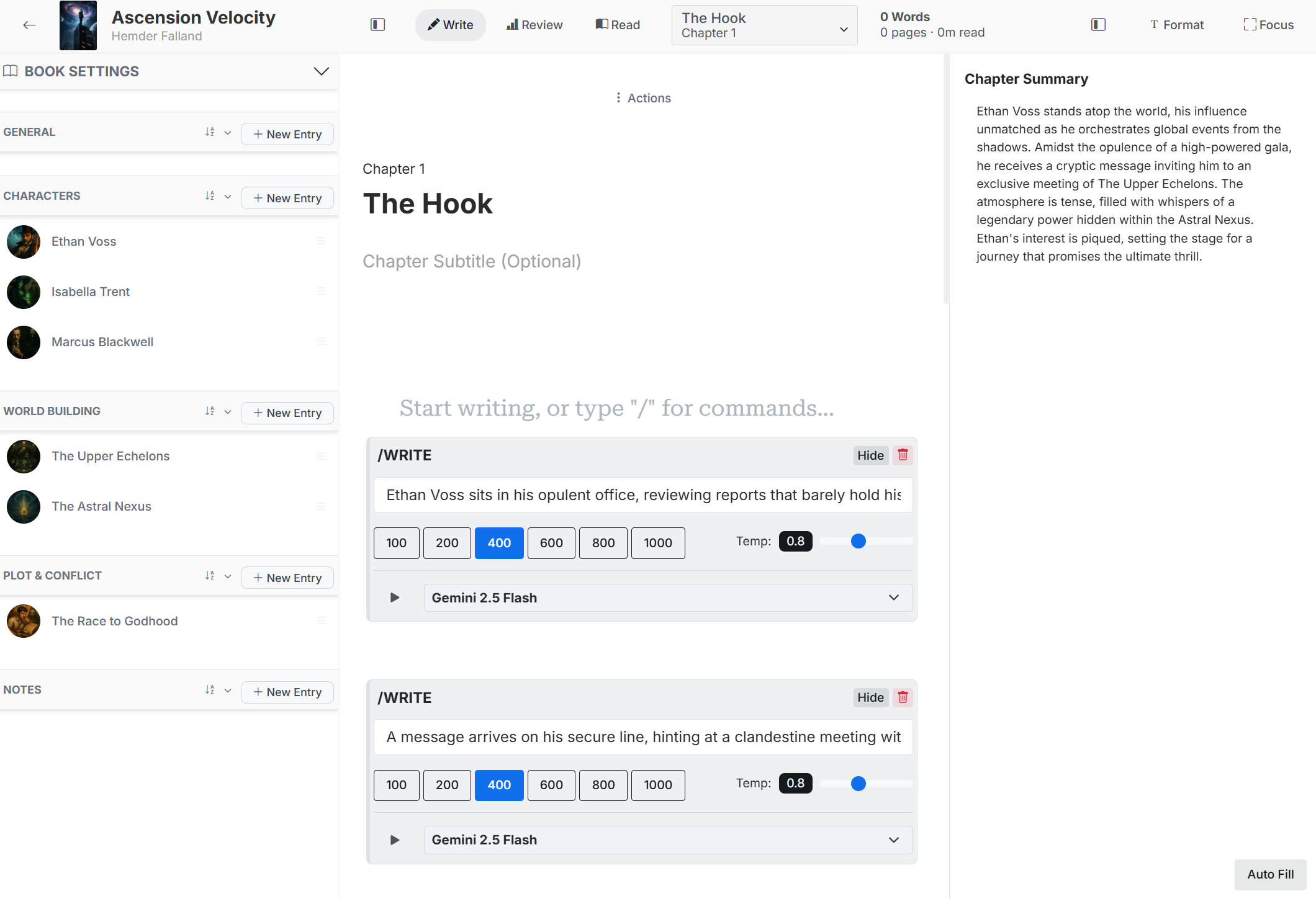
FictionFusion offers a focused long‑form manuscript editor paired with a living story bible called the Codex, letting authors draft chapters while keeping characters, locations, events, and lore instantly accessible. The side‑by‑side interface streamlines continuity, so writers never have to leave the page to manage story details. The platform supports planning and discovery writing, AI‑assisted outlining, scene generation, and comprehensive export options, making it a full‑cycle companion from first draft to finished ebook or manuscript.
SpecificationsAI-estimated
Key Features of FictionFusion
Use Cases for FictionFusion
Novel Drafting
Write and organize a full‑length novel chapter by chapter while referencing characters and settings instantly.
Worldbuilding
Maintain a detailed, searchable story bible for locations, lore, and timelines alongside the manuscript.
AI‑Assisted Outlining
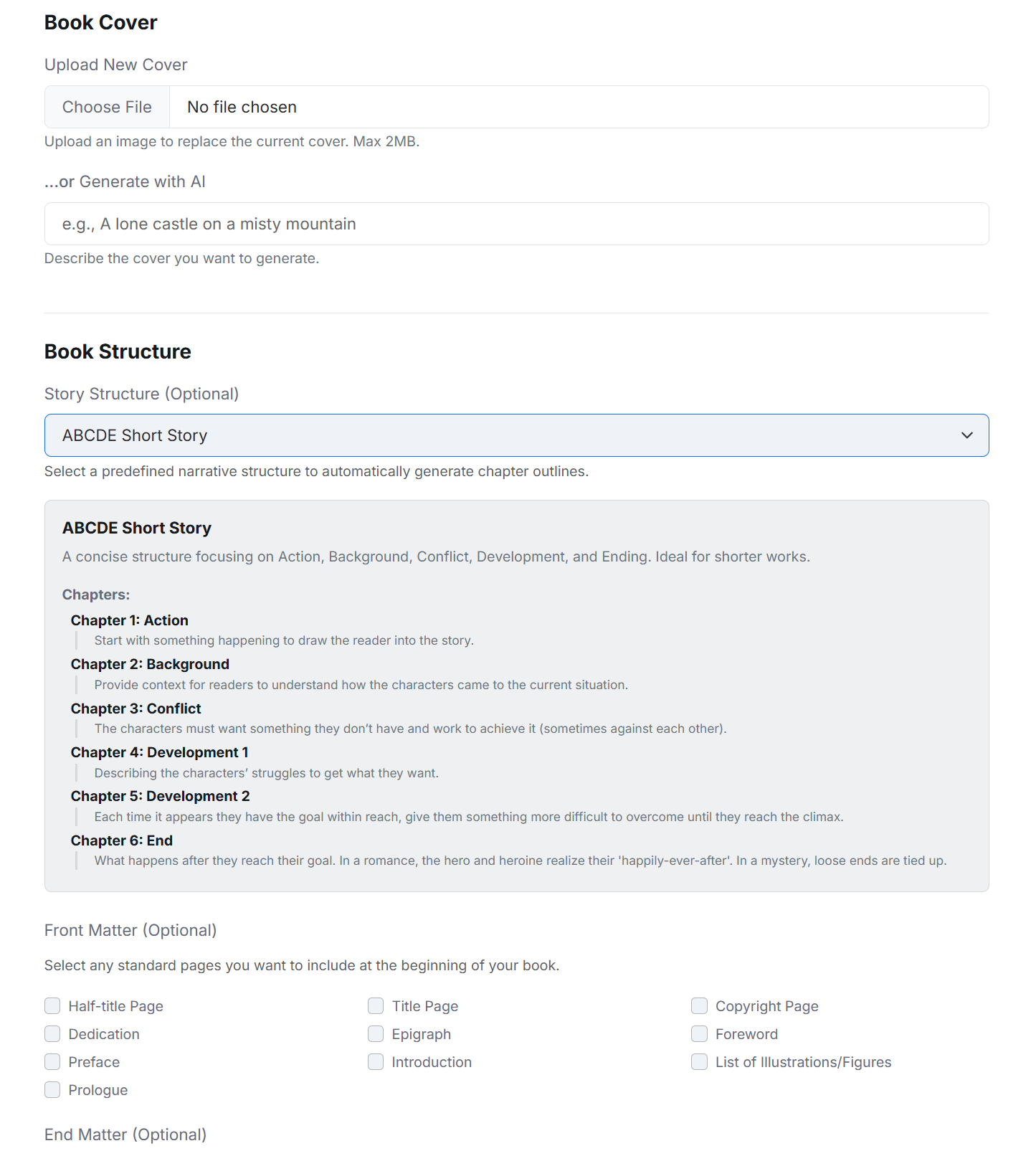
Turn a brief premise into a structured outline, character bios, and plot points using the AI Book Wizard.
Manuscript Polishing
Use AI to suggest rewrites, compare draft versions, and fine‑tune pacing before final export.
How to use FictionFusion?
Start or import a book
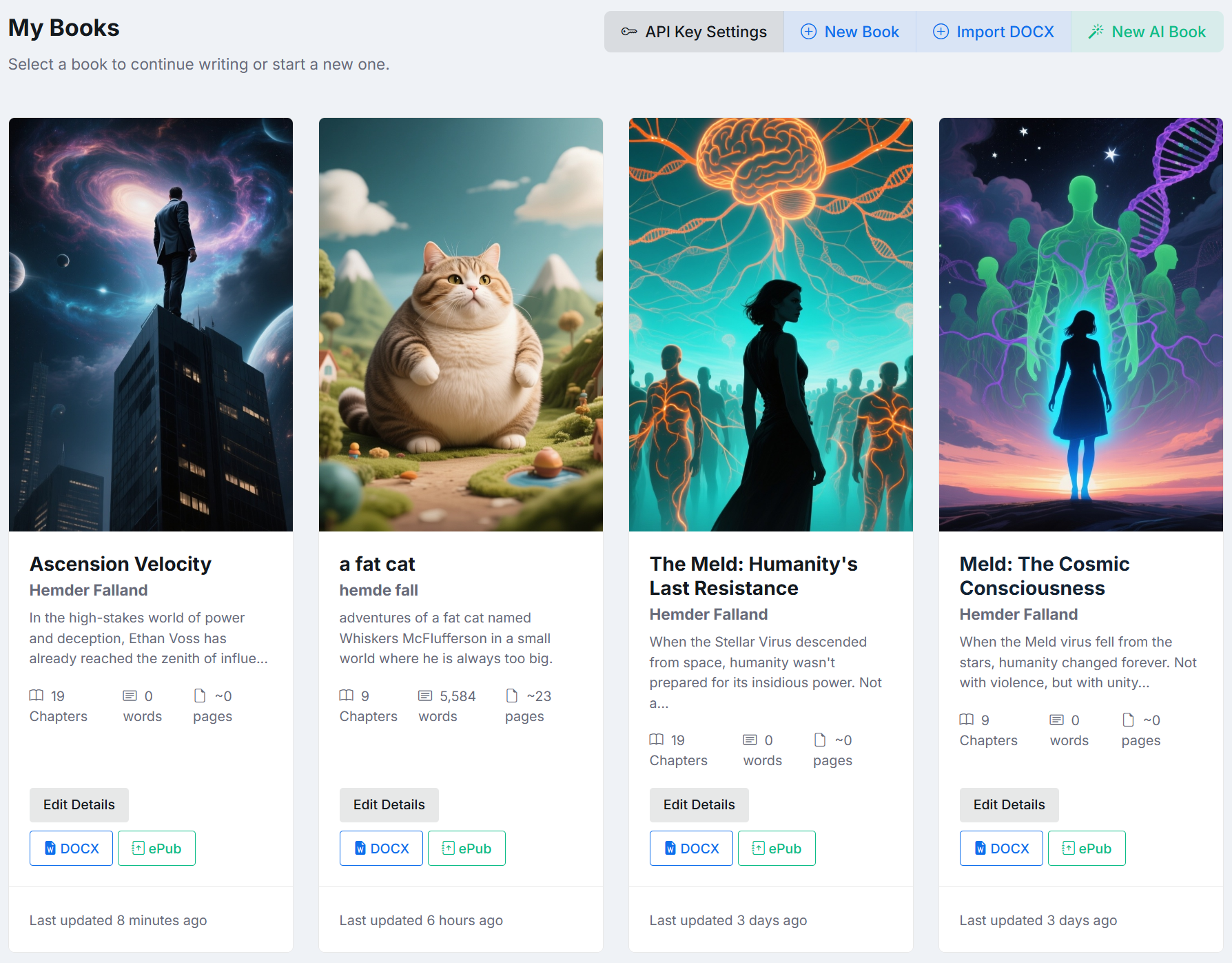
Create a blank book, use the guided setup, or import a DOCX manuscript and review how its chapters are divided.
Plan what helps
Build an outline, define the world, and create Codex entries, or leave space for discoveries as you draft.
Write the chapters
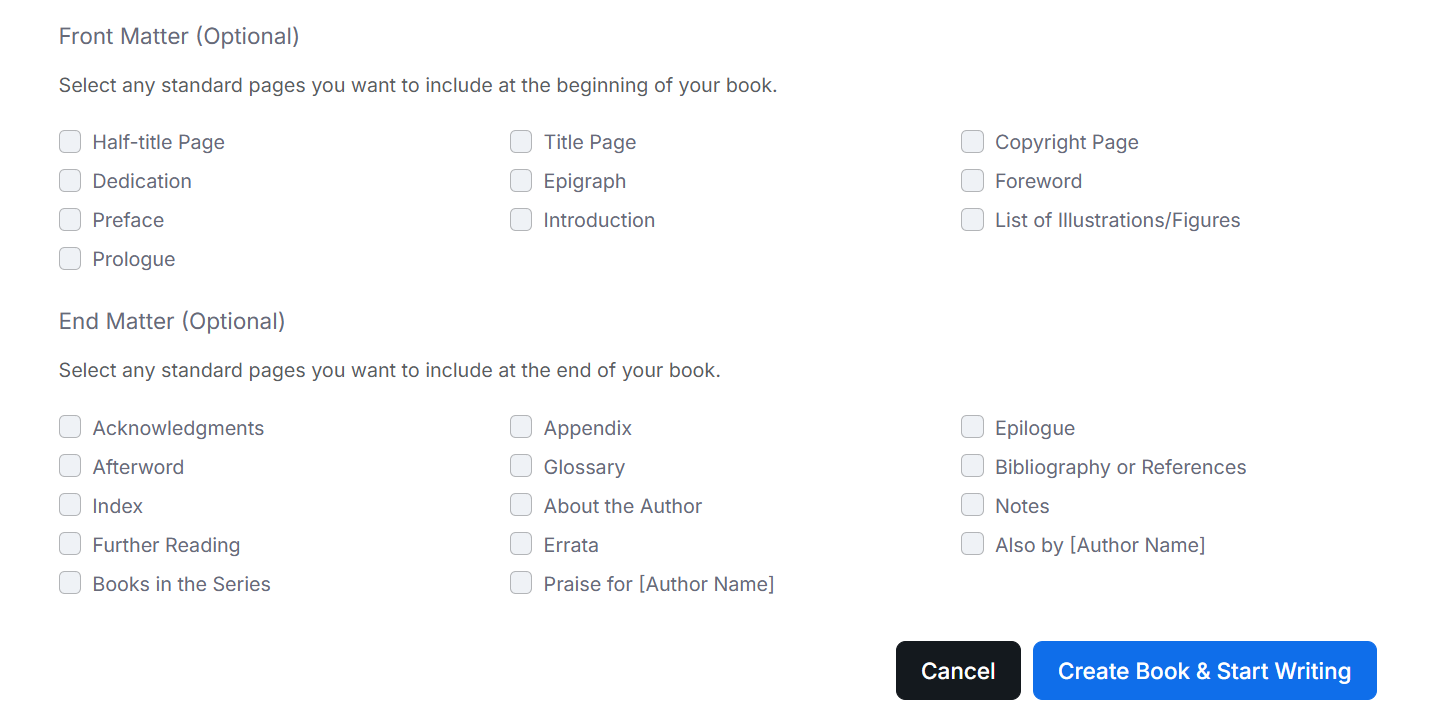
Draft in a focused editor, reorder the manuscript, add front or end matter, and keep chapter summaries nearby.
Ask for assistance
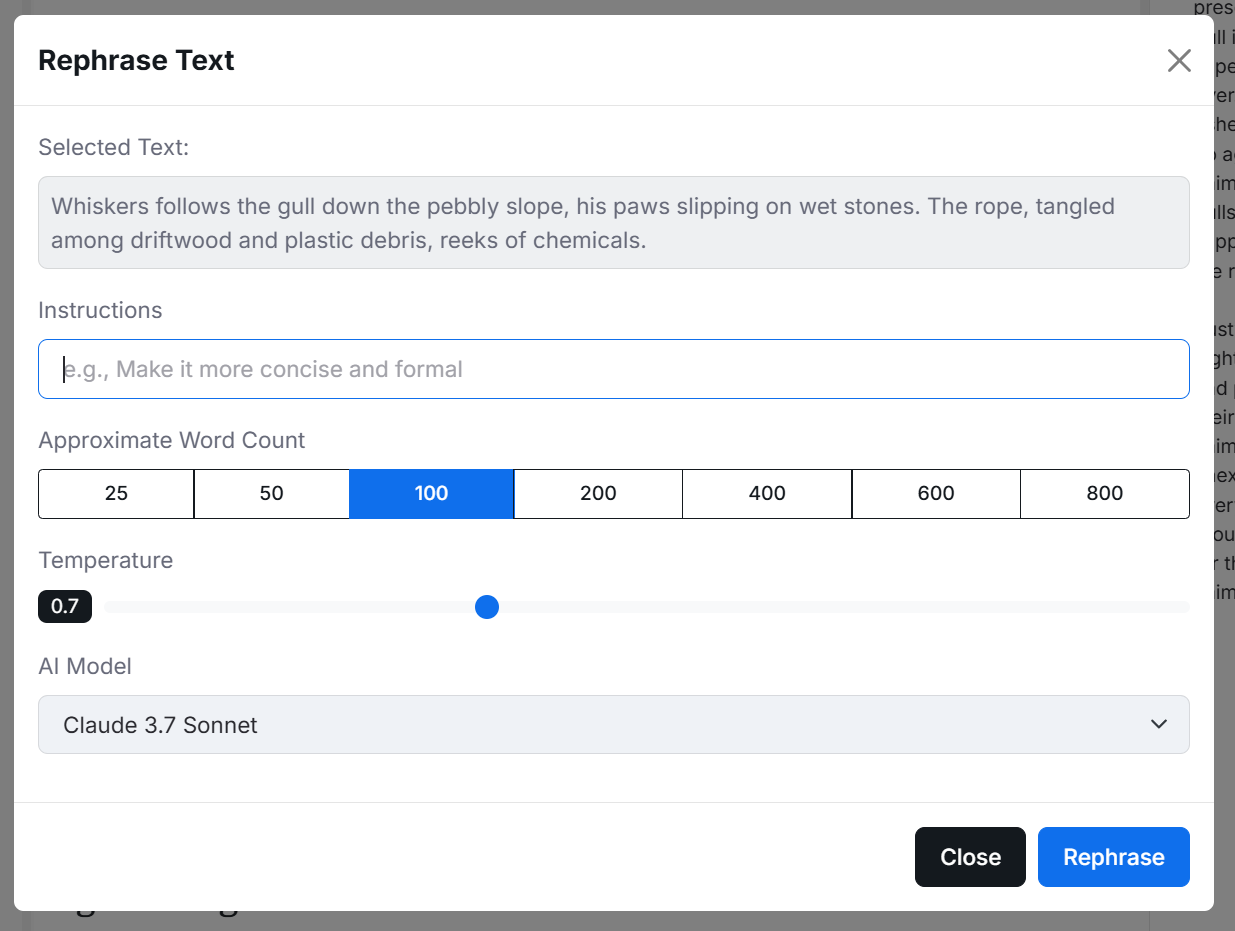
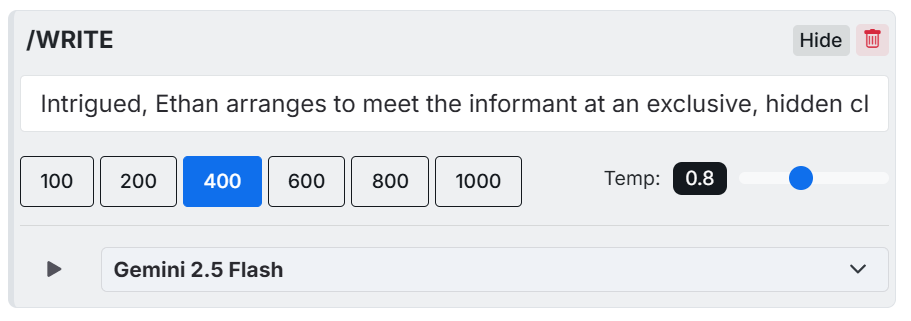
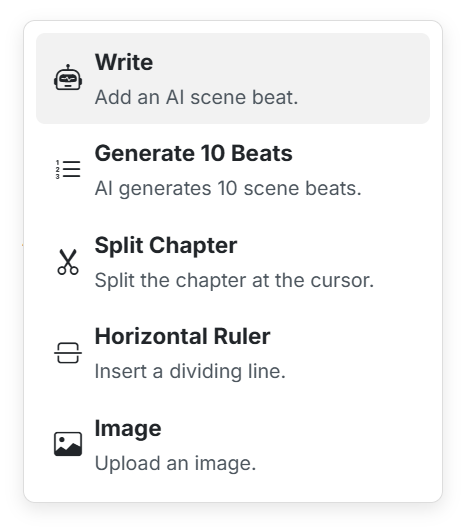
Generate scene beats, explore prose, rephrase a selection, detect story details, or ask questions about the book using AI.
Review and export
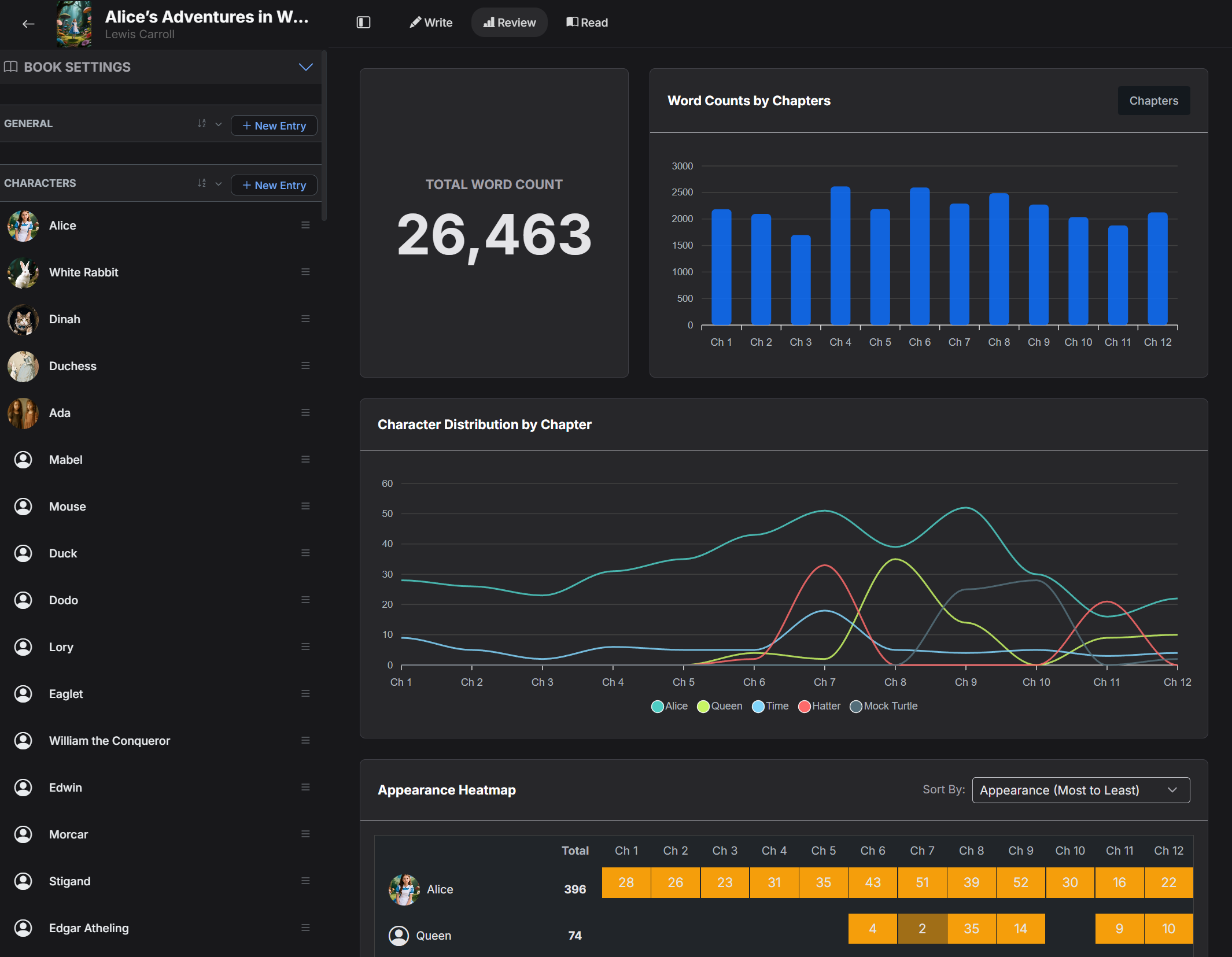
Study chapter lengths, character distribution, word count, and writing progress, then prepare front and end matter and export as DOCX or EPUB.
Pros & Cons of FictionFusion
Pros
- Integrated manuscript and story bible reduces context switching
- AI tools are optional and fully editable
- Comprehensive export formats (DOCX, EPUB)
- Dashboard gives actionable writing metrics
Cons
- Limited to web browser; no native desktop app
- AI features require internet connection
- No built‑in collaboration or multi‑user editing
Frequently Asked Questions
Can I import an existing manuscript?
Yes, you can import DOCX files and continue editing them within FictionFusion.
Is there a free version?
FictionFusion offers a freemium model with core editing and Codex features; advanced AI tools require a paid subscription.
What export formats are supported?
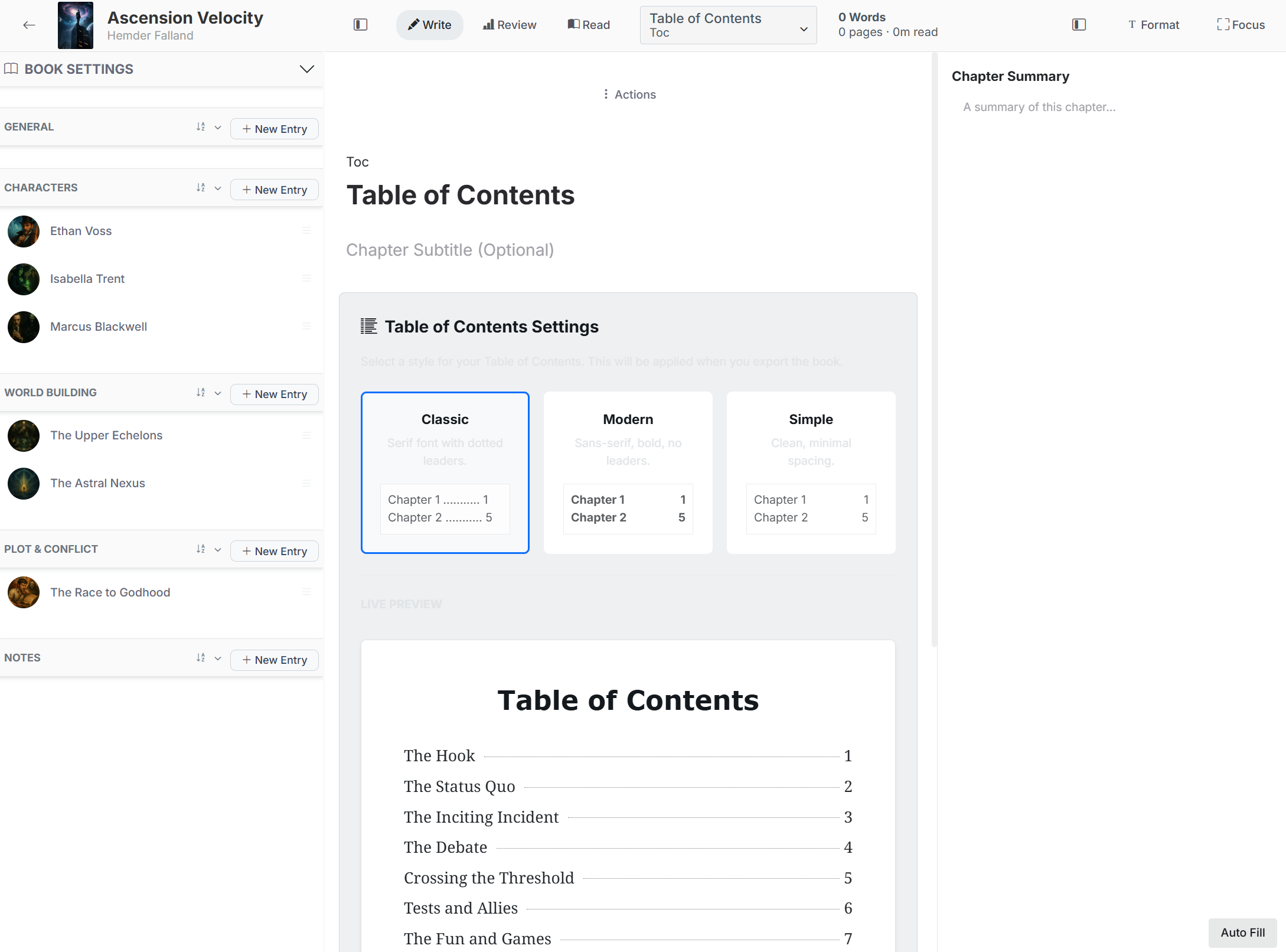
Books can be exported as DOCX or EPUB, with options to customize front and end matter and table of contents.
Does FictionFusion store my data securely?
All data is stored in the cloud with industry‑standard encryption and regular backups.
Pricing Overview
View full pricing →Reviews & Ratings0.0
No reviews yet. Be the first to write one!
Top Alternatives & Similar Software
View all alternatives & similar software→

People also viewed




Best For
Related searches
About the Product
Is this your tool?
Claim this page to update details, reply to user reviews, and drive more traffic to your product.
Claim this Product →
Tags
Explore Related Topics
Keep up with FictionFusion alternatives
New alternatives, pricing changes and the week's biggest movers - one email every Tuesday.