




Fansly Downloader
Bulk download images and videos from your favorite Fansly creators with a one-click Chrome extension.
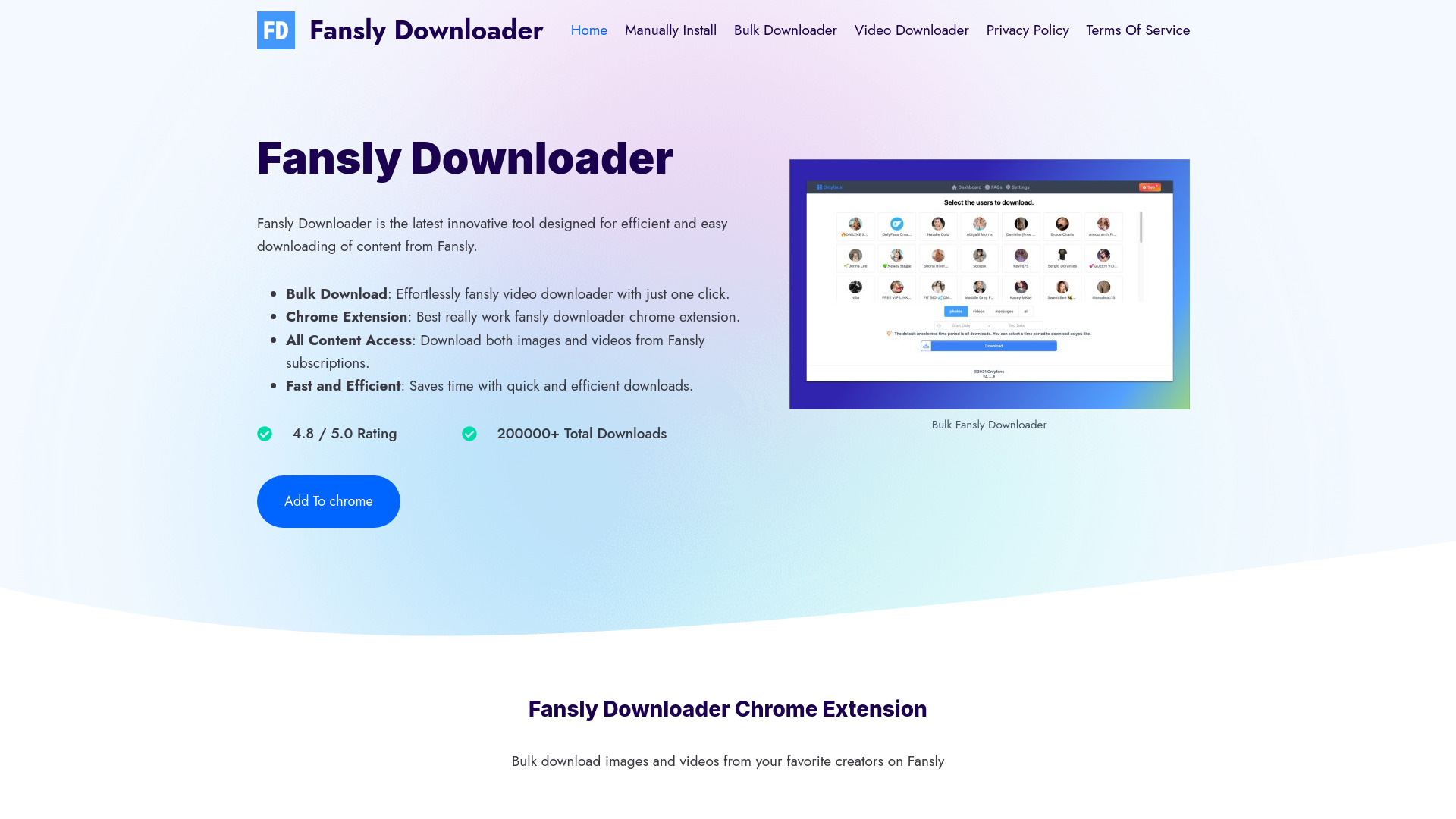

What is Fansly Downloader?
Fansly Downloader is a Chrome extension designed to streamline the process of saving media from Fansly. Instead of manually saving individual files, it lets subscribers download images and videos from creators they follow, with an emphasis on bulk downloading and one-click convenience. The extension is built to work directly with Fansly's web platform after a normal login, making it a practical tool for anyone who wants to keep copies of content they are entitled to access.
SpecificationsAI-estimated
Key Features of Fansly Downloader
Use Cases for Fansly Downloader
Offline Viewing
Save images and videos from subscribed Fansly creators to your device for offline viewing when you don't have an internet connection.
Content Archiving
Keep a personal archive of media from creators you follow so you don't lose access to content if your subscription changes.
Bulk Media Export
Use the bulk download feature to grab entire collections of images or videos at once instead of saving files one by one.
Creator Collections Backup
Quickly back up your favorite creator's content in an efficient and organized way.
Trial Evaluation
Test the extension during the free trial to see if it meets your downloading needs before paying for the full product.
Personal Video Library
Save videos from Fansly for personal use and easy playback outside the platform.
How to use Fansly Downloader?
Install the Chrome Extension
Install the Fansly Downloader extension from the official Chrome Web Store listing.
Log In to Fansly
Open fansly.com and log in to your Fansly account as you normally would.
Open the Extension
Click the application icon in the upper right corner of your browser.
Choose a Creator
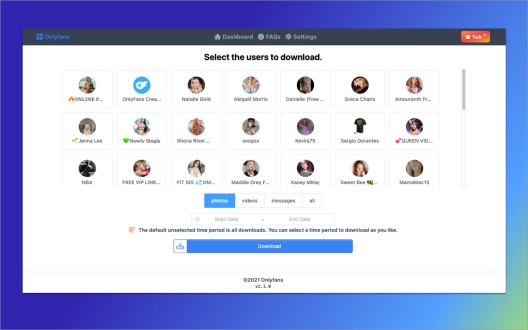
Select the creator avatar whose media you want to export.
Download Media
Click the "Download Media" button to bulk download the available images and videos.
Pros & Cons of Fansly Downloader
Pros
- One-click bulk download of images and videos from Fansly
- Free trial available to test the extension
- Fast and efficient downloading workflow
- Designed with data privacy and security in mind
- High user rating of 4.8/5 with more than 200,000 downloads
Cons
- Only available as a Google Chrome extension, with no support for other browsers mentioned
- Requires an active Fansly account and login to access and download subscription content
- The free trial is presumably limited, and full pricing/subscription details are not clearly disclosed on the page
- No dedicated mobile app or standalone desktop application is listed
Frequently Asked Questions
Is there a way to download Fansly content?
Yes, specialized tools like Fansly Downloader integrate with your browser and allow you to bulk download images and videos from Fansly, as long as you are logged into your Fansly account.
What is the best Fansly video downloader?
Many users prefer Fansly Downloader because of its one-click bulk download functionality, ease of use, and fast, secure downloading capabilities.
Is Fansly Downloader free to use?
The tool is offered as a free trial so you can evaluate its features before committing. Full pricing is not detailed on the homepage.
What browser does Fansly Downloader work on?
Fansly Downloader is distributed as a Google Chrome extension via the Chrome Web Store.
What types of content can I download?
Fansly Downloader can bulk download both images and videos from the Fansly creators you are subscribed to or have access to.
Is my data safe when using Fansly Downloader?
The website states that the tool ensures a high level of data security, protecting both personal information and the integrity of downloaded content.
How do I install and start using Fansly Downloader?
Look for the Fansly Helper extension in the Chrome Web Store, install it, open fansly.com, log in, select a creator, and click the download button.
Reviews & Ratings0.0
No reviews yet. Be the first to write one!
Top Alternatives & Similar Software
View all alternatives & similar software→No alternatives available yet.
People also viewed




Related searches
Is this your tool?
Claim this page to update details, reply to user reviews, and drive more traffic to your product.
Claim this Product →
Tags
Explore Related Topics
Keep up with Fansly Downloader alternatives
New alternatives, pricing changes and the week's biggest movers - one email every Tuesday.