




Datemaxx
Get the perfect reply or convo starter for your crush
What is Datemaxx?
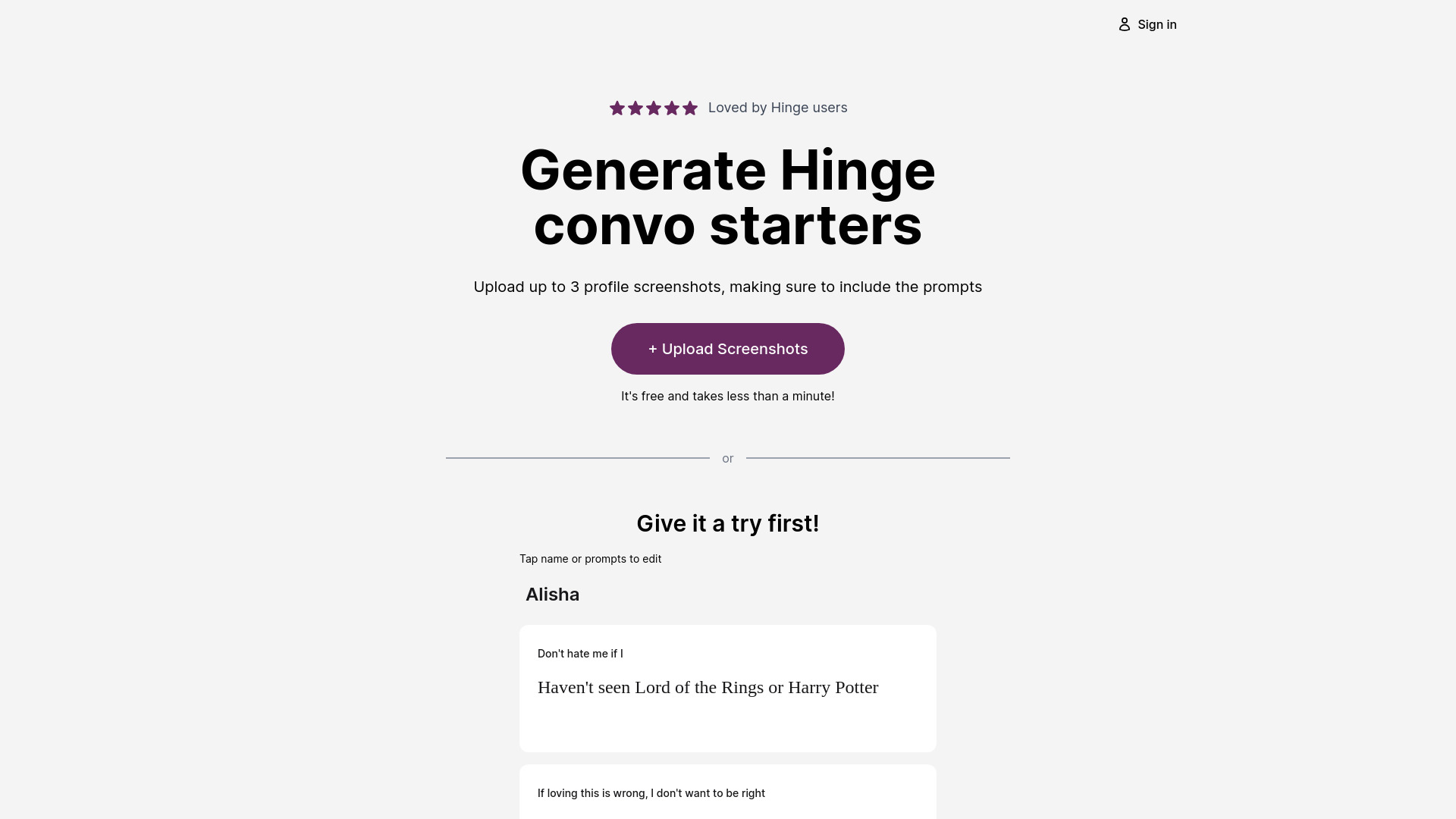
AI Dating Assistant that helps users get perfect replies or conversation starters on dating apps and social media by uploading screenshots of chats or profiles.
SpecificationsAI-estimated
Key Features of Datemaxx
Use Cases for Datemaxx
Reply suggestions
Upload a screenshot of a chat to get perfect reply suggestions.
Conversation starters
Upload a profile screenshot to get engaging conversation starters.
Profile optimization
Get professional profile review to improve match rates.
How to use Datemaxx?
Capture
Take a screenshot of the chat or profile you want to reply to.
Upload
Upload the screenshot(s) to Datemaxx (max 3 screenshots).
Get suggestions
Receive perfect reply or conversation starter suggestions.
Pros & Cons of Datemaxx
Pros
- Works on all dating apps and social media
- Upload up to 3 screenshots
- Offers profile review service for non-match users
Cons
- No detailed feature information provided
- Limited to 3 screenshots per upload
- Requires manual screenshot capture
Frequently Asked Questions
What apps does Datemaxx work with?
It works on all dating apps including Tinder, Hinge, Bumble, social media, DMs, texts, and more.
How many screenshots can I upload?
You can upload up to 3 screenshots per request.
I'm not getting matches. What can I do?
Datemaxx offers a profile review service to help improve your dating profile.
Reviews & Ratings0.0
No reviews yet. Be the first to write one!
Top Alternatives & Similar Software
View all alternatives & similar software→


People also viewed



Related searches
About the Product
Is this your tool?
Claim this page to update details, reply to user reviews, and drive more traffic to your product.
Claim this Product →
Tags
Keep up with Datemaxx alternatives
New alternatives, pricing changes and the week's biggest movers - one email every Tuesday.