




CostumePlay AI
AI-powered virtual try-on and campaign video generation that turns flat-lay photos into professional model shots—without the photoshoot.
What is CostumePlay AI?
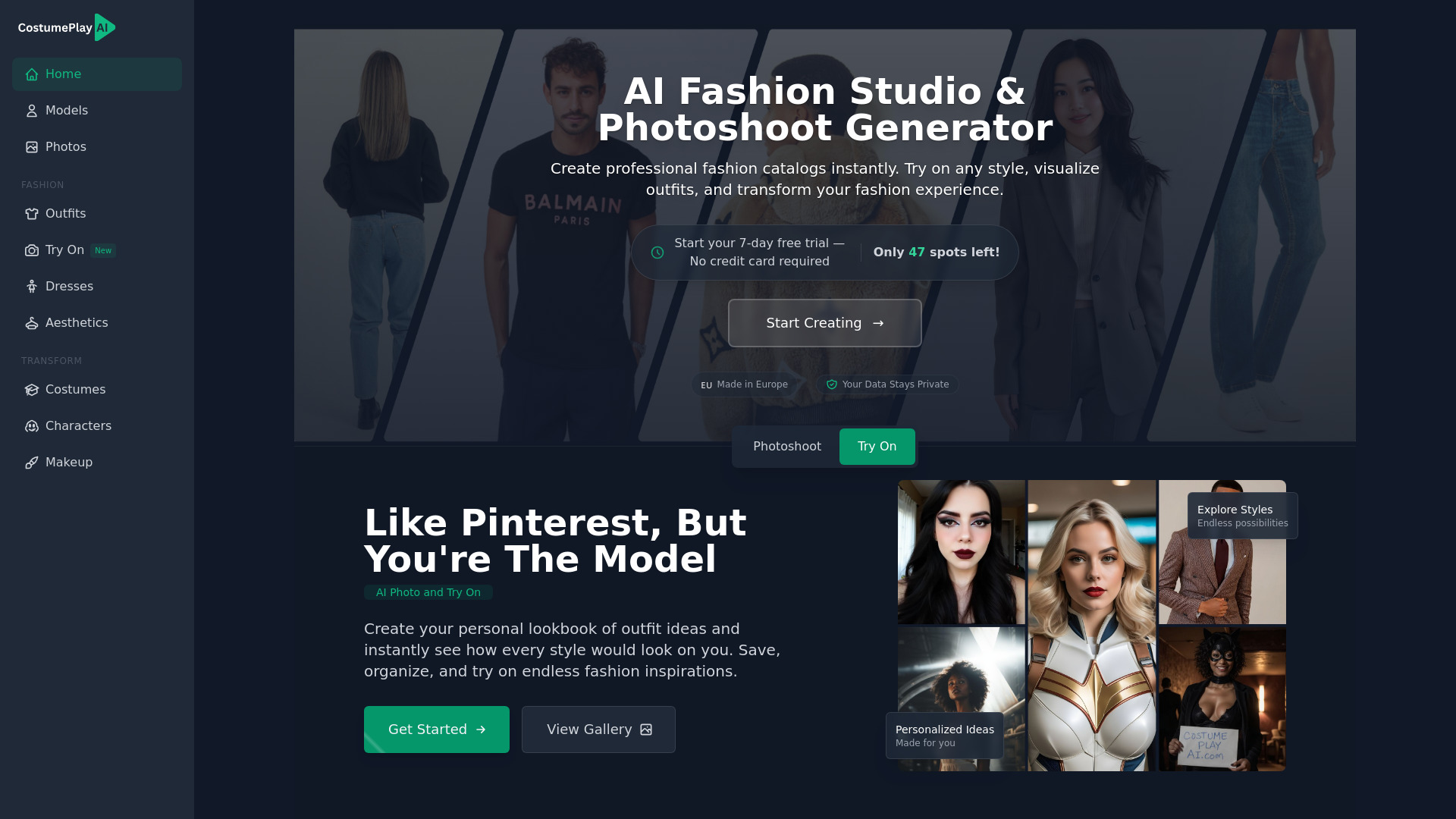
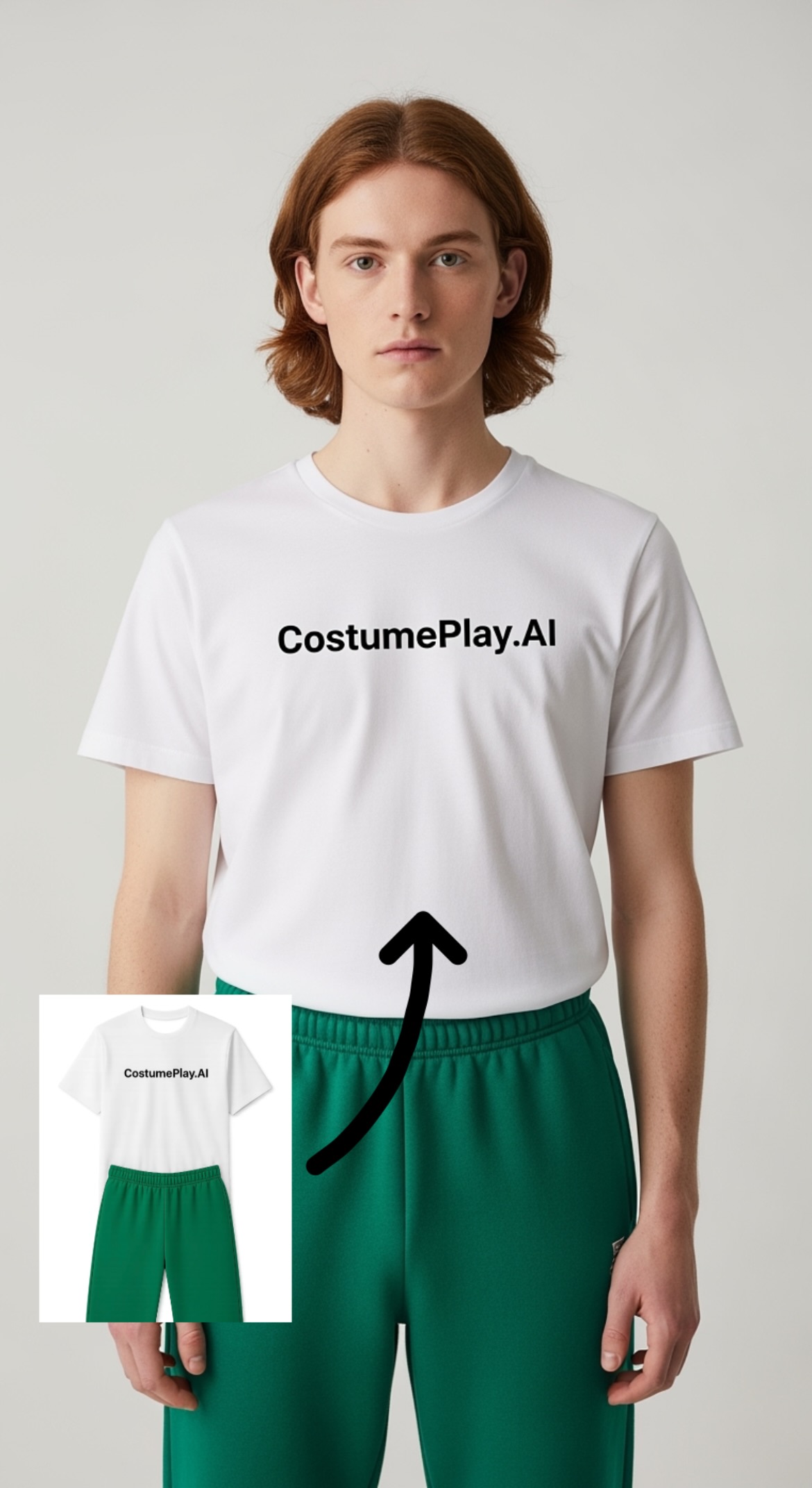
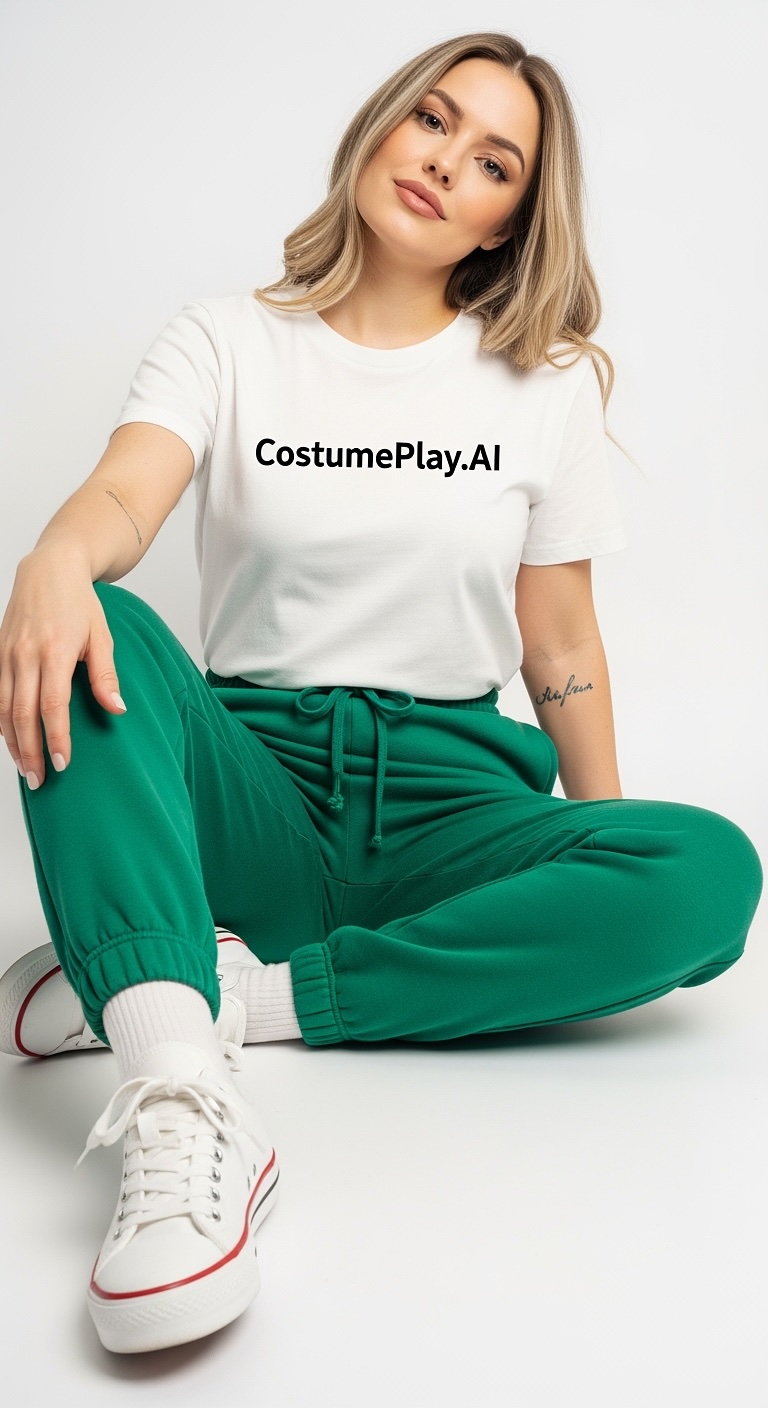
CostumePlay AI is an AI-powered virtual try-on and video generation platform built for both personal styling and professional e-commerce marketing. It lets you see clothes, makeup, costumes, and accessories on yourself, while merchants can turn simple flat-lay product images into realistic on-model photos and high-CTR campaign videos—without hiring models, photographers, or renting a studio. For professional users, the platform promises incredible fabric fidelity and can generate dozens of model variations in minutes, reducing photoshoot costs by up to 95%. Once model shots are ready, CostumePlay AI can combine collections into auto-generated video campaigns optimized for TikTok, Instagram, Facebook, and product pages. A built-in video editor then gives brands full creative control with logo placement, audio upload, timing control, reordering, hiding unwanted generations, and video upscaling. Pricing is a simple subscription model with monthly credits: Starter at $8/mo with 50 credits, Hobby at $37/mo with 200 credits, and Pro at $147/mo with 1000 credits. Extra credits can be purchased anytime, credits never expire, and payments are processed securely via Stripe or Shopify. With full commercial usage rights and a Europe-based team, CostumePlay AI is positioned as an affordable alternative to traditional photoshoots for online sellers and creators.
SpecificationsAI-estimated
Key Features of CostumePlay AI
Use Cases for CostumePlay AI
Personal styling and virtual try-on
See outfits, makeup, costumes, and accessories on yourself before buying.
E-commerce product photography
Turn flat-lay product images into professional on-model photos for product pages and catalogs.
Social media content
Generate engaging videos optimized for TikTok, Instagram, and Facebook stories and feeds.
Paid advertising campaigns
Create high-CTR video ads without expensive studio or model bookings.
Product page enhancement
Add polished model shots and videos to product pages to improve visual appeal and conversions.
Print materials
Use generated images and videos in print materials with full commercial rights.
Rapid campaign variation testing
Generate dozens of model variations in minutes to quickly test different looks and campaigns.
How to use CostumePlay AI?
Upload product or flat-lay images
Upload clear, well-lit images of your garments. Flat lay photos work great for generating on-model photos.
Generate on-model shots
Let the AI create on-model photos and your avatar. Avatar creation takes only a few seconds, while on-model photos take about 30 seconds to 2 minutes.
Create campaign videos
Combine your best model shots and let the platform auto-generate video campaigns optimized for social media, stories, ads, and product pages.
Edit and customize your videos
Use the video editor to add logos, upload audio, control timing, reorder clips, hide unwanted generations, and upscale videos.
Export and use commercially
Use your generated images and videos on websites, social media, ads, and print materials with full commercial usage rights.
Pros & Cons of CostumePlay AI
Pros
- Cuts photoshoot costs by up to 95% with fast flat-lay to model photo transformation
- Generates dozens of realistic model variations in minutes without needing a studio
- Automatically creates high-CTR campaign videos optimized for social media
- Includes full commercial usage rights for ads, websites, and print
- Flexible credit plans with credits that never expire and secure Stripe/Shopify payments
Cons
- No free plan or trial details are shown on the site; paid subscription starts at $8/month.
- The site does not disclose how many credits each photo or video generation consumes.
- No API or e-commerce platform integrations (e.g., Shopify, Magento) are mentioned.
- Video generation appears to rely on already-good on-model or lifestyle shots, not just any product photo.
Frequently Asked Questions
What can I use CostumePlay AI for?
CostumePlay AI can be used for personal styling and creativity, as well as professional e-commerce tasks like turning flat-lay product photos into on-model images and creating high-CTR campaign videos.
What type of images should I upload for on-model photos?
For on-model photos, you should upload clear, well-lit images of your garments. Flat lay photos work great.
What type of images should I upload for campaign videos?
For campaign videos, you should upload on-model shots or lifestyle shots of your product.
Do I get commercial usage rights?
Yes, full commercial usage rights are included. You can use the generated visuals for websites, social media, ads, and print materials.
How long does generation take?
On-model photos take about 30 seconds to 2 minutes. Avatar creation takes a few seconds, and video clips take 1-3 minutes.
Do my credits expire?
No, credits never expire. Your plan includes a monthly credit allowance, and you can buy extra credits anytime you need more.
How much does CostumePlay AI cost?
The plans are Starter at $8/mo with 50 credits, Hobby at $37/mo with 200 credits, and Pro at $147/mo with 1000 credits.
Is CostumePlay AI made in Europe?
Yes, the site states it is 'Made in Europe'.
Reviews & Ratings0.0
No reviews yet. Be the first to write one!
Top Alternatives & Similar Software
View all alternatives & similar software→



People also viewed



Related searches
Is this your tool?
Claim this page to update details, reply to user reviews, and drive more traffic to your product.
Claim this Product →
Tags
Explore Related Topics
Keep up with CostumePlay AI alternatives
New alternatives, pricing changes and the week's biggest movers - one email every Tuesday.