



What is ConceptMap?
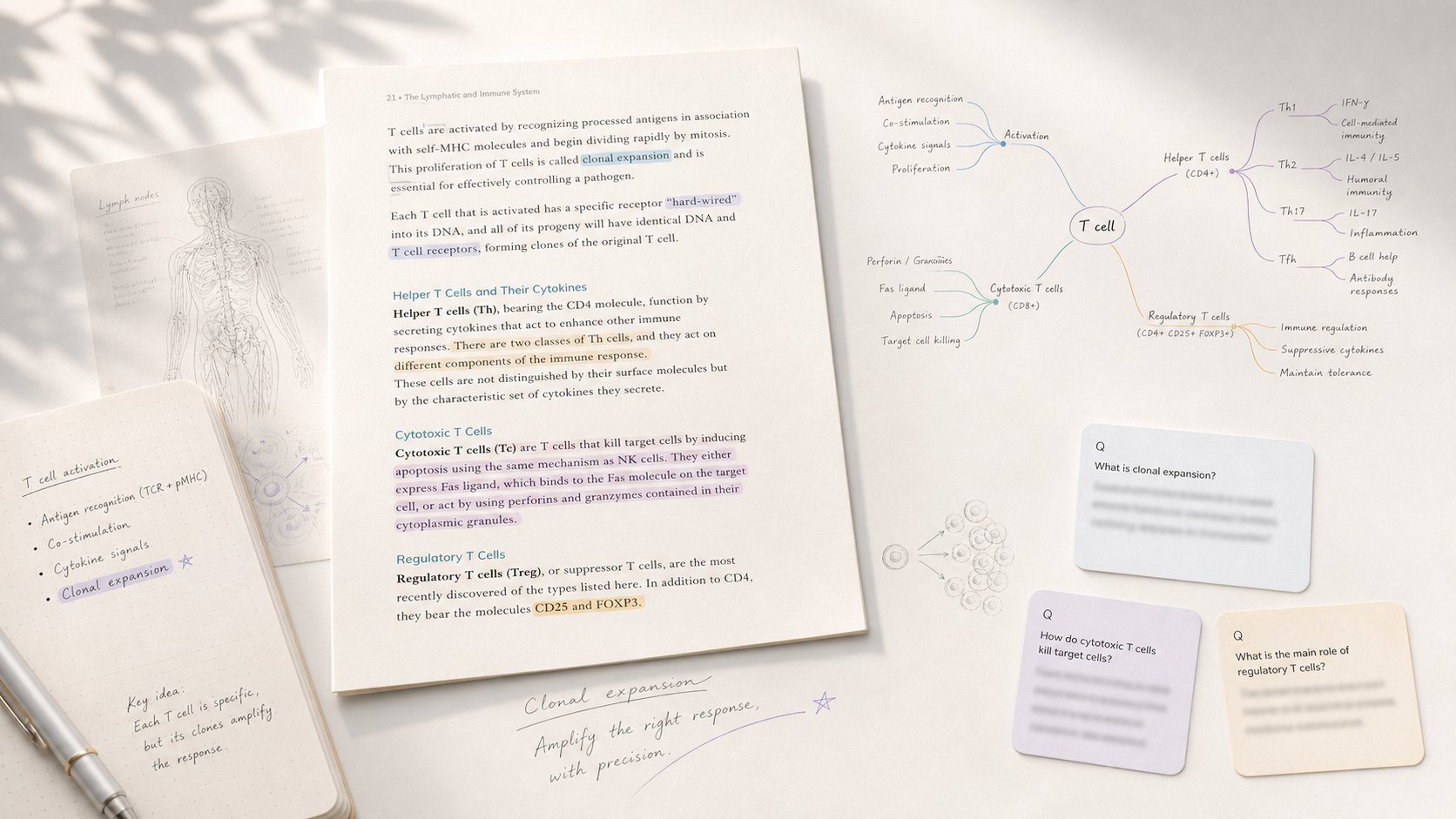
A quiet tool for thinking that transforms PDFs, lecture notes, and ChatGPT conversations into dense, teachable mindmaps. Includes a Present mode to walk through nodes linearly.
SpecificationsAI-estimated
Key Features of ConceptMap
Use Cases for ConceptMap
Teachers preparing to present
Render a chapter as a map, present it in class, share a public link for students to annotate at home.
Self-learners
Convert a paper or lecture into a map to study and later explain to others.
Students with deadlines
Turn notes or chapters into a hand-in ready map within minutes, usable for exams.
PhD candidates and researchers
Map thesis findings into a single figure for discussion.
How to use ConceptMap?
Input your material
Drop in a PDF, lecture notes, a ChatGPT chat, or just type a topic.
Get your mindmap
The AI extracts the structure and generates a hierarchical mindmap.
Present or share
Use Present mode to walk through nodes linearly, or share a public link for others to view and remix.
Pros & Cons of ConceptMap
Pros
- No signup required for 5 free maps
- AI extracts argument structure automatically
- Built-in Present mode for teaching and self-explanation
- Supports multiple languages natively
- Public links allow viewing/remixing without accounts
- Works with various input types (PDF, notes, chats, YouTube URLs, images)
Cons
- Only 5 free maps, likely paid beyond
- Limited to mindmap hierarchy, not propositional concept maps with cross-links
- No explicit offline functionality
Frequently Asked Questions
What can I drop in?
PDFs, papers, lecture notes, photos, YouTube URLs, ChatGPT conversations, abstracts, or just a topic.
Is this a mindmap or a concept map?
It's a mindmap with hierarchical structure, chosen for scalability, linear walking, and reliable AI extraction. For propositional concept maps with cross-links, use IHMC CmapTools.
What is Present mode?
A built-in walk-through that turns the map into a linear, node-by-node presentation with keyboard navigation.
Can students use it without signing up?
Yes, public links allow anyone to view, present, or remix without an account.
What languages work?
Native support for 11 languages including English, Spanish, Japanese, Arabic, and more.
Reviews & Ratings0.0
No reviews yet. Be the first to write one!
Top Alternatives & Similar Software
View all alternatives & similar software→

People also viewed



Related searches
About the Product
Is this your tool?
Claim this page to update details, reply to user reviews, and drive more traffic to your product.
Claim this Product →
Tags
Explore Related Topics
Keep up with ConceptMap alternatives
New alternatives, pricing changes and the week's biggest movers - one email every Tuesday.