




Codex Dream Skin
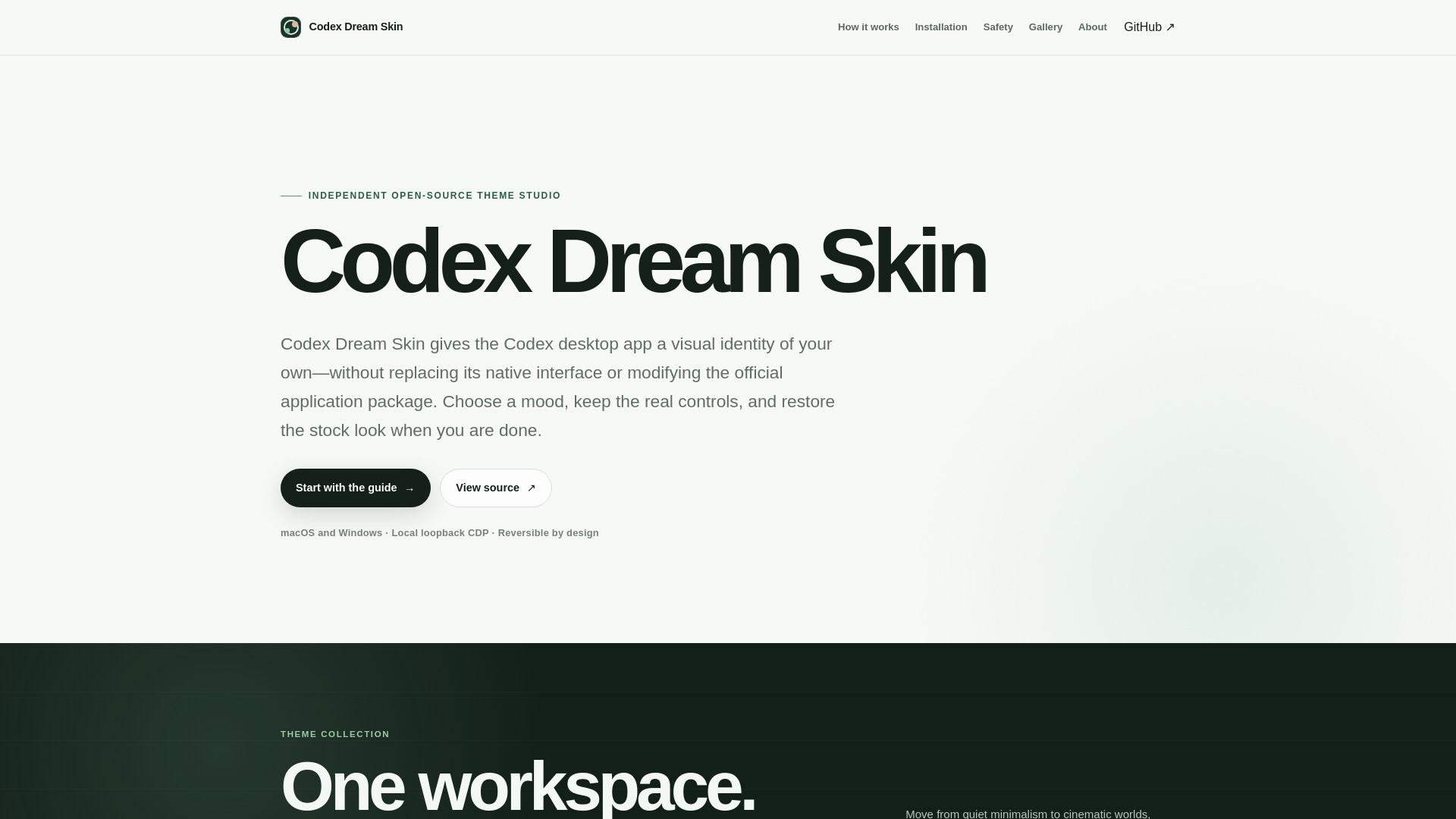
Independent open-source theme studio for the Codex desktop app — one image, one mood, the same real Codex underneath.
What is Codex Dream Skin?
An independent open-source theme studio for the OpenAI Codex desktop app — it launches the official Codex binary with a local CDP bridge and injects decorative CSS overlays, keeping the underlying app untouched and fully reversible.
SpecificationsAI-estimated
Key Features of Codex Dream Skin
Use Cases for Codex Dream Skin
Themed working environment
Users add artistic background images and accent color schemes to the Codex desktop interface while keeping all native controls fully functional.
Pre-flight renderer verification
Before applying any theme, validate that the renderer matches expectations via the CDP bridge — prevent style breakage and ensure a safe injection.
One-click restore to stock Codex
After a themed session, use the dedicated restore script to stop the injector, close the debug connection, and return Codex to its stock appearance in one click.
Cross-platform setup
Run Codex Dream Skin on macOS with the shell workflow or on Windows with PowerShell — each platform gets a tailored installation and launch script.
Witness the installation flow before running
Review the documented setup flow through a live HTML simulation before executing any scripts — understand the steps visually and reduce uncertainty.
How to use Codex Dream Skin?
Get the source
Download the current upstream source from the project repo and review the platform notes (macOS vs Windows) before running anything. The project stays inspectable from the first step.
Install locally
Run the macOS shell workflow or the Windows PowerShell workflow. The installer prepares a local launcher without rewriting the official Codex package.
Launch and verify
Codex launches with a loopback CDP endpoint, the expected renderer is validated, and the visual layer is applied only after those checks pass. You'll see your themed session appear.
Make it yours
Choose restrained artwork and accents, confirm that native controls remain usable, and keep the restore path close whenever you need to return to the stock look.
Pros & Cons of Codex Dream Skin
Pros
- Completely reversible — one command restores the original Codex look
- No patching of the official app. No .asar edits, no binary modifications, no signature breaks
- Keeps the authentic Codex UI intact; only injects decorative CSS overlays behind/around the actual controls
- Local-only CDP binding (127.0.0.1) avoids opening ports to the network
- Cross-platform support: macOS and Windows with dedicated scripts
- Strong trust posture — all source is inspectable before running, no hidden build steps
- Live HTML tutorial simulates the entire setup so you know what will happen before you install
- Transparent about risks — clearly lists what the project does and doesn't do
- Works alongside the official Codex app without conflicting with future updates
- Simple, well-documented flow: download → run → verify → customize → restore
Cons
- Uses Chrome DevTools Protocol (CDP) to inject styles, which may feel intrusive or fragile across Codex updates.
- Requires a local debugging endpoint to be enabled on the codex app, which could conflict with other CDP-based tools.
- No built-in mechanism to verify theme compatibility after each Codex update, so breakage may occur silently.
- Runtime injection via CDP can be blocked by stricter security settings or sandbox environments in future releases.
- Limited to theming the visible UI layer; cannot deeply customize app behavior or internal components.
- No community marketplace or preset gallery — users must source or create their own artwork and color schemes.
- The project relies on a third-party OpenCode fork for some features, adding an extra layer of dependency.
- CLI-based workflow may be intimidating for non-technical users who just want a quick theme change.
Frequently Asked Questions
Is Codex Dream Skin an OpenAI product?
No. It is an independent open-source customization project and is not affiliated with, endorsed by, or sponsored by OpenAI.
Does it replace the Codex interface with a screenshot?
No. Decorative layers are designed to sit behind or around the live renderer. The native controls remain interactive.
Does it change API keys or model provider settings?
No. The upstream project explicitly separates theming from API configuration and states that it does not silently rewrite API keys or base URLs.
Is local CDP risk-free?
No. Loopback binding blocks network exposure, but CDP is powerful and has no same-user authentication. Run only trusted local software while a themed session is active, then restore when finished.
Reviews & Ratings0.0
No reviews yet. Be the first to write one!
Top Alternatives & Similar Software
View all alternatives & similar software→No alternatives available yet.
People also viewed



Related searches
About the Product
Is this your tool?
Claim this page to update details, reply to user reviews, and drive more traffic to your product.
Claim this Product →
Tags
Explore Related Topics
Keep up with Codex Dream Skin alternatives
New alternatives, pricing changes and the week's biggest movers - one email every Tuesday.