




Buffer
Simplify social media scheduling and analytics for creators
Best for
small creator teams
Skip if
advanced automation needed


What is Buffer?
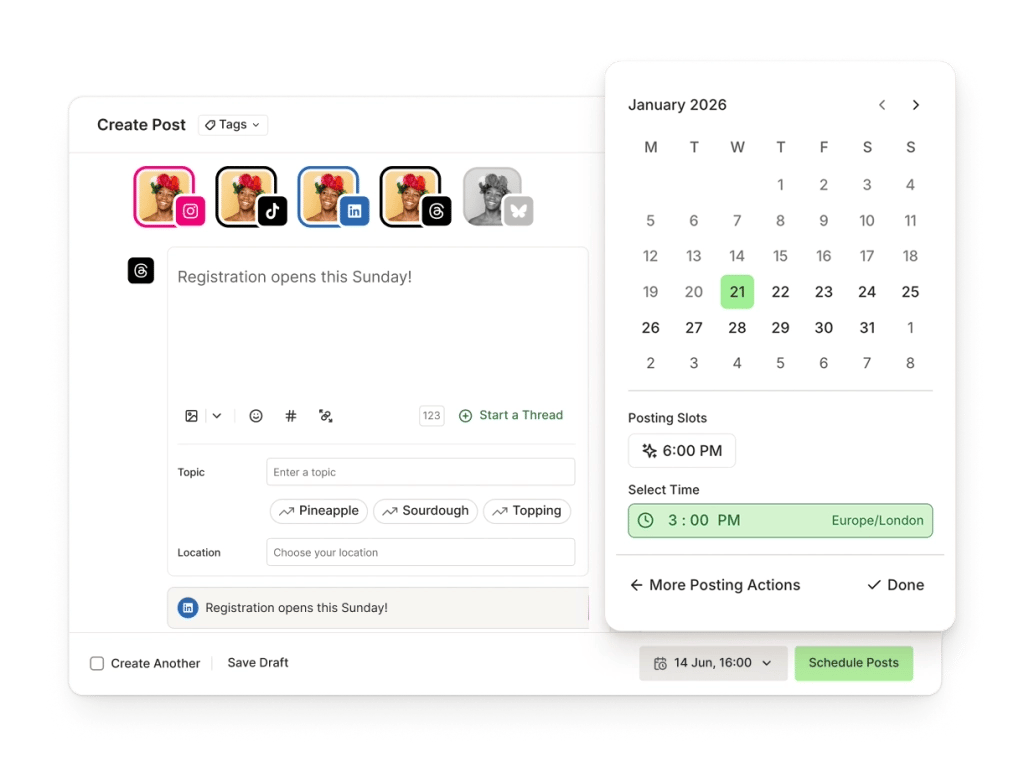
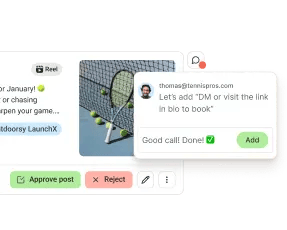
Buffer is a cloud‑based platform that helps creators plan, publish, and analyze content across multiple social networks. Its intuitive dashboard lets you queue posts, collaborate with team members, and track performance in real time. Designed for creators of all sizes, Buffer offers tools for content scheduling, community engagement, and detailed analytics, all accessible from web, iPhone, and Android apps.
SpecificationsAI-estimated
Key Features of Buffer
Use Cases for Buffer
Daily Content Scheduling
Plan a week’s worth of posts in advance and let Buffer publish them automatically.
Performance Tracking
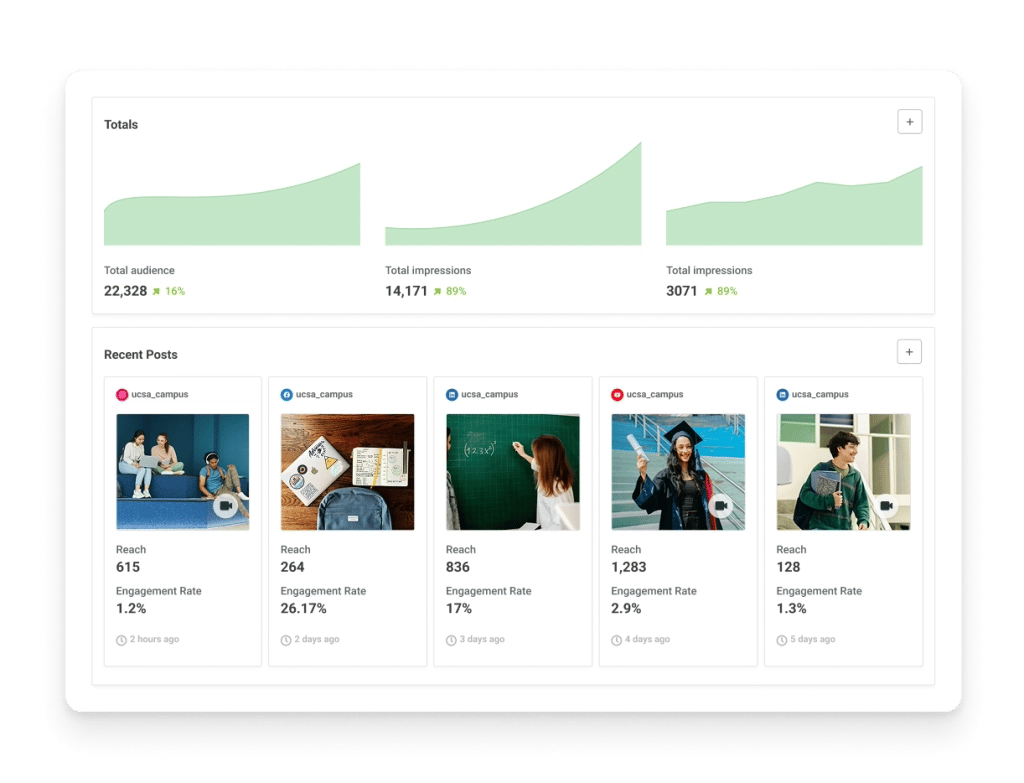
Monitor engagement metrics across platforms to refine content strategy.
Team Workflow
Collaborate with editors and designers, reviewing drafts before publishing.
Blog Promotion
Automatically share new blog articles to social channels via RSS integration.
How to use Buffer?
Connect Your Accounts
Link your favorite social media profiles and channels to your Buffer workspace.
Create or Generate Content
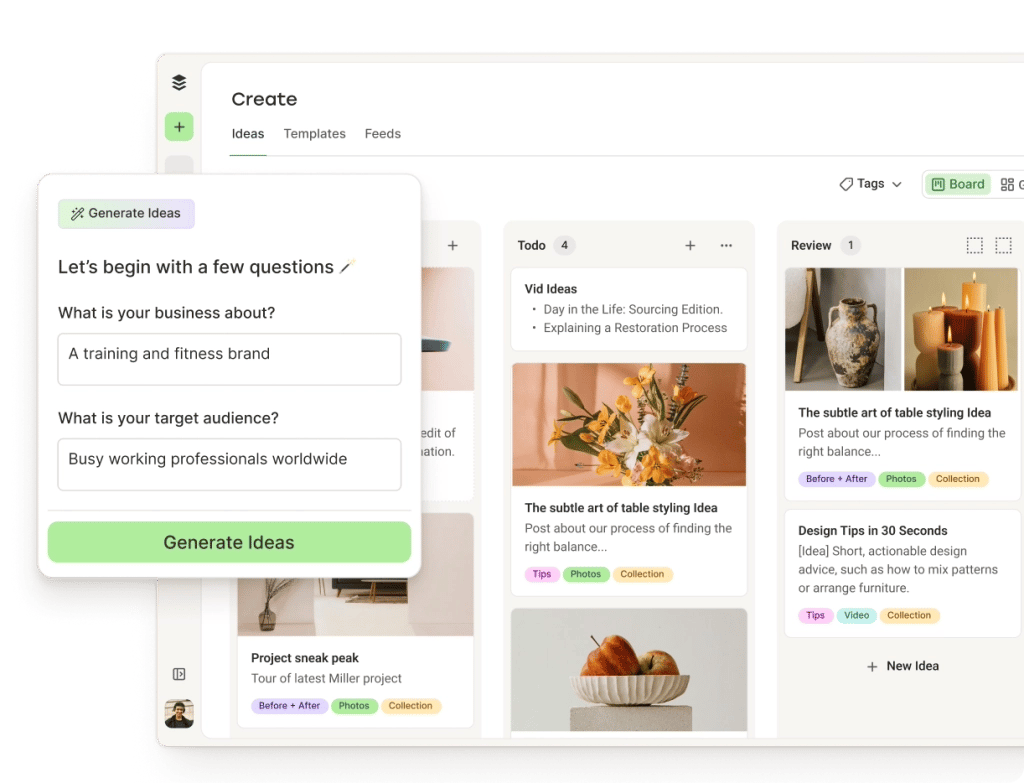
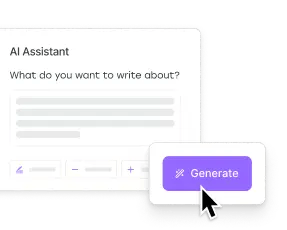
Draft your posts manually or use the AI Assistant to brainstorm and refine copy for different channels.
Schedule Your Queue
Organize your content calendar and schedule posts days, weeks, or months in advance.
Engage and Analyze
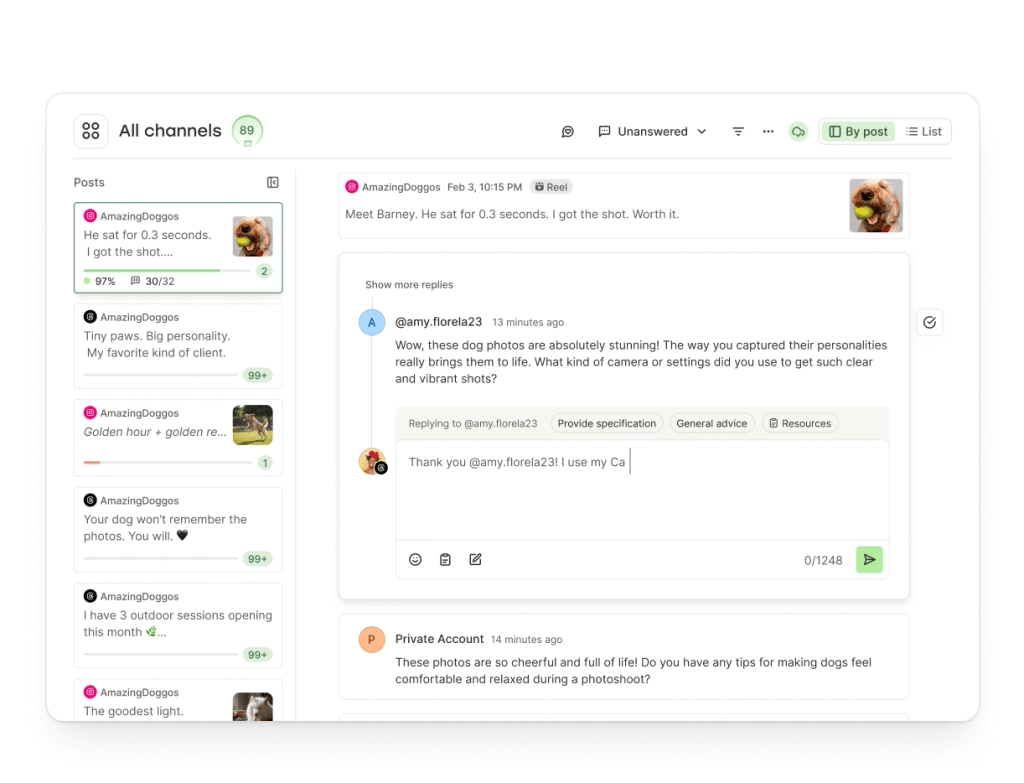
Respond to audience comments through the unified dashboard and review analytics reports to measure success.
Pros & Cons of Buffer
Pros
- Easy-to-use interface for quick scheduling
- Supports all major social networks
- Robust analytics and reporting
- Strong collaboration features for teams
Cons
- Limited advanced automation compared to some competitors
- Higher-tier plans can be pricey for small creators
- No native video editing tools
Frequently Asked Questions
Can I schedule posts for Instagram Stories?
Yes, Buffer supports scheduling for Instagram feed posts and Stories, though you must confirm the post on your mobile device.
Is there a free plan available?
Buffer offers a free tier that includes basic scheduling for up to three social accounts and ten scheduled posts per profile.
Does Buffer provide an API for custom integrations?
Yes, Buffer offers a public API that allows developers to programmatically create, read, update, and delete scheduled posts.
What support options are included with paid plans?
Paid subscribers receive email support, live chat during business hours, and access to a comprehensive knowledge base.
Pricing Overview
View full pricing →Reviews & Ratings0.0
No reviews yet. Be the first to write one!
Top Alternatives & Similar Software
View all alternatives & similar software→




People also viewed



Best For
Related searches
About the Product
Is this your tool?
Claim this page to update details, reply to user reviews, and drive more traffic to your product.
Claim this Product →
Tags
Explore Related Topics
Keep up with Buffer alternatives
New alternatives, pricing changes and the week's biggest movers - one email every Tuesday.