




BookTranslator
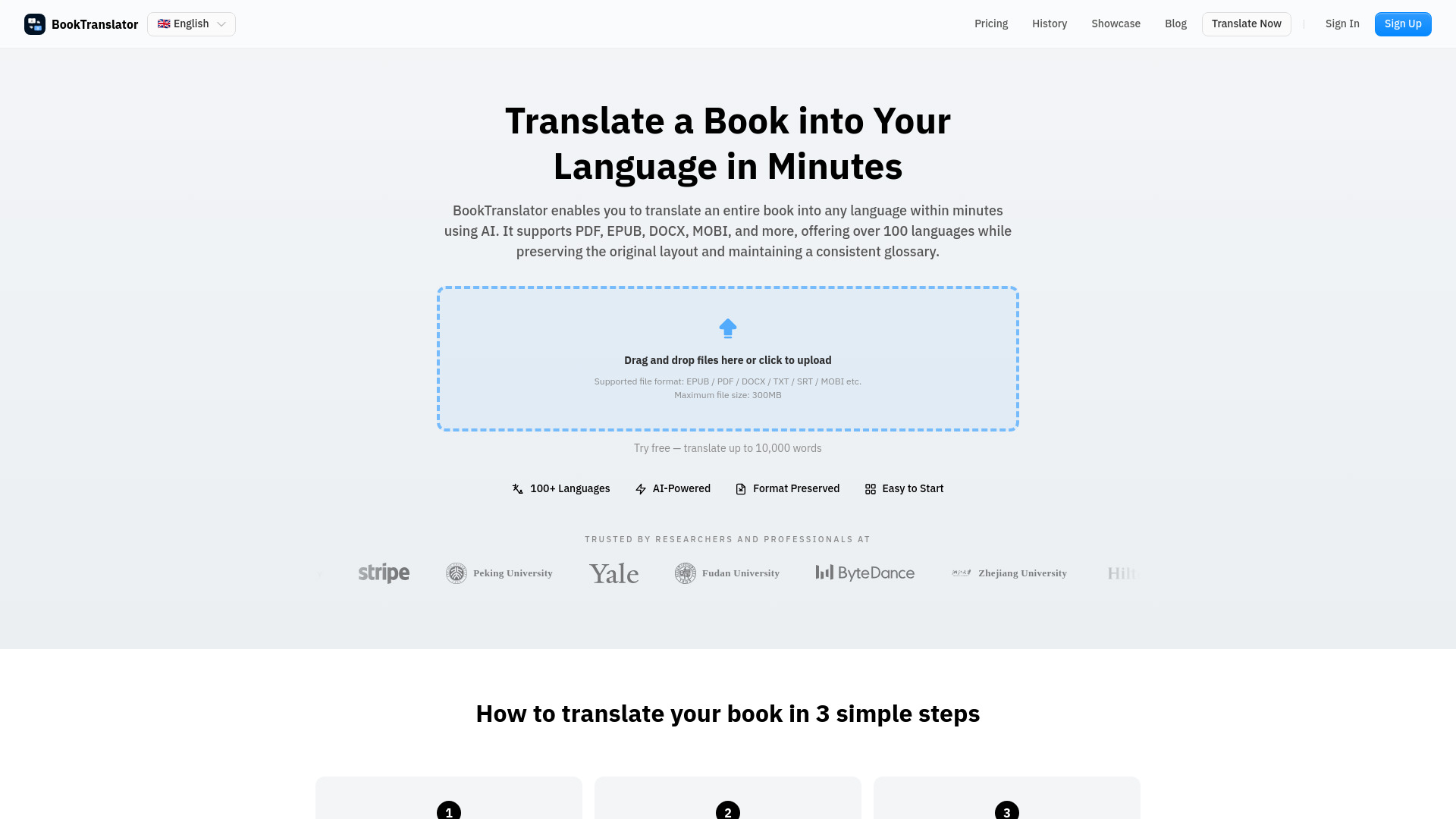
Translate an entire book, PDF, or EPUB into any of 168 languages in minutes — with layout and terminology intact.



What is BookTranslator?
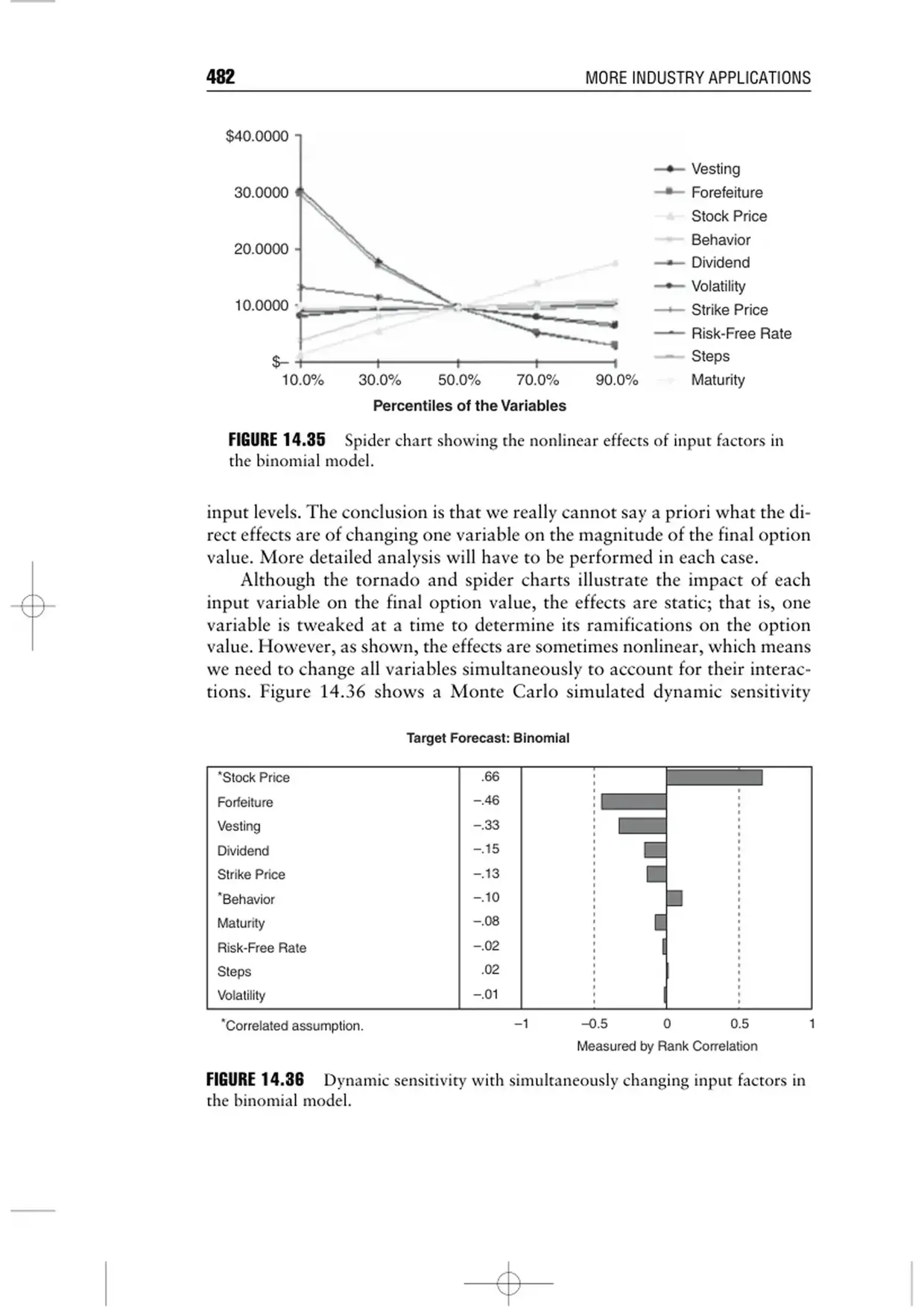
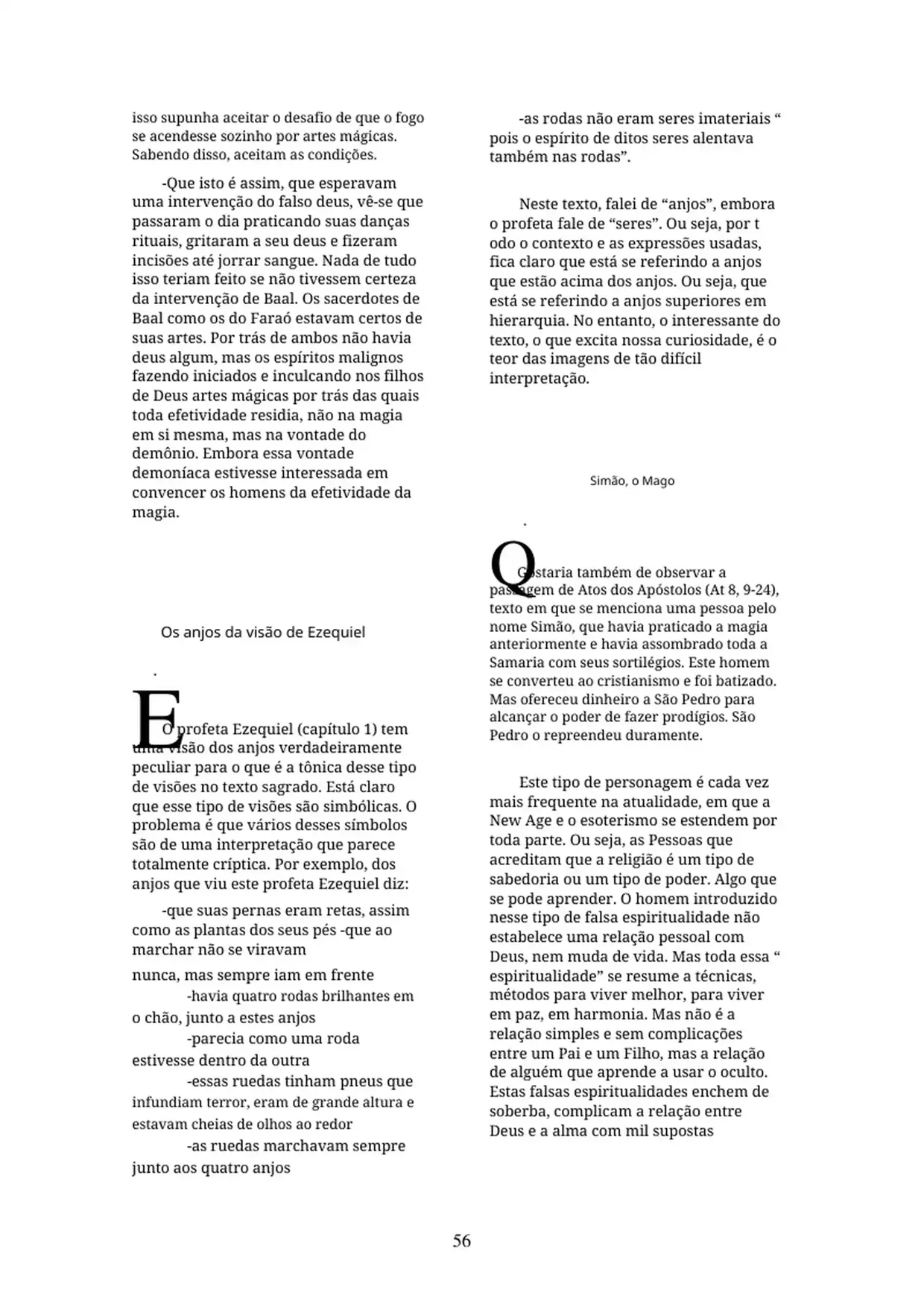
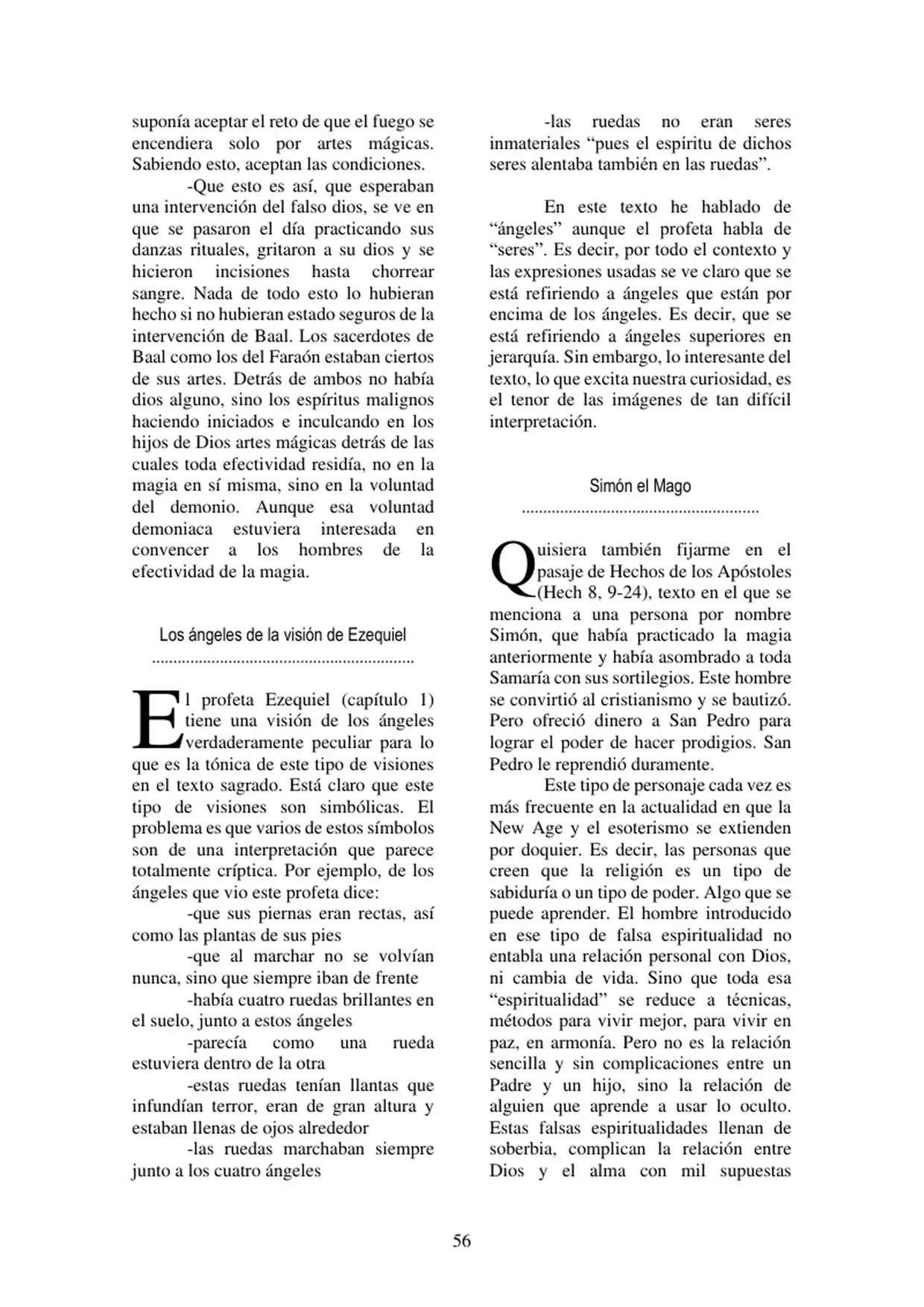
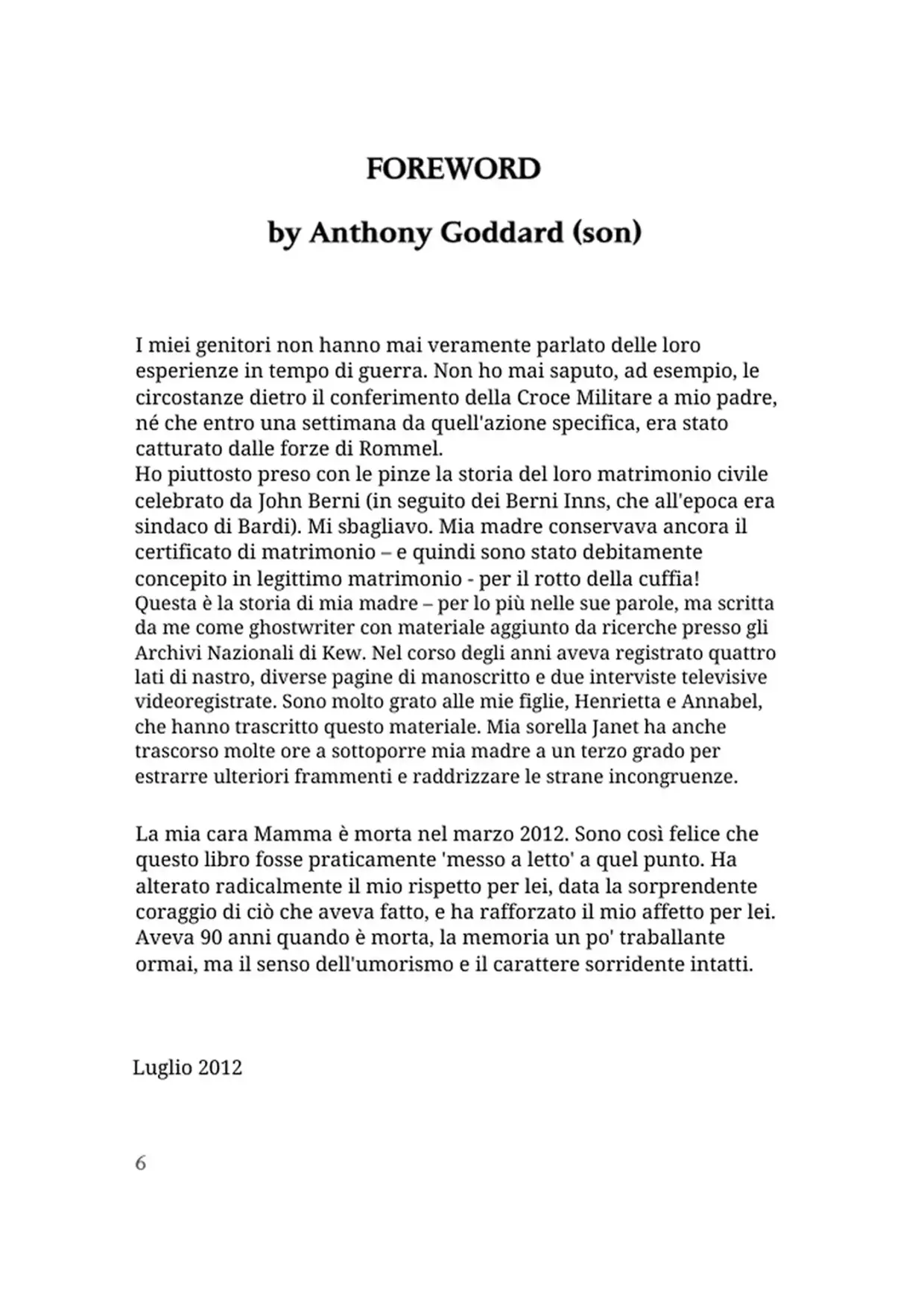
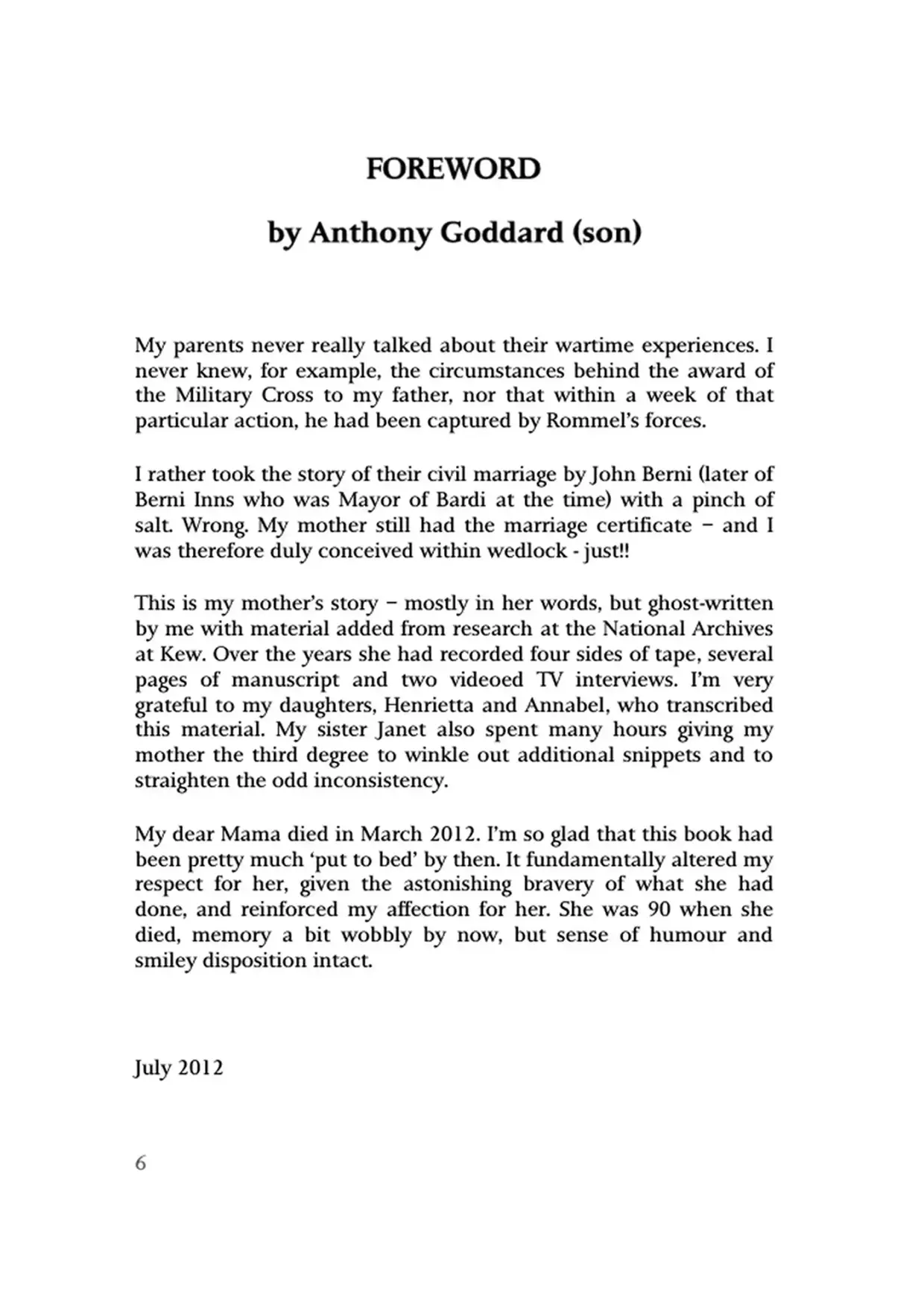
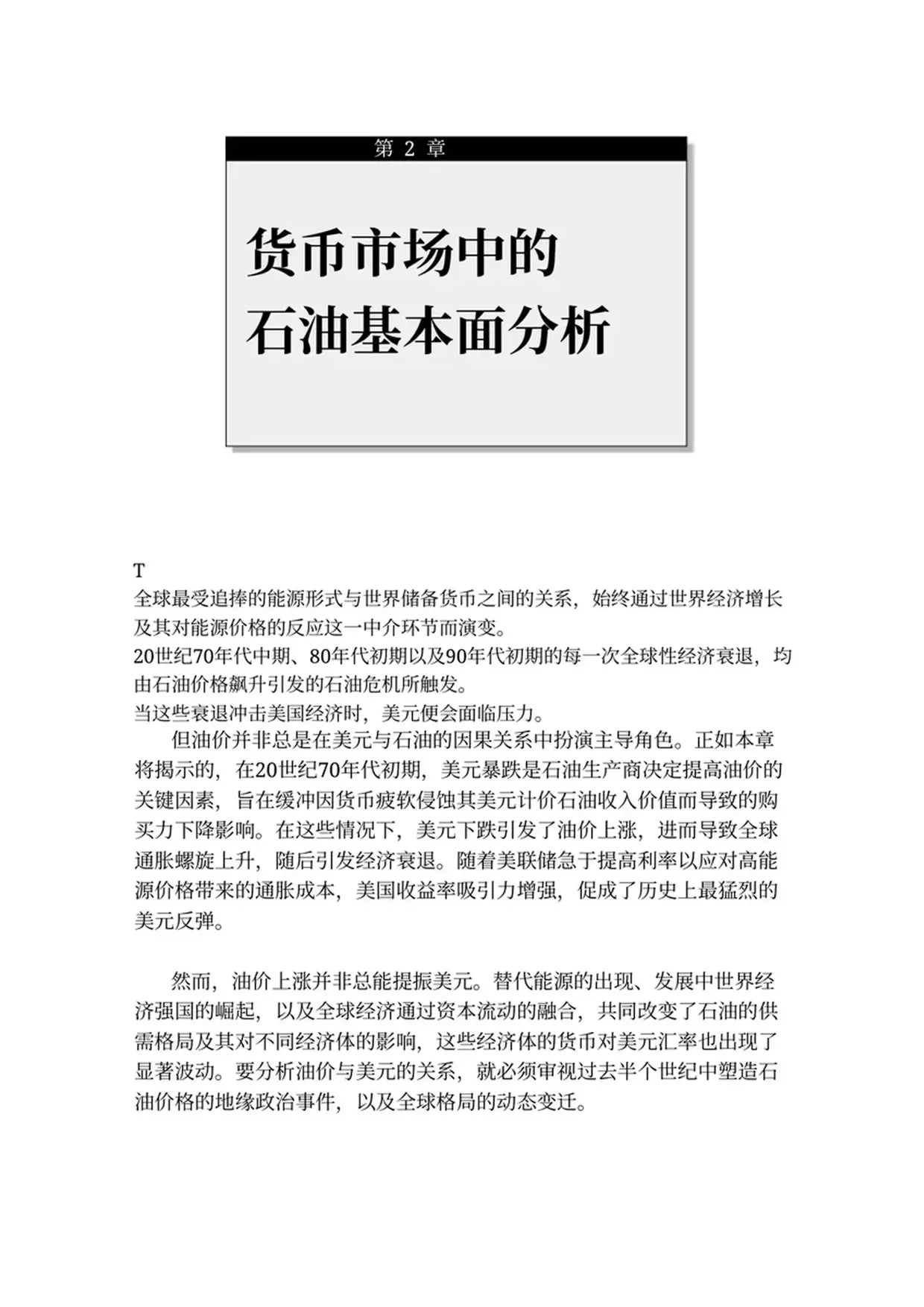
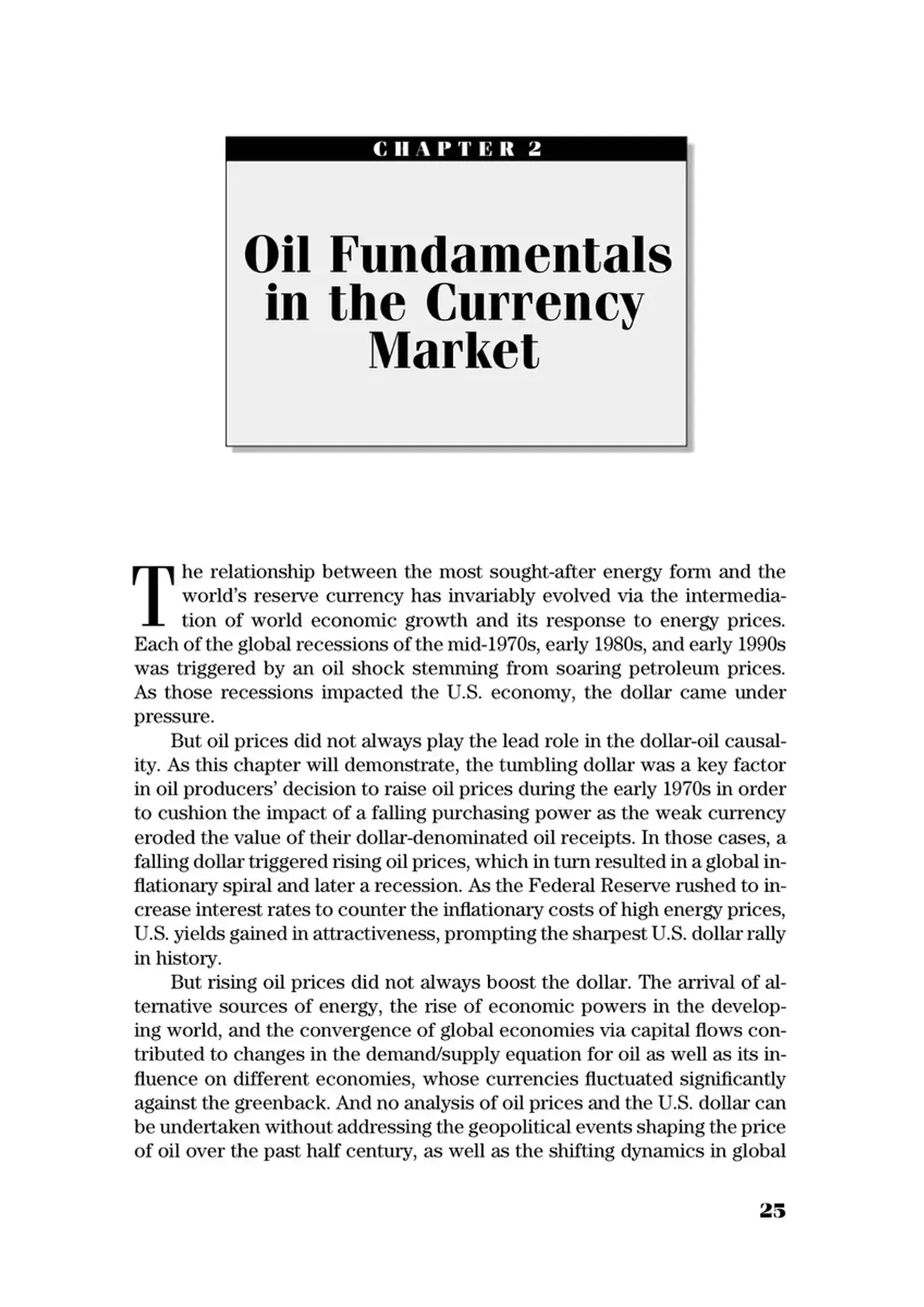
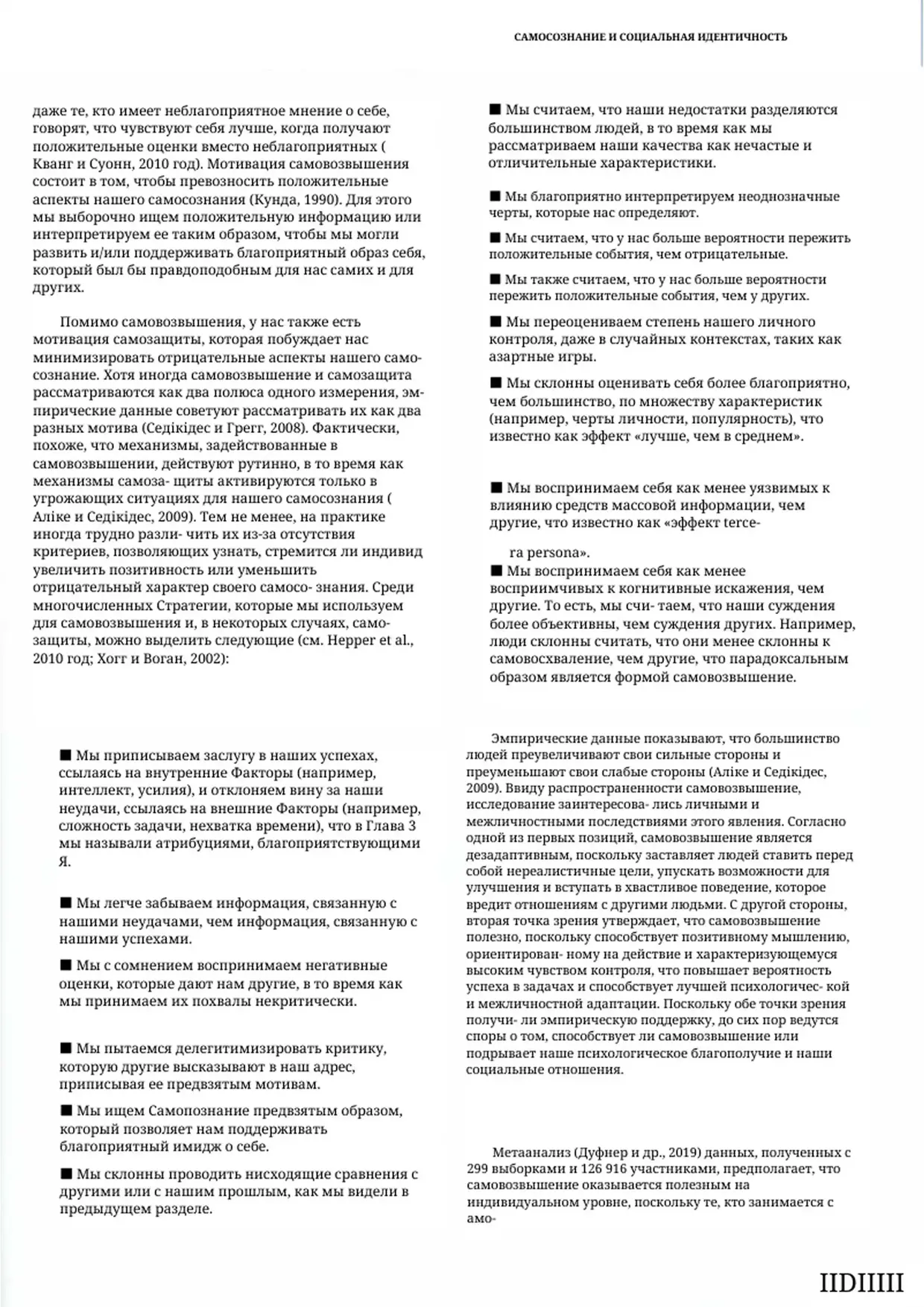
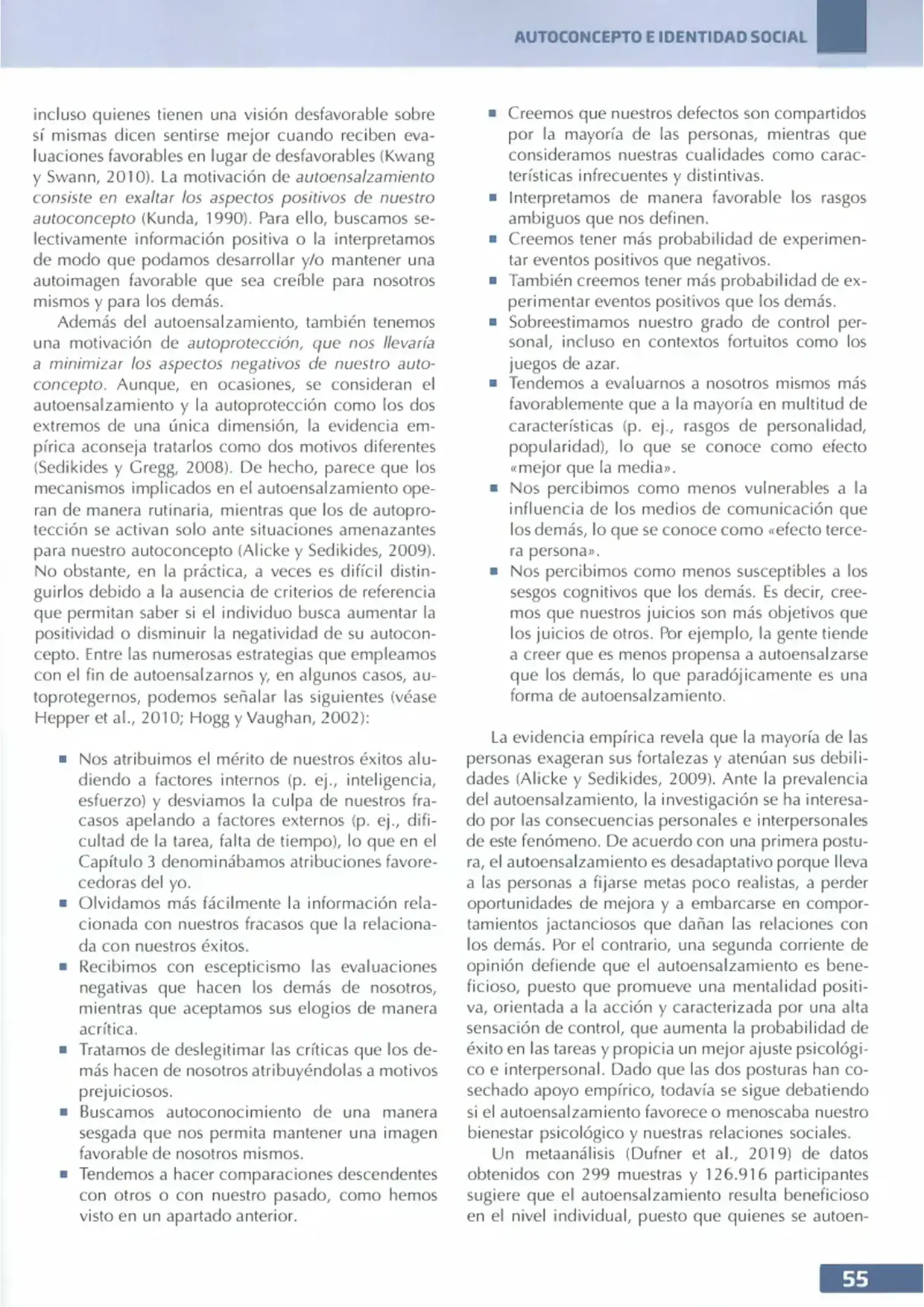
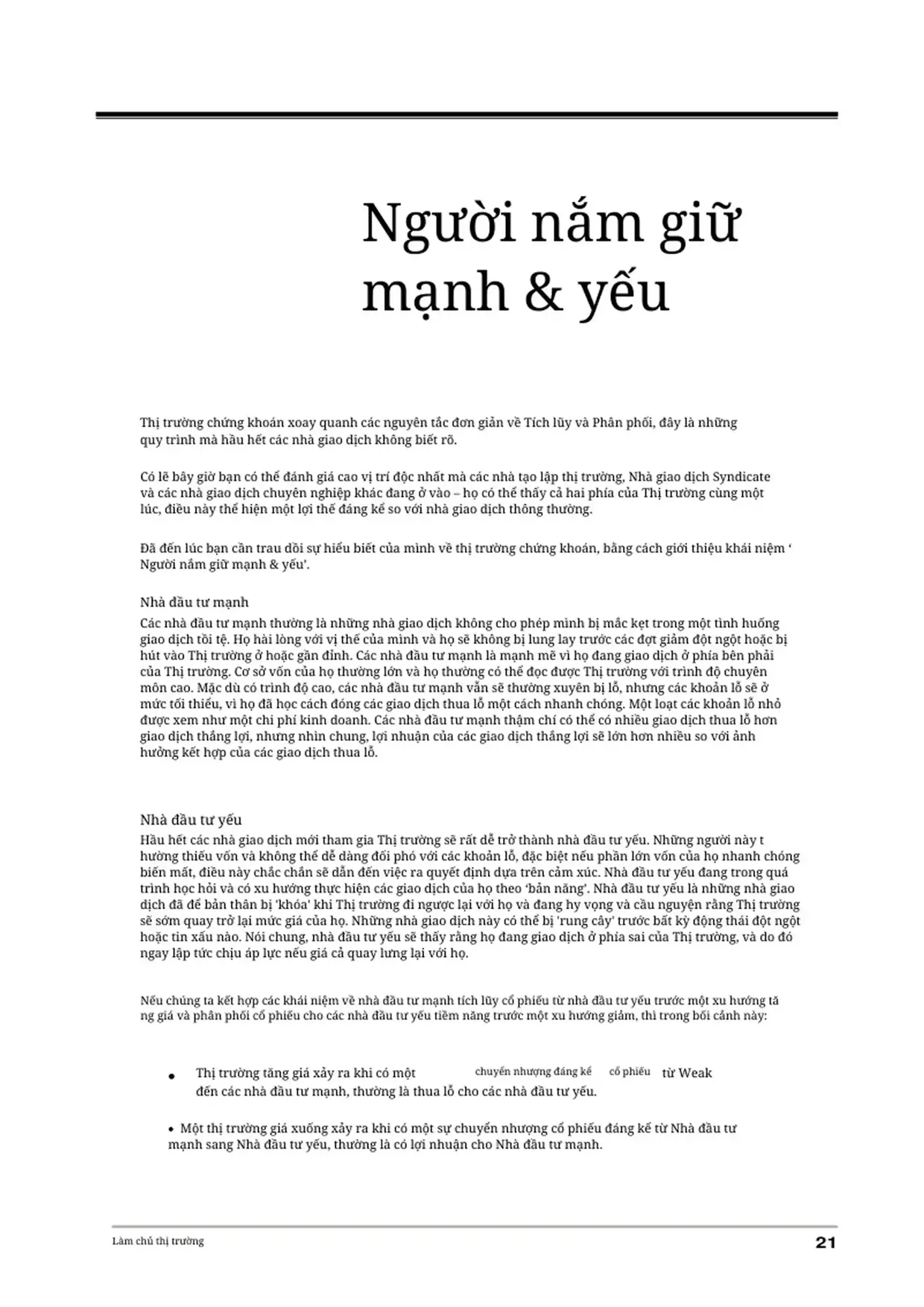
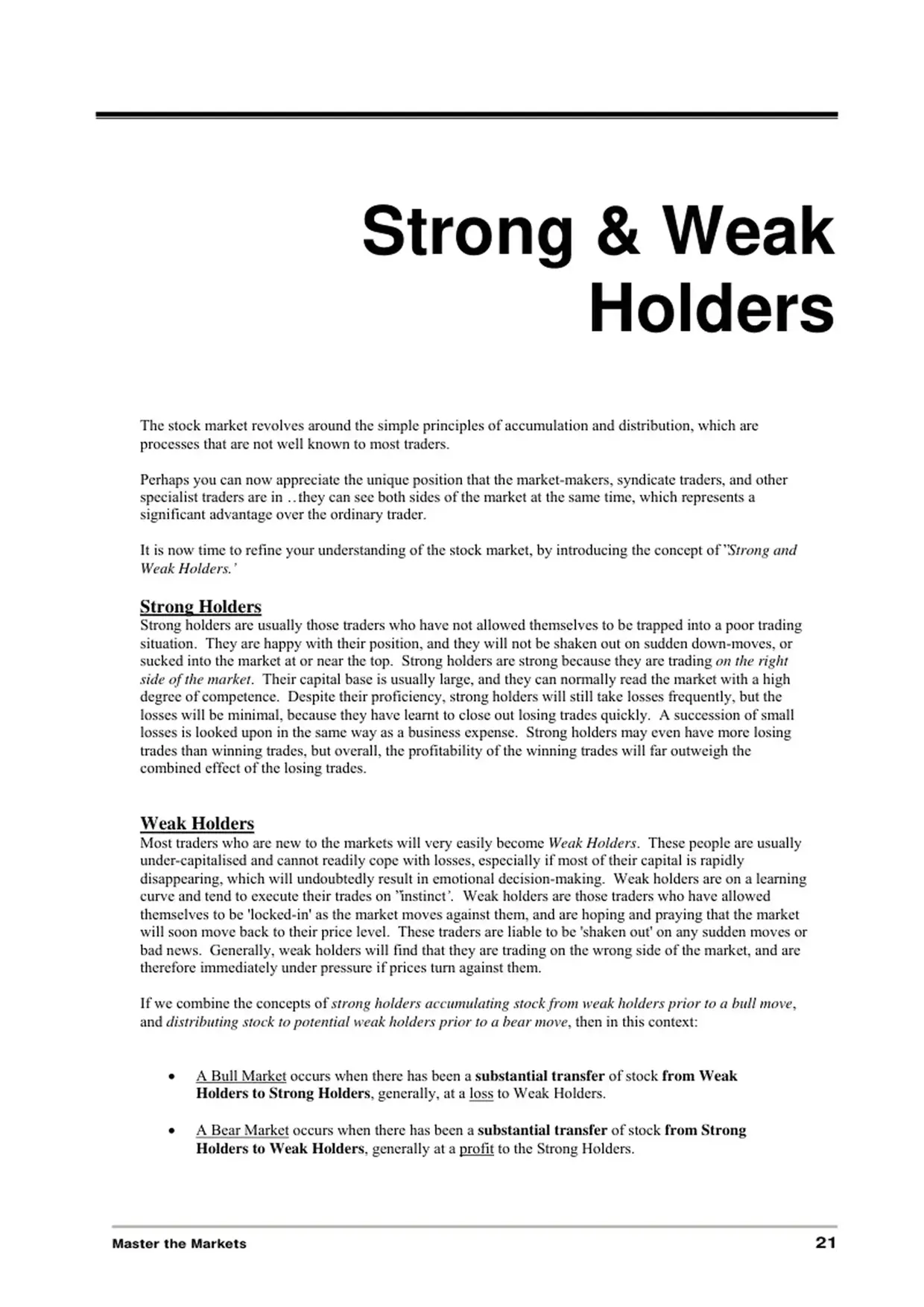
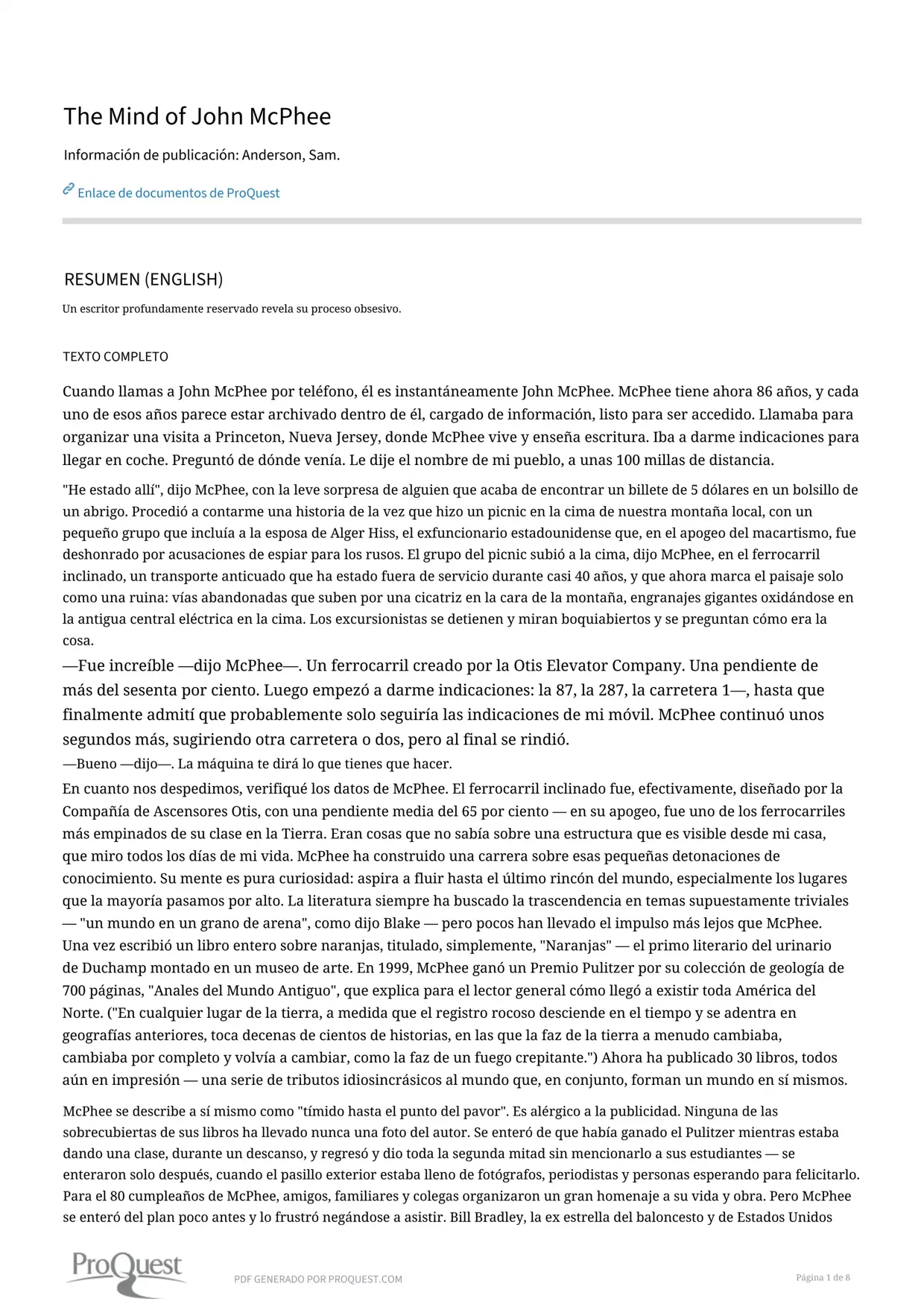
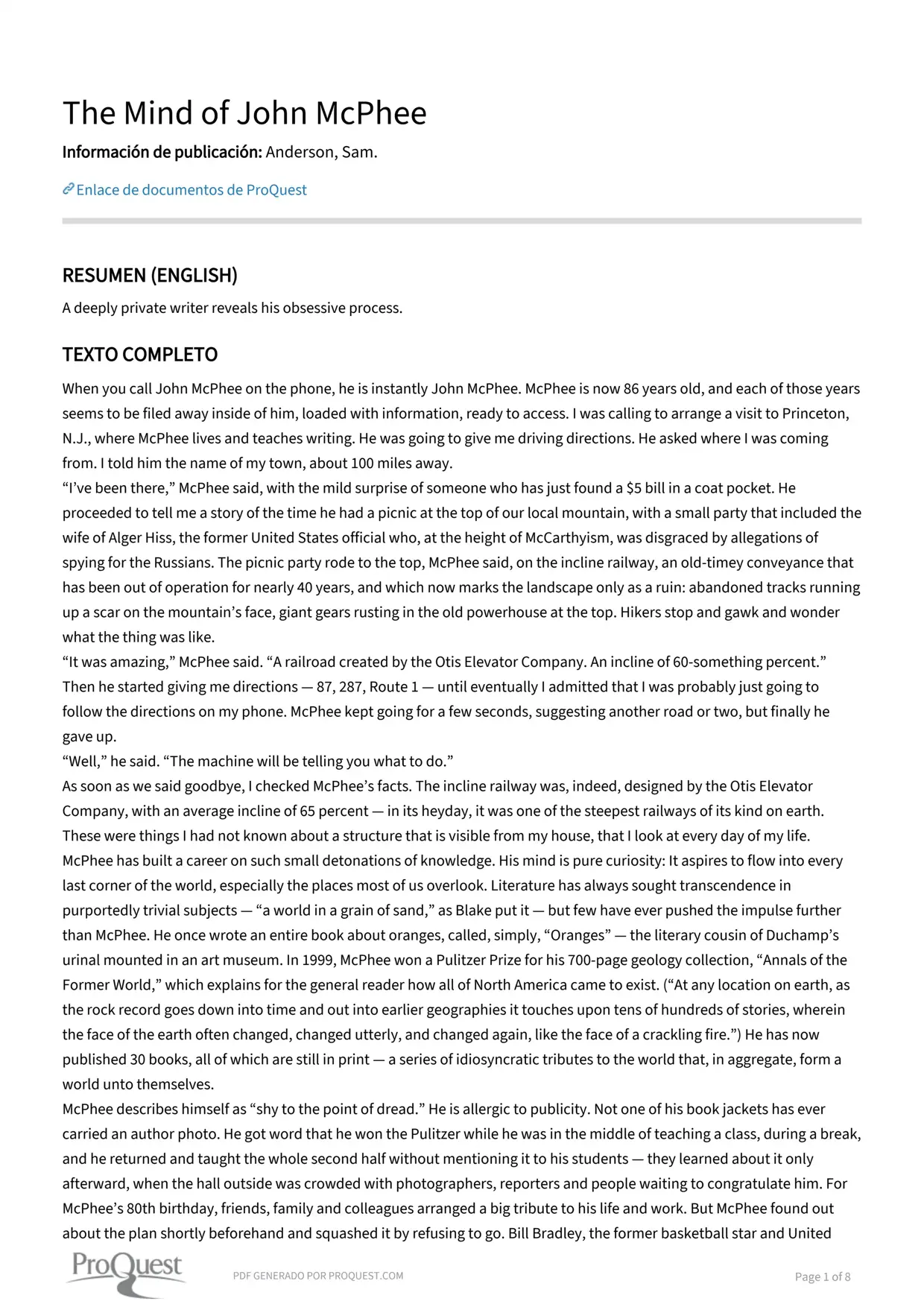
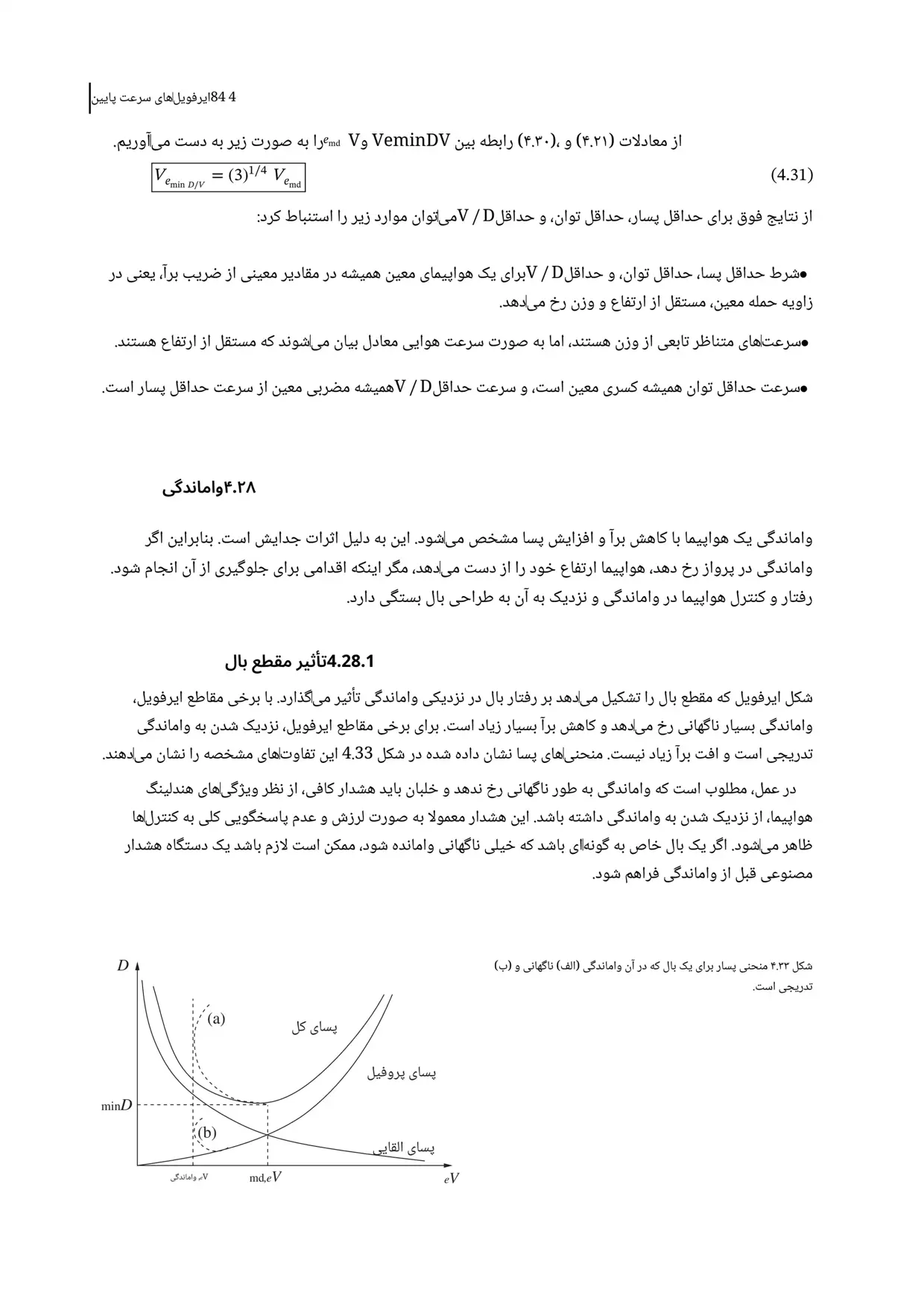
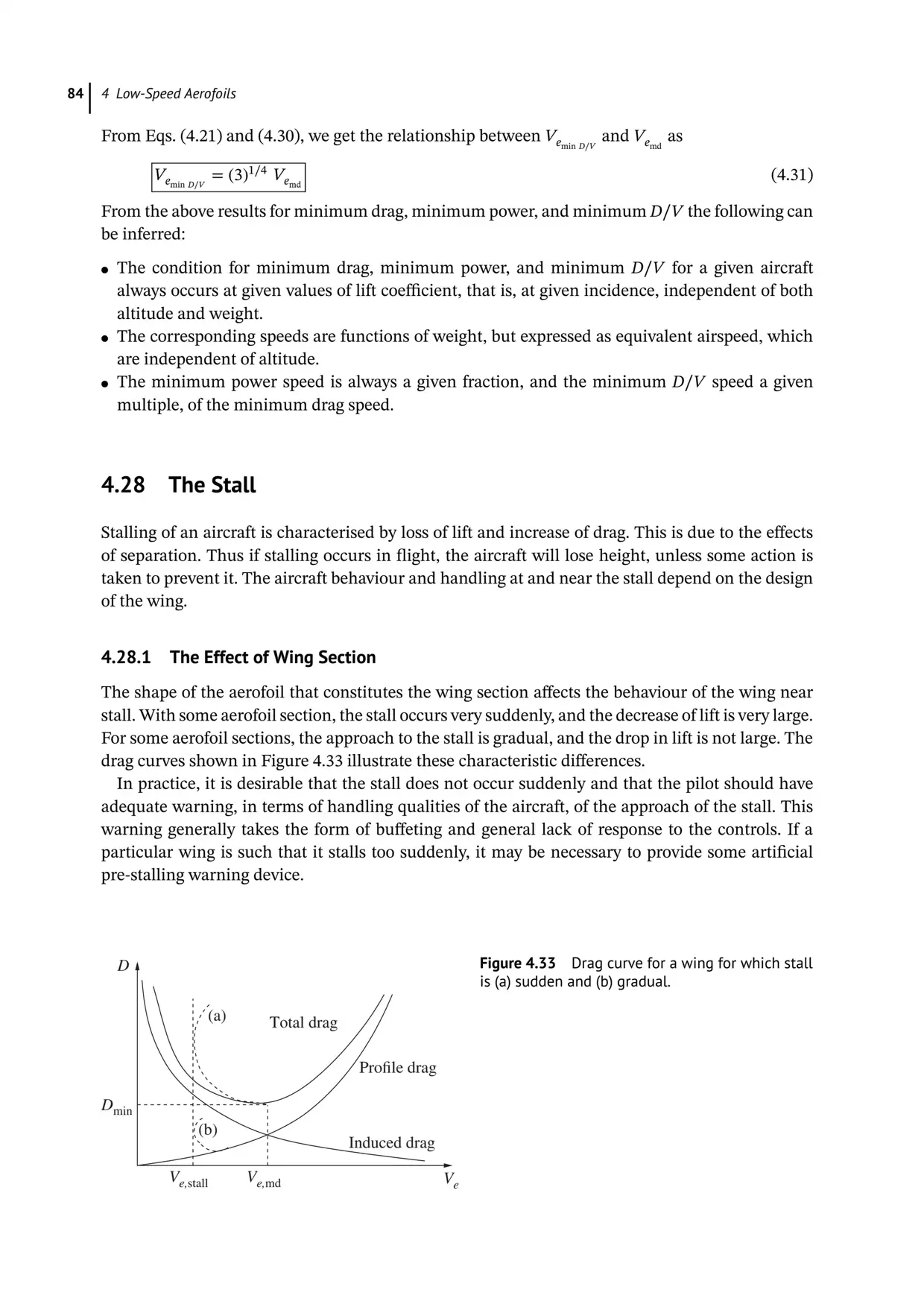
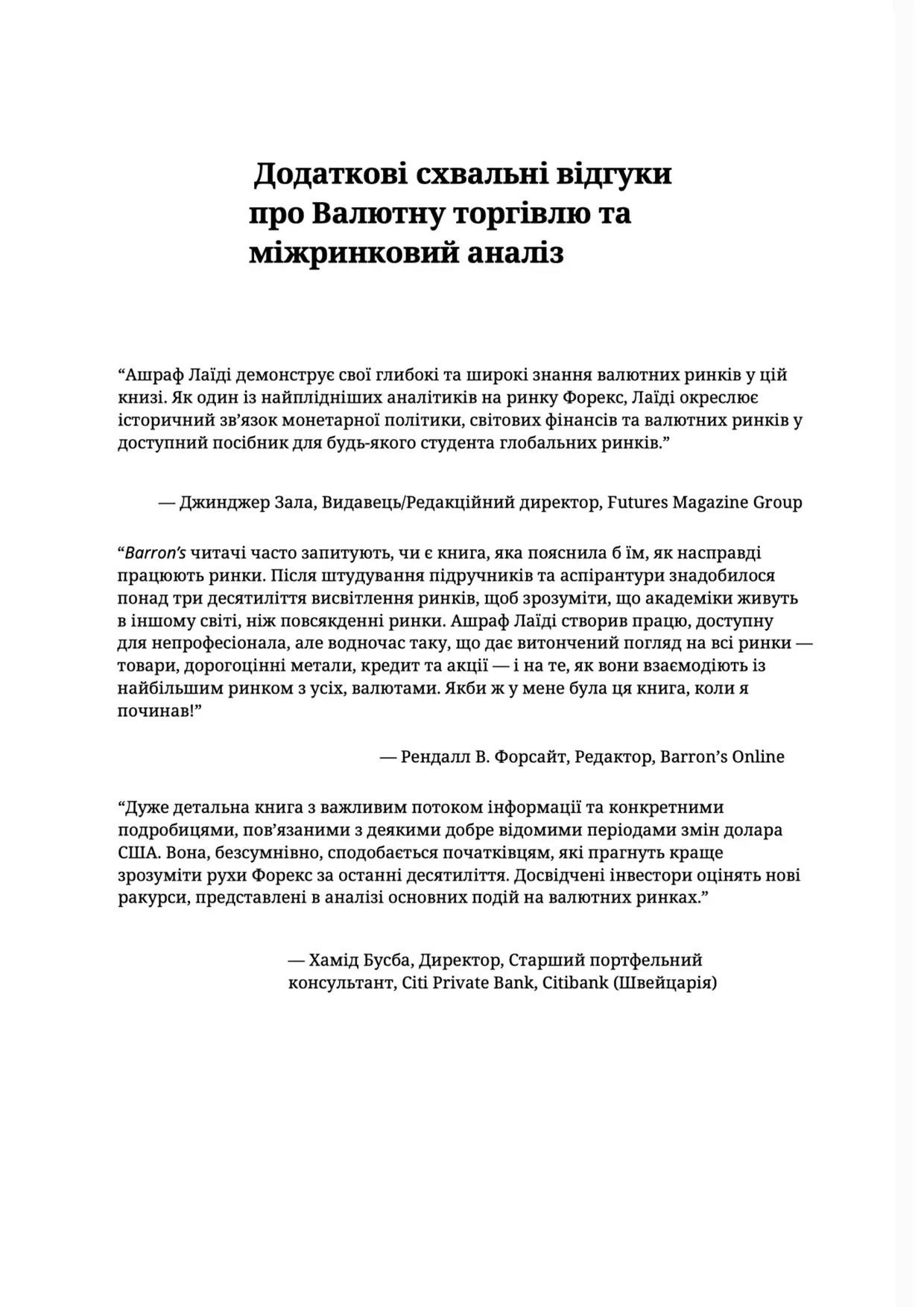
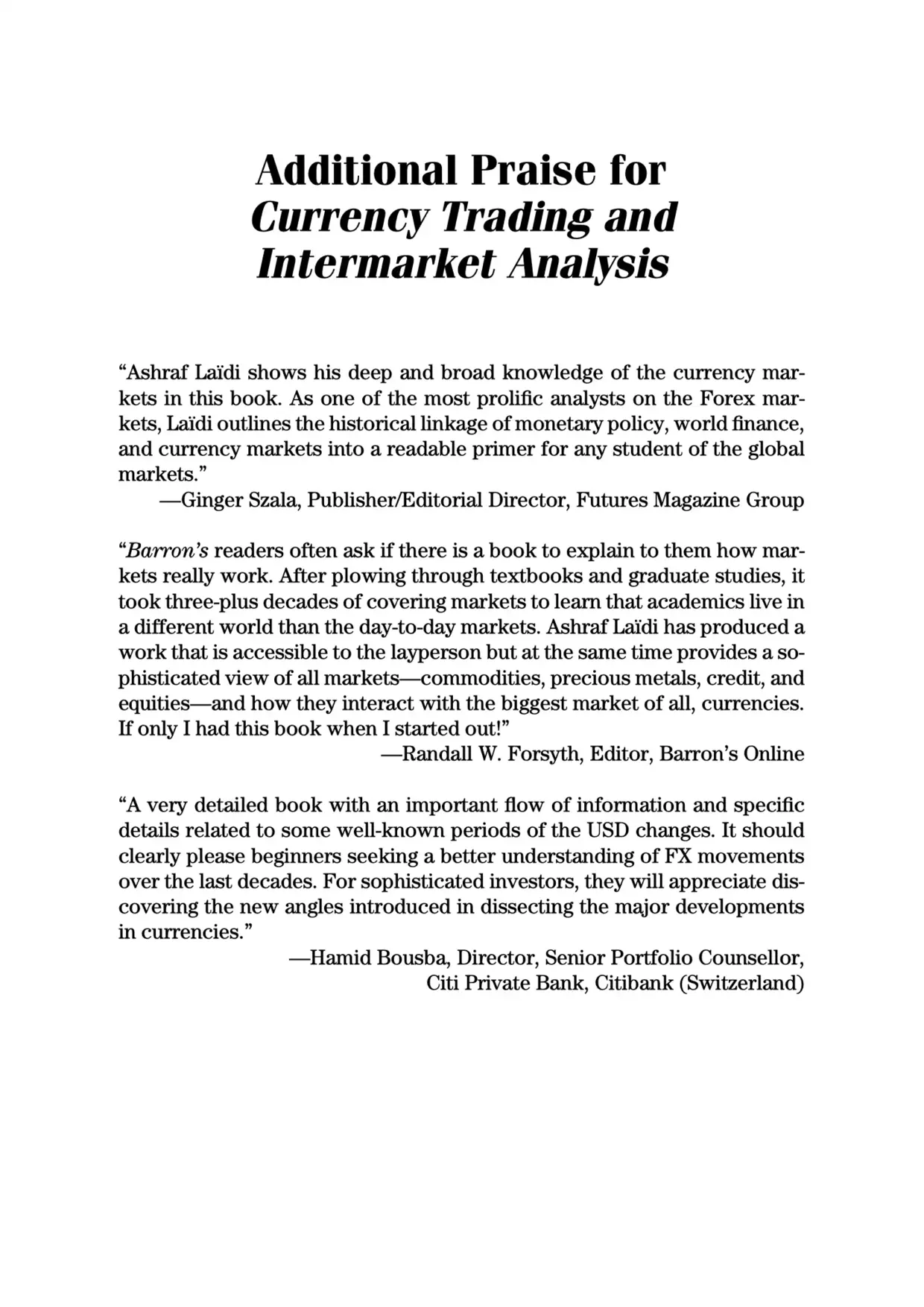
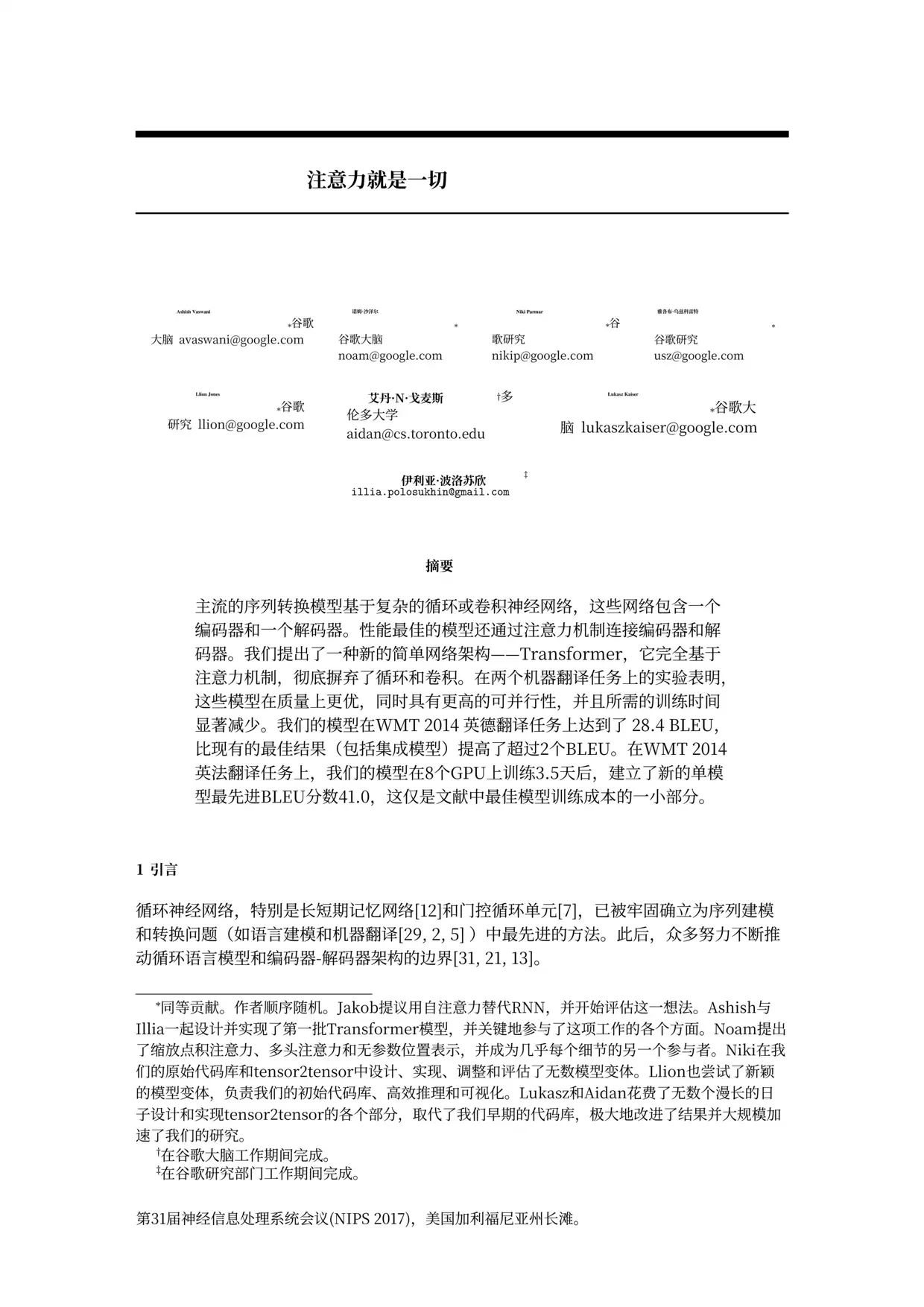
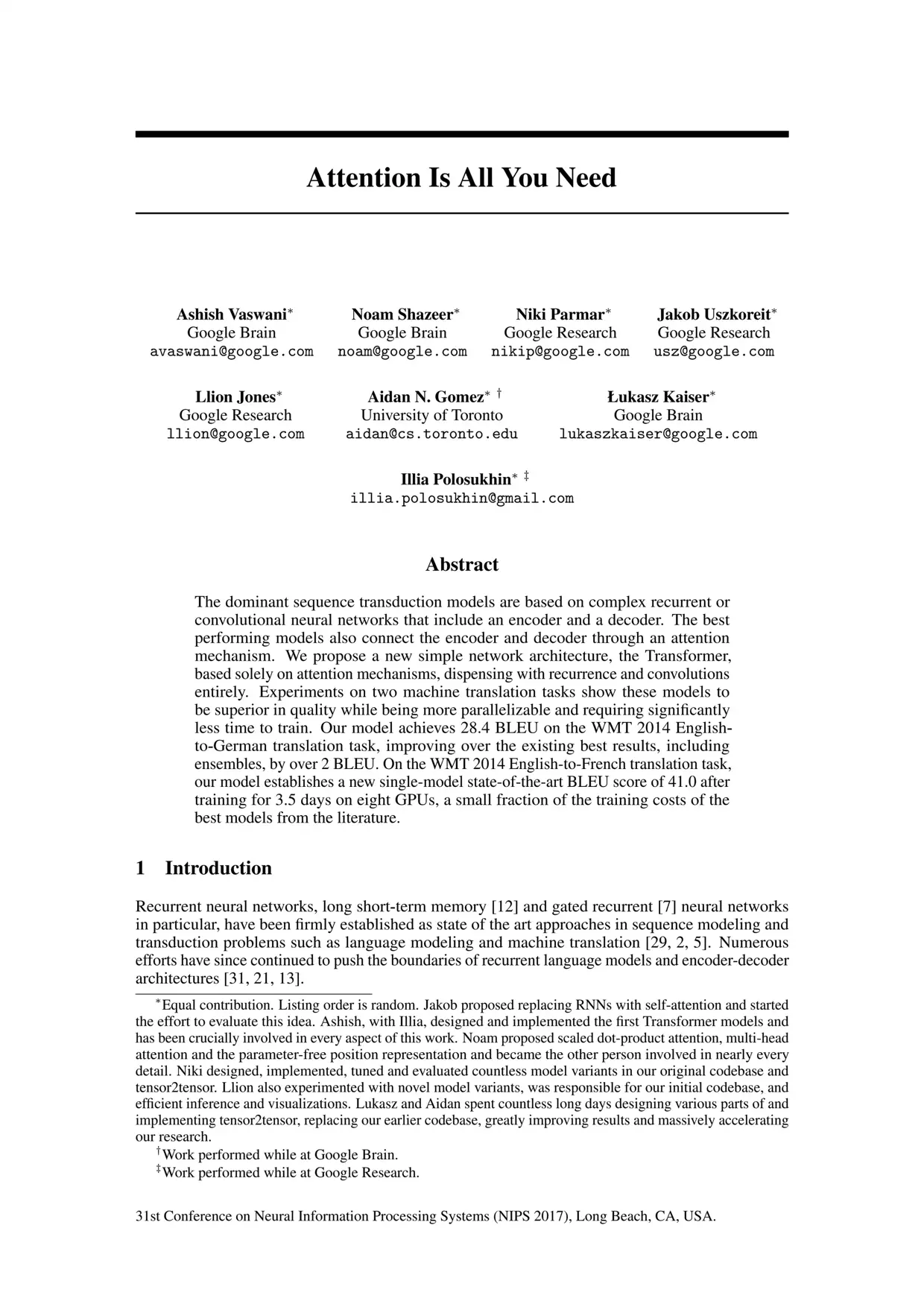
BookTranslator is an AI-powered online service designed to translate complete books and long documents from one language into another in minutes. Instead of copying text from PDFs or breaking a book into small chunks, users can upload an entire file — including PDF, EPUB, DOCX, MOBI, TXT, images, subtitles, and manga — and let the platform handle context-aware translation, automatic glossary consistency, OCR for scanned pages, and layout preservation. It supports 168 languages and 52+ file formats, with a maximum file size of 300MB. The platform is built to handle whole books rather than short sentences. Its context-aware AI reads passages in full to capture tone and nuance, while an auto glossary keeps names, places, and technical terms consistent from the first page to the last. Layout preservation means tables, images, footnotes, and formatting stay in place, so the translated file resembles the original. A bilingual reading mode also lets users view the source and translated text side by side, which is useful for language learners and professionals checking accuracy. BookTranslator reports that it has translated over 834 million words for more than 25,000 readers, including users from universities, publishers, and research communities such as Tsinghua University, Yale, Harvard, Elsevier, Springer Nature, and Penguin Random House. The service is positioned as a faster, cheaper alternative to manually hunting for existing translations or rebuilding documents, making it particularly valuable for researchers, students, authors, publishers, translators, and global readers.
SpecificationsAI-estimated
Key Features of BookTranslator
Use Cases for BookTranslator
Researchers
Turn papers, textbooks, and scanned PDFs into readable research material without losing tables, footnotes, or technical accuracy.
Students
Read foreign-language textbooks and course materials with layout intact and use bilingual mode to understand the original alongside the translation.
Authors & publishers
Translate manuscripts for international audiences while keeping character names, places, and terminology consistent throughout the book.
Professionals & teams
Localize business documents, reports, spreadsheets, and subtitles for multilingual teams while preserving formatting.
Translators & editors
Generate a high-quality AI draft with formatting preserved, then focus on polishing rather than retyping or rebuilding the document.
Global readers
Enjoy books originally written in other languages, with side-by-side bilingual reading for language learning or close comparison.
How to use BookTranslator?
Upload your book
Select or drop your file (PDF, EPUB, DOCX, TXT, etc.) and choose the target language. Files up to 300MB are accepted.
Let BookTranslator handle the hard parts
BookTranslator reads the full document, applies consistent glossary terms, handles OCR for scans, and preserves the layout automatically.
Download the translated version
Download a target-language or bilingual copy and start reading — no manual cleanup needed.
Pros & Cons of BookTranslator
Pros
- Translates entire books in minutes instead of days.
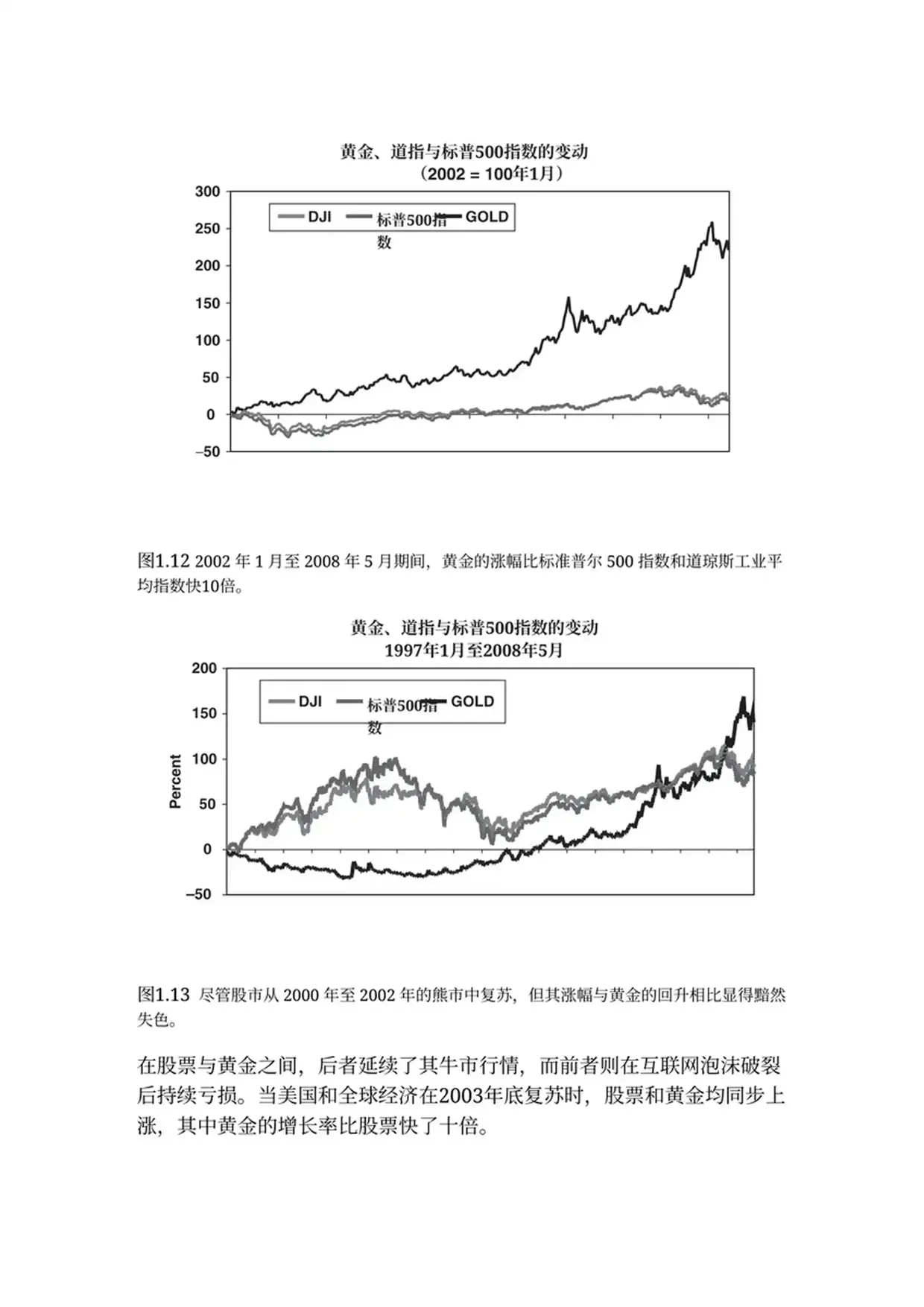
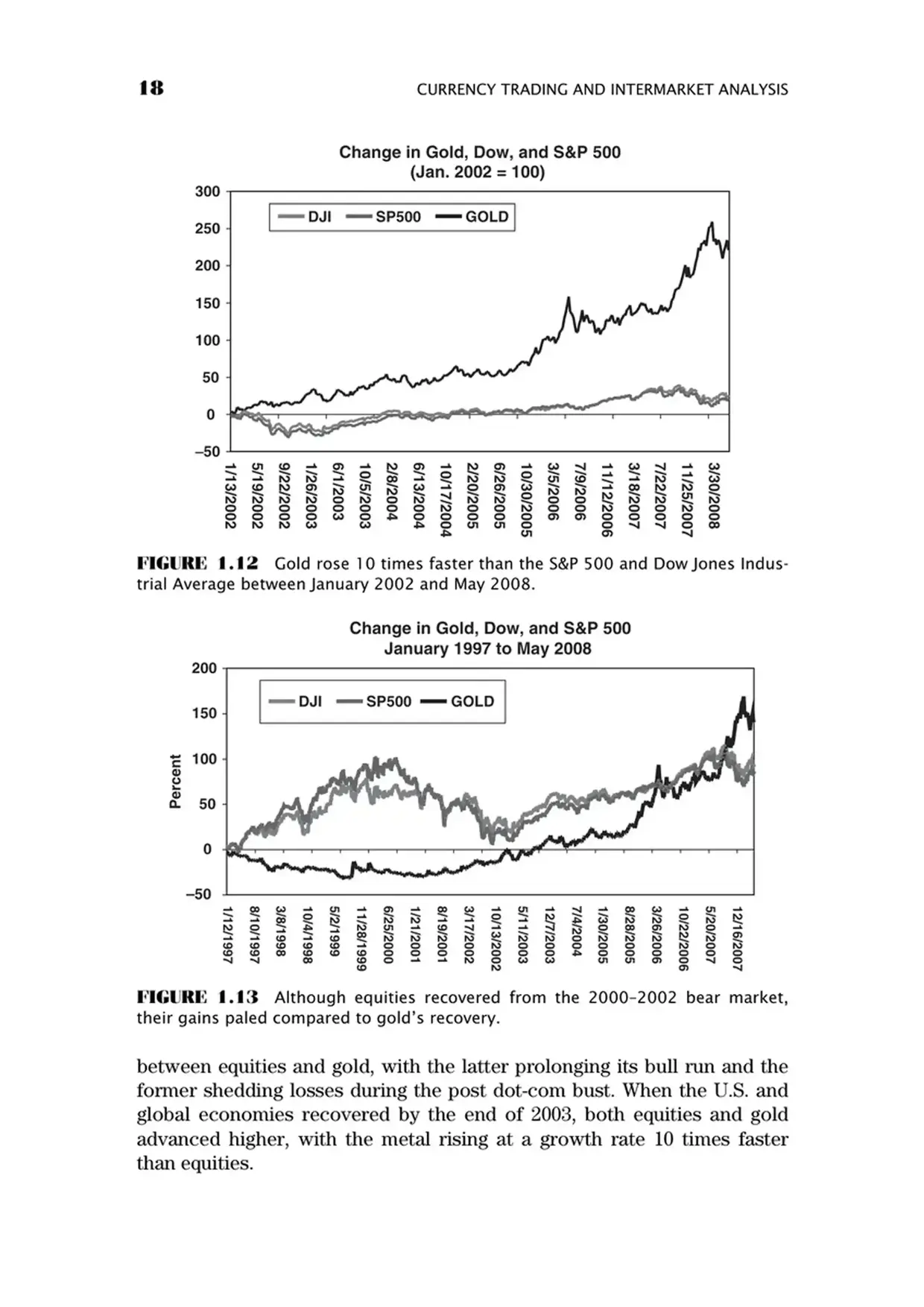
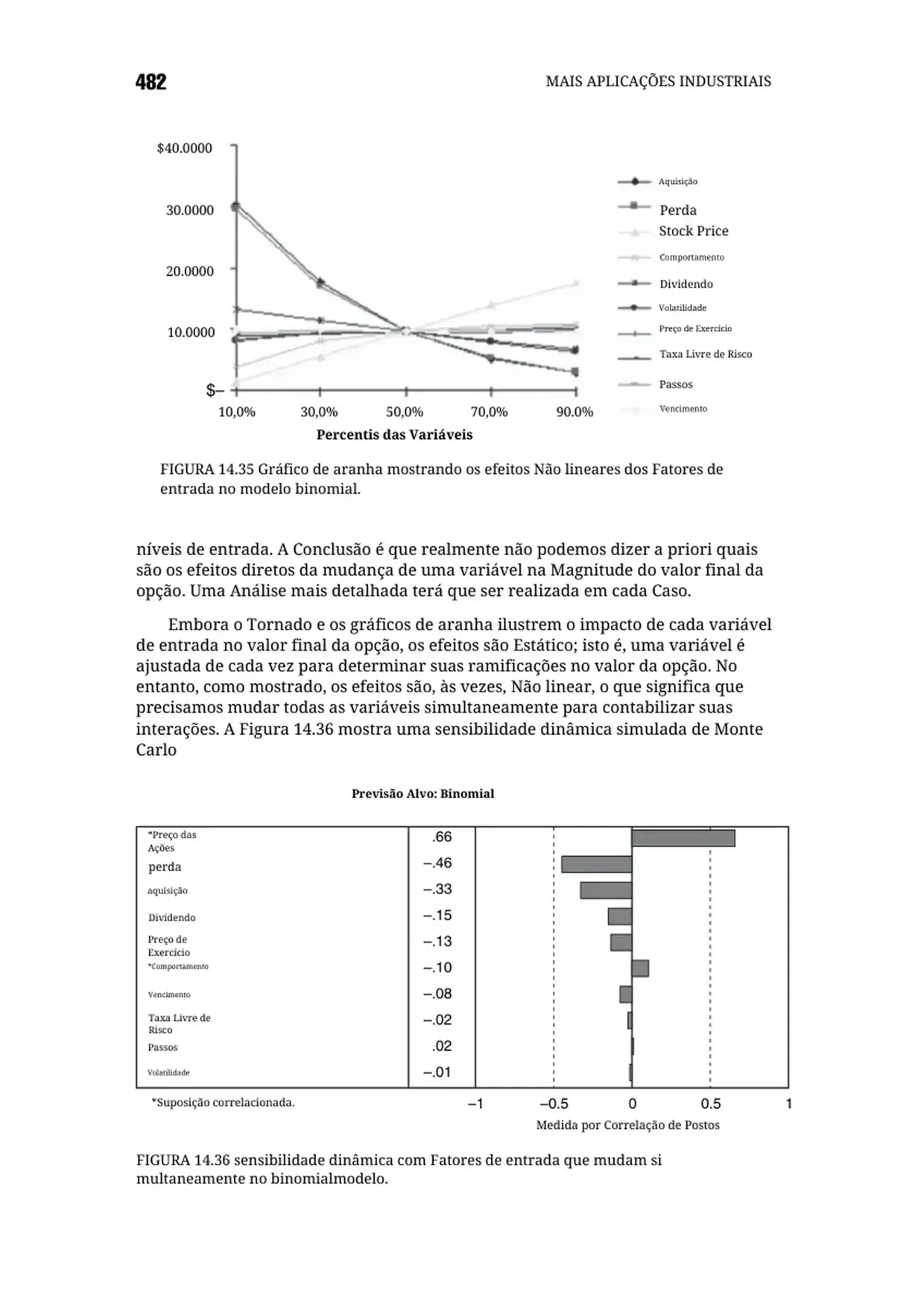
- Preserves original layout, including tables, images, and footnotes.
- Keeps names and terminology consistent with an auto glossary.
- Includes OCR for scanned and image-only PDFs.
- Offers bilingual side-by-side reading and supports 168 languages.
Cons
- Maximum upload size is 300MB, which may be limiting for very large, media-heavy books or files.
- Primarily a web-based service; no offline desktop workflow is mentioned.
- Automated translation, even with context awareness, will likely require human review for publication-grade literary work.
- The landing page does not detail pricing, team collaboration, or API options.
Frequently Asked Questions
What is BookTranslator?
BookTranslator is an AI-powered web tool that translates entire books, documents, PDFs, EPUBs, and other files into multiple languages while preserving layout and terminology.
What file formats can I upload?
It supports 52+ file formats, including PDF, EPUB, DOCX, TXT, HTML, Doc, images, subtitles, comics/manga, and scanned files.
How many languages are supported?
BookTranslator supports translation into 168 languages with context-aware results.
Does it work with scanned PDFs?
Yes. Built-in OCR reads text from scanned books and image-only PDFs, then translates it cleanly into the target language.
Will my original layout be preserved?
Yes. Layout preservation keeps tables, images, footnotes, and formatting in their original positions, so the translated file looks like the original.
Can I get a bilingual version of my translation?
Yes. A bilingual reading mode lets you read the original and translation side by side, either to check accuracy, study a language, or compare phrasing.
How long does it take to translate a full book?
BookTranslator is built for speed — entire books are translated in minutes, not days. The page notes that a 400-page volume can be uploaded and readable very quickly.
Is there a file size limit?
The maximum file size mentioned on the site is 300MB.
Reviews & Ratings0.0
No reviews yet. Be the first to write one!
Top Alternatives & Similar Software
View all alternatives & similar software→



People also viewed



Related searches
Is this your tool?
Claim this page to update details, reply to user reviews, and drive more traffic to your product.
Claim this Product →
Tags
Explore Related Topics
Keep up with BookTranslator alternatives
New alternatives, pricing changes and the week's biggest movers - one email every Tuesday.