



AutoHDR
AI-powered real estate photo editing that automates HDR, twilights, staging, and more.
What is AutoHDR?
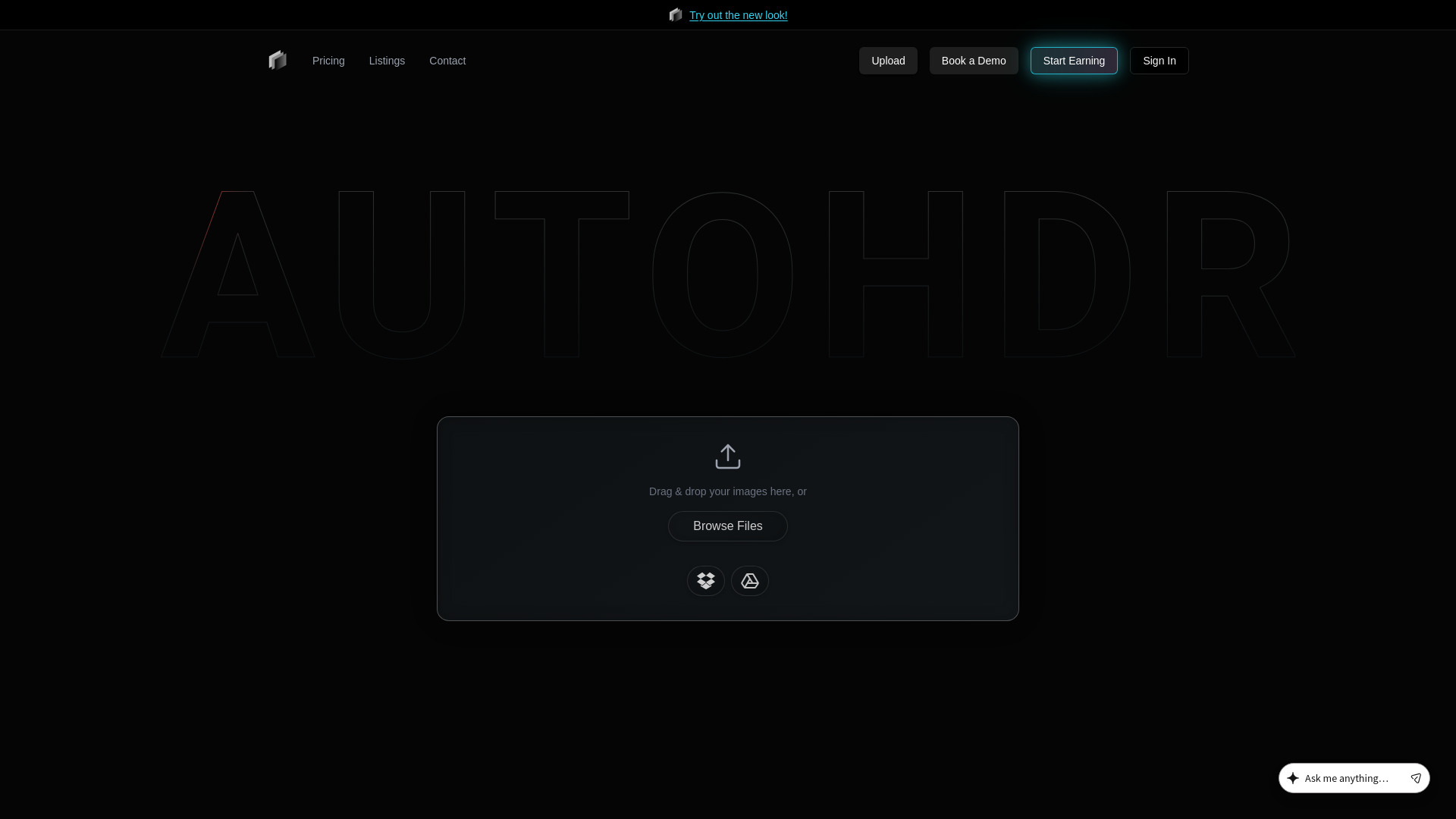
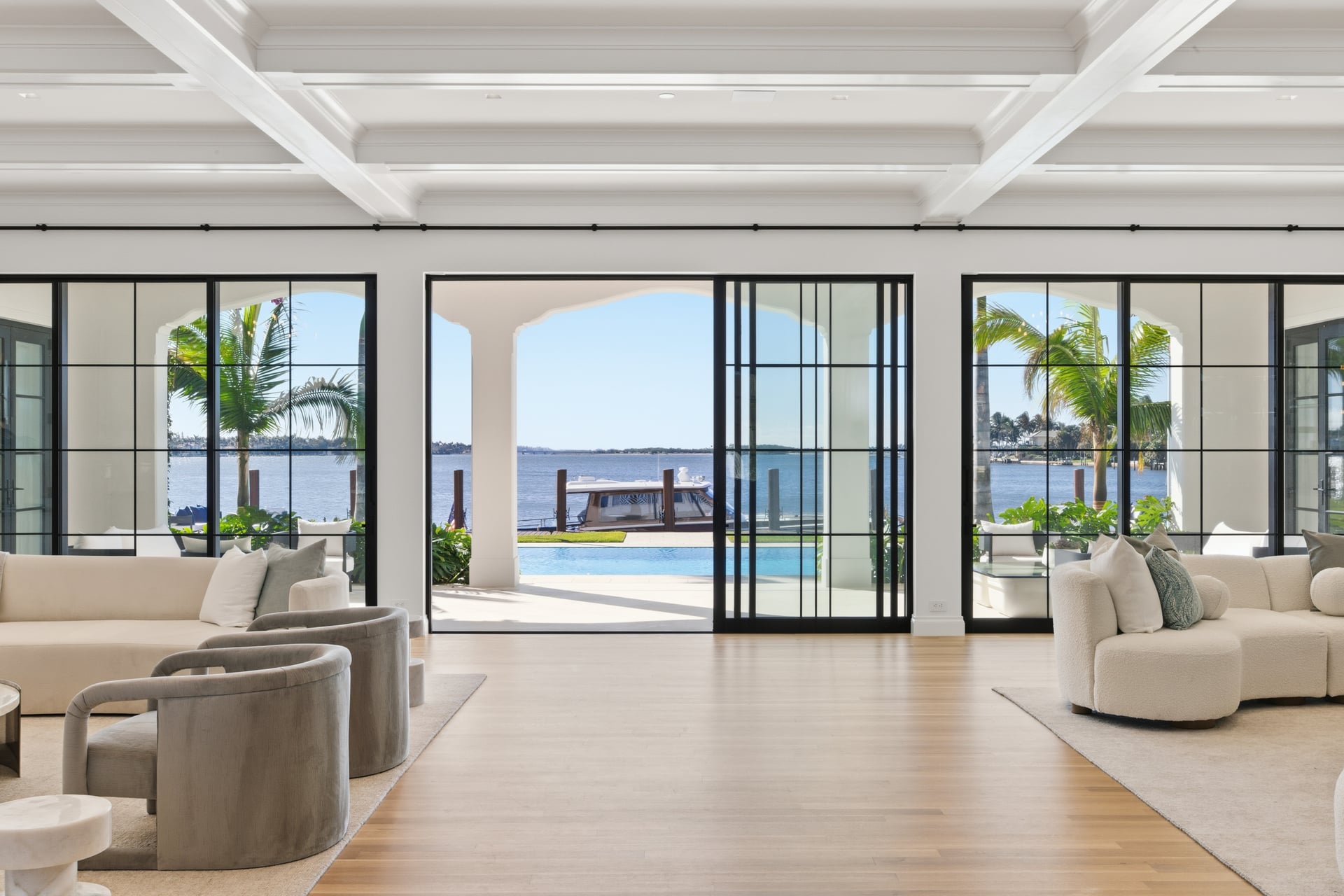
AutoHDR is an AI-powered real estate photo editing platform designed to automate the most time-consuming parts of professional property photography. It replaces manual HDR blending, twilight compositing, sky replacement, grass greening, and object removal with intelligent one-click tools. The platform is trusted to edit 10% of US listings, and its clients include large real estate media companies that have switched entire daily workflows over to the service overnight. The service goes beyond standard HDR editing with a full suite of post-processing capabilities: realistic virtual twilights, AI re-editing from text prompts like "Open the pool," hex-accurate paint repainting, virtual staging, generative fill, lot line drawing, and blur tools for sensitive information. It also supports bulk edits through sliders, making it possible to apply consistent adjustments across many images at once. AutoHDR is built for speed, with testimonials from industry professionals highlighting seamless handheld shooting workflows and significant cost savings. For real estate photographers, agents, and media companies, AutoHDR aims to be the single editing hub from shoot to delivery. By integrating with delivery software, the platform can fully automate the editing pipeline, allowing professionals to scale up their output without expanding their in-house editing team.
SpecificationsAI-estimated
Key Features of AutoHDR
Use Cases for AutoHDR
HDR editing
Automatically merge and tone-map bracketed exposures into natural-looking HDR images for property listings.
Virtual twilight creation
Convert daytime exterior photos into realistic dusk scenes with glowing windows and deep skies.
Grass greening
Transform dead, brown, or missing lawns into lush green grass for more attractive listing photos.
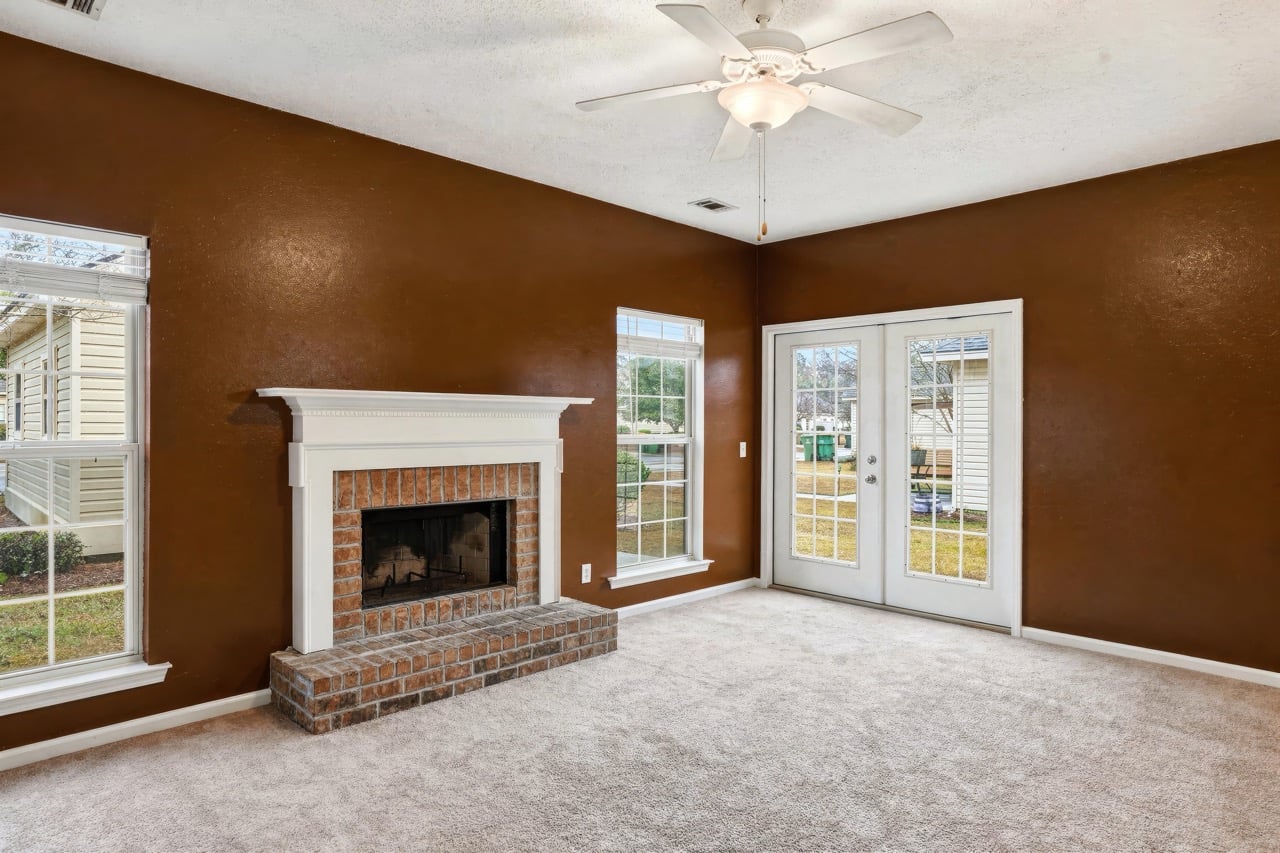
Accurate repainting
Repaint walls and surfaces to match exact client-specified colors, down to the HEX code.
Object removal
Mask and remove unwanted objects, people, or clutter, then use generative fill to cleanly reconstruct the background.
Virtual staging
Furnish empty rooms virtually to help buyers visualize the potential of a space.
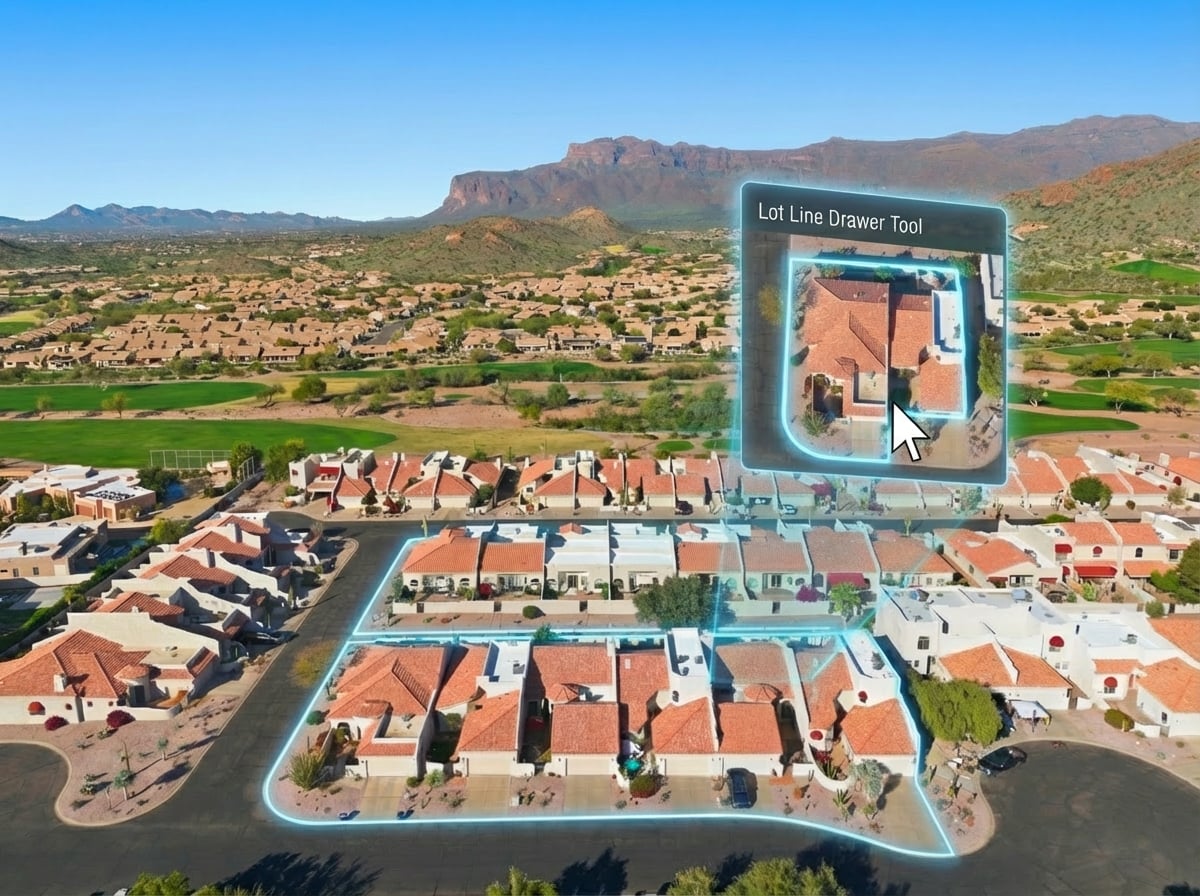
Lot lines and pins
Draw property lot lines and pins on aerial or exterior images for clear boundary visualization.
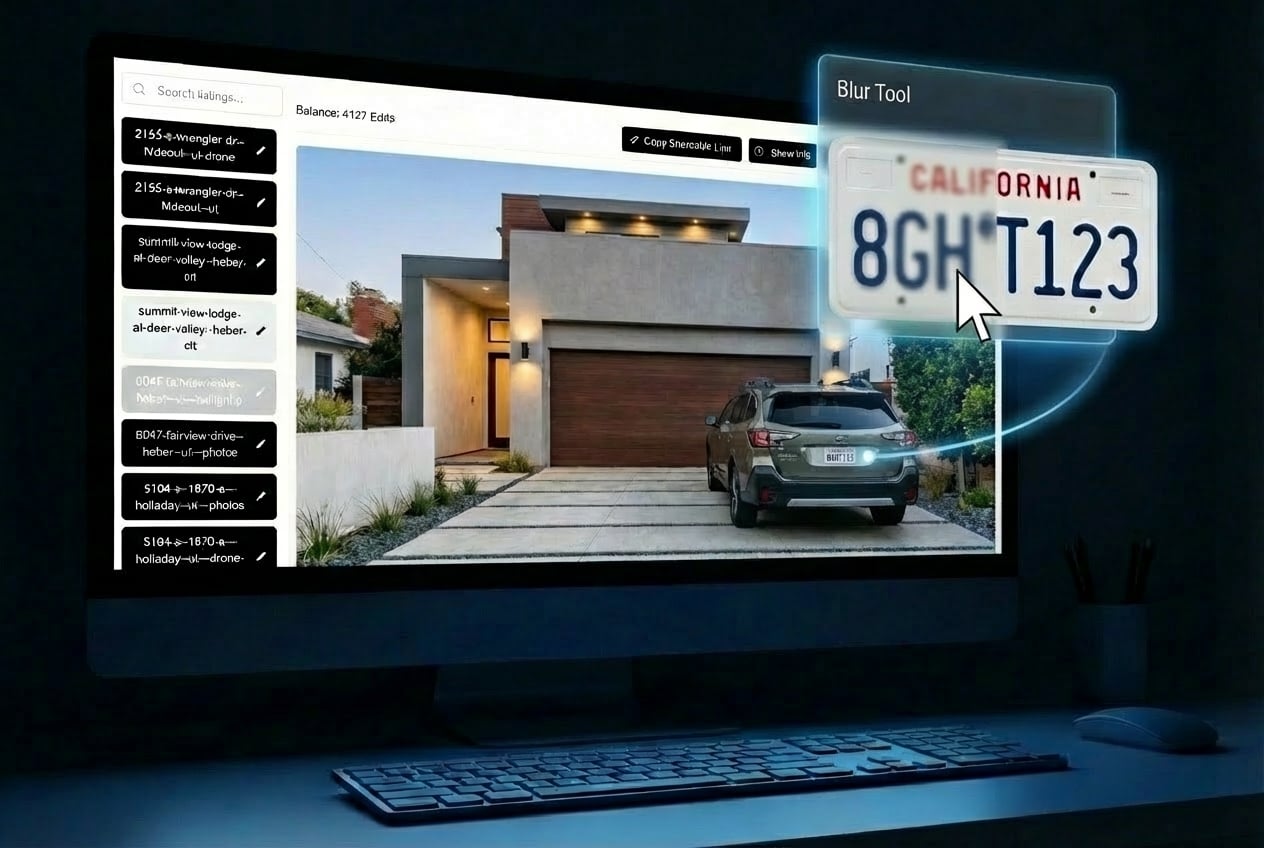
Privacy blurring
Blur sensitive information such as license plates to protect privacy while keeping images usable.
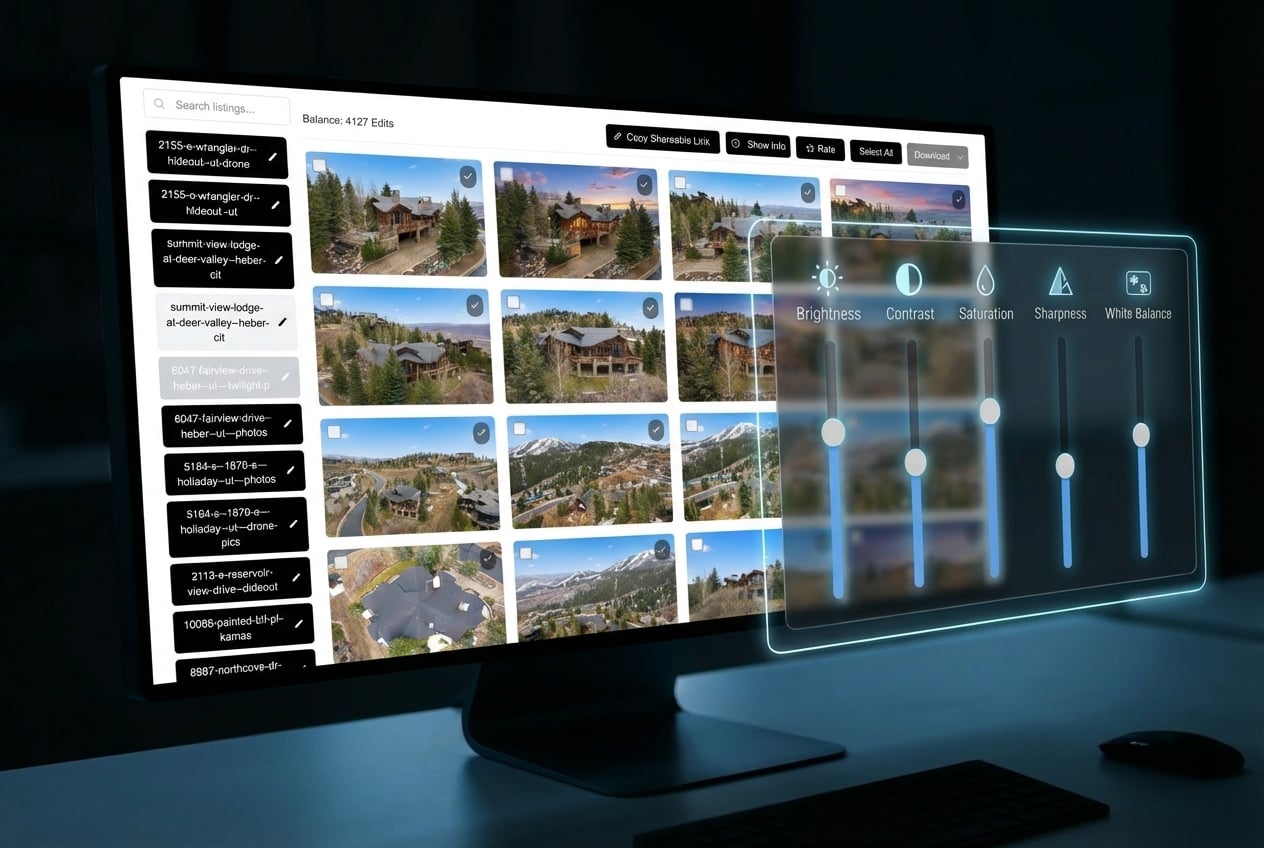
Bulk editing
Apply the same adjustments across many images at once to maintain a consistent look throughout a listing.
Automated delivery workflows
Connect to delivery software to automatically process and deliver edited photos without manual handoff.
How to use AutoHDR?
Upload your images
Upload your real estate photos to the AutoHDR platform to begin the AI-powered editing workflow.
Choose your editing tools
Select the type of edit you need: HDR, twilight, sky replacement, grass greening, removals, or virtual staging.
Apply AI edits or bulk adjustments
Use sliders for bulk adjustments or enter a text prompt to re-edit an image with AI, such as 'Open the pool.'
Set up delivery automation
Connect AutoHDR to your preferred delivery software to fully automate the editing workflow from capture to final delivery.
Review and deliver
Review the edited images and export or deliver them directly to your clients through the integrated workflow.
Pros & Cons of AutoHDR
Pros
- Trusted to edit 10% of US real estate listings
- Companies have switched up to 90 shoots per day overnight
- Produces virtual twilights more realistically than human editors
- Offers exact paint color accuracy down to HEX codes
- Supports bulk editing and automated delivery workflows
Cons
- No detailed pricing information is shown on the main page, making it hard to evaluate cost upfront.
- The platform is primarily tailored to real estate photography, so general-purpose photo editors may find it too niche.
- Full automation requires choosing and connecting to a delivery software, which may involve a learning curve.
- Reliance on AI means tricky edge cases may still need human review or manual adjustments.
Frequently Asked Questions
What is AutoHDR?
AutoHDR is an AI-powered editing tool built specifically for real estate photography. It handles HDR editing, virtual twilights, grass greening, sky replacement, object removal, repainting, virtual staging, and more.
Can AutoHDR handle HDR photo editing?
Yes, the 'Classic' AutoHDR model is designed for HDR editing, and it is one of the platform's core capabilities showcased on the homepage.
Does AutoHDR create virtual twilight images?
Yes, AutoHDR can generate realistic virtual twilights. The platform claims its virtual twilight output is 'more realistic than a human' editor.
How does the AI Re-edit feature work?
Yes, the AI Re-edit feature accepts text prompts. For example, users can type 'Open the pool.' and the AI will re-edit the image accordingly.
Can AutoHDR match exact paint colors?
Yes, AutoHDR can repaint surfaces with paint color accuracy down to the HEX code, such as repainting a wall to #8F502F.
Can I edit multiple images at the same time?
AutoHDR provides bulk editing via sliders, allowing users to apply consistent adjustments to multiple images at once.
Can AutoHDR remove objects from photos?
AutoHDR supports removals, allowing users to mask and remove anything from an image. It also includes generative fill to fill in removed areas.
Can AutoHDR integrate with delivery software?
Users can select their delivery software to fully automate their editing workflow, integrating AutoHDR directly into their existing photo delivery pipeline.
Reviews & Ratings0.0
No reviews yet. Be the first to write one!
Top Alternatives & Similar Software
View all alternatives & similar software→No alternatives available yet.
People also viewed

Related searches
Is this your tool?
Claim this page to update details, reply to user reviews, and drive more traffic to your product.
Claim this Product →
Tags
Explore Related Topics
Keep up with AutoHDR alternatives
New alternatives, pricing changes and the week's biggest movers - one email every Tuesday.