



Google Family Link vs Net Nanny
Side-by-side comparison of features, pricing, ratings, and alternatives.


Google Family Link lets parents set digital ground rules for their kids' smartphones and tablets. It provides real‑time activity reports, screen‑time limits, and app approvals to keep children safe online. The service works across Android, iOS, and the web, giving families a simple way to balance independence with parental oversight. All data is stored securely in Google’s cloud, and the app is free to use.
Net Nanny provides real‑time internet monitoring, content filtering, and screen‑time management to keep children safe online. Its intuitive dashboard lets parents set rules, view activity reports, and block inappropriate sites across devices. The solution works on major platforms and includes location tracking, app blocking, and alerts for risky behavior, giving families peace of mind while teaching responsible digital habits.
- Free with no hidden fees
- Works on both Android and iOS
- Easy to set up and manage
- Provides detailed usage reports
- Comprehensive real‑time web filtering
- Easy‑to‑use cross‑platform dashboard
- Robust screen‑time and app management
- Location tracking and geofencing features
- Limited to Google ecosystem
- Cannot control non‑Google apps fully
- Remote lock may not work on some locked devices
- Higher price compared to some competitors
- Occasional false positives on legitimate sites
- Limited customization for advanced network admins
More alternatives & similar tools
Alternatives to Google Family Link
View all →
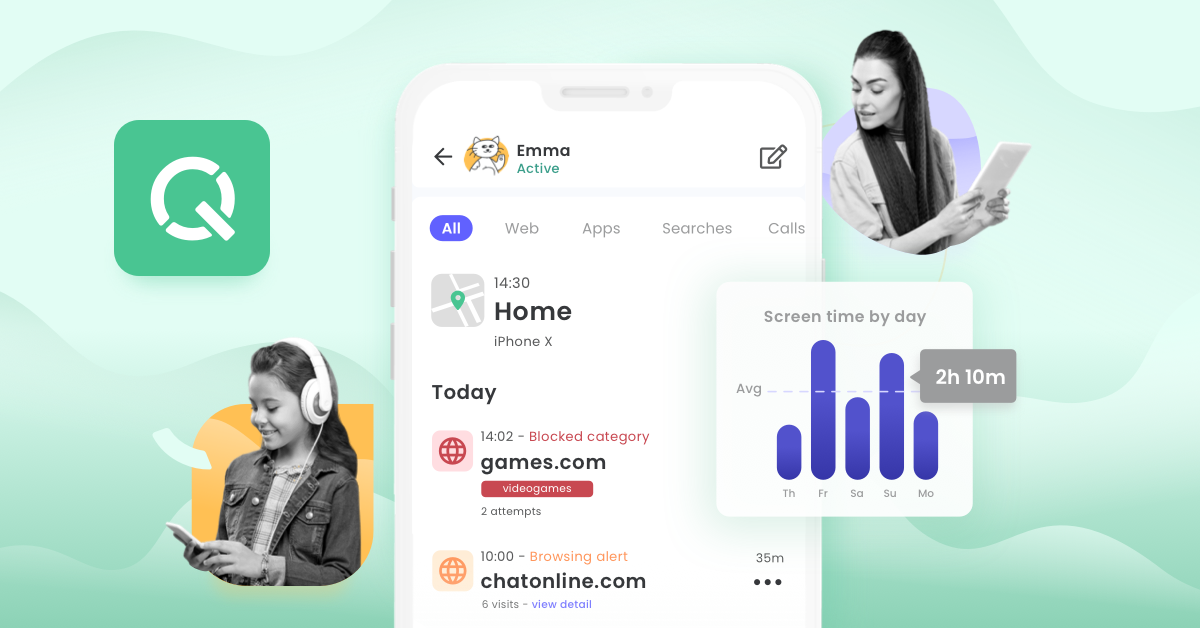
Alternatives to Net Nanny
View all →Enterprise-grade Sophos threat protection adapted for home PCs, Macs, and mobile devices.
The Verdict
AI-generated from listing dataGoogle Family Link offers a free, basic parental‑control set for Android/iOS, while Net Nanny provides a paid, richer suite with stronger web filtering and location tools.
Key differences
- •Price: Family Link is free; Net Nanny requires a subscription.
- •Web filtering: Net Nanny blocks inappropriate sites in real time; Family Link has no dedicated web filter.
- •Location features: Net Nanny adds geofencing and real‑time tracking; Family Link only shows device location on a map.
- •Support: Net Nanny includes live chat/phone; Family Link offers only email and Help Center.
Pricing & value
Family Link is free with no hidden fees, whereas Net Nanny requires a paid subscription.
Ease of use / learning curve
Family Link is described as easy to set up and manage; Net Nanny’s richer feature set may need more configuration.
Features & depth
Net Nanny adds dynamic web filtering, geofencing, VPN detection, and cross‑platform dashboard not present in Family Link.
Integrations & ecosystem
Family Link works within the Google ecosystem on Android and iOS; Net Nanny is cloud‑SaaS and integrates with major browsers.
Support
Net Nanny provides email, live chat, and phone; Family Link only offers email and Help Center.
Choose Google Family Link if…
Parents who need a free, simple solution for basic screen‑time and app limits on Android/iOS.
Choose Net Nanny if…
Parents who want comprehensive web filtering, geofencing, and premium support and are willing to pay.
Common questions
Is there any cost to use Google Family Link?
No, Family Link is free with no hidden fees.
Can Net Nanny block websites in real time?
Yes, it uses dynamic content analysis to block inappropriate sites instantly.
Which tool offers live‑chat or phone support?
Net Nanny provides email, live chat, and phone support; Family Link only offers email and a Help Center.