



Crop.photo vs Pixelcut
Side-by-side comparison of features, pricing, ratings, and alternatives.


Crop.photo is a bulk image editing platform built specifically for ecommerce teams that need to prepare product photos for multiple retailers and marketplaces. Instead of manually cropping, resizing, and adjusting each image, users can create reusable 'recipes' that define exact specifications—dimensions, DPI, background color, file type, margins, and face crop details—and then apply them across thousands of SKUs in one go. The platform uses AI to analyze each image, detect the subject and composition, and automatically apply the correct crop and adjustments, ensuring consistency across the entire catalog. Beyond cropping and resizing, Crop.photo also offers AI-powered generation for missing assets, on-model shots, videos, and banners, making it a comprehensive tool for ecommerce content production. With integrations like a Shopify app and the ability to run automated workflows end-to-end, it's designed to eliminate the repetitive manual editing that slows down catalog launches and revisions.
Pixelcut is an AI-powered photo and video editor designed for e-commerce sellers, small businesses, and creators. It offers studio-quality visual creation with tools like background removal, AI upscaling, image expansion, retouching, and brand-consistent character generation for product images and videos.
Free plan available; Pro costs $8/month and Business costs $24/month, both billed annually with yearly plans.
- Bulk processing: Apply recipes to thousands of images at once, saving significant time.
- Retailer-specific recipes: Pre-built specs for Amazon, Shopify, Nordstrom, Macy's, and more, ensuring compliance.
- AI-powered: Content-aware cropping and pose detection automate the process, reducing manual work.
- Versatile: Handles not only images but also videos and banners, and can generate missing assets with AI.
- Easy to use for creating professional marketing materials
- Powerful AI background removal for images and videos
- High-quality upscaling up to 16x resolution
- AI tools for expanding, retouching, and generative fill
- Primarily aimed at ecommerce teams; may be overkill for individual users needing simple edits.
- Full feature set likely requires a paid subscription; free tier is limited for testing.
- Reliance on AI might not suit users who prefer precise, manual control over every crop.
- Limited information on pricing and specific plan details on the homepage.
- Free version may have limitations or watermarks
- AI-generated results may require manual refinement
- Dependent on internet connection and cloud processing
- Potential privacy concerns when uploading product images
More alternatives & similar tools
Alternatives to Crop.photo
View all →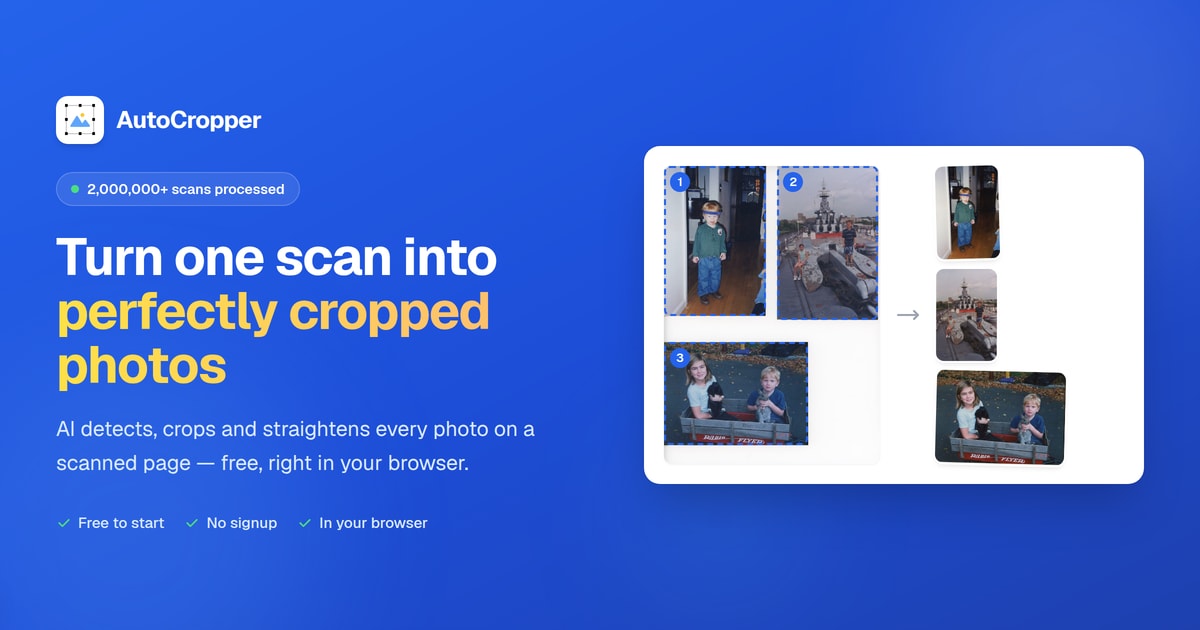

Alternatives to Pixelcut
View all →Crop, resize, and generate marketplace-ready product images in bulk with reusable AI recipes for every retailer's spec.


The Verdict
AI-generated from listing dataPixelcut is a versatile AI visual editor suited for marketers and small brands, while Crop.photo specializes in bulk, retailer‑specific image processing for ecommerce teams.
Key differences
- •Pixelcut offers AI video editing, brand personas and up to 16× image upscaling; Crop.photo focuses on bulk cropping, retailer recipes, and video/banner resizing.
- •Pricing is disclosed for Pixelcut (free, $8/mo Pro, $24/mo Business); Crop.photo’s pricing is not specified.
- •Pixelcut targets individual creators and small businesses; Crop.photo is built for ecommerce teams handling thousands of SKUs.
- •Crop.photo includes built‑in retailer specifications (Amazon, Shopify, Nordstrom, Macy’s) and a Shopify app; Pixelcut has no listed ecommerce‑specific integrations.
- •Pixelcut is a general‑purpose visual creation tool; Crop.photo provides a reusable recipe system for consistent bulk output.
Pricing & value
Pixelcut lists clear free and paid tiers ($8/$24 per month); Crop.photo’s pricing is unknown, making value assessment difficult.
Ease of use / learning curve
Pixelcut’s simple prompt‑driven UI is marketed as easy for creators; Crop.photo’s recipe system may require setup for bulk workflows.
Features & depth
Pixelcut provides broader AI editing (video, upscaling, brand personas); Crop.photo offers deeper bulk‑processing and retailer‑specific features.
Integrations & ecosystem
Crop.photo has an official Shopify app and pre‑built retailer specs; Pixelcut lists no ecommerce integrations.
Scalability
Crop.photo is designed for applying recipes to thousands of SKUs; Pixelcut is oriented toward individual or small‑batch projects.
Security & privacy
Both are cloud‑based; Pixelcut notes potential privacy concerns when uploading images, while Crop.photo gives no specific privacy details.
Support
Neither product description provides concrete support level information.
Choose Crop.photo if…
Ecommerce teams that must process large image catalogs to meet retailer specs.
Choose Pixelcut if…
Marketers, content creators, or small brands needing versatile AI image/video editing.
Common questions
What is the cost to use each tool?
Pixelcut offers a free plan, Pro at $8/month, Business at $24/month (annual billing). Crop.photo’s pricing is not disclosed.
Can I edit videos with both tools?
Pixelcut includes AI video editing and background removal. Crop.photo supports video cropping/resizing but not full AI video editing.
Which tool is better for bulk processing of thousands of product images?
Crop.photo is built for bulk, recipe‑driven editing with retailer‑specific specs; Pixelcut is geared toward individual or small‑batch creation.