



Canopy vs Net Nanny
Side-by-side comparison of features, pricing, ratings, and alternatives.


Canopy is a content-filtering parental control app that detects and blurs or removes explicit images, video, and text in real time across websites, social apps, and even AI chatbots, rather than blocking entire sites outright. It covers ChatGPT, Gemini, Claude, and Grok alongside standard web and social media filtering. Beyond filtering, Canopy adds sexting detection and alerts, geofencing and location alerts, scheduled internet downtime, and anti-tampering protection to keep the controls from being disabled, spanning iOS, Android, Mac, and Windows devices under one family plan.
Net Nanny provides real‑time internet monitoring, content filtering, and screen‑time management to keep children safe online. Its intuitive dashboard lets parents set rules, view activity reports, and block inappropriate sites across devices. The solution works on major platforms and includes location tracking, app blocking, and alerts for risky behavior, giving families peace of mind while teaching responsible digital habits.
- Filters explicit content within a page or app instead of blocking the whole site
- Covers AI chatbots (ChatGPT, Gemini, Claude, Grok) in addition to web and social filtering
- Anti-tampering protection resists a child removing or disabling it
- Supports up to 10 devices on the top plan across iOS, Android, Mac, and Windows
- Comprehensive real‑time web filtering
- Easy‑to‑use cross‑platform dashboard
- Robust screen‑time and app management
- Location tracking and geofencing features
- Monthly cost scales with the number of devices covered
- Content-detection filtering can occasionally over- or under-flag material
- Requires install and permissions on every monitored device, which teens may resist
- Higher price compared to some competitors
- Occasional false positives on legitimate sites
- Limited customization for advanced network admins
More alternatives & similar tools
Alternatives to Canopy
View all →
Alternatives to Net Nanny
View all →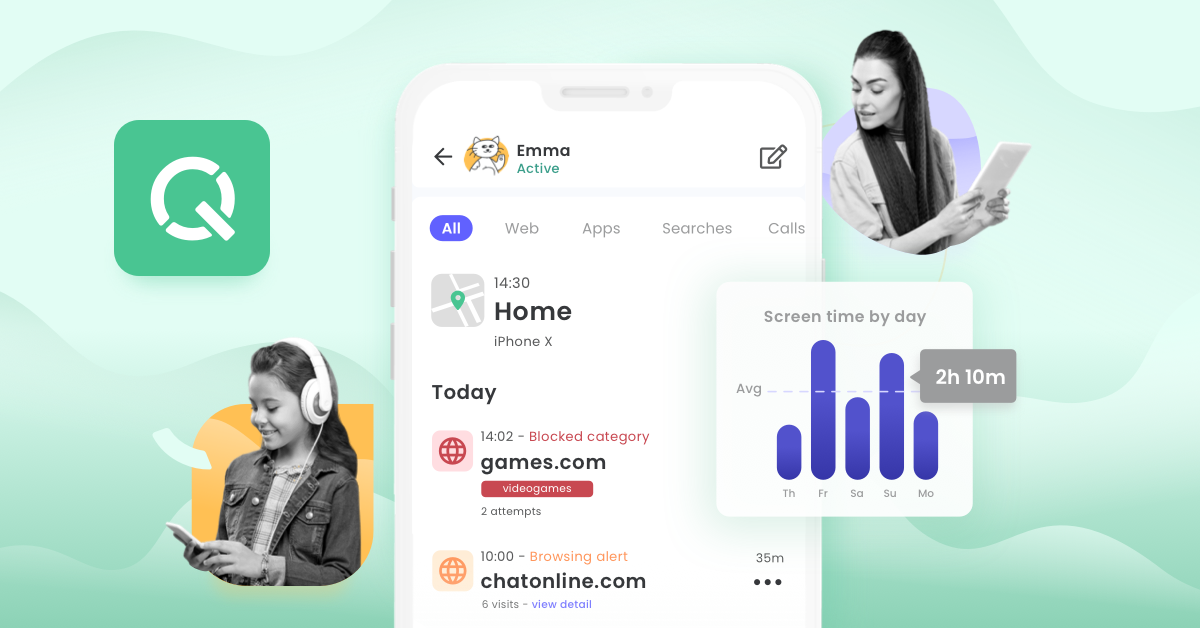
Enterprise-grade Sophos threat protection adapted for home PCs, Macs, and mobile devices.
The Verdict
AI-generated from listing dataNet Nanny offers broader web‑filtering, screen‑time and location tools with a simple dashboard, while Canopy focuses on inline AI‑driven content masking and anti‑tamper protection.
Key differences
- •Net Nanny blocks entire sites; Canopy masks explicit material within pages.
- •Canopy filters AI chatbot output (ChatGPT, Gemini, Claude, Grok); Net Nanny does not.
- •Net Nanny provides a cloud‑based dashboard and phone support; Canopy is a mobile‑app only solution.
- •Canopy requires per‑device installation and permissions; Net Nanny can be managed remotely from a web portal.
Pricing & value
Both are paid subscriptions; exact pricing and device‑based cost differences are not specified.
Ease of use / learning curve
Net Nanny offers a cross‑platform web dashboard and remote rule changes, whereas Canopy needs installation on each device.
Features & depth
Net Nanny includes web filtering, screen‑time, app blocking, geofencing and location tracking, a broader set than Canopy's focus on content masking.
Integrations & ecosystem
Net Nanny integrates with major browsers and works via cloud SaaS; Canopy is limited to a mobile app and specific AI chatbots.
Support
Net Nanny lists email, live chat, and phone support; Canopy provides no support details.
Choose Canopy if…
Parents who prioritize inline content masking, AI chatbot safety, and anti‑tamper protection across devices.
Choose Net Nanny if…
Parents who need comprehensive web blocking, screen‑time limits, and location tracking with a central dashboard.
Common questions
Which tool blocks whole websites versus masking content?
Net Nanny blocks entire sites; Canopy masks explicit images, video and text within a page.
Do either solutions work with AI chatbots like ChatGPT?
Only Canopy explicitly filters content inside AI chatbots such as ChatGPT, Gemini, Claude, and Grok.
What support channels are available?
Net Nanny offers email, live chat, and phone support; Canopy does not specify any support options.