



AutoCaption vs Captions
Side-by-side comparison of features, pricing, ratings, and alternatives.

AutoCaption is an AI-powered video captioning tool that automatically generates stylish captions, animated emojis, and ready-to-post videos for TikTok, Reels, and Shorts. It supports 100+ languages, auto-resizing for multiple platforms, subtitle editing, templates, team collaboration, and direct publishing.
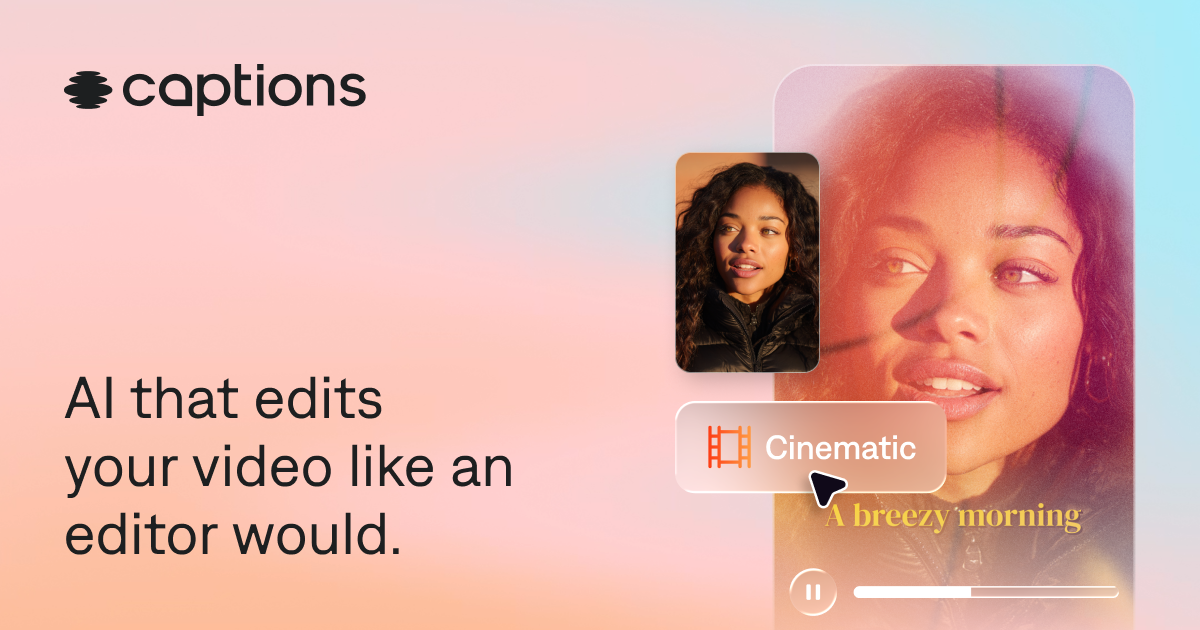
Captions is an AI-powered video editor that automatically edits entire videos, adds captions and translated subtitles, generates AI avatars, and provides chat-based editing for creators of all skill levels.
Pricing page not found (404). No pricing data was available in the provided content.
- Automatic AI caption generation in seconds
- Supports 100+ languages for transcription and translation
- Auto-resize for TikTok, Reels, Shorts, and LinkedIn
- Customizable caption styles, fonts, colors, animations, and timing
- AI edits entire videos automatically, saving time
- No video editing experience required
- Chat-based editor allows simple prompt-driven edits
- Auto-generates captions and translated subtitles in 100+ languages
- Free plan likely has limitations on export quality and features
- AI captions may require manual editing for accuracy
- Processing time may increase for long-form videos
- Dependent on platform integrations for direct publishing
- Best features require a paid subscription
- AI editing may require manual tweaks for precise control
- Uploading videos to AI editing implies agreement to terms and privacy policy
- Mirage Studio users were migrated to Captions, which may cause disruption
More alternatives & similar tools
Alternatives to AutoCaption
View all →

An AI subtitle generator that automatically transcribes and translates videos into captions in 76 languages in under 3 minutes.
Alternatives to Captions
View all →
The Verdict
AI-generated from listing dataCaptions offers a broader AI‑editing suite with chat‑based editing and avatar creation but requires a paid subscription for full features, while AutoCaption focuses on fast caption generation with a generous free tier but fewer editing capabilities.
Key differences
- •Captions includes AI video editing (scene cuts, B‑roll, stylization) whereas AutoCaption only adds captions and resizing.
- •Captions provides AI avatars and twin creation; AutoCaption does not.
- •AutoCaption guarantees sub‑10‑second captioning and 4K export; Captions does not specify processing speed or max resolution.
- •AutoCaption offers direct publishing to TikTok, Reels, Shorts, LinkedIn; Captions only mentions web, iOS, Android apps.
- •Pricing transparency: AutoCaption lists a free tier and paid plans; Captions’ subscription pricing is not disclosed.
Pricing & value
AutoCaption clearly offers a free tier and known paid plans; Captions’ subscription pricing is undisclosed.
Ease of use / learning curve
Captions uses chat‑based prompts for editing, requiring no prior video‑editing skill; AutoCaption relies on UI controls.
Features & depth
Captions provides full AI video editing, avatar creation, and subtitle styles; AutoCaption is limited to captioning and resizing.
Integrations & ecosystem
AutoCaption integrates directly with TikTok, Instagram Reels, YouTube Shorts, LinkedIn for publishing; Captions lacks listed platform integrations.
Collaboration
AutoCaption mentions team collaboration and API access; Captions does not mention collaborative features.
Scalability
Captions reports 20M+ users and supports web, iOS, Android; AutoCaption reports 300k+ creators.
Support & security
Neither product provides specific support or security details in the supplied facts.
Choose AutoCaption if…
Teams that primarily need fast, high‑quality captions and direct social‑platform publishing with a free option.
Choose Captions if…
Creators who need AI‑driven full video editing, avatars, and are willing to pay for advanced features.
Common questions
Is there a free version I can try?
AutoCaption offers a free tier without a credit card; Captions allows free sign‑up but full features need a paid subscription.
Can I publish videos directly to social platforms?
AutoCaption supports direct publishing to TikTok, Instagram Reels, YouTube Shorts, and LinkedIn; Captions does not list such integrations.
Do either tools provide AI‑generated avatars or full video editing?
Captions includes AI avatars, twin creation, and automatic scene editing; AutoCaption focuses solely on caption generation and resizing.