



AI Face Swapper vs VideoFaceSwap
Side-by-side comparison of features, pricing, ratings, and alternatives.


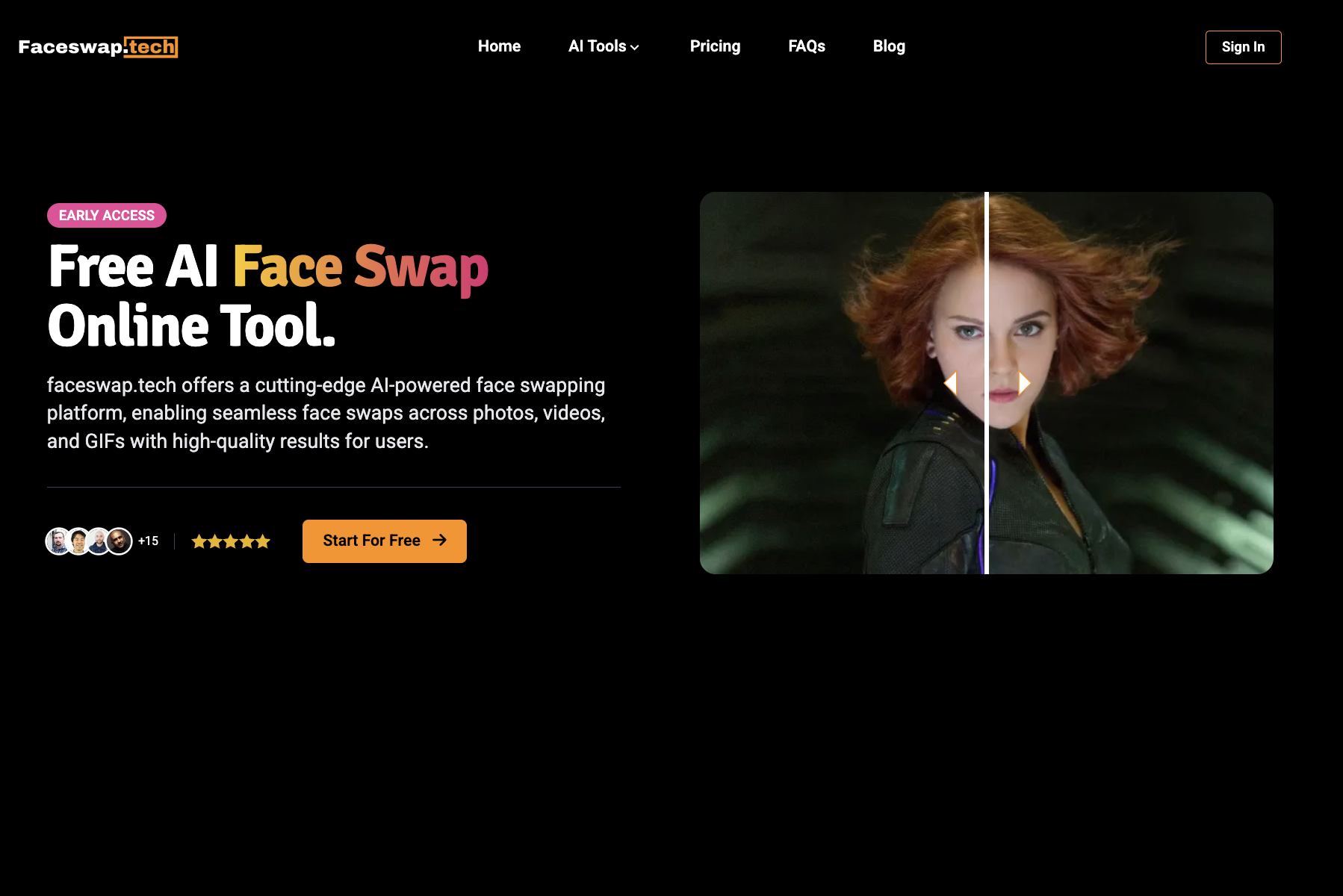
Free unlimited online face swap tool with no sign-up required. Swap faces in photos, videos, GIFs, and templates using advanced AI. Includes features like single face swap, multiple face swap, meme creation, and various templates (superhero, celebrity, anime, etc.). Emphasizes privacy and security.
VideoFaceSwap is a free, browser-based AI face swap tool that creates realistic video face swaps from a source video and target face photo. It supports single and multiple face swaps, GIF swaps, and image-to-video face swaps with no registration or payment required.
The page advertises completely free, unlimited usage with no sign-up and no daily limits. Downloads are also free.
- Completely free with no daily limits
- No sign-up or registration required
- Supports photos, videos, GIFs, and templates
- Multiple face swap options (single, multiple, batch)
- 100% free and unlimited
- No registration or login required
- Beginner-friendly three-step workflow
- Supports single-person and multi-person face swaps
- No explicit information about output resolution or video length limits
- Potential legal/ethical concerns with face swapping celebrities or public figures
- Service may slow down during high traffic (as noted in FAQ)
- Limited detailed technical information on AI model capabilities
- Browser-based only; no offline desktop app mentioned
- Face swap accuracy depends on video quality and clear face photos
- No explicit file size or duration limits disclosed
- No API, batch processing, or team features mentioned
More alternatives & similar tools
Alternatives to AI Face Swapper
View all →


Swap faces in photos, videos, and GIFs with AI in seconds—free, watermark-free, and entirely online.
Alternatives to VideoFaceSwap
View all →
The Verdict
AI-generated from listing dataBoth tools are free and require no sign‑up, but VideoFaceSwap is a simple three‑step web video swap, while AI Face Swapper adds batch processing, templates, and broader media support.
Key differences
- •AI Face Swapper offers batch face‑swap and pre‑designed templates; VideoFaceSwap does not.
- •VideoFaceSwap emphasizes manual privacy controls (history/file deletion); AI Face Swapper claims no data stored.
- •Supported media: VideoFaceSwap focuses on video (MP4, MOV) plus GIF; AI Face Swapper supports photos, videos, GIFs, and templates.
- •Platform detail: VideoFaceSwap explicitly runs in a web browser; AI Face Swapper’s platform is not specified beyond “online”.
Pricing & value
Both are advertised as completely free with unlimited use.
Ease of use / learning curve
VideoFaceSwap offers a beginner‑friendly three‑step workflow with no registration.
Features & depth
AI Face Swapper adds batch swaps, templates, and multi‑media (photos, GIFs) beyond basic video swaps.
Integrations & ecosystem
Neither product lists integrations or ecosystem connections.
Collaboration
Both lack team or collaboration features.
Scalability
Batch processing in AI Face Swapper suggests higher scalability for volume work.
Support
No support information is provided for either tool.
Security & privacy
VideoFaceSwap mentions manual history/file deletion; AI Face Swapper only claims no data storage.
Migration / lock‑in
Both are web‑based with no export lock‑in details.
Choose AI Face Swapper if…
Users who want batch swaps, templates, and photo/GIF support.
Choose VideoFaceSwap if…
Creators who need quick, single video face swaps without signing up.
Common questions
Is there any cost or usage limit for either tool?
Both are advertised as free with unlimited usage; no pricing or daily limits are specified.
Can I process multiple videos or images at once?
AI Face Swapper offers batch face‑swap; VideoFaceSwap does not mention batch capabilities.
How is my data handled after processing?
VideoFaceSwap lets users manually delete history/files; AI Face Swapper states no data is stored on servers.