



AdminLTE vs tabler
Side-by-side comparison of features, pricing, ratings, and alternatives.

AdminLTE is a fully responsive, open‑source admin dashboard template that helps web developers and designers quickly build modern web applications. It leverages Bootstrap 5 and jQuery to provide a clean UI, ready‑made components, and extensive customization options. The template is self‑hosted, free to use, and includes a rich set of widgets, charts, and UI elements that can be integrated into any web project. With active community support via email and GitHub Issues, developers can rely on timely assistance and regular updates.
Tabler is a free and open-source HTML Dashboard UI Kit built on Bootstrap, providing a comprehensive set of UI components and tools for building custom dashboards. It is designed to be highly customizable and extensible, making it a popular choice among developers and designers.
- Free and open‑source
- Fully responsive design
- Extensive component library
- Active community support
- Highly customizable and extensible
- Free and open-source
- Built on top of the popular Bootstrap framework
- Has an active community of developers and contributors
- Relies on jQuery which may be unnecessary for modern pure‑JS projects
- Documentation can be overwhelming for beginners
- Customization may require deeper knowledge of Bootstrap variables
- May require technical expertise to customize and extend
- Limited support options compared to paid alternatives
- May not be suitable for very large or complex projects
More alternatives & similar tools
Alternatives to AdminLTE
View all →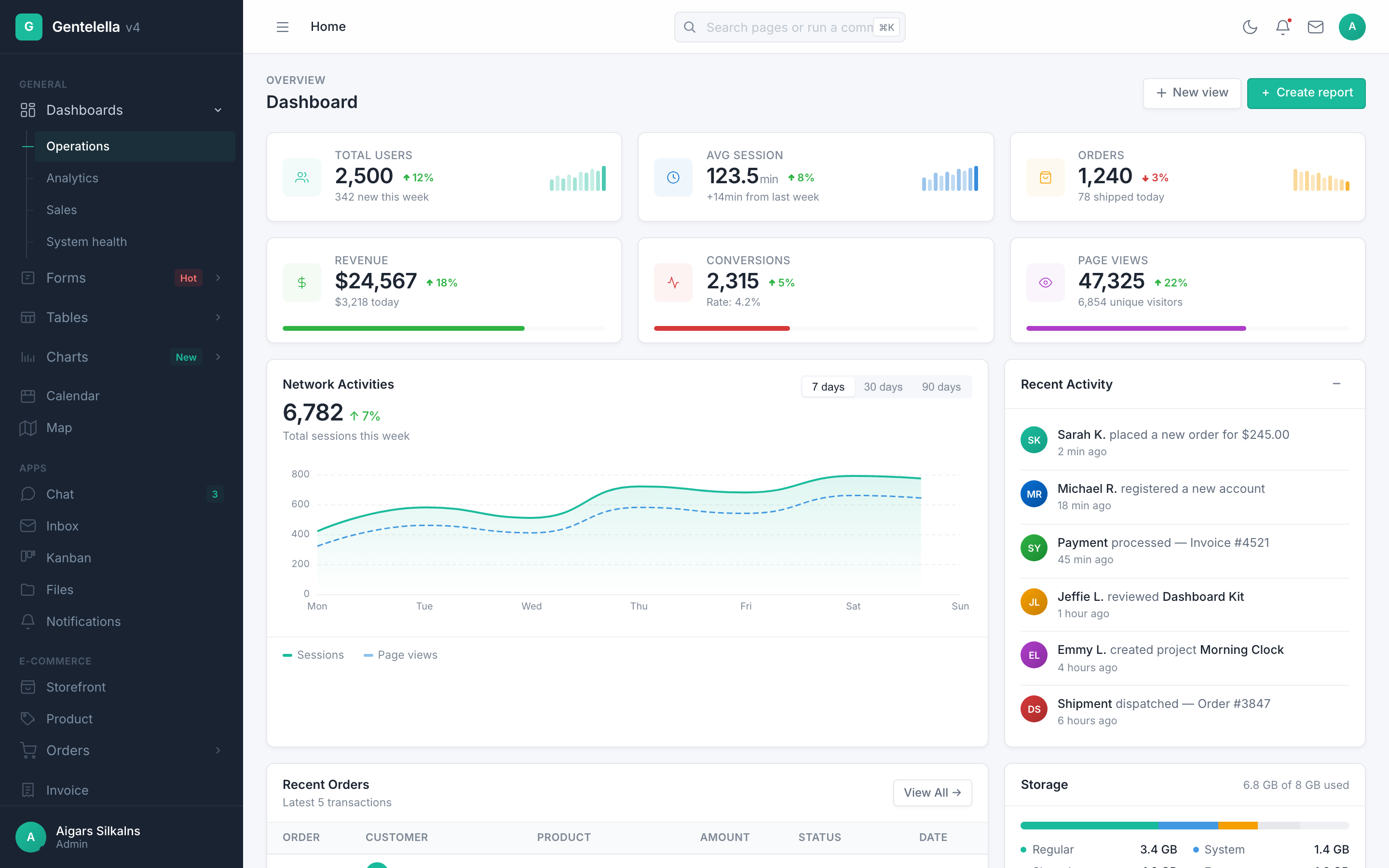

Alternatives to tabler
View all →The Verdict
AI-generated from listing dataBoth AdminLTE and Tabler are free, open‑source Bootstrap‑based dashboard UI kits, but AdminLTE offers more built‑in widgets and chart integrations, while Tabler emphasizes deeper CSS/JS customizability.
Key differences
- •AdminLTE includes ready‑made widgets (calendars, to‑do lists) and integrates Chart.js/ApexCharts out of the box; Tabler does not list specific widgets.
- •Tabler stresses high CSS/JS extensibility and plugin architecture, whereas AdminLTE relies on jQuery and Bootstrap variables for customization.
- •Support channels differ: AdminLTE lists email and GitHub Issues; Tabler only mentions community support.
- •GitHub popularity: AdminLTE has 45,535 stars vs. Tabler’s 41,417 stars.
Pricing & value
Both are free and open‑source, offering comparable value at zero cost.
Ease of use / learning curve
AdminLTE provides detailed documentation and example pages, though it can overwhelm beginners; Tabler lacks documented onboarding.
Features & depth
AdminLTE ships with a comprehensive widget library and built‑in chart integrations; Tabler lists components but no specific widgets.
Integrations & ecosystem
AdminLTE explicitly integrates Bootstrap 5, jQuery, Chart.js, and ApexCharts; Tabler only mentions Bootstrap.
Support
AdminLTE offers email support plus GitHub Issues; Tabler provides only community support.
Scalability
Tabler’s focus on high customizability and extensibility via plugins suits larger, complex projects.
Security & privacy
Neither product specifies security or privacy features; both are self‑hosted templates.
Choose AdminLTE if…
Developers needing ready‑made widgets and charting with minimal setup.
Choose tabler if…
Teams that require deep UI customization and are comfortable building extensions.
Common questions
Is there any cost to use either dashboard?
Both AdminLTE and Tabler are free and open‑source.
Which option provides more built‑in charting capabilities?
AdminLTE integrates Chart.js and ApexCharts out of the box; Tabler does not list specific chart libraries.
What support can I expect if I run into issues?
AdminLTE offers email and GitHub Issues; Tabler relies solely on community support.