



PaprDeck vs RemNote
Side-by-side comparison of features, pricing, ratings, and alternatives.


PaprDeck is an AI-powered flashcard generator that turns existing study material—lecture notes, slides, textbook chapters, and PDFs—into flashcards in seconds. It eliminates the busywork of rewriting notes, allowing students to start studying immediately.
RemNote combines note-taking, flashcard creation, PDF annotation, and AI-powered study tools into one app built around helping students retain what they learn, not just record it. Notes can be automatically or manually converted into flashcards, which are then reviewed using a spaced repetition algorithm that schedules reviews at optimal intervals for memory retention. Beyond flashcards, RemNote supports PDF and PowerPoint annotation, typed and handwritten notes, an AI tutor chat, and databases for organizing course material, positioning itself as a replacement for juggling separate tools like Quizlet, Anki, Notion, and Evernote.
Free tier is always free, and Pro is available on a quarterly subscription at $8/mo (monthly Pro pricing not shown on the page).
- No signup required to try
- Instantly generates flashcards from pasted notes or PDFs
- Works with lecture notes, slides, and study material
- Manual flashcard deck creation available
- Combines note-taking and spaced-repetition studying in one app instead of two separate tools
- Generous free plan includes unlimited notes and flashcards
- PDF annotation and image occlusion are useful for STEM and visual subjects
- Offline mode with cross-device sync
- Free plan limits generations per day
- Free PDF upload limited to 5 pages
- No advanced customization mentioned
- Not specified for mobile platforms
- Free plan caps PDF annotation, image occlusion cards, and handwritten documents fairly low
- Full AI feature set (lecture recorder, AI grading) requires the pricier Pro with AI tier
- Learning curve for students used to simpler flashcard-only tools like Quizlet
More alternatives & similar tools
Alternatives to PaprDeck
View all →
Flashcard platform using confidence-based repetition, with AI generation from documents

Turns lecture slides, PDFs, and recordings into an AI tutor that knows your course material
Alternatives to RemNote
View all →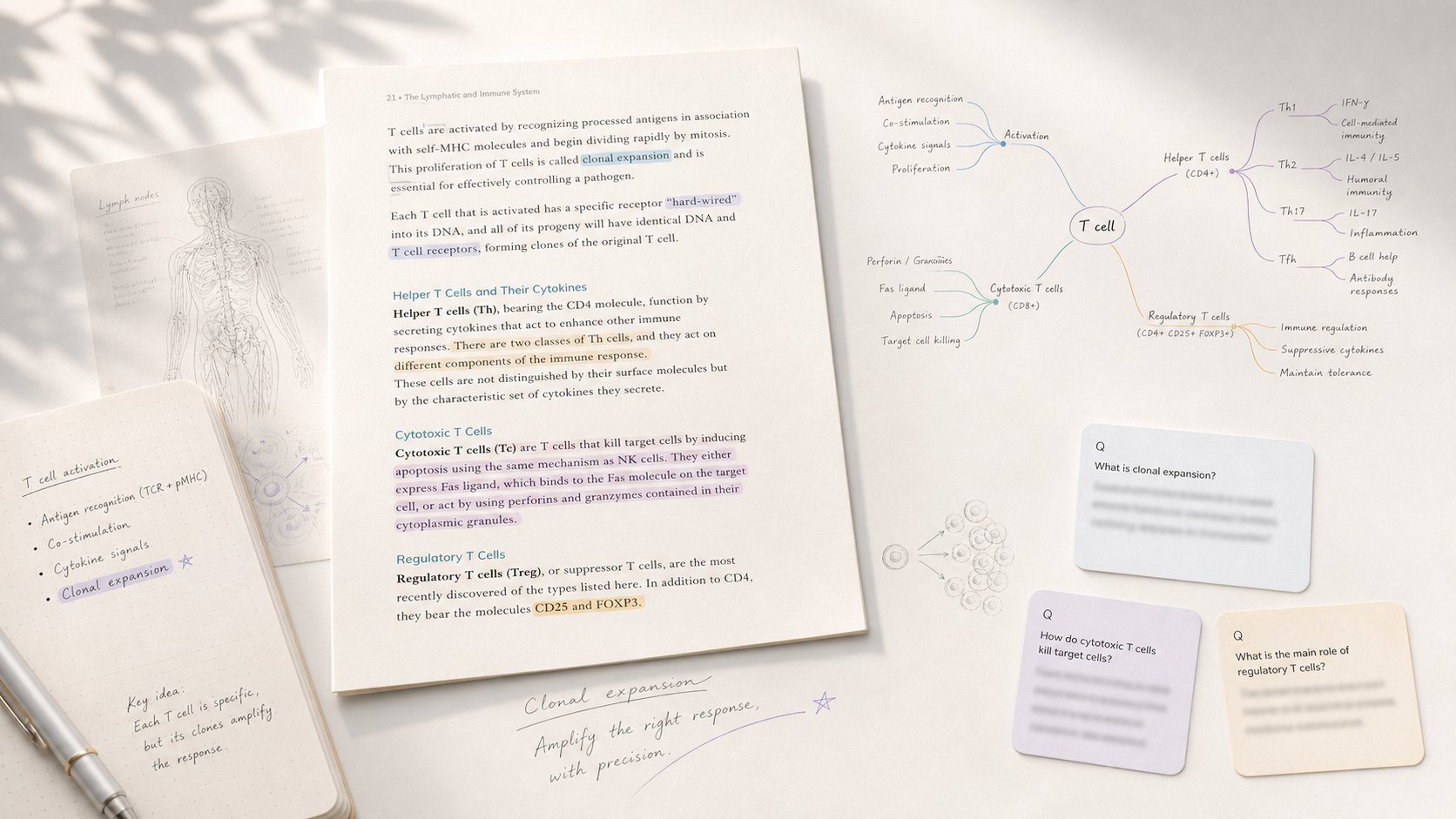
Study app that turns PDF/EPUB annotations into mind maps and spaced-repetition flashcards.

All-in-one study platform with flashcards, notes, and AI-generated practice exams
Turns lecture slides, PDFs, and recordings into an AI tutor that knows your course material
The Verdict
AI-generated from listing dataRemNote offers a full‑featured, cross‑device note‑taking and spaced‑repetition system with generous free limits, while PaprDeck is a lightweight web‑only AI flashcard generator with stricter free‑tier caps.
Key differences
- •RemNote includes native note‑taking, PDF/PowerPoint annotation, and offline sync; PaprDeck focuses only on instant flashcard generation.
- •RemNote’s free plan provides unlimited notes and flashcards; PaprDeck’s free tier limits generations per day and PDF pages.
- •RemNote works on desktop, iOS, and Android; PaprDeck is web‑only with no mobile platform details.
- •RemNote offers spaced‑repetition scheduling and AI tutor chat; PaprDeck offers only basic flip‑and‑review mode.
- •RemNote has email support and a help center; PaprDeck’s support details are not specified.
Pricing & value
RemNote’s free tier gives unlimited notes/flashcards; PaprDeck caps generations and PDF pages.
Ease of use / learning curve
PaprDeck’s simple paste‑and‑generate UI is quicker for beginners than RemNote’s richer feature set.
Features & depth
RemNote provides note‑taking, annotation, spaced‑repetition, AI tutor, and offline sync; PaprDeck only generates flashcards.
Integrations & ecosystem
RemNote integrates PDF/PowerPoint import and cross‑device sync; PaprDeck is limited to web upload.
Collaboration
Neither product mentions collaboration features; both appear focused on individual study.
Scalability
RemNote’s unlimited notes/flashcards and cloud SaaS scale for large knowledge bases; PaprDeck limited by daily generation caps.
Support
RemNote lists email and help‑center support; PaprDeck’s support options are not specified.
Choose PaprDeck if…
Users who just want quick AI flashcards from existing notes or PDFs and prefer a simple web interface.
Choose RemNote if…
Students or lifelong learners needing integrated notes, annotation, and spaced‑repetition across devices.
Common questions
Can I use the free version without paying?
Yes, both have free tiers; RemNote’s free tier is unlimited for notes/flashcards, PaprDeck limits generations and PDF pages.
Is there a mobile app?
RemNote offers iOS and Android apps; PaprDeck is web‑only with no mobile platform specified.
What happens to my data if I stop paying?
RemNote syncs data to the cloud and remains accessible on the free plan; PaprDeck’s data retention after subscription isn’t specified.